Microsoft Windows 10 | Review & Afterthoughts
Microsoft has launched the Windows 10, the ultimate successor to the controversial Windows 8. Discover the various enhancements & improvements in the Win X.
 Jatin Kumar Malik First published on
 BitSnapper
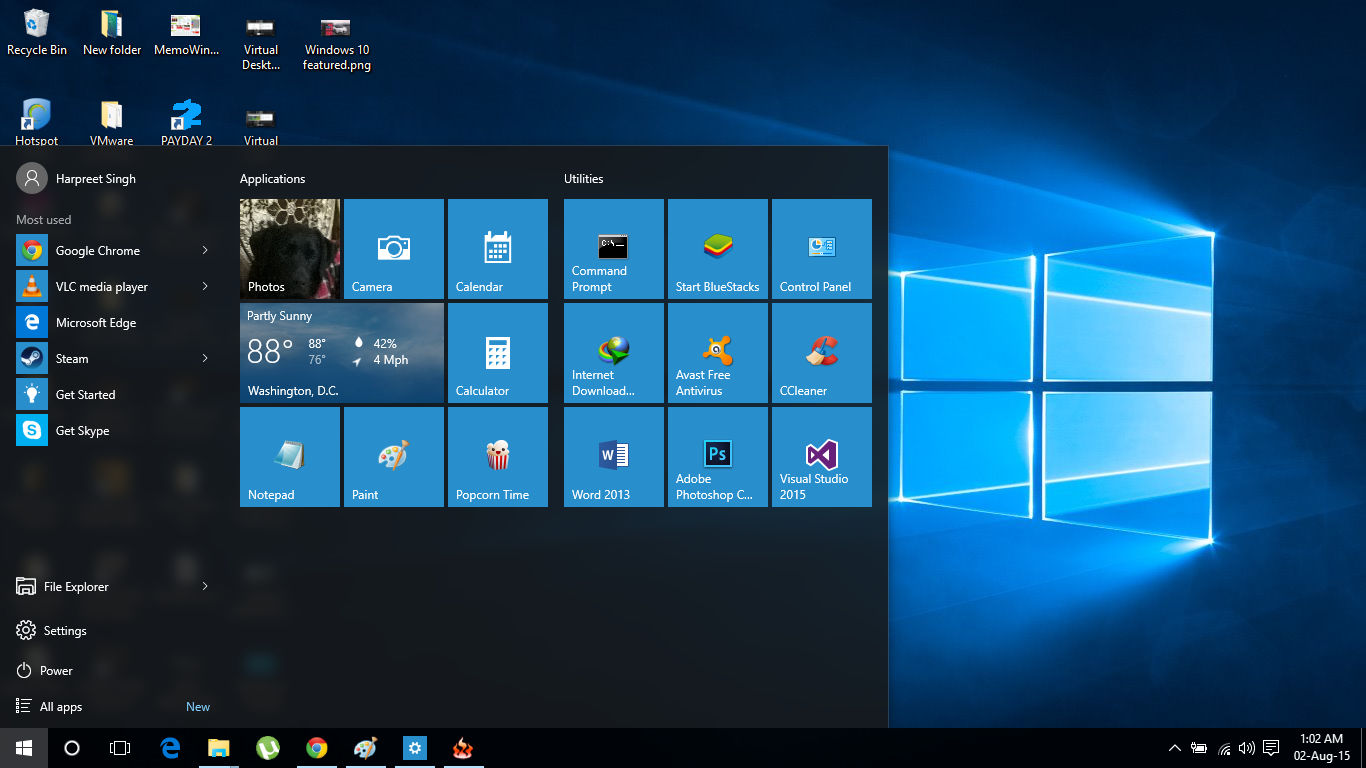
Microsoft is back again with Windows 10. After a much disappointing Windows 8, Microsoft hits the right chords with Windows 10. Windows 8 was good for touch based systems,but it was a bad user experience for Mouse and Keyboard users. I was pretty much have when I installed Windows 10 on my laptop as Windows 8 got a toll on me. Well. Windows is a cycle. It has it’s ups and downs alternately. Windows XP was a much needed upgrade from Windows ME. Same goes with Windows 7,which saved us from the messed up Windows Vista. Now Windows 10 is here after disastrous Windows 8. Let’s look at the best features from Microsoft Windows 10 which makes it good.
>>Microsoft Windows 10 | Review & Afterthoughts
#1. Start Menu is back
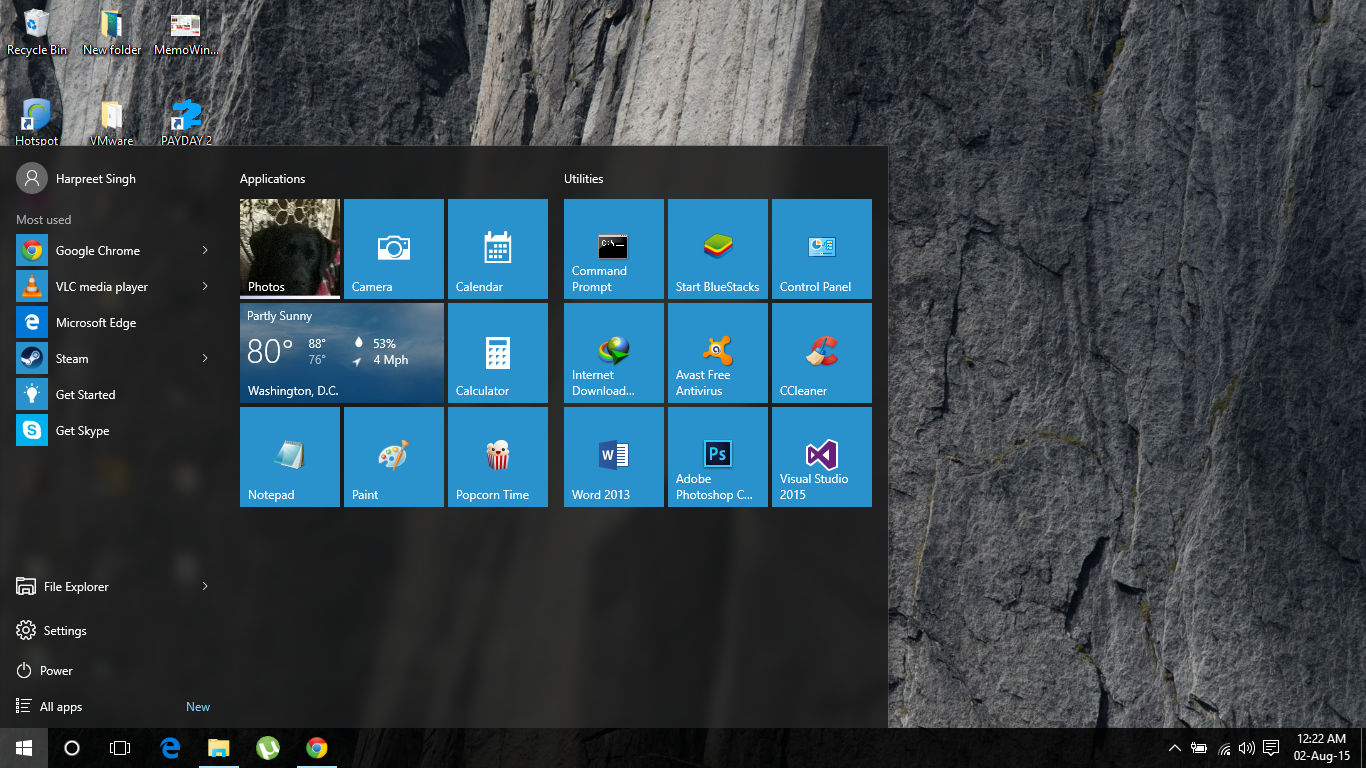
The Start Menu is back !
Yes everyone’s beloved Start Menu is back and it looks better than before. Well it should never have been changed at the first place. It is more customizable than before. Live tiles are also present along it,which Windows introduced in Windows 8. We can choose the Live Tiles that we want and can also alter their size. Third party apps are supported too. It’s so much better than booting to another Window on pressing the Windows button. There is also option to change the color scheme of the Start Menu,especially the dark theme,which really looks good. Here’s how you can change the theme to Dark. The default transparent theme looks good too. The best thing about this new Start Menu is that it is the combination of the best of Windows 7 and Windows 8 both.
#2. Virtual Desktops
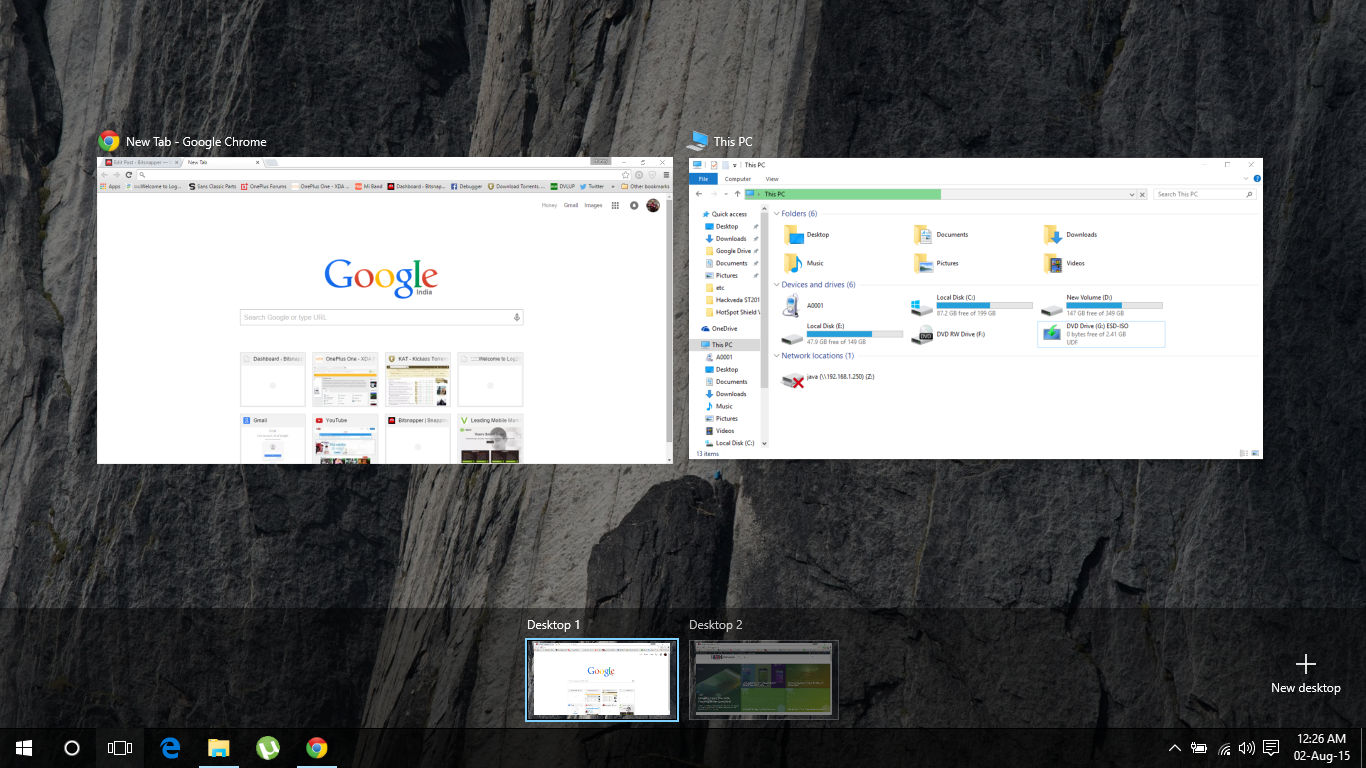
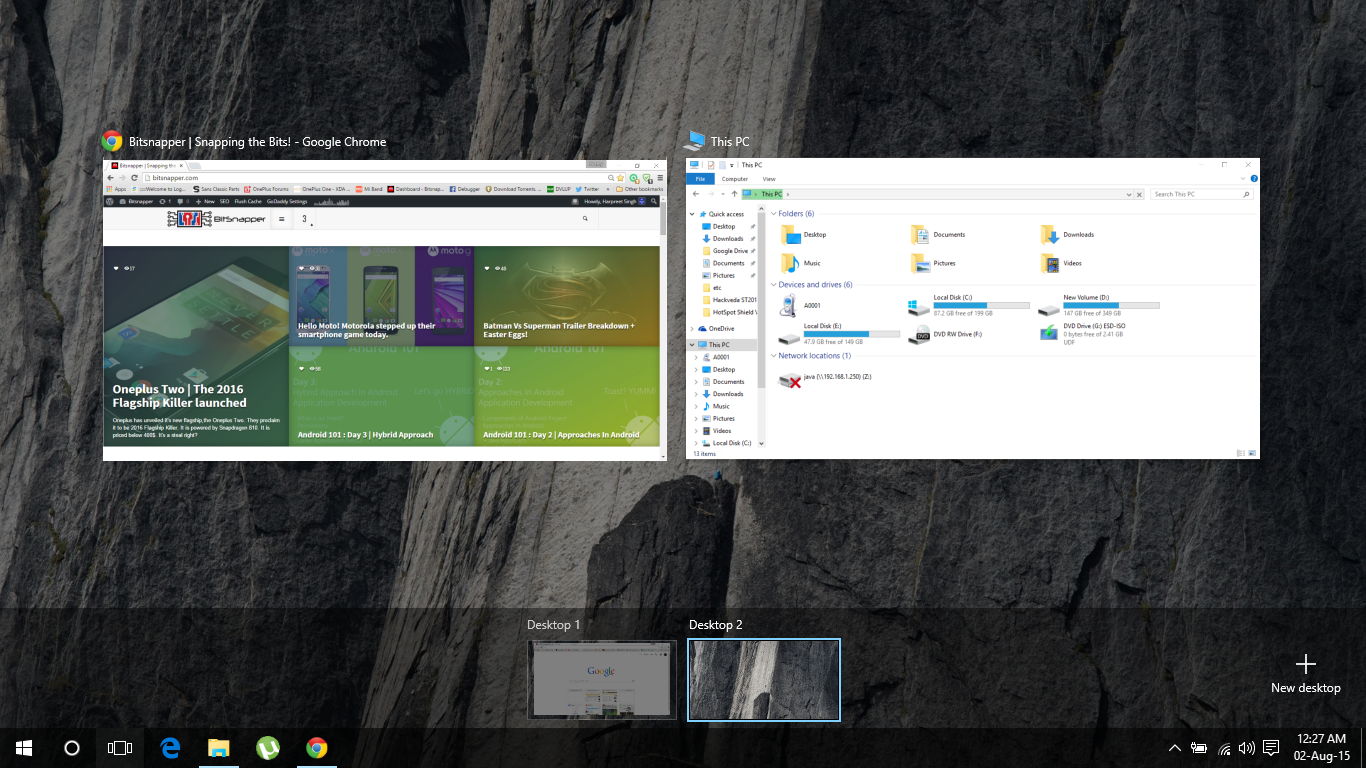
If I’d like to choose the best thing about the Windows 10,it’s the Virtual Desktops. There’s a new Task View button on the taskbar which let you see all the apps that you have opened in bird’s eye view and you can move the apps to another Workspace. This means now I can do all the browsing on one workpace ,my coding on another workspace and my media playback on another workspace. Isn’t it great ! Also we can create unlimited desktops and each of them are totally seperated from each other.
#3. Windows Snap
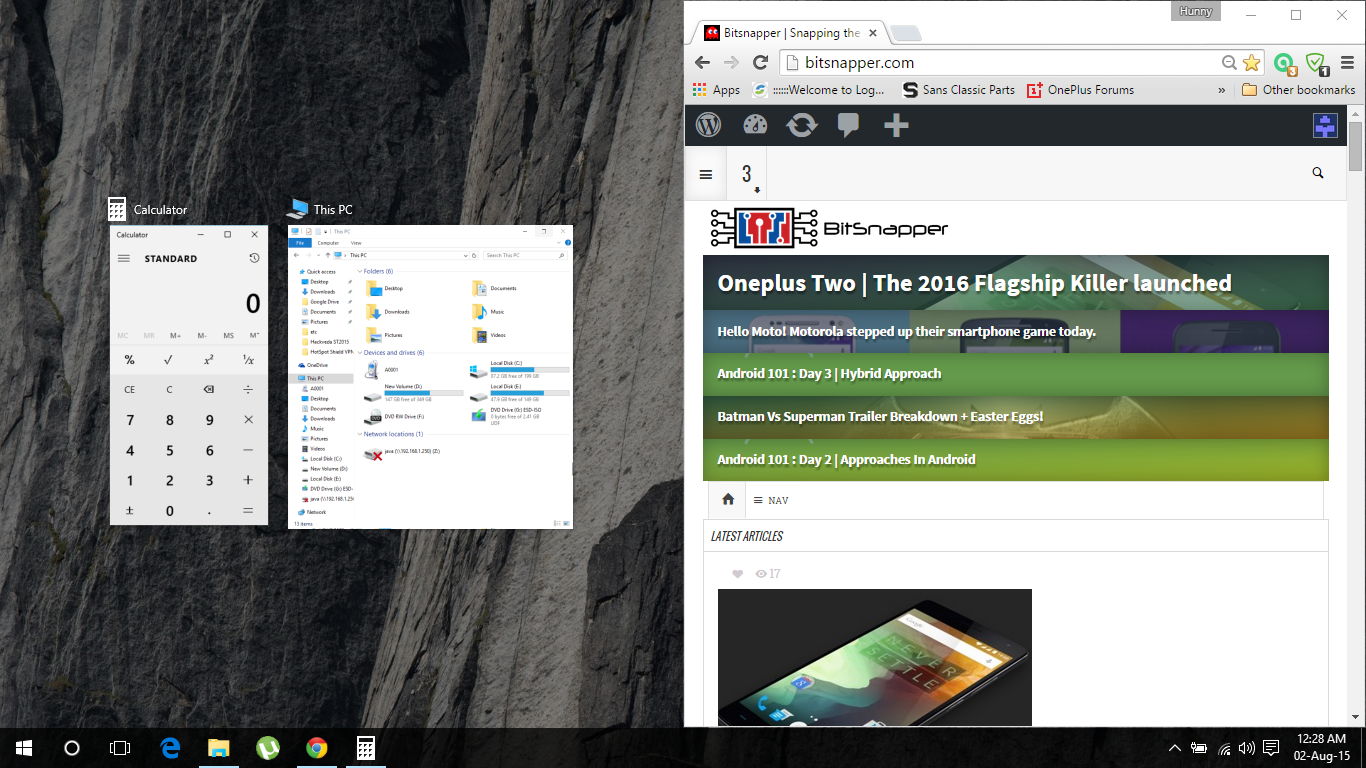
Snap it !
This feature is present from the time of Windows 7 but it has got a big upgrade in Windows 10. If you move an app to the left or right corner of the screen,it will fill the space with the Recent apps or all the other apps hat are currently opened. Also,users with big sized monitors can fill the screen with upto four different apps,one in each corner of the screen. Looks interesting.
#4. Action Centre
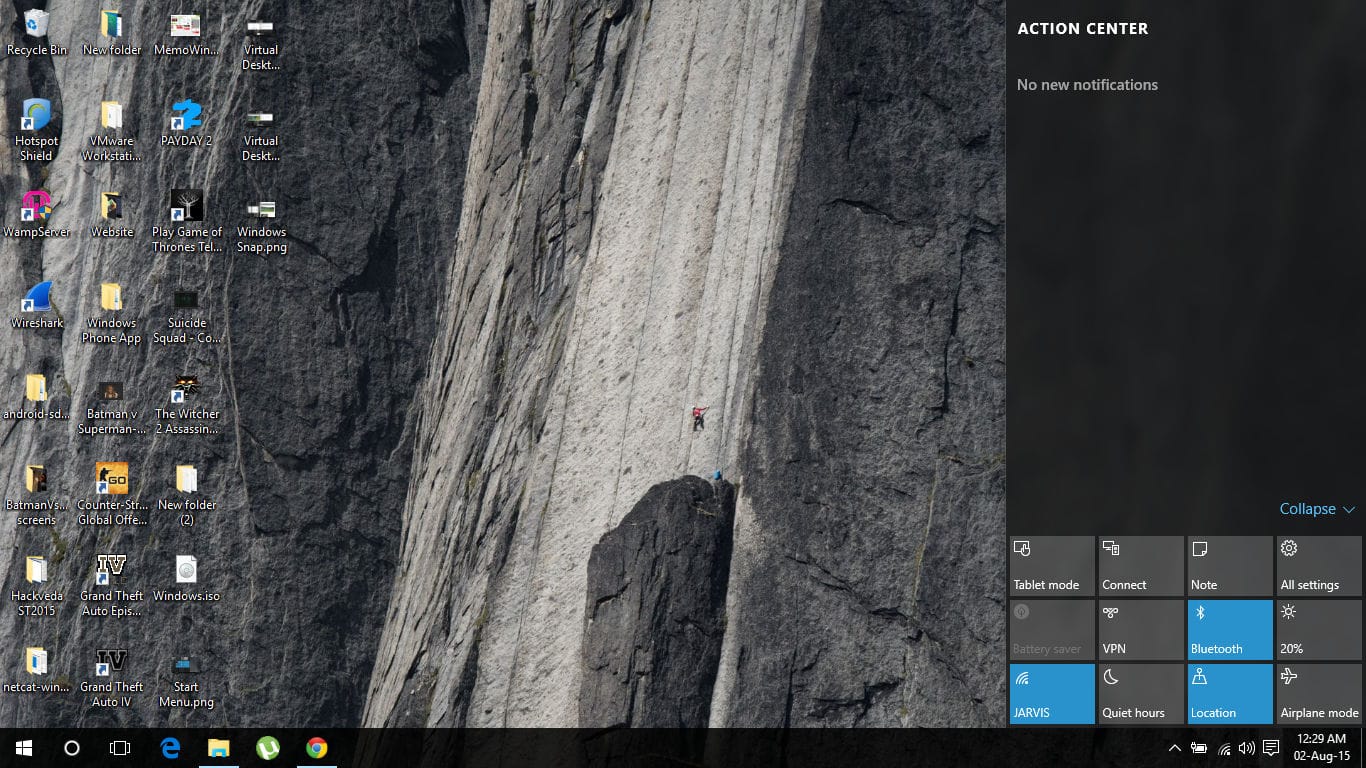
Action Centre
This is yet another amazing feature of Windows 10. It’s similar to the action centre on Windows phone and Notification Drawer on Android platform. We can perform a variety of functions using this such as toggling Wi-Fi,adjusting the screen brightness,using the tablet mode and lots more. Also,all the notifications from different applications can be accessed from here. Basically,now you don’t have to access different settings from the Control Panel. Everything can be accessed from the Action Centre itself.
#5. Cortana
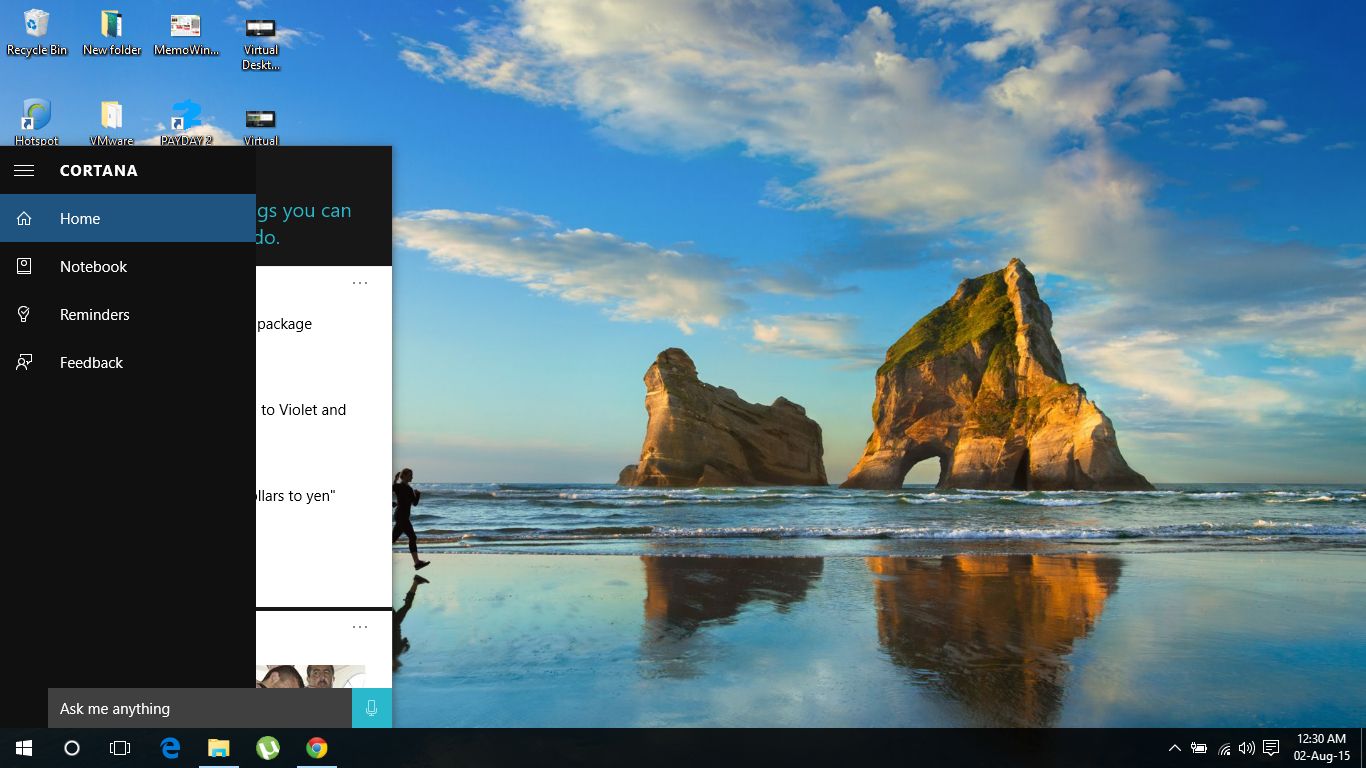
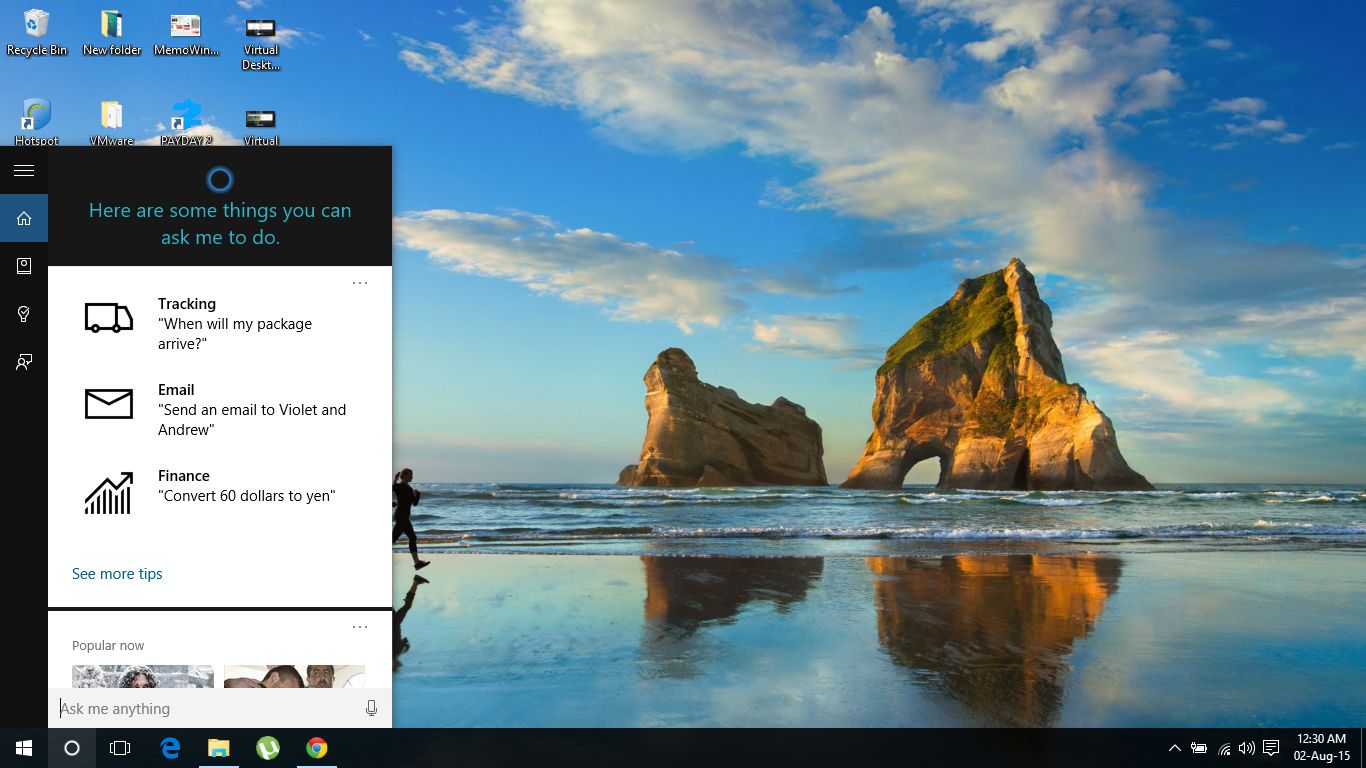
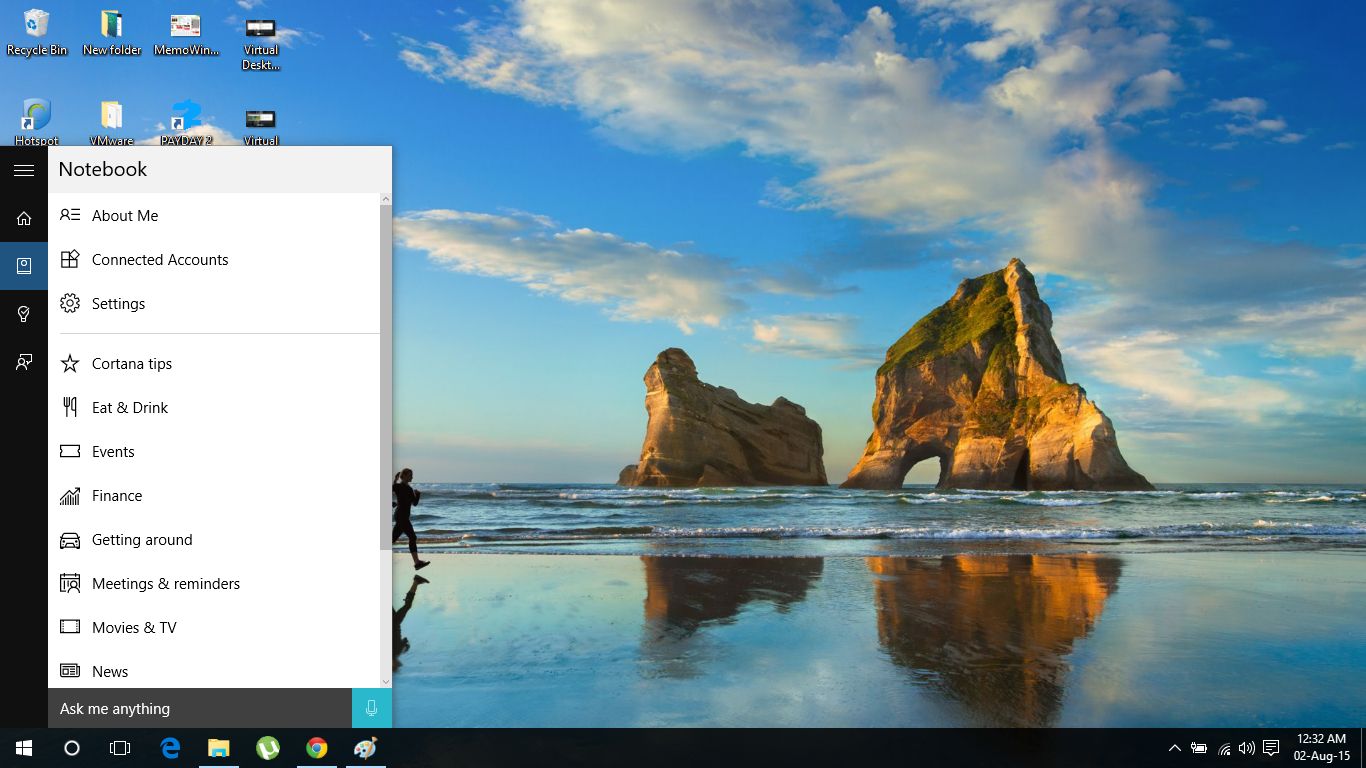
Finally,Cortana has been successfully been integrated in the Windows. For those who are unfamiliar with Cortana, it’s a voice assistant like Siri which performs multiple tasks. Similar to Siri,voice search is available. There’s a small icon in the taskbar which opens an overview of the entire day consisting of Weather,News,Reminders,Notes and a whole lot of other stuff. All the data is divided into sections and the interface somewhat resembles Google Now Cards. Well Cortana can be used for various purposes such as if you set a reminder to buy grocery,it will be synced with your Windows Phone device and will get activated. This feature can come quite at times. Since Cortana is coming to Android and iOS,you can expect this feature on these platforms too. Good job there !
Afterthoughts
So to sum up all,Windows 10 provide a more user-friendly interface than it’s predecessor and also gives a whole lot of new features which are quite remarkable. Microsoft Edge is also blazing fast which surpasses Internet Explorer by huge margins.
You can grab your copy of Windows 10 from here. This tool provides you an option to Upgrade your Windows 7/8 to Windows 10 in India. So install the Windows,and share your experience with us.
Keep reading

Transform Notepad++ to A Powerful Multi Language IDE
Discover how you can use your favourite editor, Notepad++, as a powerful IDE to compile C, C++, Java, C# and Python code. A must know-how for Developers!

How to disable ads from uTorrent like a pro?
Admit it! Web user like us hates ads to the core! They are just omnipresent. Discover how to disable ads from uTorrent & make p2p file sharing a breeze?
How to get Chrome like Tabs in File Explorer on Windows 10/8/7?
Discover how you can enable Tabs in File explorer in Windows 10/8/7 & be productive like a boss! One Window session to rule them all.
1 commentfrom BitSnapper
Carried over from the original post and read-only. Add a new comment below.
I like what you guys are usually up too. Such
clever work and exposure! Keep up the superb works guys
I've incorporated you guys to my personal blogroll.
Leave a comment