I couldn't find good vector logos for Atlassian's products, so I drew them (and you can have them)
Excalidraw's public libraries had no good Atlassian product logos, so I hand-traced Jira, Confluence, JSM, Bitbucket, Trello and Rovo into native vector shapes and published them.

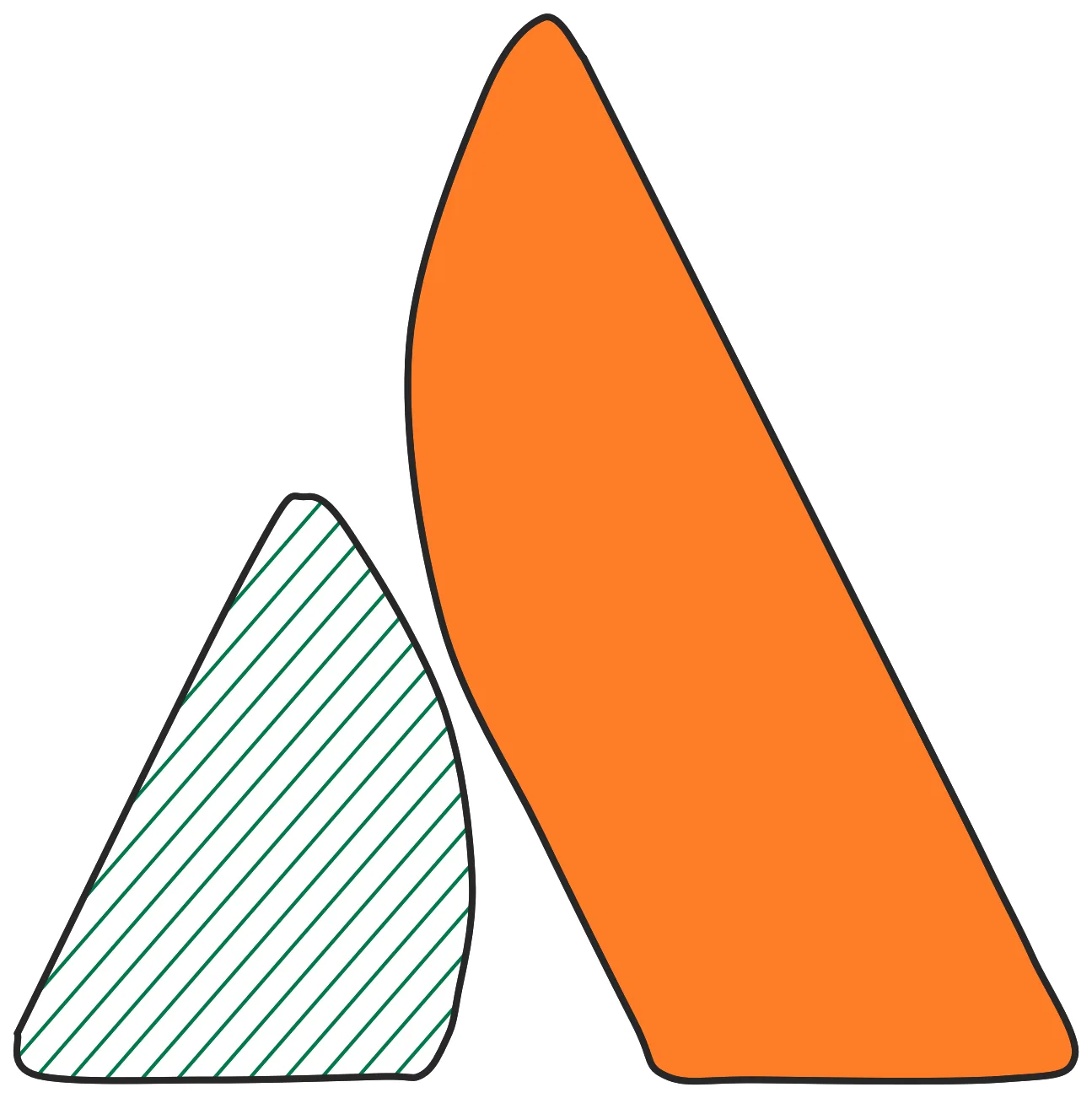
tl;dr: I couldn’t find high-quality, scalable icons for Atlassian’s products (like Rovo, JSM, and Bitbucket) in the public Excalidraw libraries, so I made them myself from scratch.
Update: PR was merged and this is now live for you to install: Atlassian Product Suite on Excalidraw Libraries
The Problem
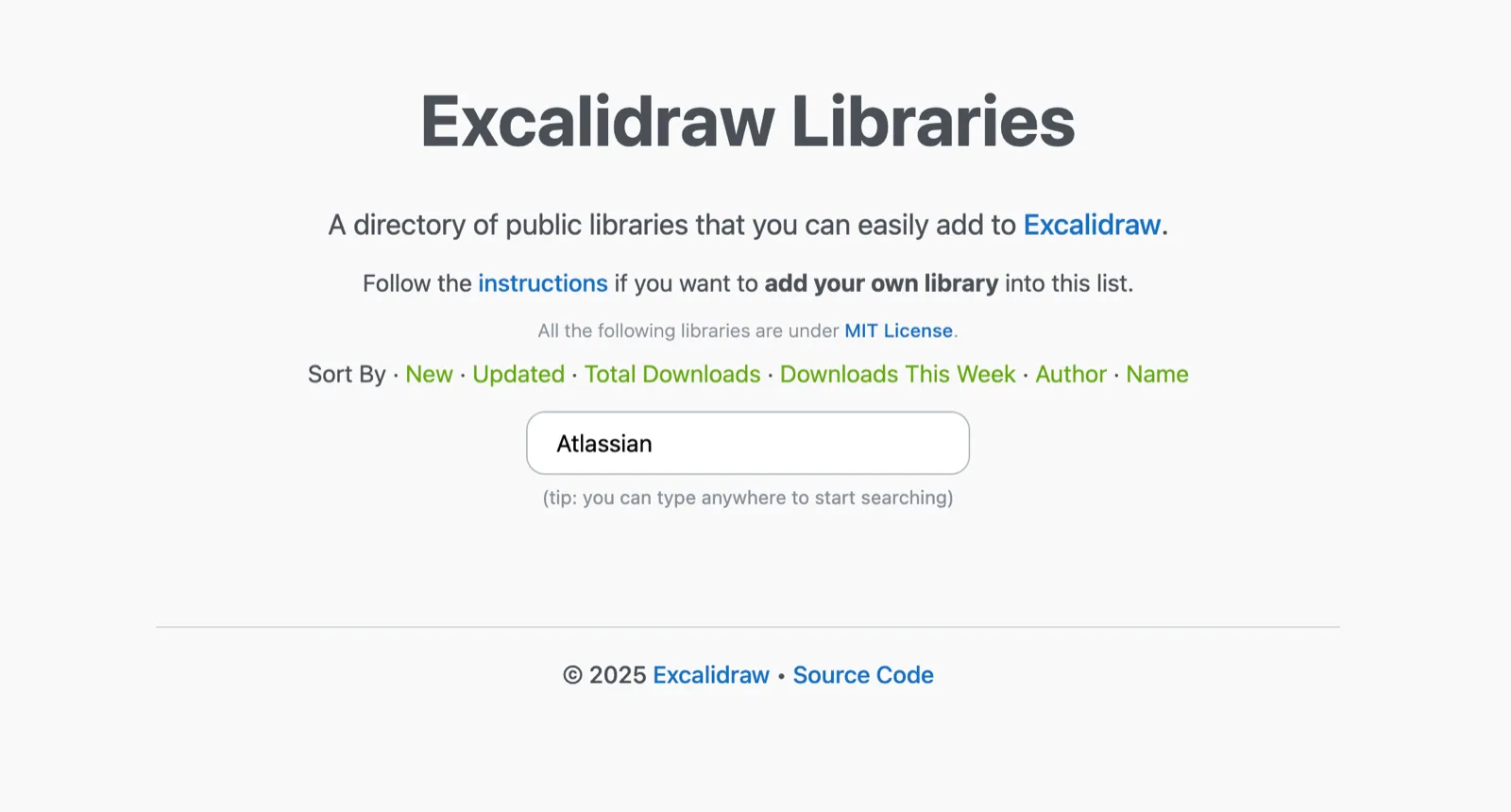
Like many of you, I use Excalidraw constantly as a first step to visualize thoughts and architecture. However, when checking the public Excalidraw libraries, I noticed a gap, the Atlassian product logos were either missing, outdated, or just raster images that pixelate when resized.
The Solution
I decided to fix this. I grabbed the official logos from the brand assets and using a little trick, created native Excalidraw shapes for them.
How I did it:
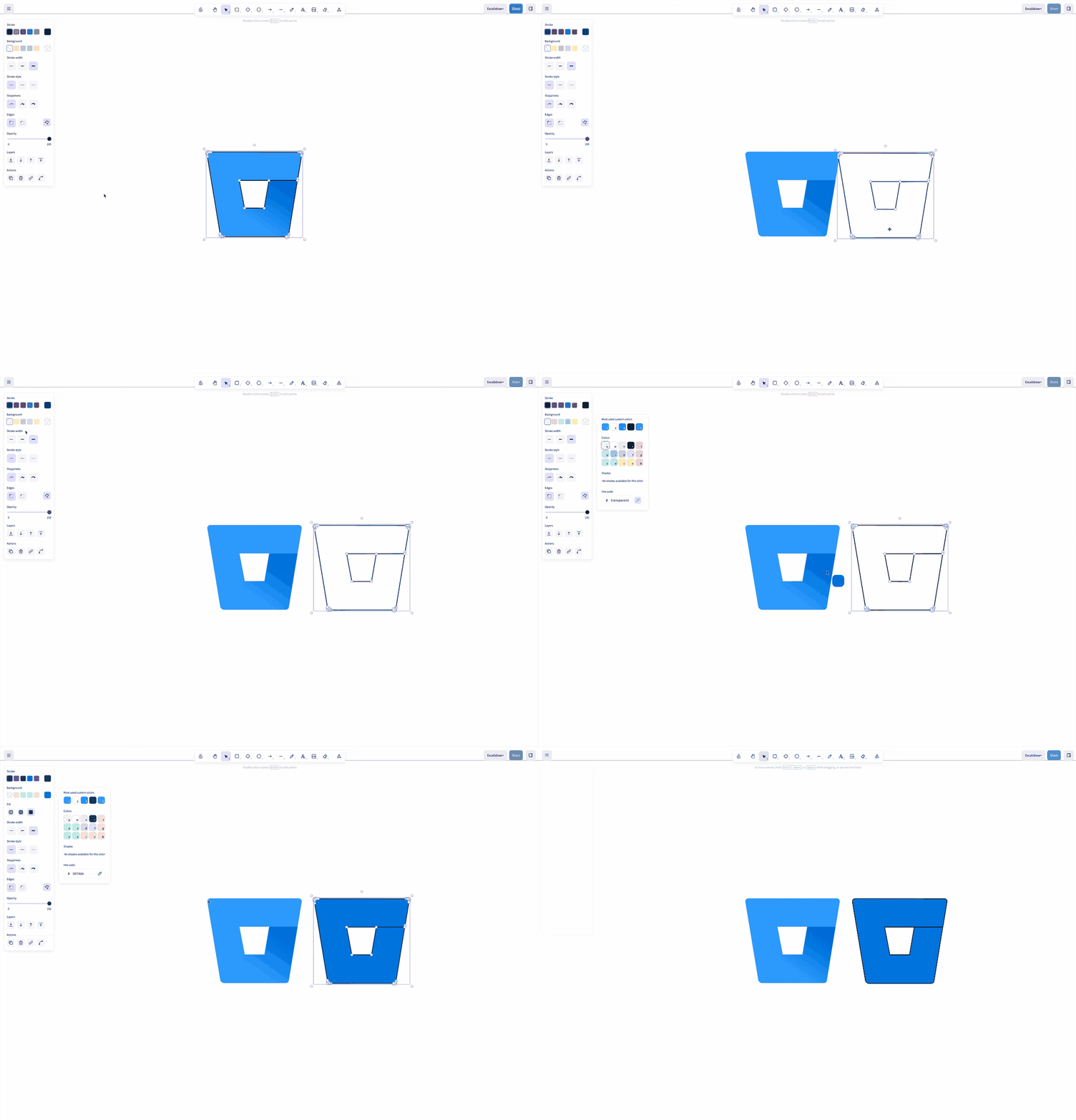
- Pasted the official logo image onto the canvas.
- Locked the image (so it doesn’t move).
- Used the Line Tool to manually trace over the image as a single, closed polygon.
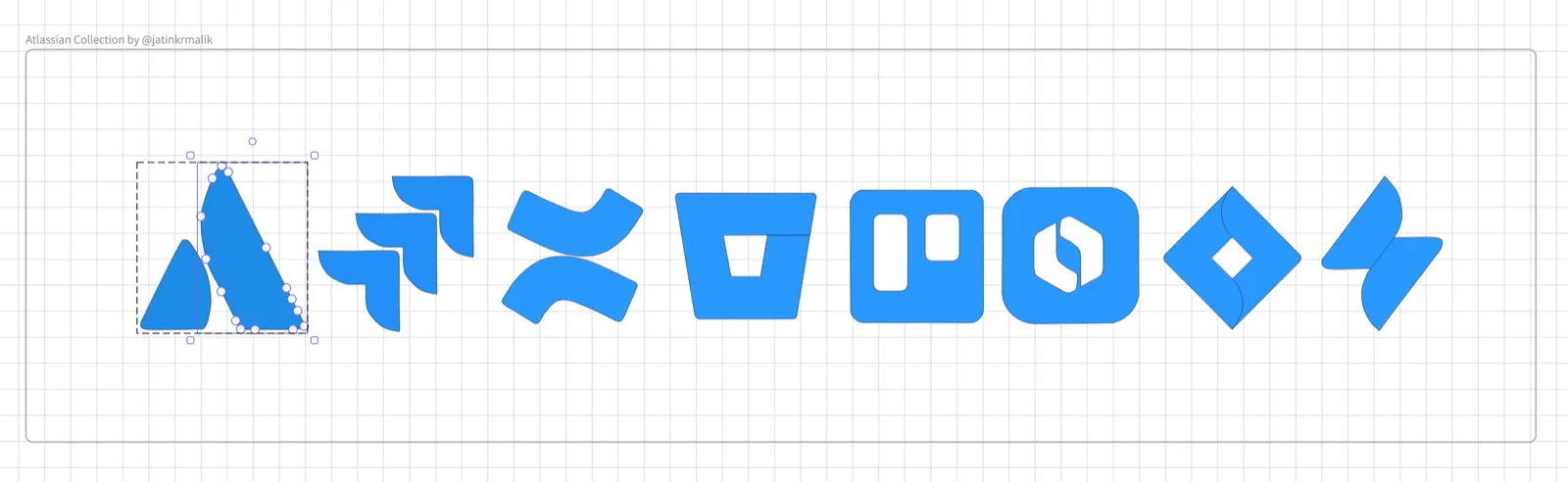
It took < 60 minutes to power through the full suite by hand, including Jira, Confluence, JSM, Bitbucket, Trello, and the new Rovo 👇
Sidebar:
Does anyone know if there is a way to import these vectors directly into Confluence Whiteboards as native, editable shapes?
Right now, I can paste them as images, but I’d love to have them as scalable vector objects within Whiteboards too. If you know something about interoperability between the two, please drop a comment below! 👇
Why use these?
Because these are native vector polygons (not pasted PNGs), you get full control:
- Scalable: Resize them as huge as you want without quality loss.
- Themeable: They support Excalidraw’s “Stroke” and “Background” properties.
- Dark Mode Ready: They adapt to your canvas settings.

🚀 How to use them
Public Availability
I have also submitted this back to the community!
Update: PR was merged and this is now live for you to install: Atlassian Product Suite on Excalidraw Libraries
You can track the Pull Request here (and maybe upvote 👍 it so it gets reviewed a bit early?):
https://github.com/excalidraw/excalidraw-libraries/pull/2332
Once merged, these will be available to everyone in the default Excalidraw library marketplace.
Happy sketching!
Jira, Confluence, Bitbucket, Trello, Rovo and the Atlassian logo are trademarks of Atlassian. These are my own redrawings, not official Atlassian assets.
Keep reading
Locked out of GitHub for three days over a compromised CLI token
In May 2026 GitHub suspended my account over a compromised gh CLI token. Their explanation pointed back to the stealer that hit my Mac in 2025.
pmptr: a dead simple teleprompter, with no ads and nothing to pay for
I built pmptr for my wife: a transparent, always-on-top, click-through teleprompter for macOS, Linux and Windows. Open source, one npm install.
I filed my Indian taxes as an NRI with AI agents
My first time self-filing an ITR, done end to end with Grok 4.5 in the grok build CLI. I built a neo-brutalist dashboard and a 158-page audit packet, and still overpaid by ₹5,550.
Comments
No comments yet. Start the conversation.
Comments couldn't load right now.