LLMFeeder: the browser extension I built to feed web pages to LLMs
A Wes Bos post, a quick prototype, a friend's Firefox PR, 100 GitHub stars in about two weeks, and the first people trying to sell me installs.
 Jatin Kumar Malik First published on
 X
A month ago, I had never built a browser extension. Today I have one live on both the Chrome Web Store and Firefox Add-ons, with 100 stars on GitHub and five contributors. And yes, it has already attracted its first growth hackers! :D
Here’s the demo:
The problem
I paste a lot of web pages into LLMs as context, mostly docs and articles. Copying a page by hand is a pain. You have to select carefully, and you still end up dragging along the formatting, pop-ups, ads and modals around the text you actually wanted. What the model really wants is clean Markdown.
I was doing this 4-5 times a day when I saw a post from Wes Bos about the exact same problem. It gave me the idea to quickly prototype an extension, and once it worked, I replied to him with a demo.
What it does
LLMFeeder converts the page you’re on to Markdown and copies it to your clipboard in one click. Then you just paste it into ChatGPT, Claude or whatever you use. That’s it!
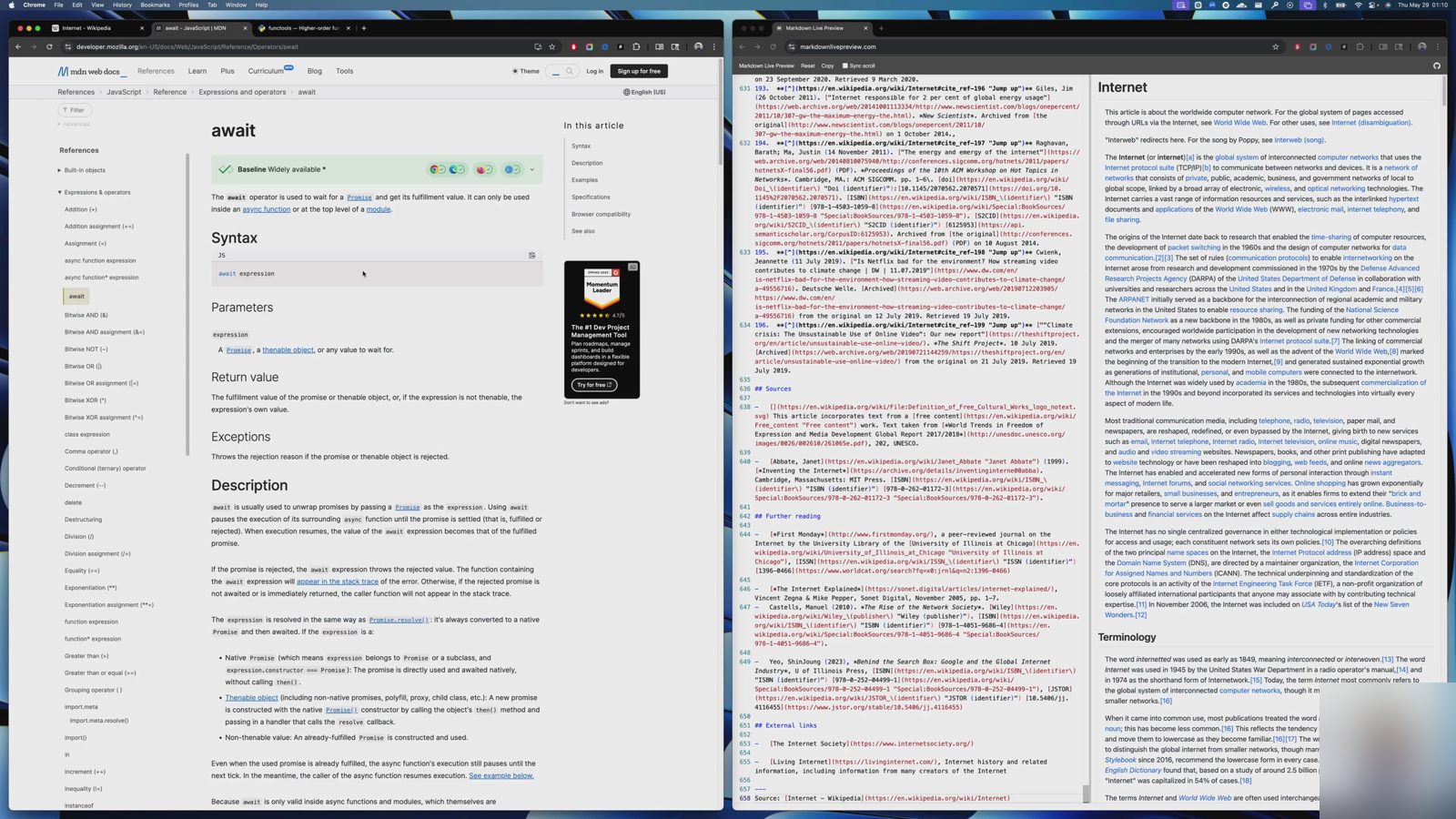 A frame from the demo I recorded the night I launched it: Wikipedia’s “Internet” article, converted and pasted into a Markdown previewer.
There’s nothing magical inside. Mozilla’s Readability finds the main content of the page (it’s the same library behind Firefox’s Reader View), and Turndown turns that HTML into Markdown. My own code around those two handles the choices that matter for LLM context:
- Content scope: the main content (default), the full page, or just your selection.
- Options: include the page title, keep or drop images, and keep tables as tables.
- Shortcut: Alt+Shift+M converts and copies without even opening the popup.
The part I care about most is that it runs fully client-side. No data leaves your browser. No server, no analytics, no tracking. When someone on X shared another way to get Markdown out of a page, that was my answer: the extension is completely offline and private, so it also works on docs and pages behind an intranet or a VPC. :)
Fun fact: this is my first ever browser extension. A few days after launch I was explaining in a reply that browser extensions are purely frontend, no backend, something I had only learnt myself the week before! The repo’s language bar says 89.9% JavaScript, and the rest is shell, CSS and HTML.
Five days, two stores
- 28 May: Set up a Chrome Web Store developer account and paid the one-time registration fee.
- 29 May, around 1:30 am: Recorded a two-minute demo and tweeted “Just launched LLMFeeder” with the GitHub link.
- 29 May, same day: An issue asking for Firefox support went up, and a friend sent the pull request for it. I merged it and cut v1.0.1 that evening, with Firefox 109+ support and build scripts that produce separate Chrome and Firefox zips. Submitted it to addons.mozilla.org the same day.
- 31 May: The Chrome Web Store listing went live, and I mailed myself the store link.
- 1 June: The Firefox add-on got approved too. ✅
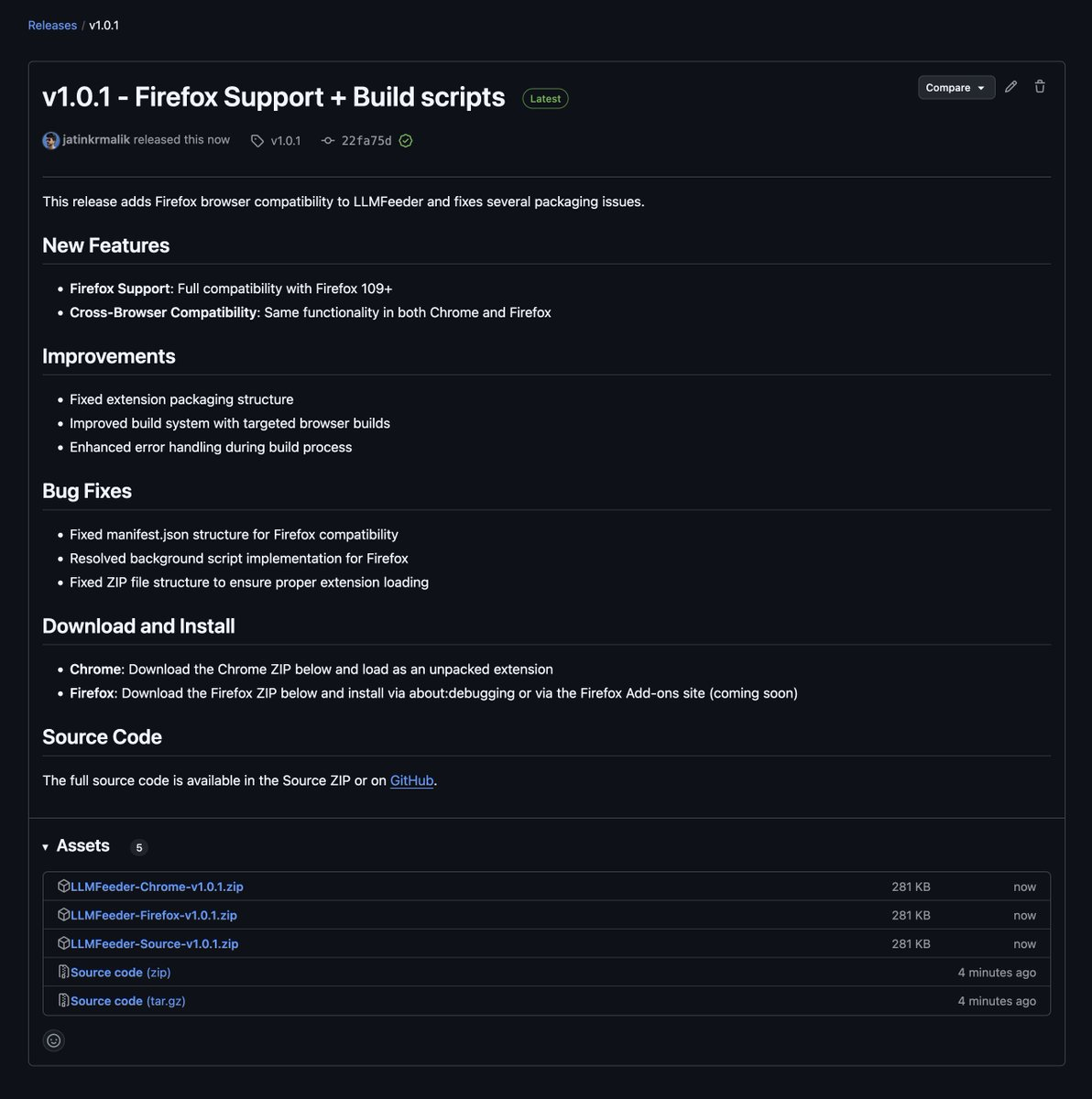
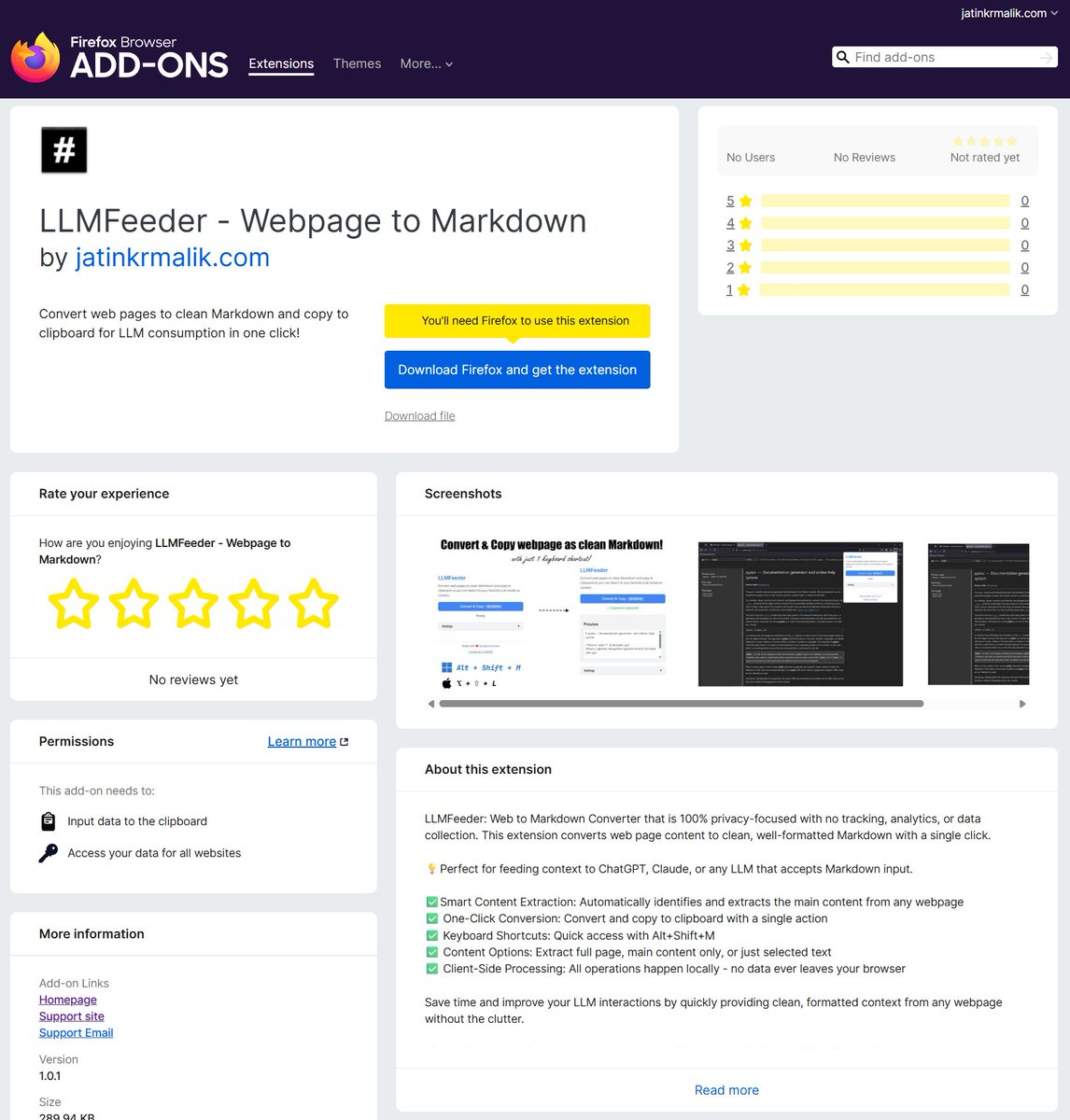
I asked people to be kind with reviews. 🙏 The first Firefox rating came in on 3 June: 5 out of 5!
Making it easy to contribute
Around the time the stores went live, I wrote up a backlog of issues, labelled small, medium or large, with the easy ones marked good first issue. On 3 June I posted it for anyone looking for an open source project to contribute to. The deal is simple: I review the PRs, and you get bragging rights to a product that’s live and published.
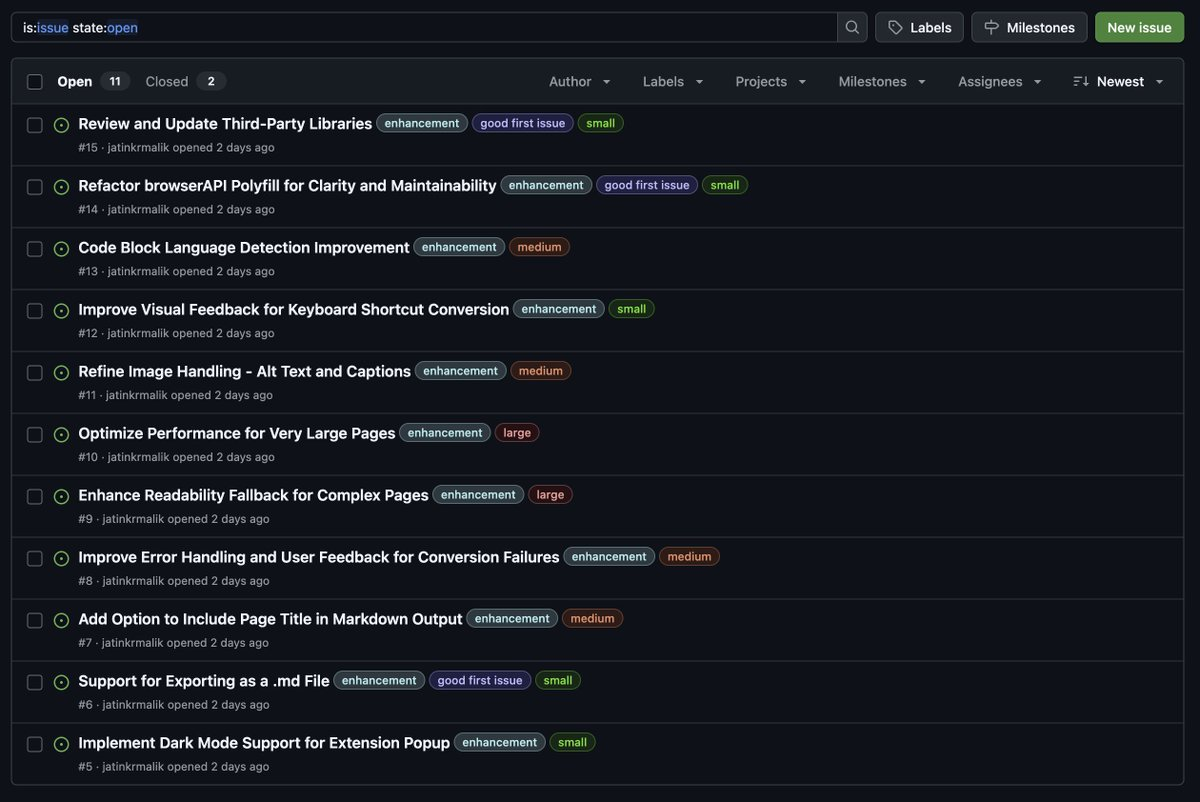 The backlog, two days old.
People started picking things up within a day. By 4 June my inbox was full of GitHub notifications: someone taking the polyfill refactor, a proposal for a debug logger, work on visual feedback for the keyboard shortcut, and not one but two separate dark mode PRs!
On 5 June, a contributor’s PR for the “Support for exporting as a .md file” issue got merged. It went through 20+ threads of discussion before it landed, and I joked that a keyboard shortcut for it should be next. 😉
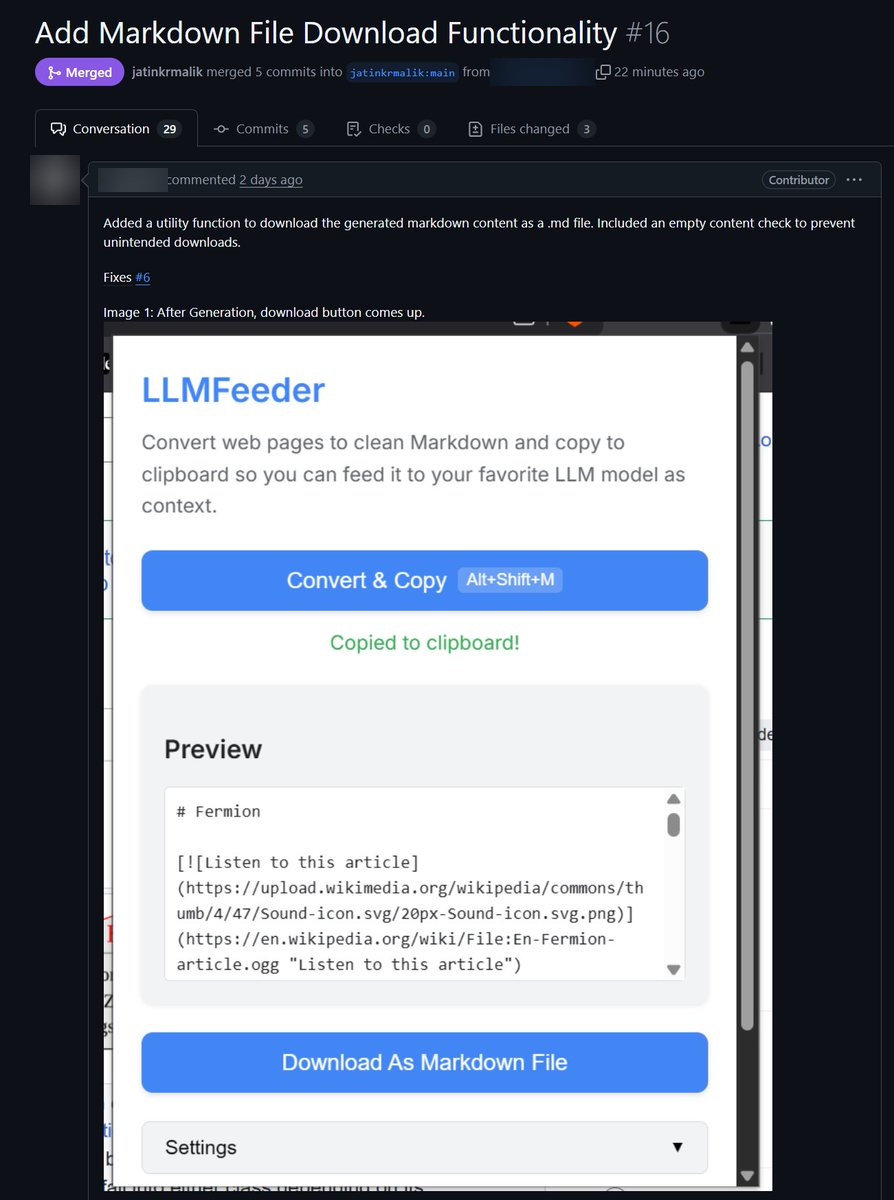 The download PR. Contributor names blurred.
On 8 June I asked for UI/UX help: ideas for an icon, mockups for the popup, and proper screenshots for the store listings. Someone asked about the dev loop too. If you load the extension from source the way the README describes, pulling the latest main or changing a file is all it takes to update it on your machine. That probably deserves a CONTRIBUTING.md.
v1.0.2 and v1.1.0
v1.0.2 came out on 10 June. It shipped the Markdown download, an option to include the page title, smarter alt text for images, cross-browser fixes for notifications, a Makefile, build guides for both browsers, issue templates and a contributors section. Firefox had it live the very next day, while the Chrome update was still sitting in review.
v1.1.0 followed on 13 June with a dark/light mode toggle that remembers your choice, redesigned notification banners and a footer crediting everyone who contributed. And the repo crossed 100 stars the same day! 🌟
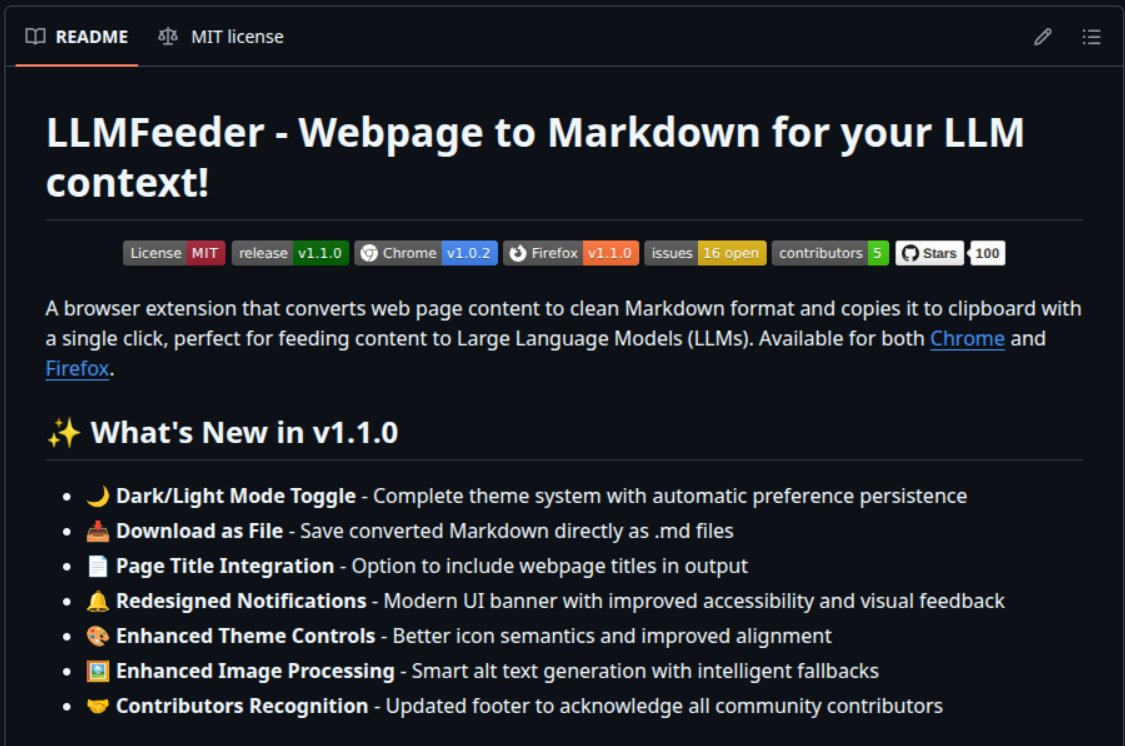 The README on release day: 5 contributors, 16 open issues, 100 stars.
The badges show the fun part of shipping to two stores: Firefox was already on v1.1.0 while Chrome was still on v1.0.2. Both times so far, the Firefox update went live first.
Then the growth hackers showed up
On 12 June I got a “Chrome extension promotion” mail. The sender said they’d helped other extensions get up to 1,000 new users a month with positive feedback, “all from real people”, and wanted a 10-minute call or a chat on Telegram. I replied “I am good, thank you.” The follow-up was more direct: 1,000 users and 100 reviews on my extension, was I interested? “I’m good. Not needed.”
On 19 June a second one arrived, from a “digital marketing expert” who had reviewed my extension, recognised its potential for top-tier success and could deliver 1,000+ active users a month through SEO and “CwSO”. I said I wasn’t interested.
The milder ones were a service that wanted me to monitor my extension’s stats and a project showcase site inviting me to list LLMFeeder. But paid users and reviews? That’s a no from me, both times.
Where it stands
I built this for my own workflow and opened it up because I thought other developers might find it useful too. A lot of what shipped after launch came from other people’s PRs, and most of those started from that backlog of small, medium and large issues. That part has honestly been the most fun.
If you feed web pages to LLMs, give it a try! It’s on GitHub with links to both stores. Issues & pull requests are welcome. 🤝
jatinkrmalik/LLMFeeder A browser extension that turns any web page into clean Markdown and copies it to your clipboard, so you can hand it to an LLM as context in one click.Keep reading

How I Built a Privacy-First Offline Speech-to-Text Tool That I Use Every Single Day
Introducing Vocalinux, an open-source, 100% offline voice dictation tool for Linux using Whisper or VOSK, with its architecture, features and install guide.

Building cross-distro offline voice dictation for Linux (and why it took more than a model)
The story behind Vocalinux, from the missing Linux dictation gap to whisper.cpp, remote HTTP STT, Wayland text injection, and a tray app you can use every day.
OpenCode Go + oh-my-openagent: The Complete Guide to SOTA Model Routing Without Hitting Limits! [Updated: September 2026]
A tiered guide to routing OpenCode Go models across oh-my-openagent agents, with fallback chains and budgeting to avoid hitting rate and monthly limits.
Leave a comment