Mastering Digital Clutter with the PARA System
A step-by-step guide to setting up the PARA method, plus the one tweak I added (an Inbox), so it works in any notes app or work wiki, not just in Obsidian.

TL;DR
Try out the PARA system to organize your digital information, boost productivity, and reduce stress. It’s a simple, flexible, and effective way for managing work and personal data!
In 2024 managing the constant influx of information can be overwhelming. As an engineer working with multiple orgs, I’ve faced the challenge of organizing numerous tasks, projects, and information sources. If you’ve ever worked somewhere with a sprawling internal wiki, you’re likely familiar with the rabbit-hole it can become.
To tackle this, I have adopted and slightly modified the PARA system, a powerful framework to bring order to the chaos and boost productivity.
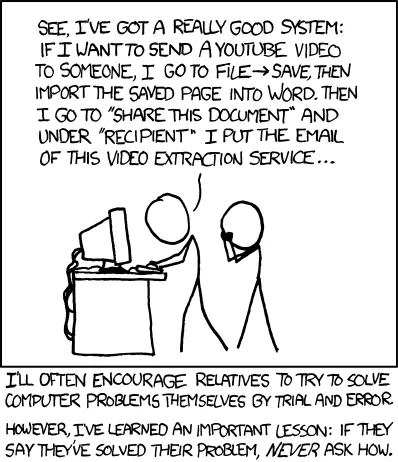
Yes! I am aware of this xkcd: https://xkcd.com/763/
Background
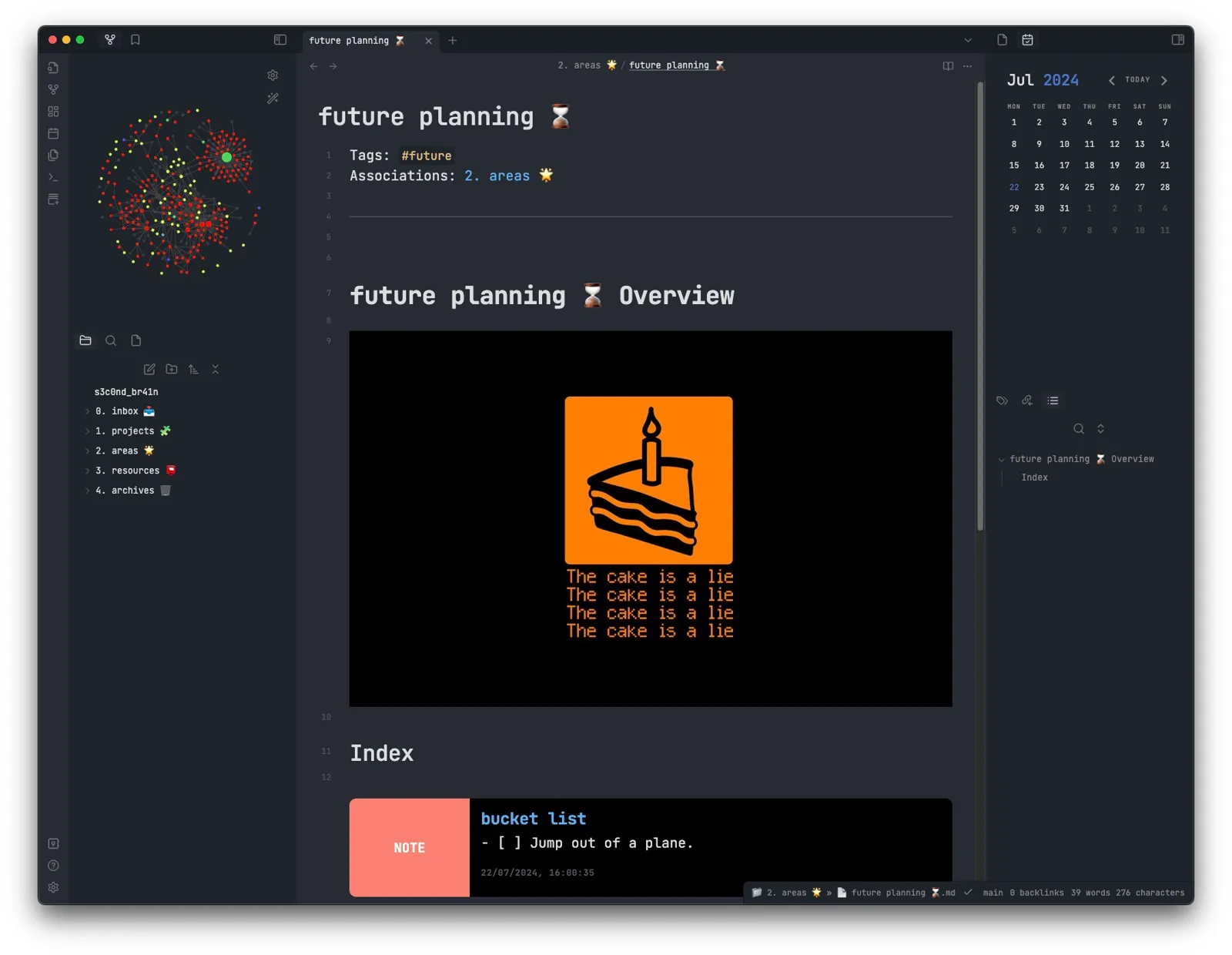
I am huge fan of Tiago Forte and his game changing book Building a Second Brain from a couple of years now. A highly recommended read![1]
The concept of “Building a Second Brain 🧠” revolves around creating an external, digital system to store and organize information, freeing up your mind for more creative and analytical tasks. It’s based on the idea that our brains are great at processing information but not ideal for long-term storage.
He also came up with The P.A.R.A. Method which I have been experimenting with a couple of years now and have tweaked it slightly to fit my usage. I follow it diligently on my local notes - Obsidian which is basically markdown enabled notes platform hosted on a git repository allowing me to access it from practically anywhere.
Note: I use Obsidian along with my handy journal notebook to use it as an extension of my brain aka Second Brain. It’s a bastardised system b/w PARA, Bullet Journal and Zettelkasten, but hey, it works for me.
Let me know if you would like me to pen a blog on my journal method?
Recently, I have also adopted it in my personal wiki space at work.
I wanted to share how PARA system works, introduce the modifications I’ve made, and nudge you to give it a try. Let’s dive in!
What is the PARA System?
The PARA system stands for Projects, Areas, Resources, and Archives. It provides a simple yet flexible structure for organizing all your digital information into four distinct categories:
- Projects: Short-term efforts with specific goals and deadlines.
- Areas: Ongoing responsibilities without specific end dates.
- Resources: Topics or materials of ongoing interest or utility.
- Archives: Inactive or no longer relevant information.
Adding an Inbox
While the original PARA system is excellent, I’ve made a key modification to enhance its effectiveness: the addition of an Inbox.
- Inbox: A default catch-all space to capture new information before sorting it into the appropriate PARA category. Example: Quick notes from a meeting, ideas that pop up during the day, or links to interesting articles.
This addition ensures that no information falls through the cracks and everything is processed systematically.
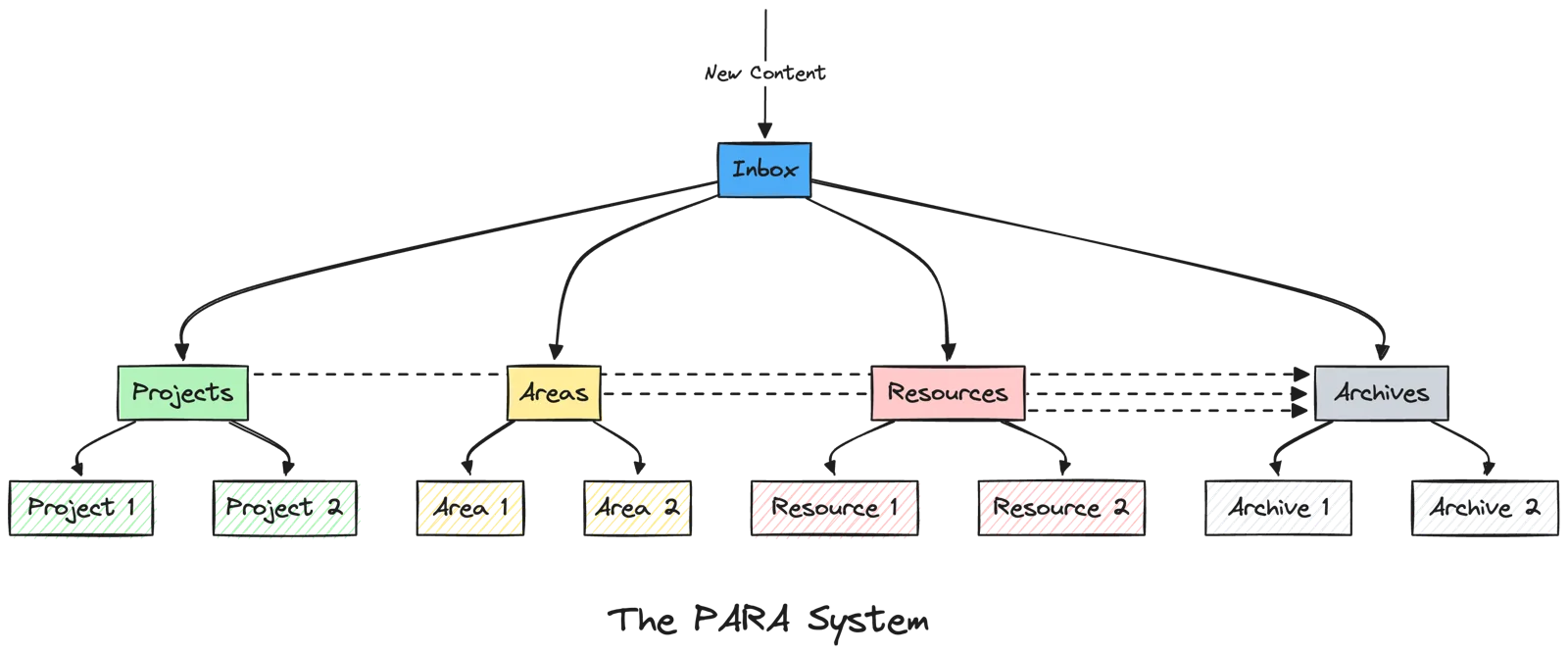
How to Implement the PARA System
Now, let’s walk through how you can implement this system in your own digital workspace:
Step 1: Set Up Top-Level Categories
Create the following top-level categories in your digital workspace:
- Inbox
- Projects
- Areas
- Resources
- Archives
Step 2: Define Sub-Pages Under Each Category
Inbox
Use the Inbox to temporarily hold new information before sorting it into the appropriate category.
🧩 Projects
Projects are short-term efforts with specific goals and deadlines. This category helps you manage and track progress on all my active projects. Create a sub-page for each active project. Include project goals, deadlines, task lists, and relevant notes.
Example sub-pages:
- Feature X Development // Aug 15 2024
- Team Onboarding Process Improvement // Sept 30 2024
🌟 Areas
Areas are ongoing responsibilities without specific end dates. This category helps you manage continuous work and responsibilities that require regular attention. Create sub-pages for each area of ongoing responsibility. Include key metrics, goals, and relevant resources.
Example sub-pages:
- Team Management
- Professional Development
- Product Strategy
📕 Resources
Resources are topics or materials of ongoing interest or utility. This category helps you organize reference materials, research, and learning resources. Organize by topics of interest or utility. Include reference materials, research notes, and learning resources.
Example sub-pages:
- Design Patterns
- Industry Trends
- Book Notes
- Personal Runbooks (I am a big fan of these).
🗄️ Archives
Archives are for inactive or no longer relevant information. This category helps you keep a record of completed projects and past references for future use (without actually Archiving the page).
Step 3: Populate Your Pages
Start by moving your existing notes, documents, and information into the appropriate categories.
Don’t worry about getting it perfect right away, you can always refine as you go.
Step 4: Regular Maintenance and Review
- Weekly Reviews: Regularly review and sort items from the Inbox.
- Monthly Cleanup: Move completed projects to Archives and update Areas and Resources as needed.
Why Try the PARA System?
- Clarity: By clearly categorizing information, you can quickly find what you need when you need it. No more digging through endless folders or tabs!
- Focus: The Projects category helps you prioritize current work, ensuring nothing falls through the cracks.
- Simplicity: The system is straightforward and easy to understand, making it simple to implement and maintain.
- Flexibility: It’s adaptable to various digital tools and personal workflows. Whether you prefer Obsidian, Notion, or even just a folder structure, PARA can work for you.
- Reduced Stress: Knowing that all your information is organized and easily accessible can significantly reduce mental clutter and stress.
By implementing this system, you’ll likely find yourself more focused, less stressed, and better equipped to handle the constant flow of information in your work and personal life.
I encourage you to give it a try. Start small, perhaps with just your personal notes, and gradually expand to other areas of your digital life. Remember, the goal is to create a system that works for you, so feel free to adapt and modify as needed.
Have you tried the PARA system or something similar? I’d love to hear about your experiences or answer any questions you might have. Feel free to reach out or leave a comment below.
Cheers 🍻
Keep reading
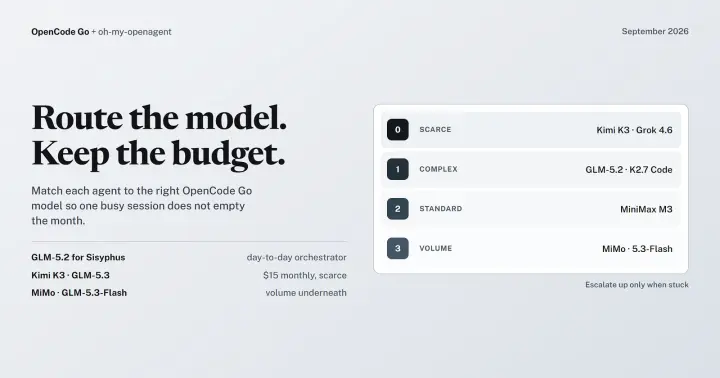
OpenCode Go + oh-my-openagent: The Complete Guide to SOTA Model Routing Without Hitting Limits! [Updated: September 2026]
A tiered guide to routing OpenCode Go models across oh-my-openagent agents, with fallback chains and budgeting to avoid hitting rate and monthly limits.
Transform Notepad++ to A Powerful Multi Language IDE
Discover how you can use your favourite editor, Notepad++, as a powerful IDE to compile C, C++, Java, C# and Python code. A must know-how for Developers!
iOS 101: Day 0 | Setting up the garage
Welcome to your first tutorial for iOS 101! Learn how to setup development environment on your Mac before you start shipping out kickass iOS apps. Dive in!
Comments
No comments yet. Start the conversation.
Comments couldn't load right now.