Code the Future: my TechXcelerate 2.0 session for students, written up
The written version of my TechXcelerate 2.0 session for NameSpace: what the web looks like in 2024, how to pick what to learn, how to grow, and how to get your first job.
 Jatin K Malik First published on
 X
This evening I did a session called “Code the Future: Your Journey into Web Dev and Software Engineering” for TechXcelerate 2.0, run by the NameSpace community (formerly NSCC BPIT). It was online, on Microsoft Teams, at 6 PM, and the audience was mostly engineering students (I told one friend on X that he’d be over qualified :D).
The pitch I gave them was simple: where cloud and web development are heading, the latest trends, and what AI is doing to software engineering. Then I spent half the session asking the room questions back, and it turned out to be a very interactive one, which is exactly how I like these.
This time I’d been asked to stick to a template, so no mdp slides running in a terminal like at the FOSS United Delhi meetup in December. Proper slides, with illustrations and everything. Here they are:
The deck only tells half the story though, because a good chunk of the session was me asking questions and the answers came from the people in the call. So here’s the written version, for anyone who couldn’t join, and for the ones who joined from a hostel room and had the Wi-Fi drop halfway. :P
$ whoami
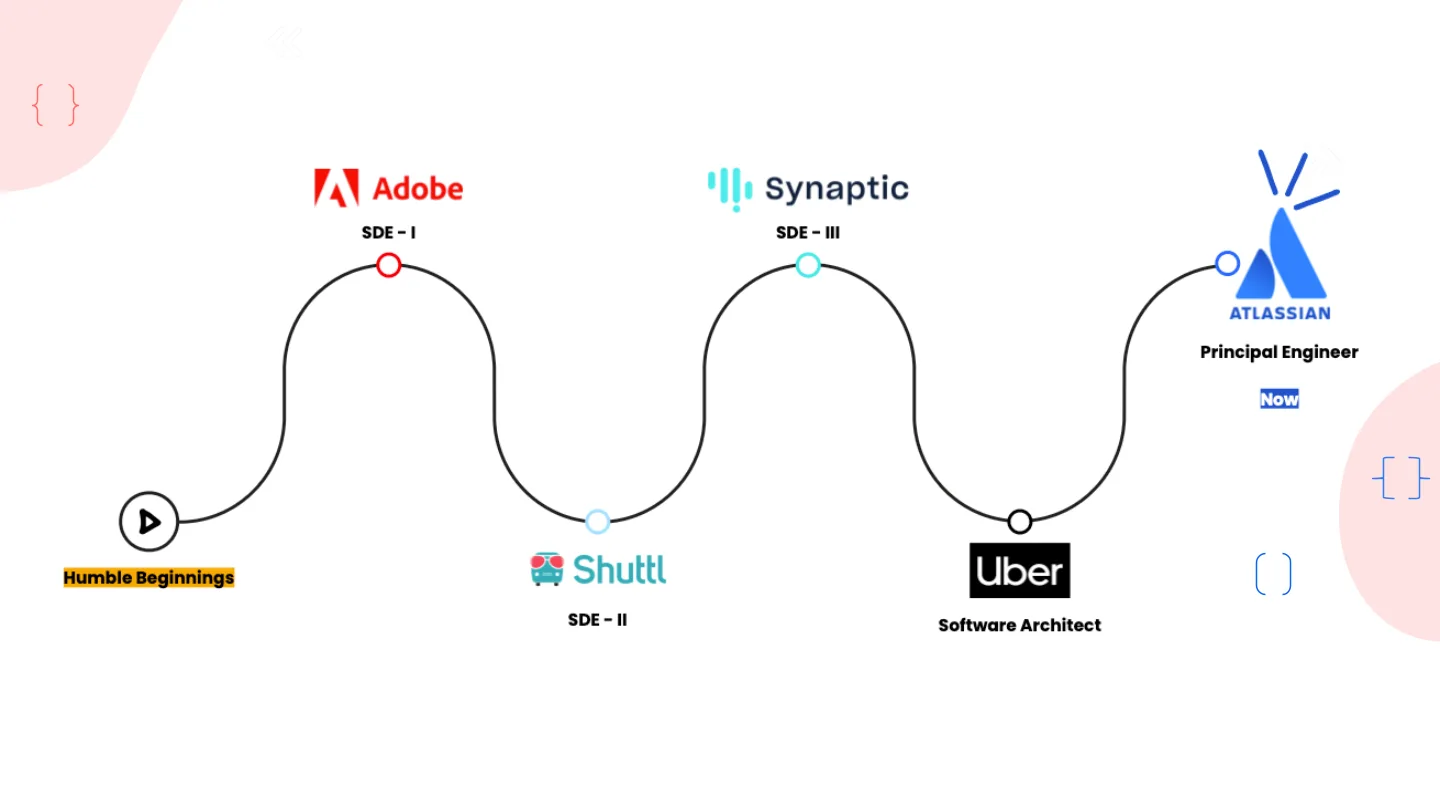
I opened with: “I write words that control machines to tell other machines to build fake machines that run on different machines.” Then the road so far, from humble beginnings to Adobe, Shuttl, Synaptic, Uber and now Atlassian.
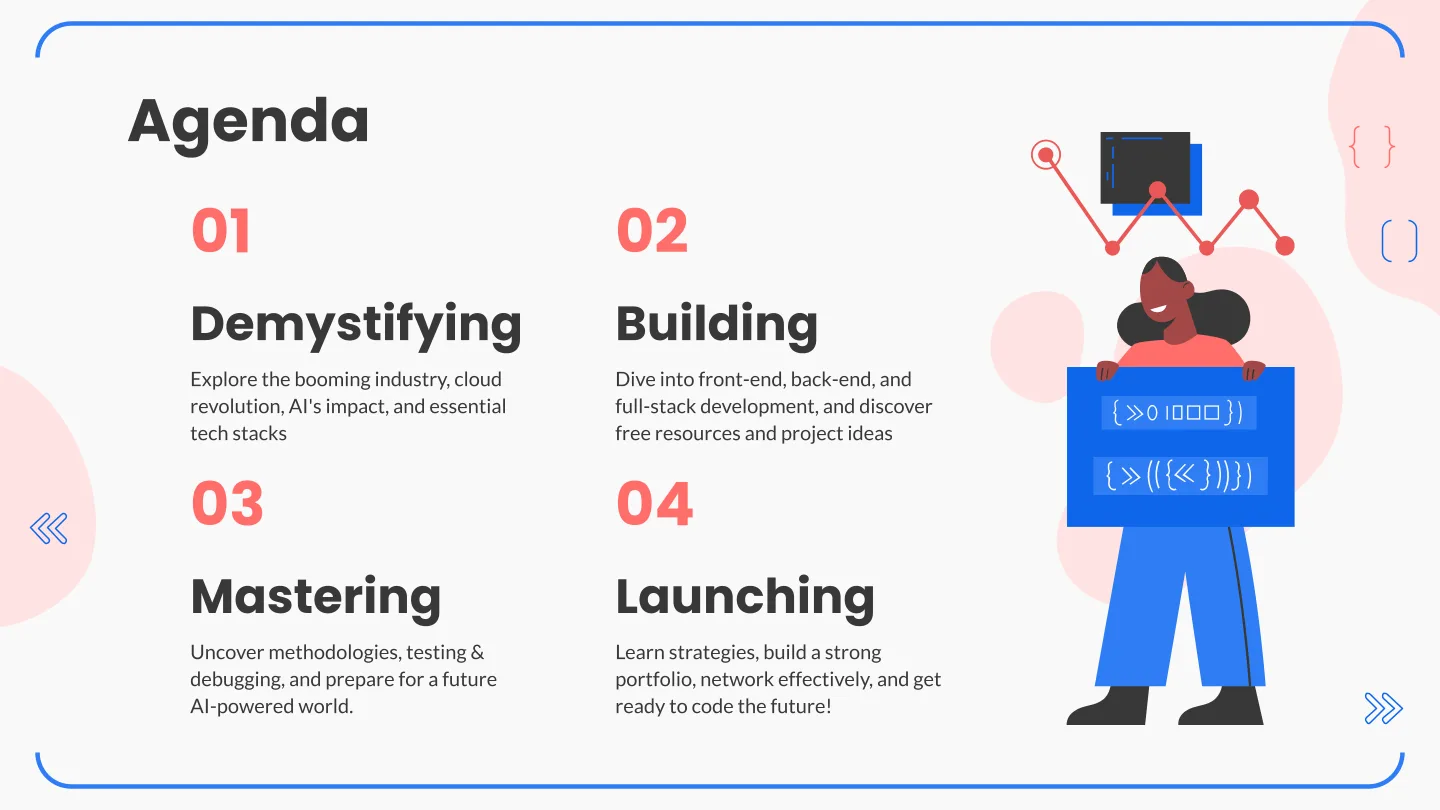
The agenda had four parts: demystifying the landscape, building skills, mastering them, and launching a career. Before any of that, I asked the first question of the evening: why do you want to be a software developer? Let me hear three answers.
I won’t repeat what people said, but I’d ask you the same thing if you’re reading this. Have an answer. It’ll matter on the bad days.
01: Demystifying the web and software landscape
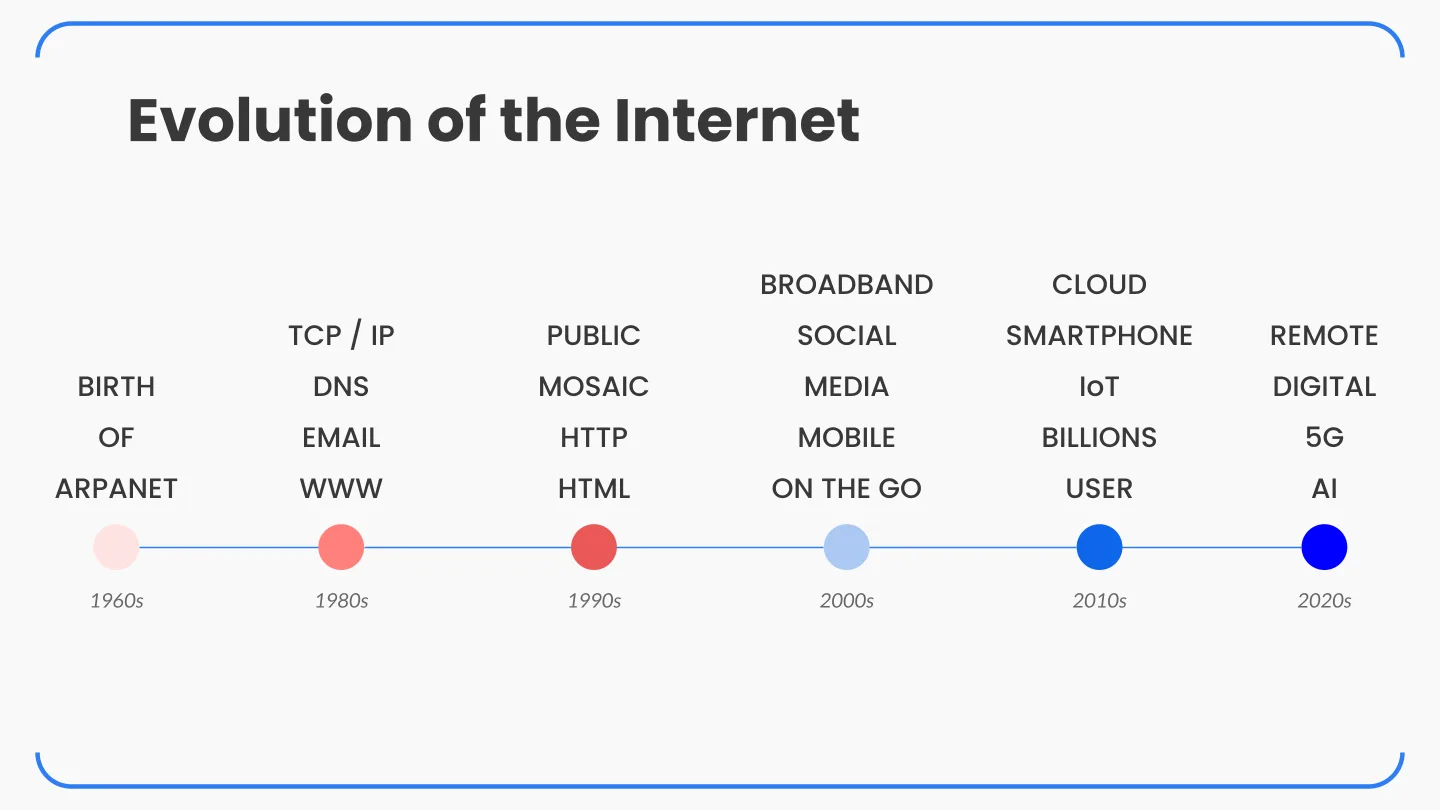
But first, the internet.
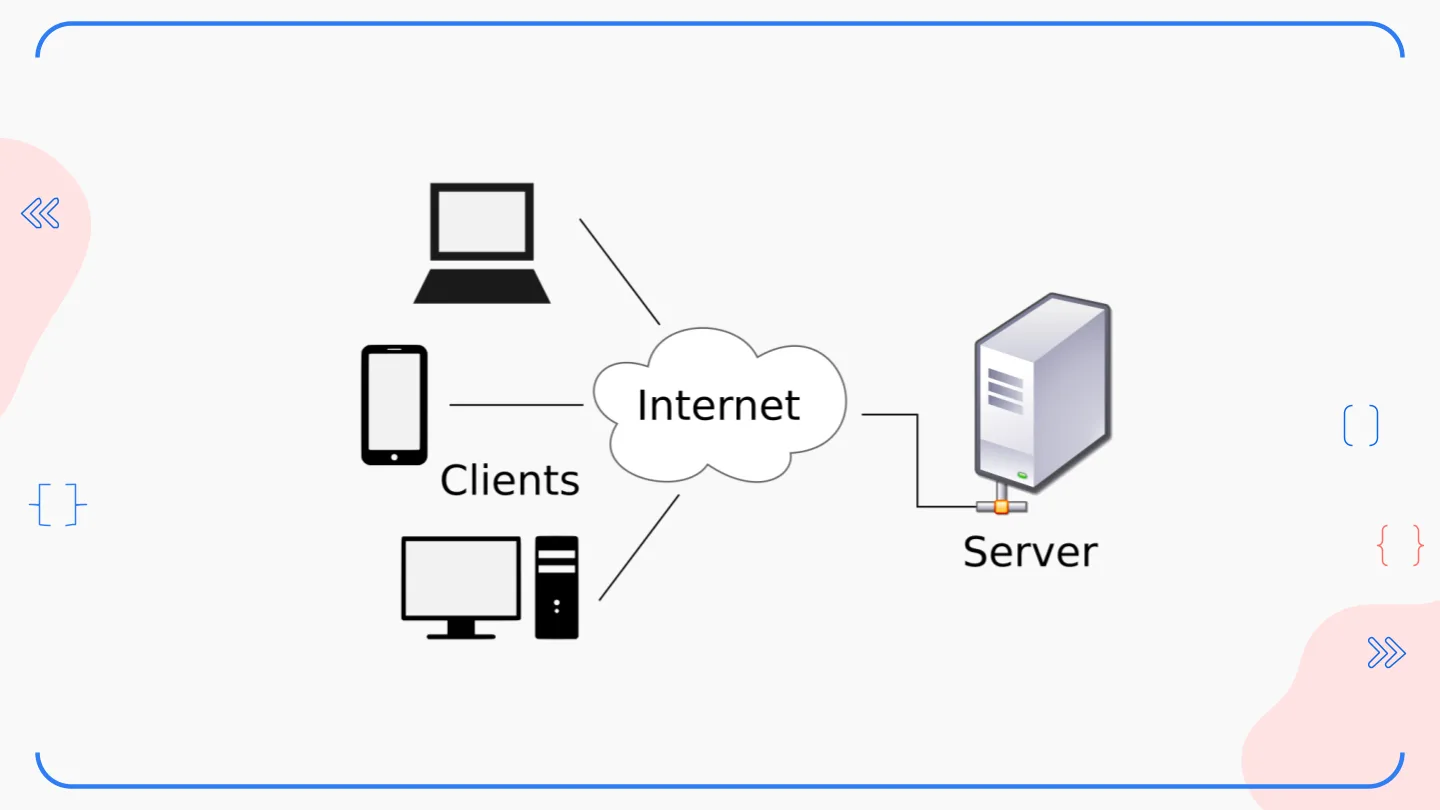
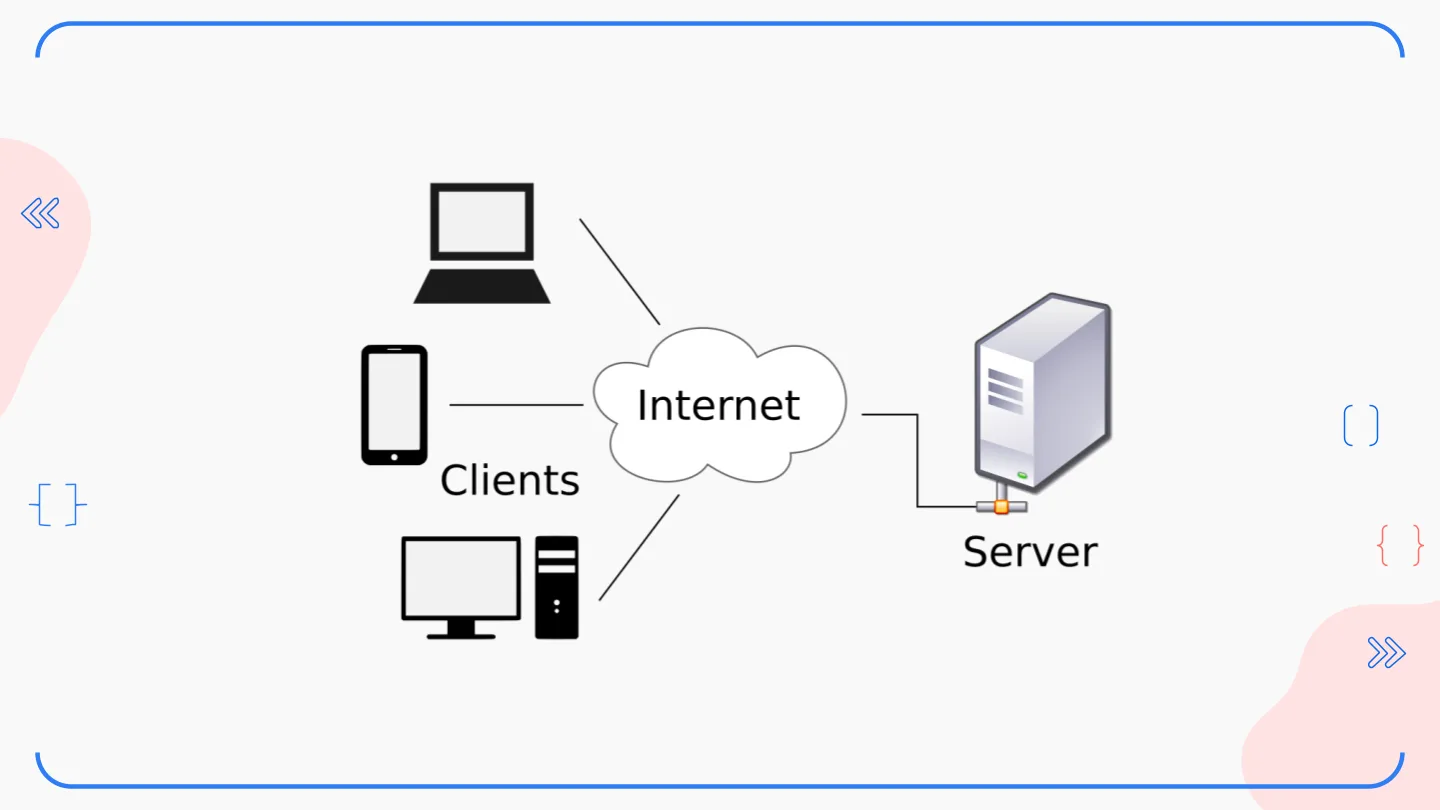
Then the slide I can bet everyone has seen: a laptop, a phone and a desktop labelled Clients, a cloud labelled Internet, and a box labelled Server. Every textbook has it. It isn’t wrong, it’s just very, very zoomed out.
Next, the cloud side of the story, from monoliths in 2000 to edge computing and LLMs today.
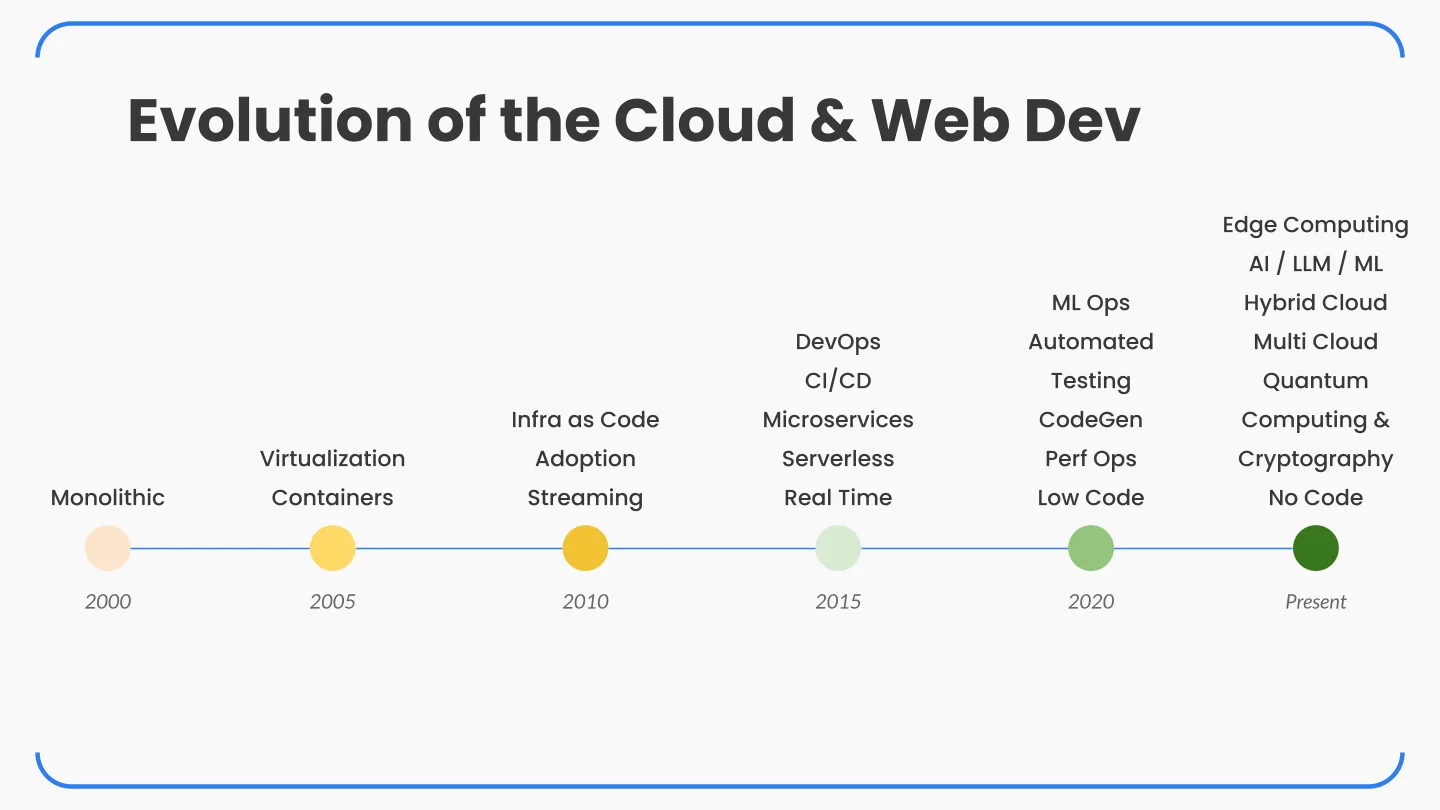
The key players and their big moments, from my notes:
- AWS launched EC2 (resizable compute) and S3 (object storage) in 2006, and Lambda, which made serverless a thing, in 2014.
- Google Cloud had App Engine in 2008, open-sourced Kubernetes in 2014 for container orchestration, and released Cloud Functions in 2016.
- Microsoft Azure debuted Virtual Machines in 2010, launched Azure Functions in 2016 and bought GitHub in 2018.
- And the smaller ones that a lot of us actually started on: Heroku, DigitalOcean and Linode.
What it really looks like in 2024
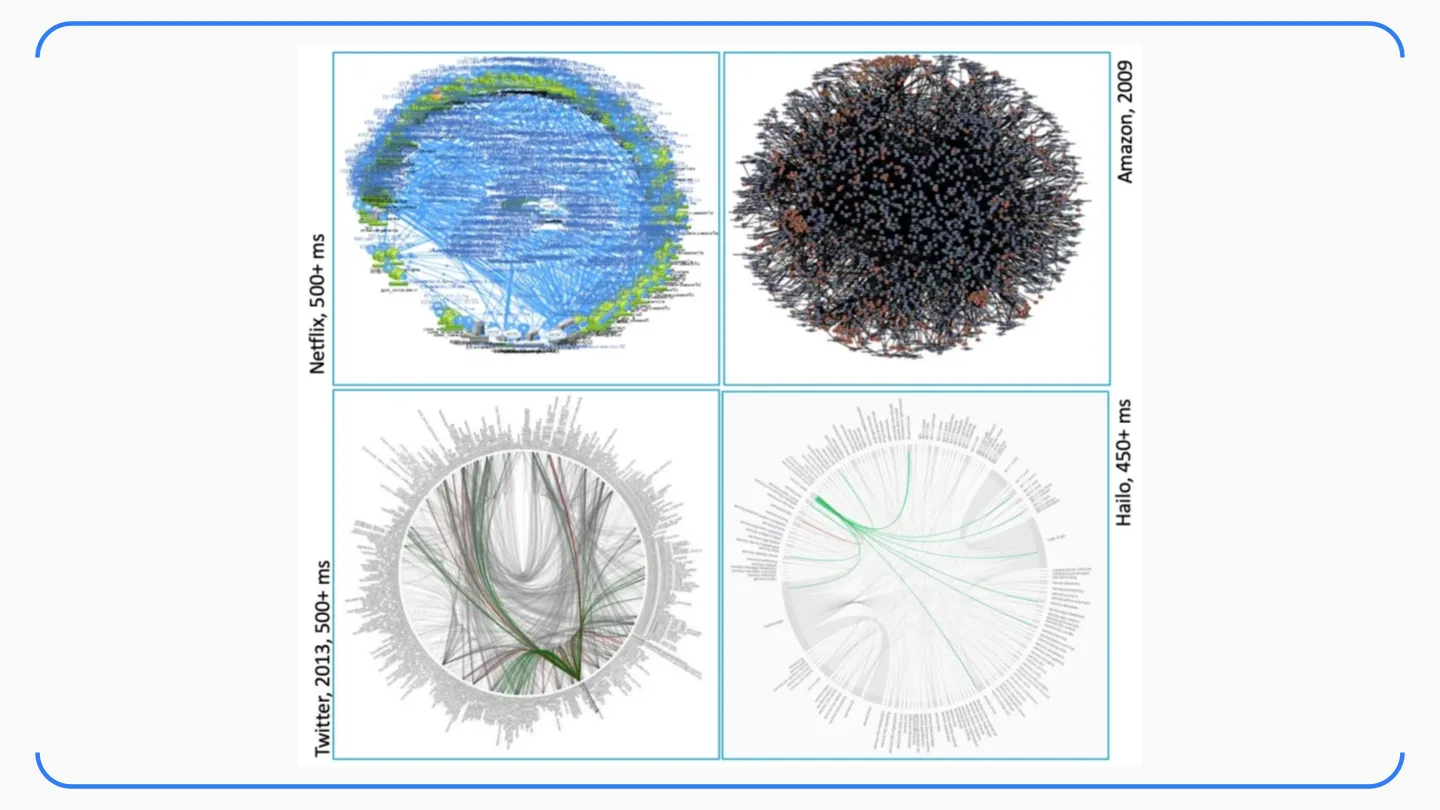
Back to that textbook diagram. Remember it? This is what the “Server” box looks like in 2024.
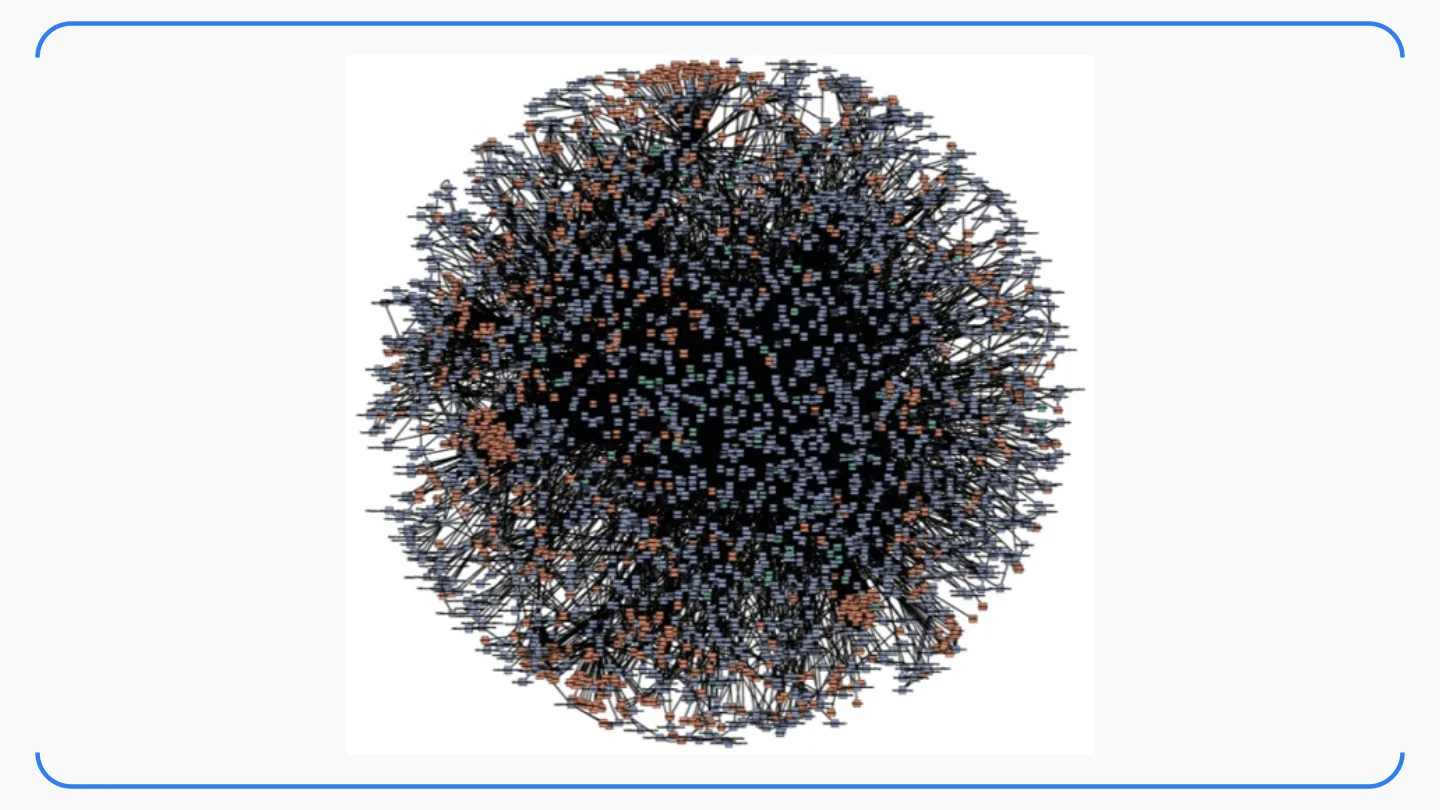
And it isn’t just one company. Netflix, Amazon (back in 2009!), Twitter in 2013 and Hailo, each with hundreds of microservices talking to each other.
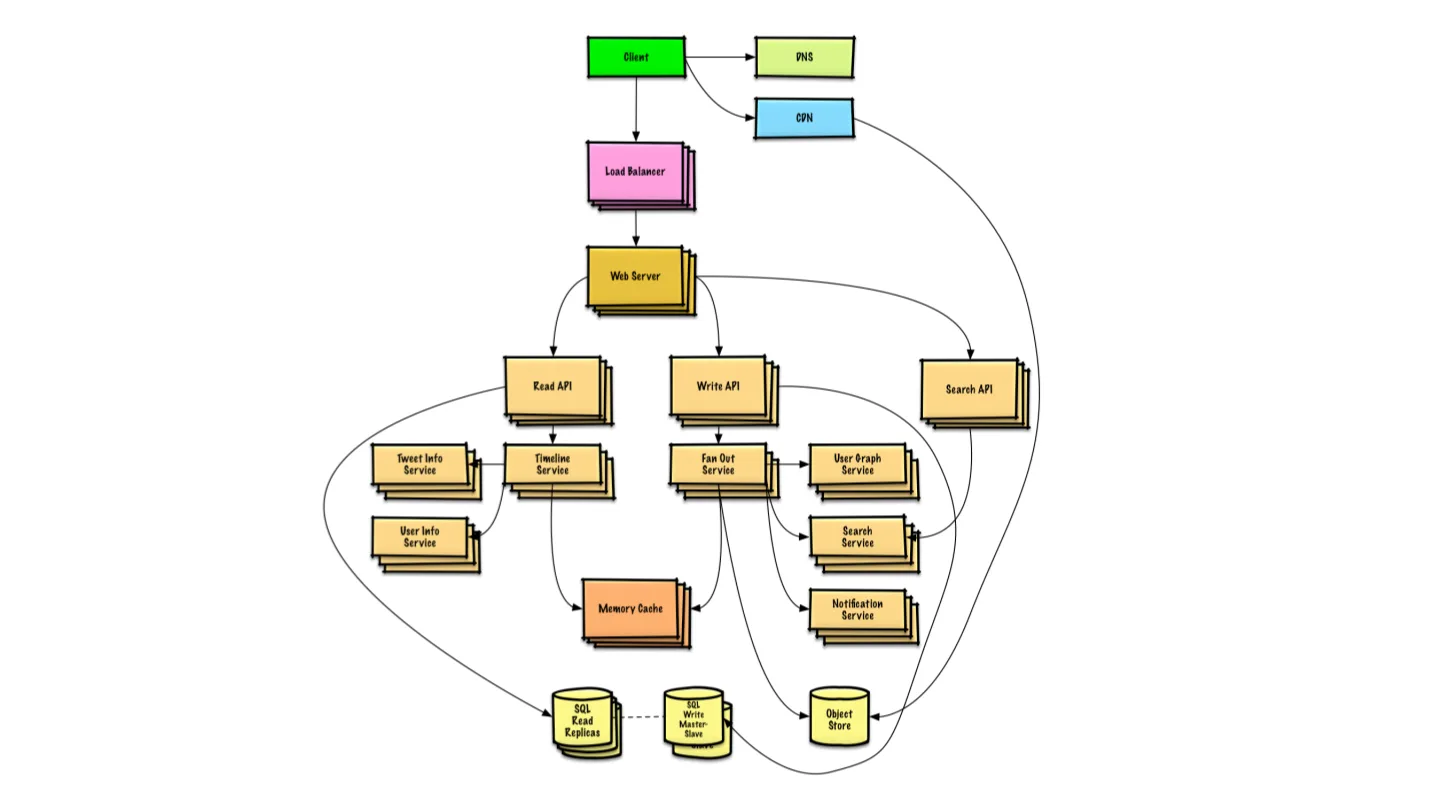
So let’s simplify it. The next slide was what we call a system design architecture, for a Twitter-like app: a client, DNS and a CDN, a load balancer, web servers, separate read, write and search APIs, services for timelines, fan-out, the user graph, search and notifications, a memory cache, and SQL with read replicas plus an object store at the bottom. Still a lot of boxes, but now every box has a reason to exist. Learning to draw this kind of picture, and to defend every arrow in it, is a big part of the job.
Simple on the horizon, complex up close
Things that look simple on the horizon can be pretty darn complex, especially in software engineering. One more cool example: how many here have used Slack?
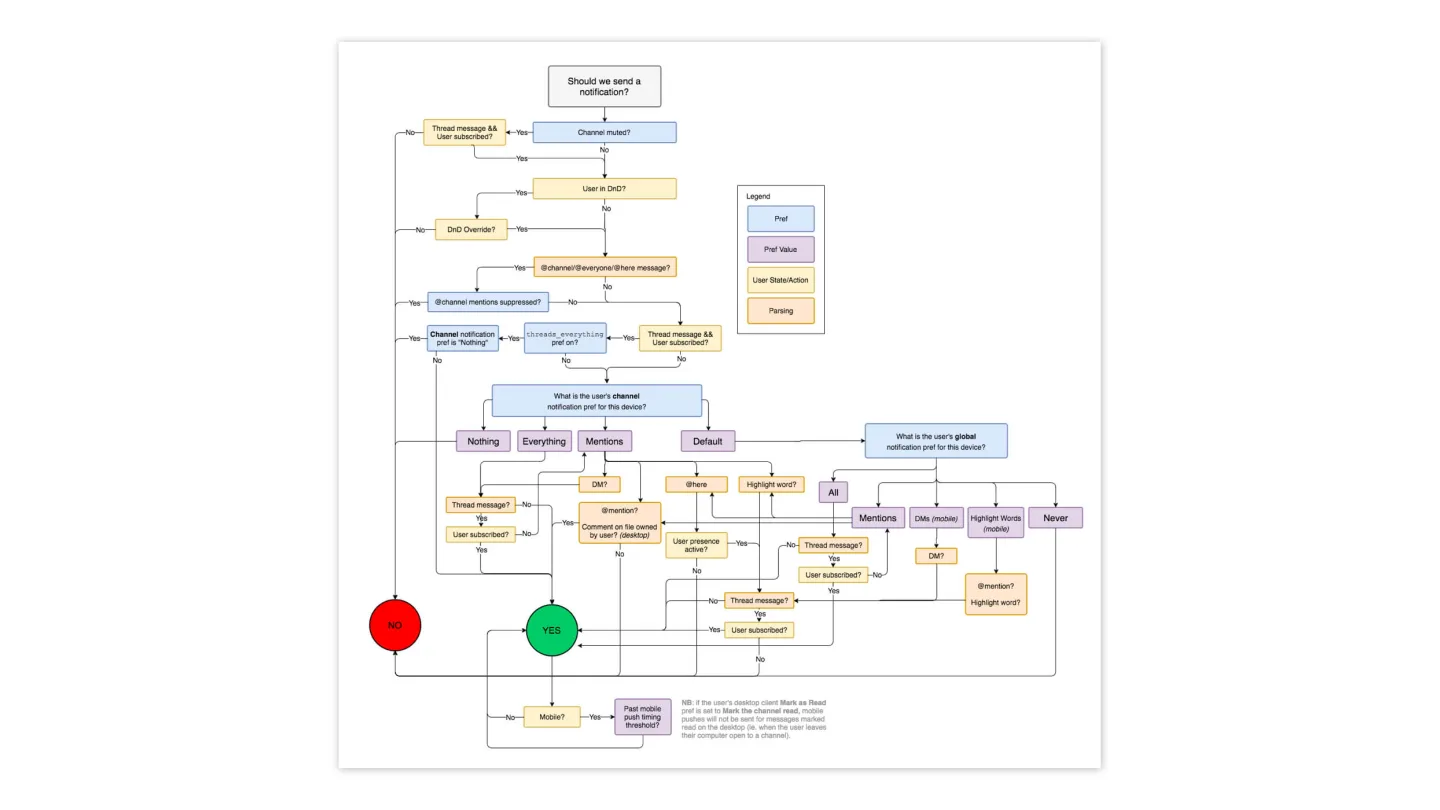
That’s one notification. One. Every “simple” feature in an app you use daily has a chart like this behind it, and somebody had to think through every branch.
02: Building skills
But how?
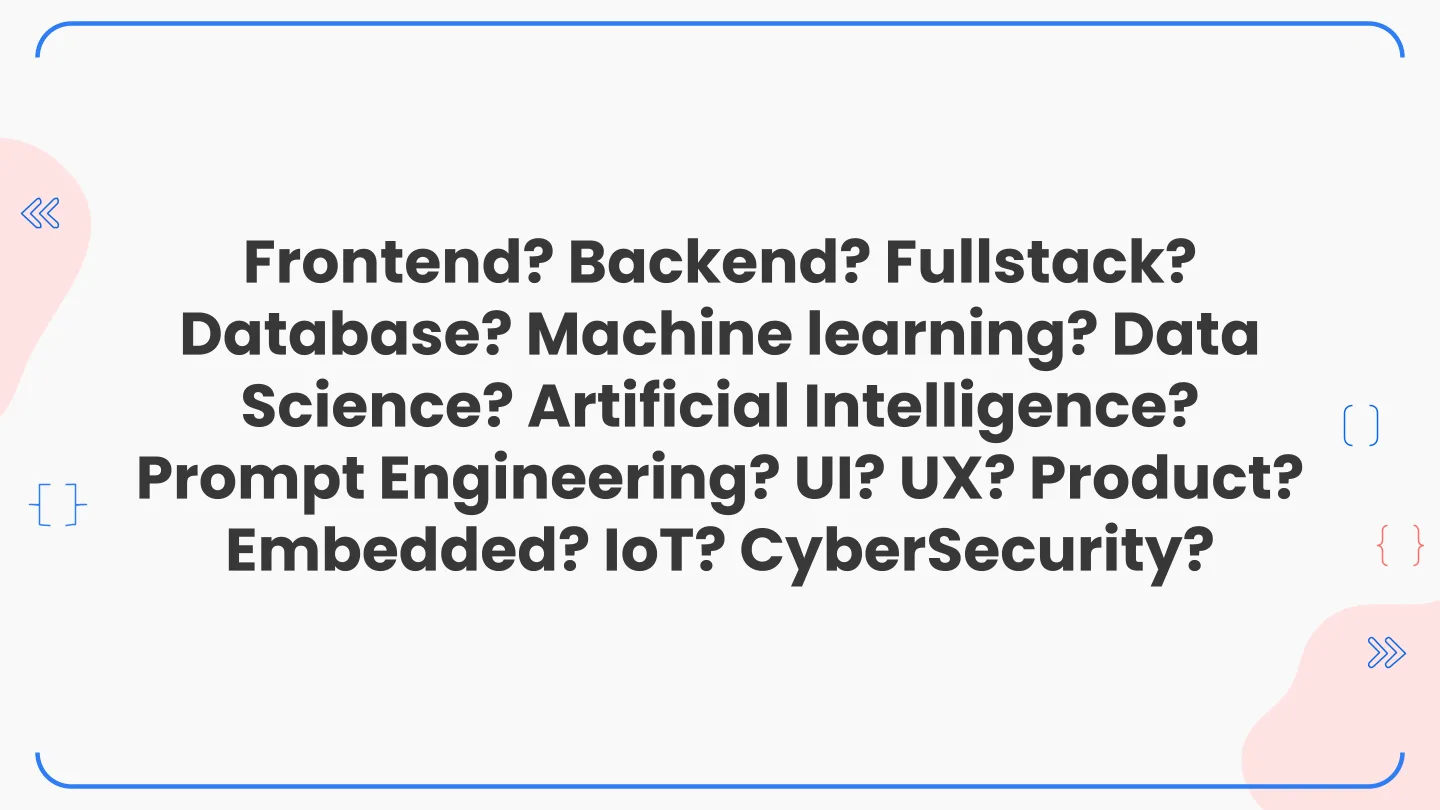
This has to be overwhelming, right? I remember being exactly here in college. Everyone around you is learning something different and every one of them sounds important. The xkcd I put up next is my favourite take on how serious programmers get about their tools.
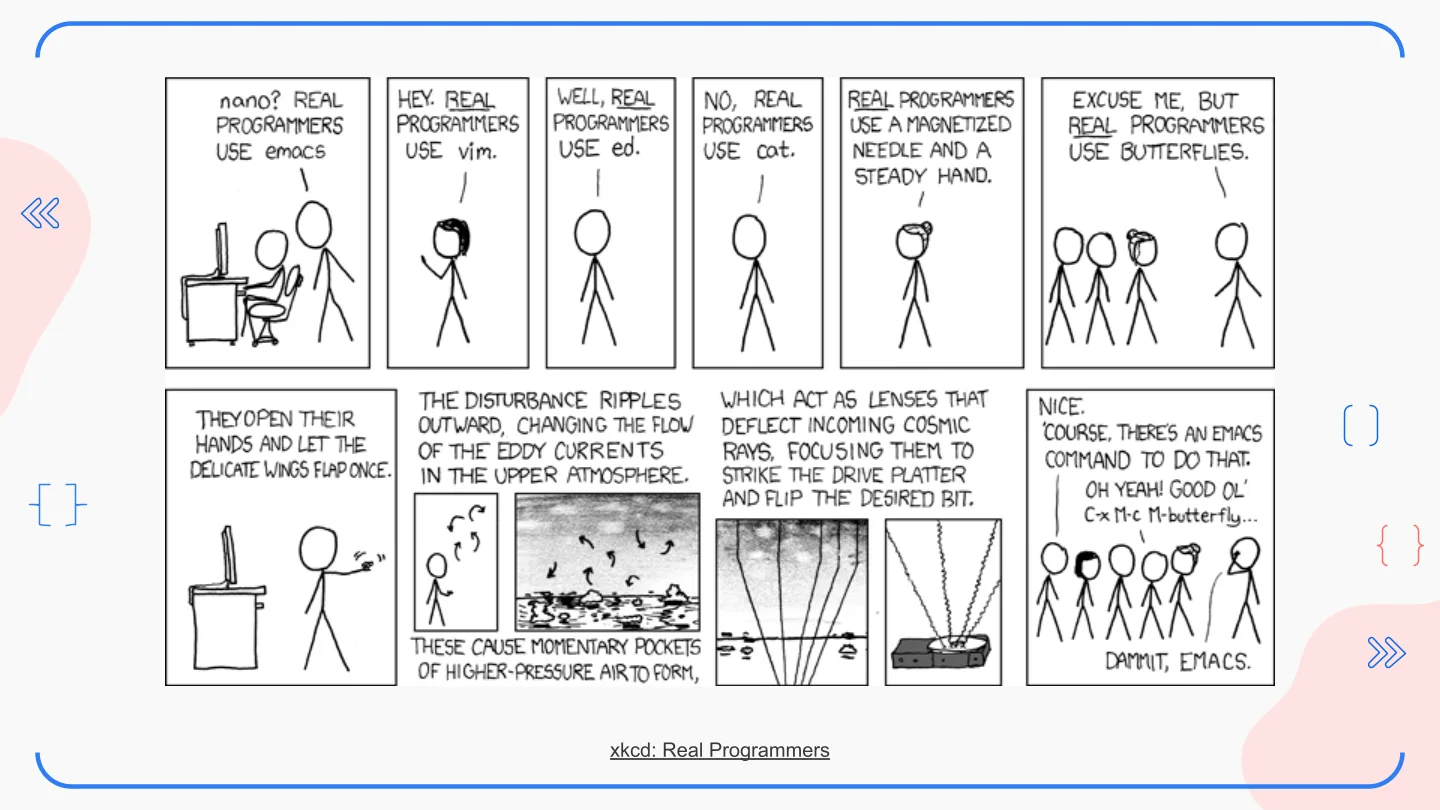
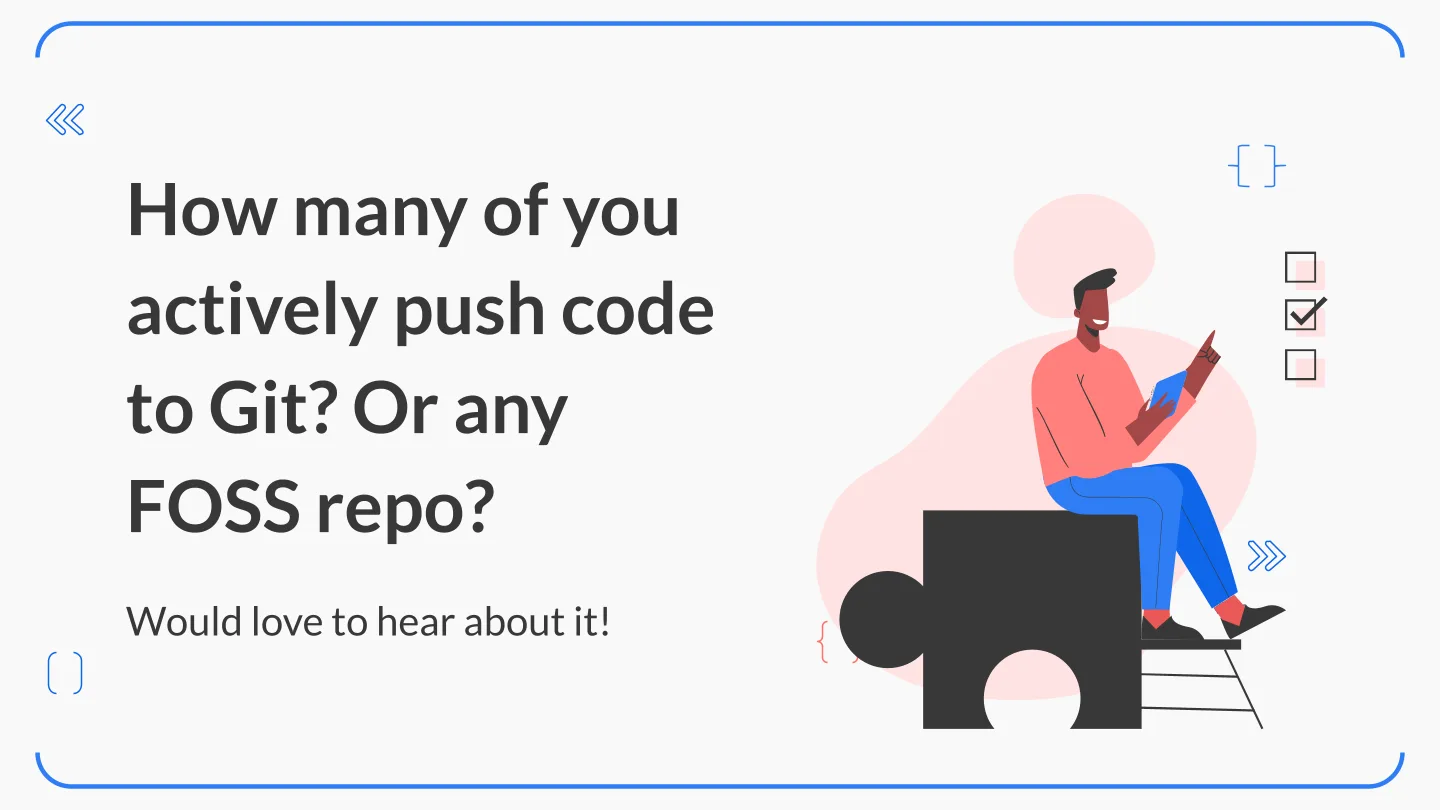
Then two questions for the room. How many of you write code outside your subjects? And how many of you actively push code to Git, or to any FOSS repo? You see where I’m leading with this, right? Most of what I know, I learnt outside class, and I wrote about those four years a long time ago.
But still, I gave them a roadmap. It’s the same advice for all three areas: pick one, go deep.
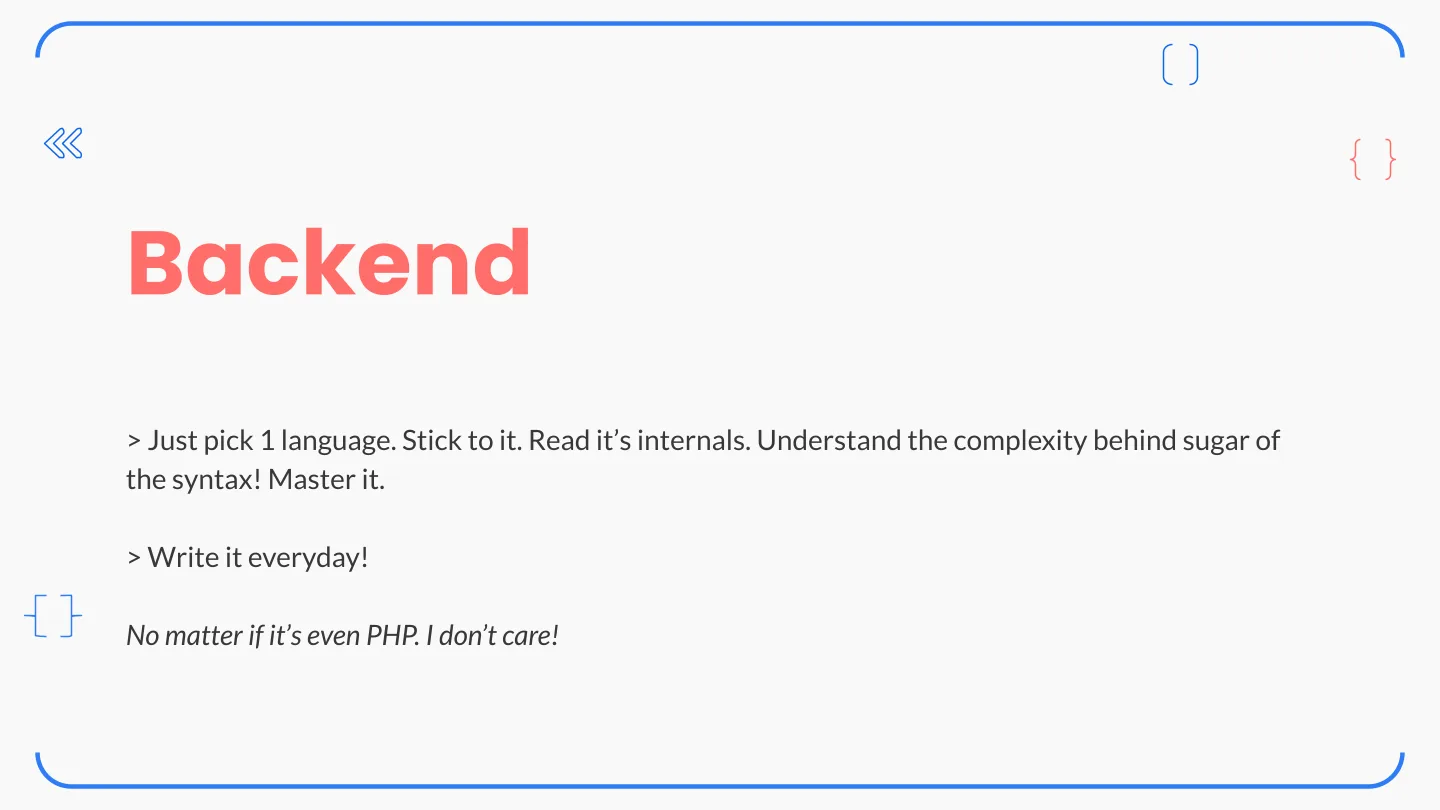
Backend. Pick one language. Stick to it. Read its internals and understand the complexity hiding behind the syntactic sugar. Write it every day. And no matter if it’s even PHP. I don’t care!
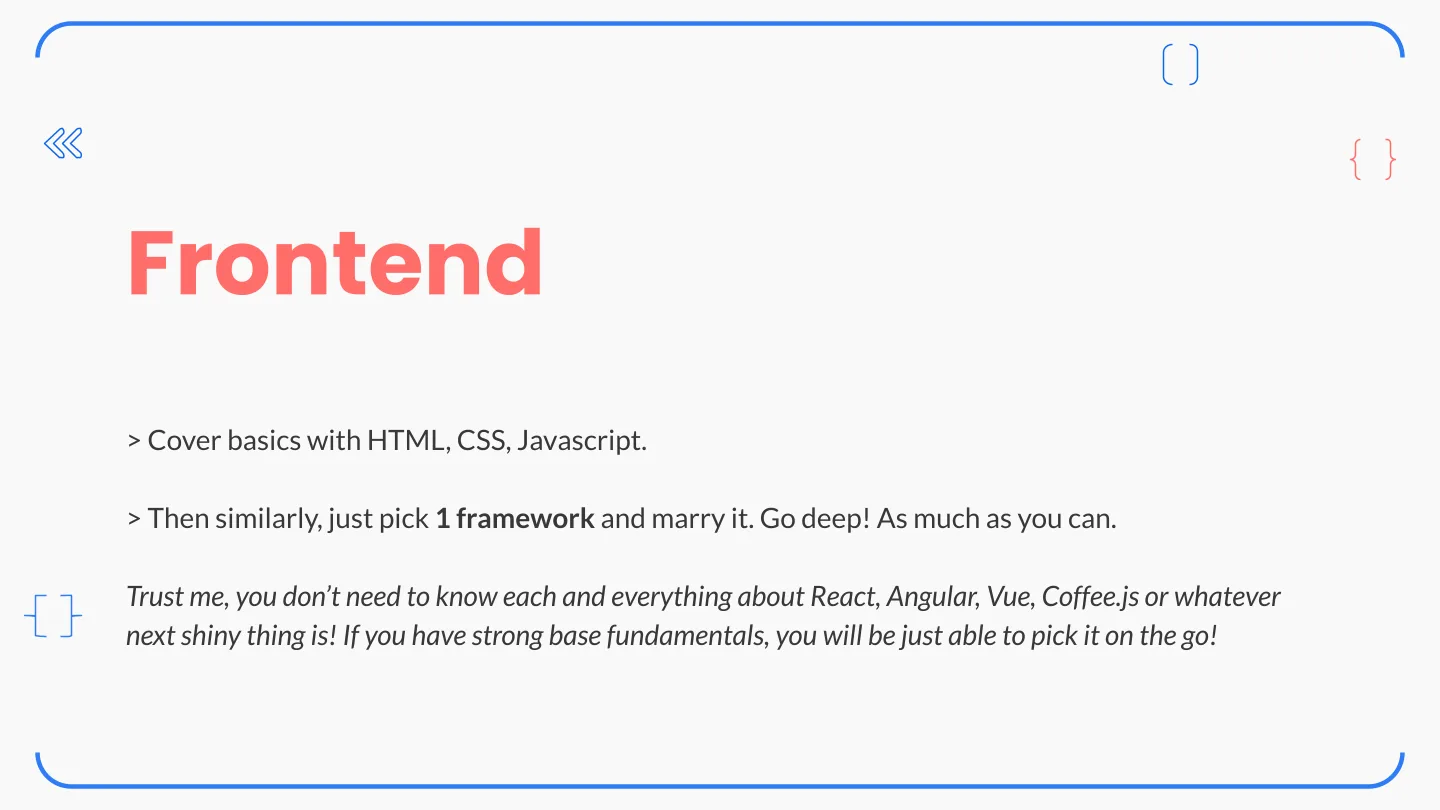
Frontend. Cover the basics: HTML, CSS, JavaScript. Then pick one framework and marry it. Trust me, you don’t need to know everything about React, Angular, Vue, Coffee.js or whatever the next shiny thing is. With strong fundamentals, you’ll pick those up on the go.
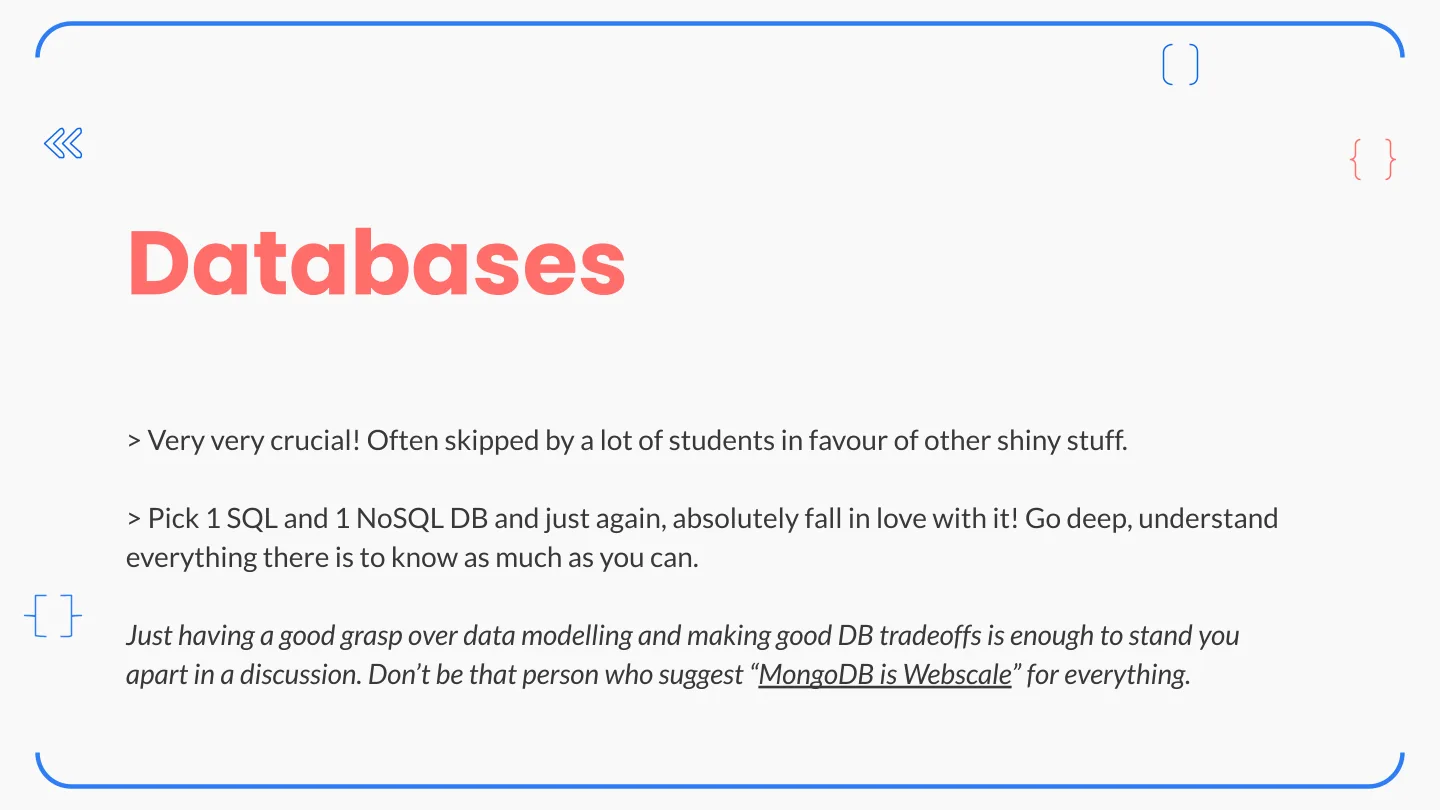
Databases. Very, very crucial, and the one students skip most often for shinier stuff. Pick one SQL and one NoSQL database and absolutely fall in love with them. Just having a good grasp of data modelling and making good database trade-offs is enough to set you apart in a discussion. Don’t be the person who says “MongoDB is web scale” for everything (if you haven’t seen that video, go find it, I’ll wait).
One product. Just one.
Now use all three and build a product. Yes, “a” product. One product. Single product. Not ten half-finished to-do apps.
But as before, put your 100% into it and think like an engineer. This is where I left the slides, opened a whiteboard and did it live, so there’s nothing in the deck for this part. If you want the written version of how I think about getting from nothing to something working, I wrote about coding the shortest path first last year, before abstractions, tooling or splitting up the work.
03: Mastering software engineering
So now you have some skills in three streams: backend, frontend and databases. It’s time to master them. I asked for three answers on how, and then gave mine.
There’s absolutely no silver bullet. You write code, it breaks, you debug it, you make it handle more, and you do it again. That’s it. That’s the whole secret.
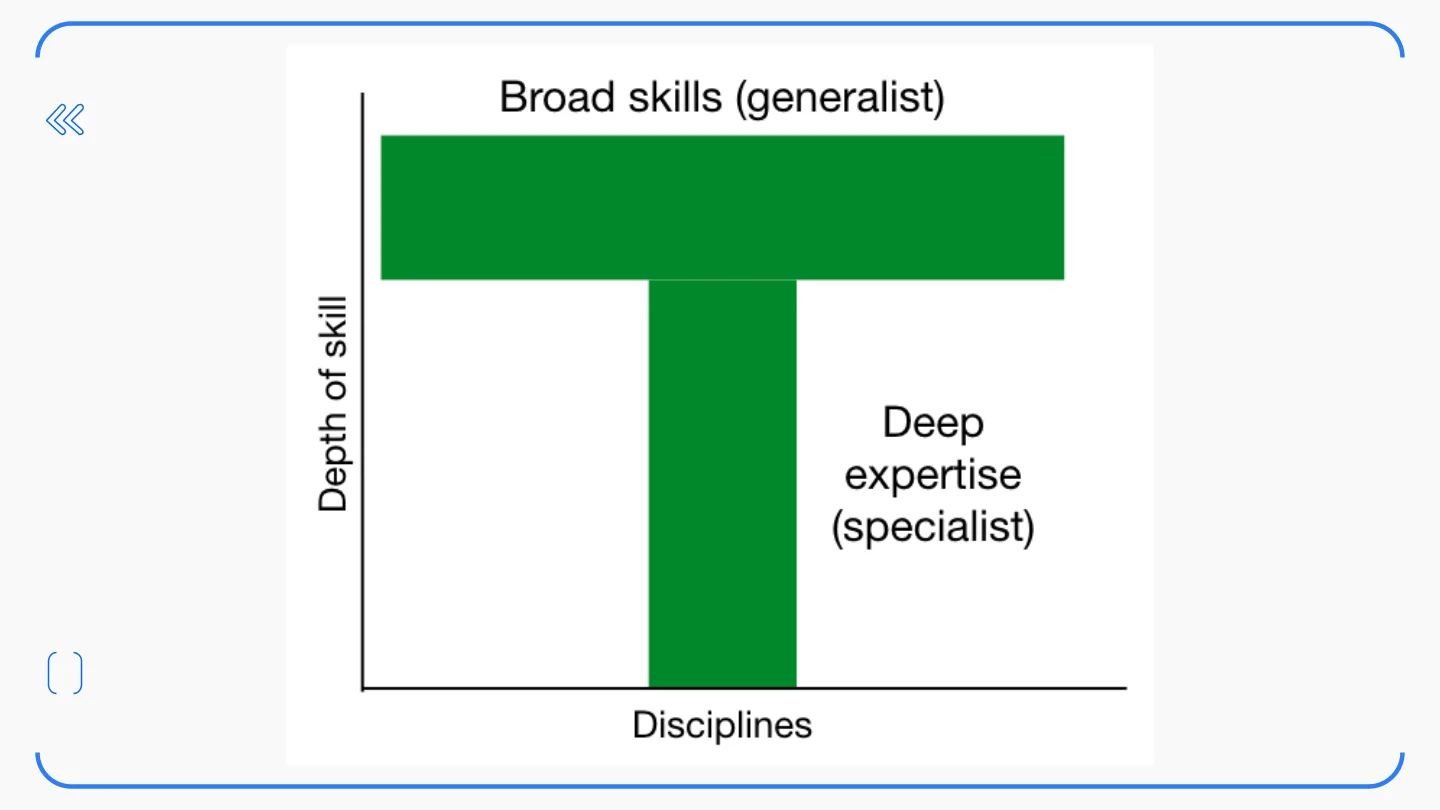
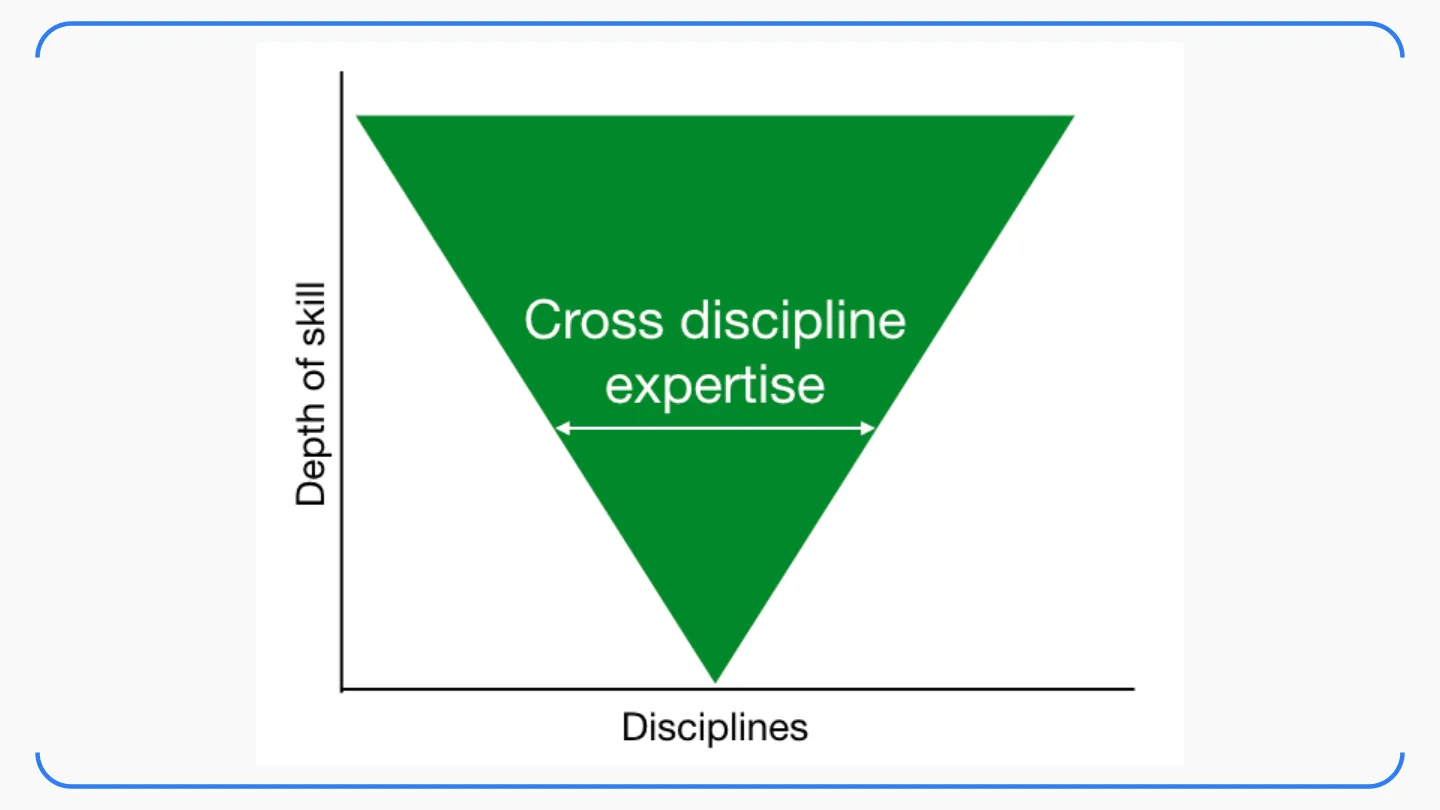
Visualising your growth
Then a few shapes for how your skills can grow. You’ve probably heard of the T-shaped engineer: broad skills across a lot of disciplines, plus deep expertise in one. The Pi-shaped engineer has two deep legs instead of one.
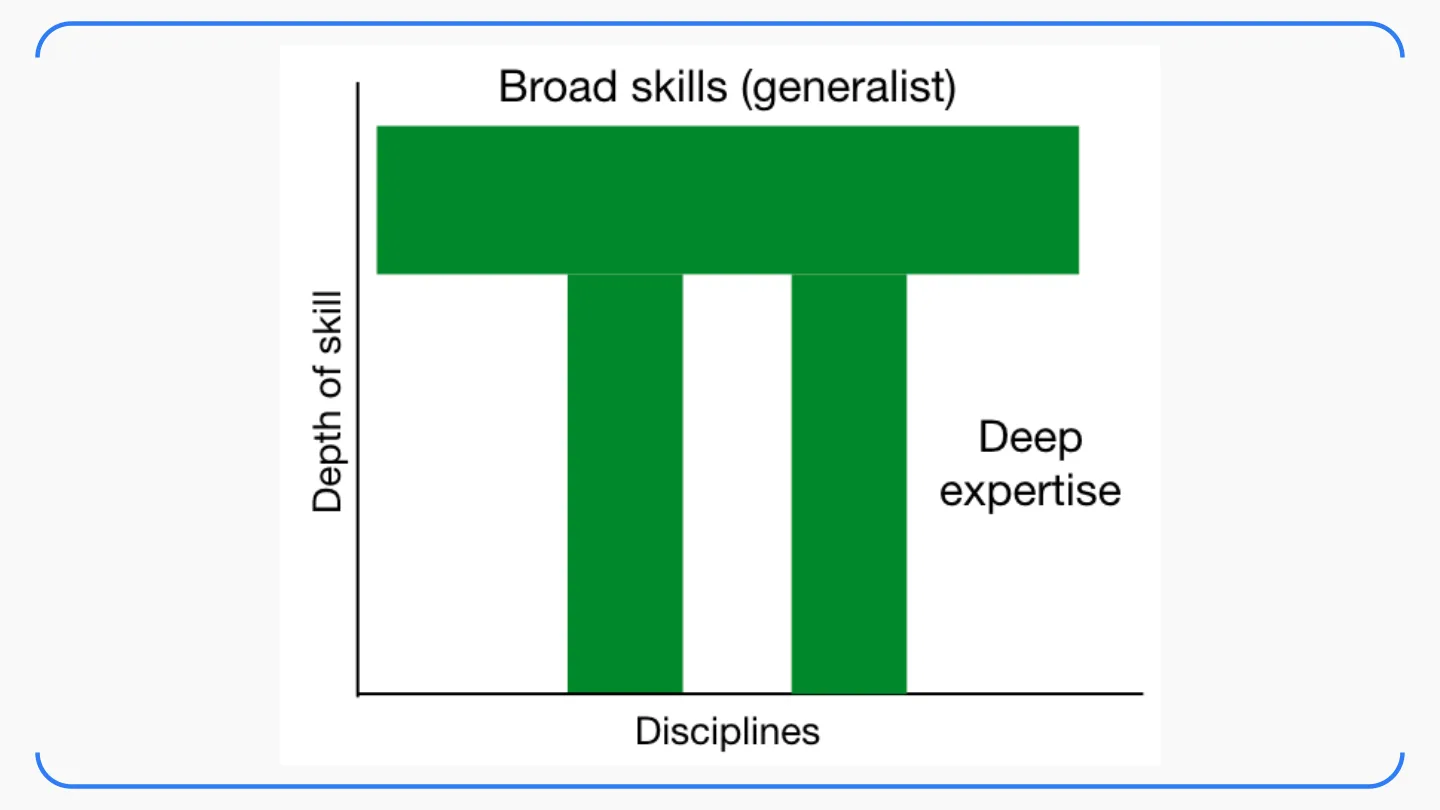
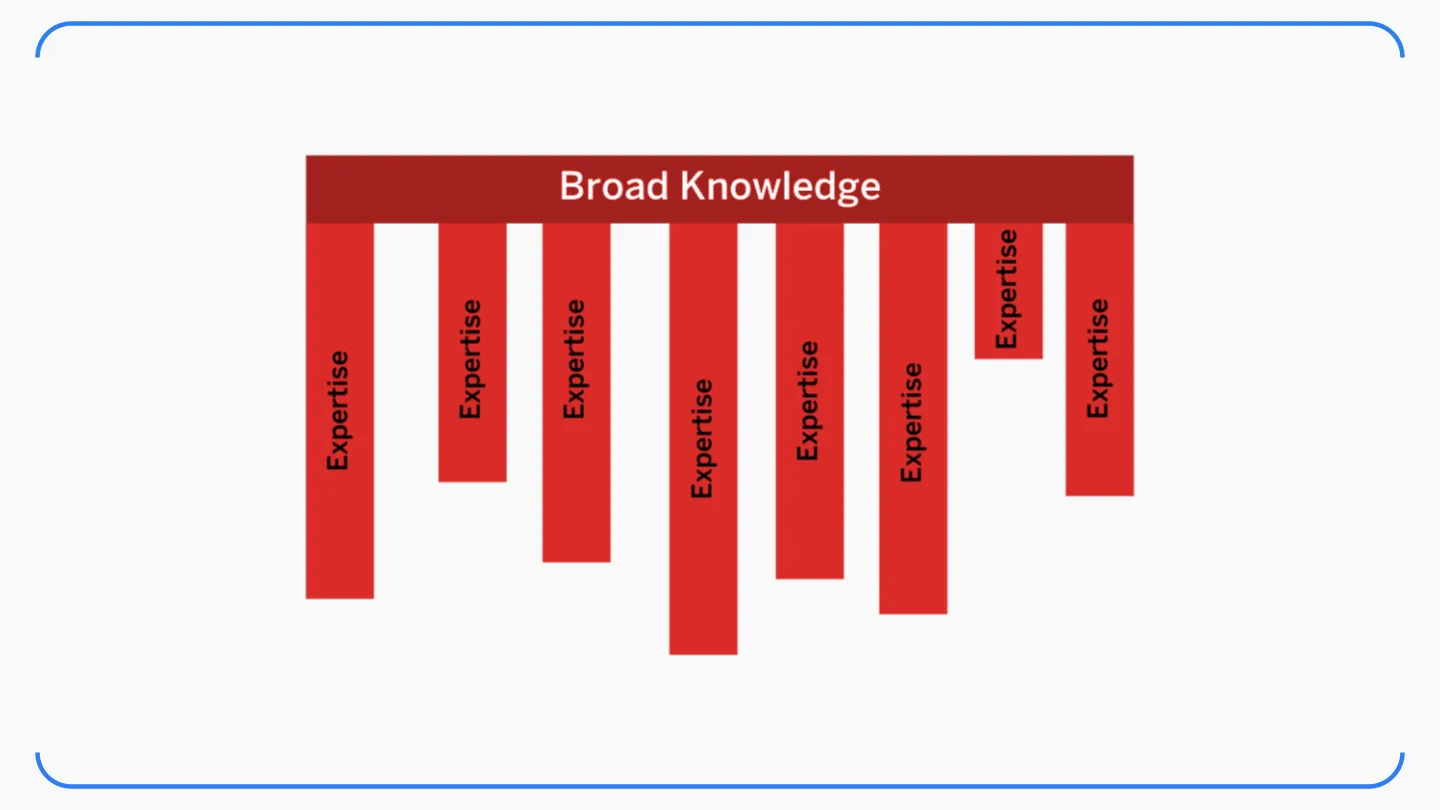
After that came the inverted triangle, the versatilist approach: grounding in all the skills, with several of them developed deep. What’s beyond Pi? A comb, with lots of legs of expertise hanging off broad knowledge? My note there says “NO!”, and the shape I like better is a star.
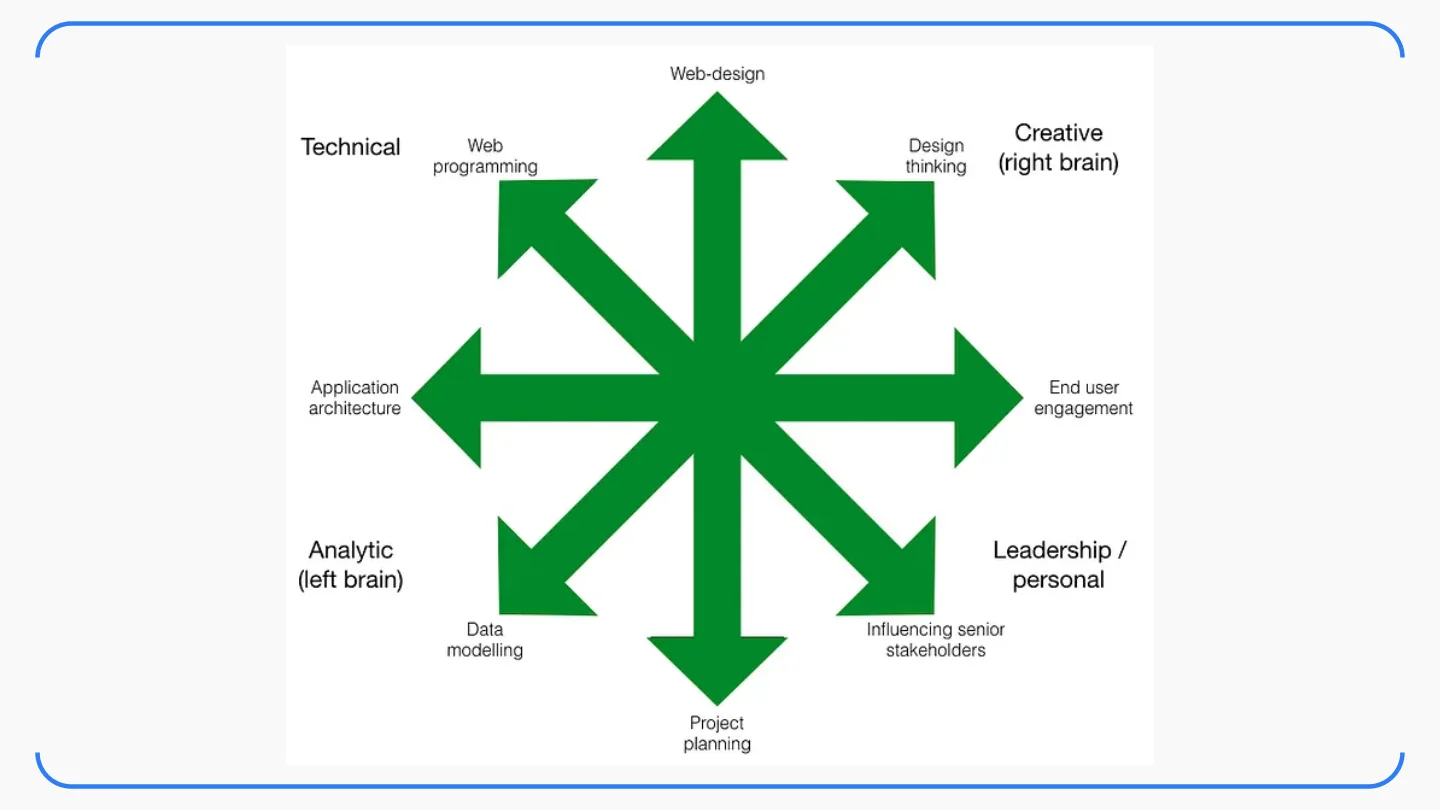
The idea is to map your skills on a polar graph instead of the usual X and Y axes. Your skills grow outward in all directions, the length of each arrow is how good you are at it, and the direction is the domain. Related skills sit in the same area, so the technical ones cluster together, the creative ones together, and so on. It’s a much more honest picture of a working engineer than a single letter of the alphabet.
04: Launching your tech career
The last section was tips. Highly biased, but they’ve worked for 100+ people I’ve guided personally over the last 10 years, so they might work for you too.
Continuous learning. Stay sharp, stay relevant. AI is the perfect example right now. I’ve paid for ChatGPT Plus for ten months, and this week I’ve been comparing it with Bing Chat and Llama 2 to see which one I actually need for day-to-day work. Whatever tools you learn in college will change before you graduate. The habit of learning is the only thing that doesn’t.
Open source. You have to do it. It will teach you so much about how software is written in the real world, with real reviewers and real users.
Network. If you do open source and meet developers in real life at meetups, this should happen automatically. Delhi has plenty of them now. Show up.
Portfolio*. Optional! A good LinkedIn is usually more than enough, and a good GitHub profile helps. Contributing to open-source projects, building personal apps and taking part in hackathons will fill both of those up for you anyway. For when the interviews start, here’s my old post on the best resource to prepare for a software engineering interview, fresher edition.
Just write code! Technology can make a genuinely positive impact on the world, and you get to be the one solving the problems. So embrace whatever you’re passionate about and start coding your future. Seriously, today.
Health is important! Last slide of tips, and not a filler one. Sleep, move, eat something that isn’t Maggi at 3 AM. You can’t write, debug and scale anything if you’re running on empty.
Questions
There was a “Questions?” slide after every section, because I wanted this to be more of a conversation than a lecture. The final one says “IFF we have time?”.
Folks, thank you for joining me for such an interactive session! 🚀 Thanks also to the NameSpace team for organising TechXcelerate 2.0 and for having me.
The slides are here on Google Slides, and in the talks section of my site. The QR code on the last slide goes to my X profile, so if you have a question we didn’t get to, that’s where to find me. My DMs are open.
Keep reading
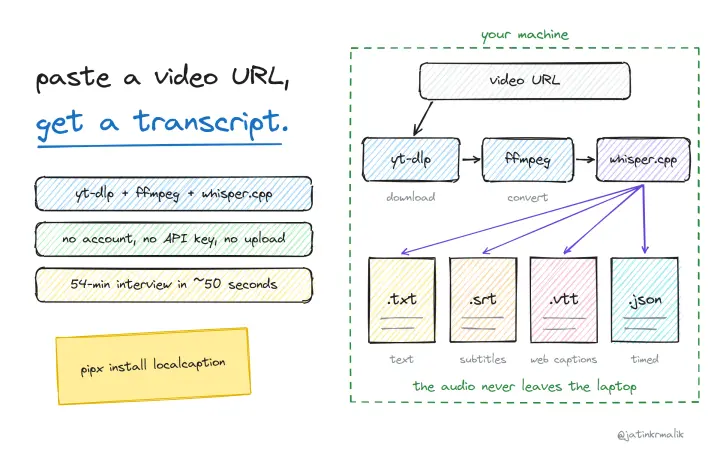
localcaption: video transcripts on your own machine, no API keys
A small CLI that glues yt-dlp, ffmpeg and whisper.cpp together. Paste a video URL and get a transcript as text, SRT, VTT and timed JSON, fully local.
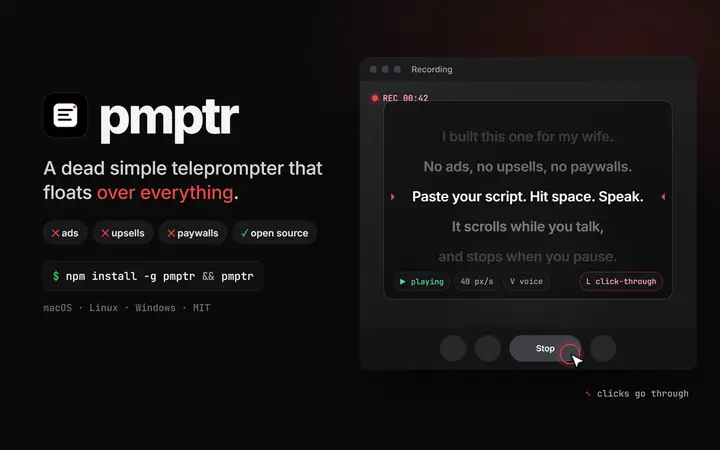
pmptr: a dead simple teleprompter, with no ads and nothing to pay for
I built pmptr for my wife: a transparent, always-on-top, click-through teleprompter for macOS, Linux and Windows. Open source, one npm install.
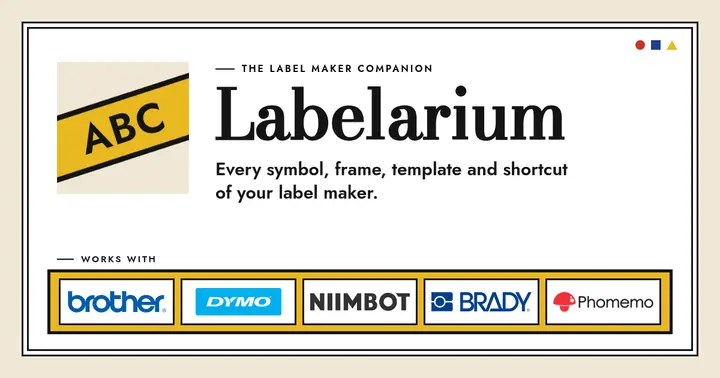
Labelarium: I kept losing one sheet of paper, so I built an app
My Brother P-touch has 649 symbols indexed on one paper sheet I kept losing. Labelarium is the offline, open-source companion app I built instead, now on Product Hunt and Peerlist.
Comments
No comments yet. Start the conversation.
Comments couldn't load right now.