A journey to mystical lands of the homelab: my Lord of the Rings homelab talk
Today I walked colleagues at Uber through my homelab, where every box has a Lord of the Rings name. Pi-hole at 48.3%, RAID 5 and idols as heatsinks.

So today I gave a talk for my colleagues at Uber called “A journey to mystical lands of the homelab!”. About 40 minutes on Zoom, from Delhi, ten days into the lockdown. The deck took me a few weeks to put together, so here’s the written version, minus most of the memes!
The short version: every machine in my lab has a Lord of the Rings name, my Pi-hole is blocking almost half of all DNS queries, one domain gets looked up about 5,000 times a day, and two small metal idols are doing a heatsink’s job.
Here are the slides, if you’d rather flip through those first:
What’s a homelab, and why bother?
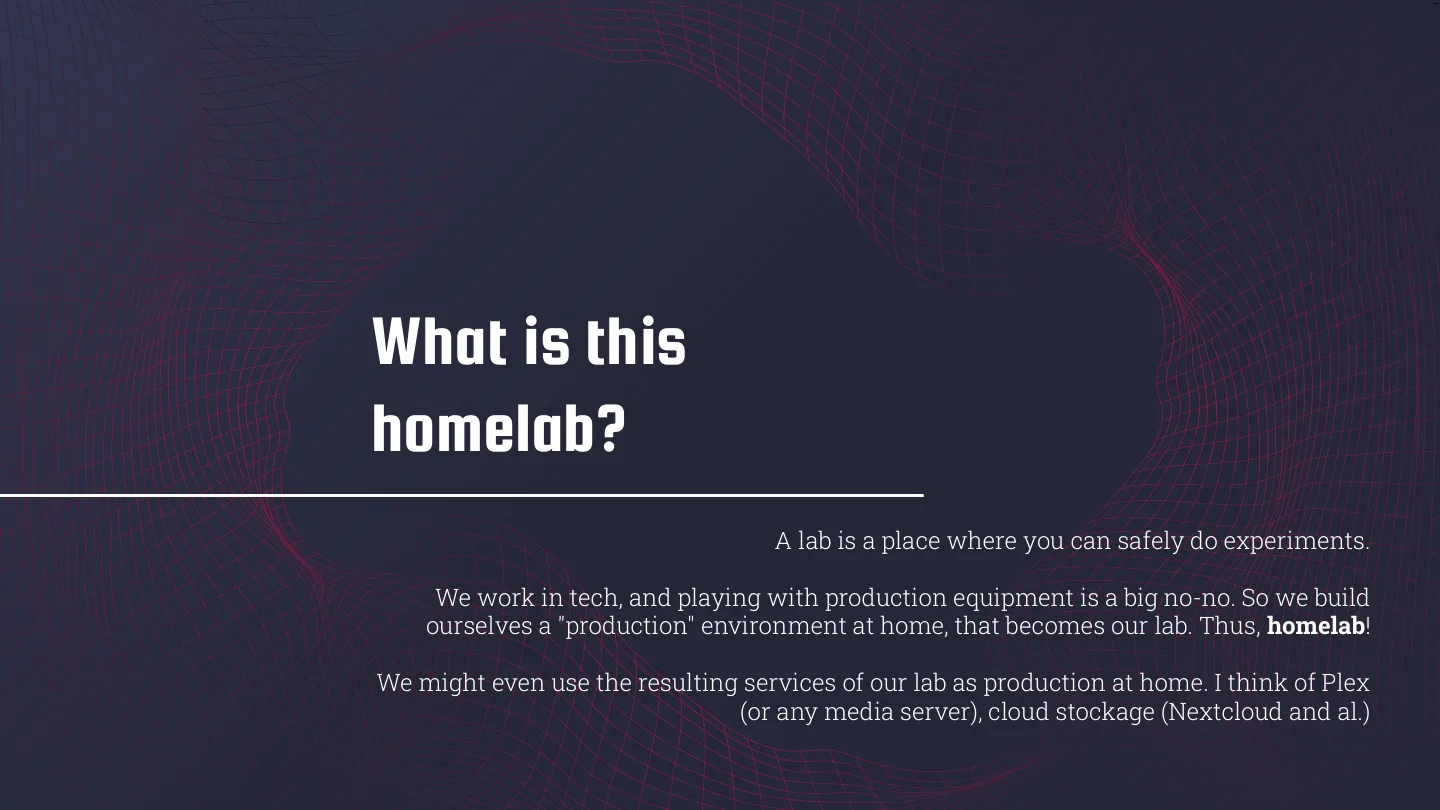
I opened with a definition, because why not. A lab is a place where you can safely run experiments. Those of us in tech can’t go playing with production at work, so we build our own little “production” at home and break that instead. Sometimes the stuff we build ends up running for real at home anyway, like a Plex server or your own cloud storage with Nextcloud.
As for why: it’s fun, and it can make life at home a lot better for you and the people you live with. The example on the slide was unlocking your front door with your face. ZoneMinder watches the cameras, OpenCV looks for known faces, and a script tells openHAB to open the lock. Then you get to learn why that’s a bad idea, since a photo of your face beats it. (I’ve done the OpenCV half of that on a Pi 3 at Shuttl in 2017.) And compared to most hobbies, it doesn’t cost much to get started.
Then a quote from a Reddit user, /u/wosmo: a lot of us got into tech because we actually enjoy it, so the line between work and hobby gets blurry, “and scary things happen in blurry places.” Pretty much the definition of a homelab, if you ask me!
Story time: the doorbell
My own scary blurry-place moment was in 2014, fresh out of college. My parents were away at a wedding one night, and I took a hollow drill bit to our front door. The plan was to wire up the doorbell so that every ring would click a photo and send a notification to my phone.
They got back at midnight to find a hole in their front door. Clearly my parents were not amused :(
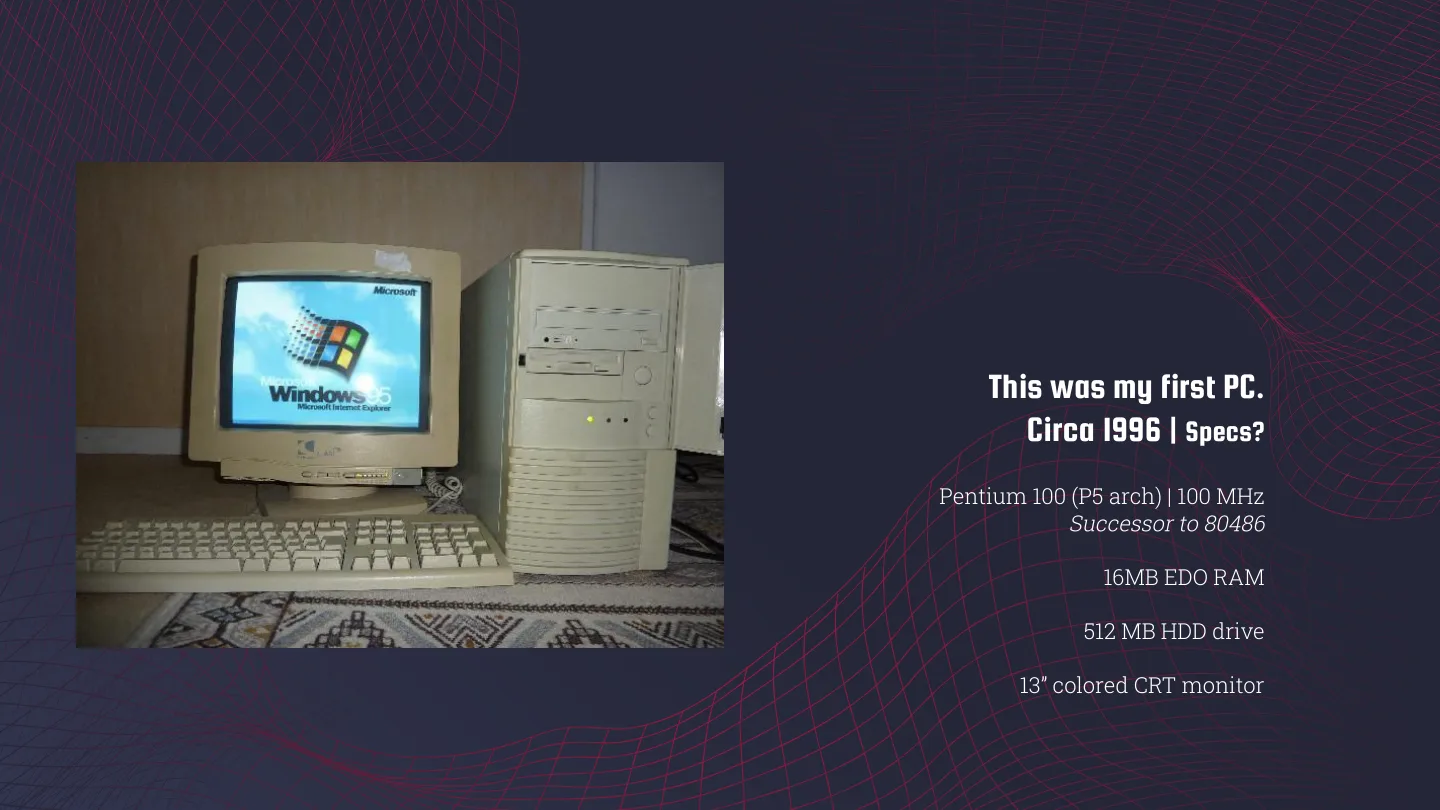
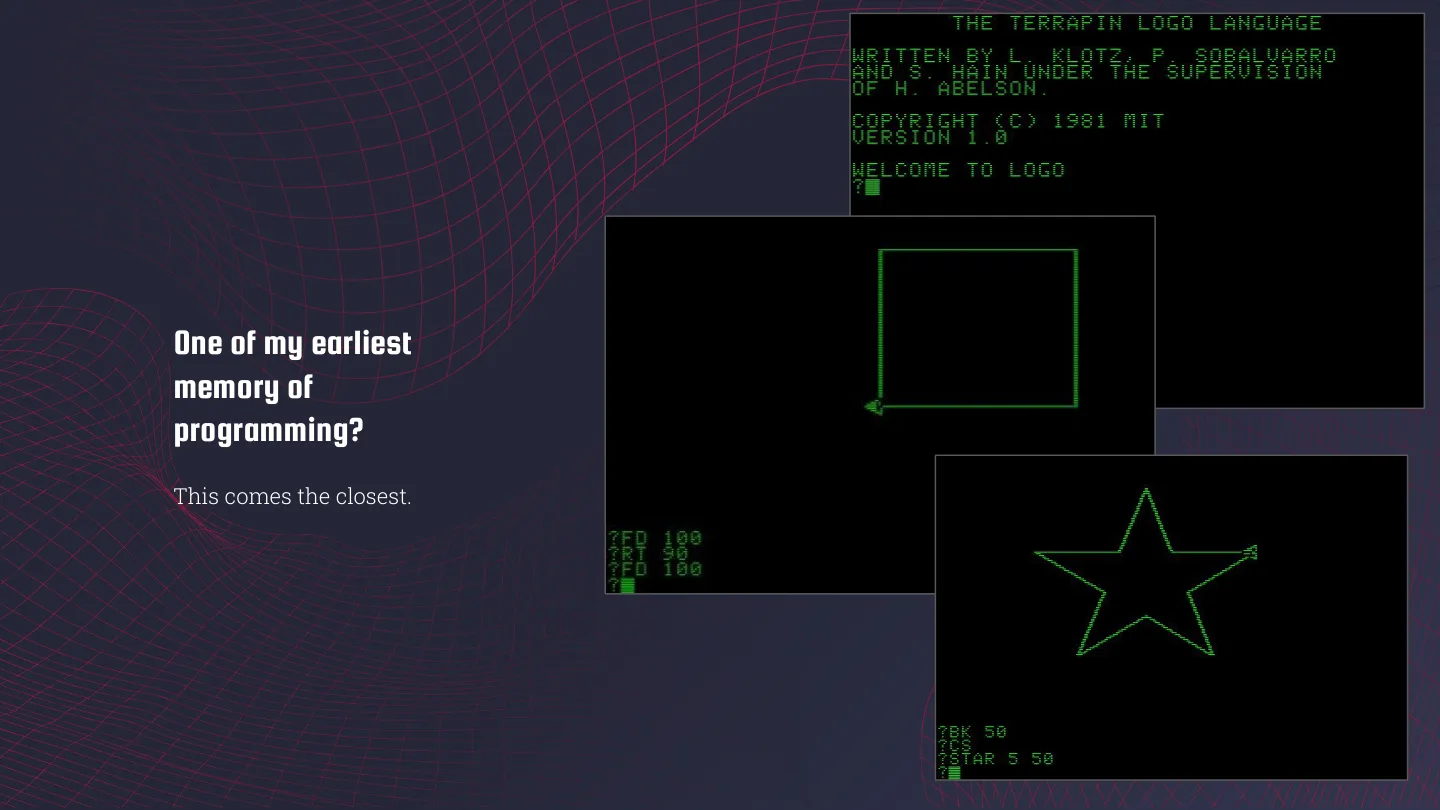
After that came a slide with our family PC from around 1996, a Pentium 100 with 16 MB of EDO RAM, a 512 MB hard drive, a 13” colour CRT and Windows 95. The first PC that was actually mine came later, a Pentium 4 with 128 MB of RAM. And the closest thing I have to an earliest memory of programming is Terrapin Logo, the turtle that draws squares and stars on the screen.
The tour, or one ring to rule them all
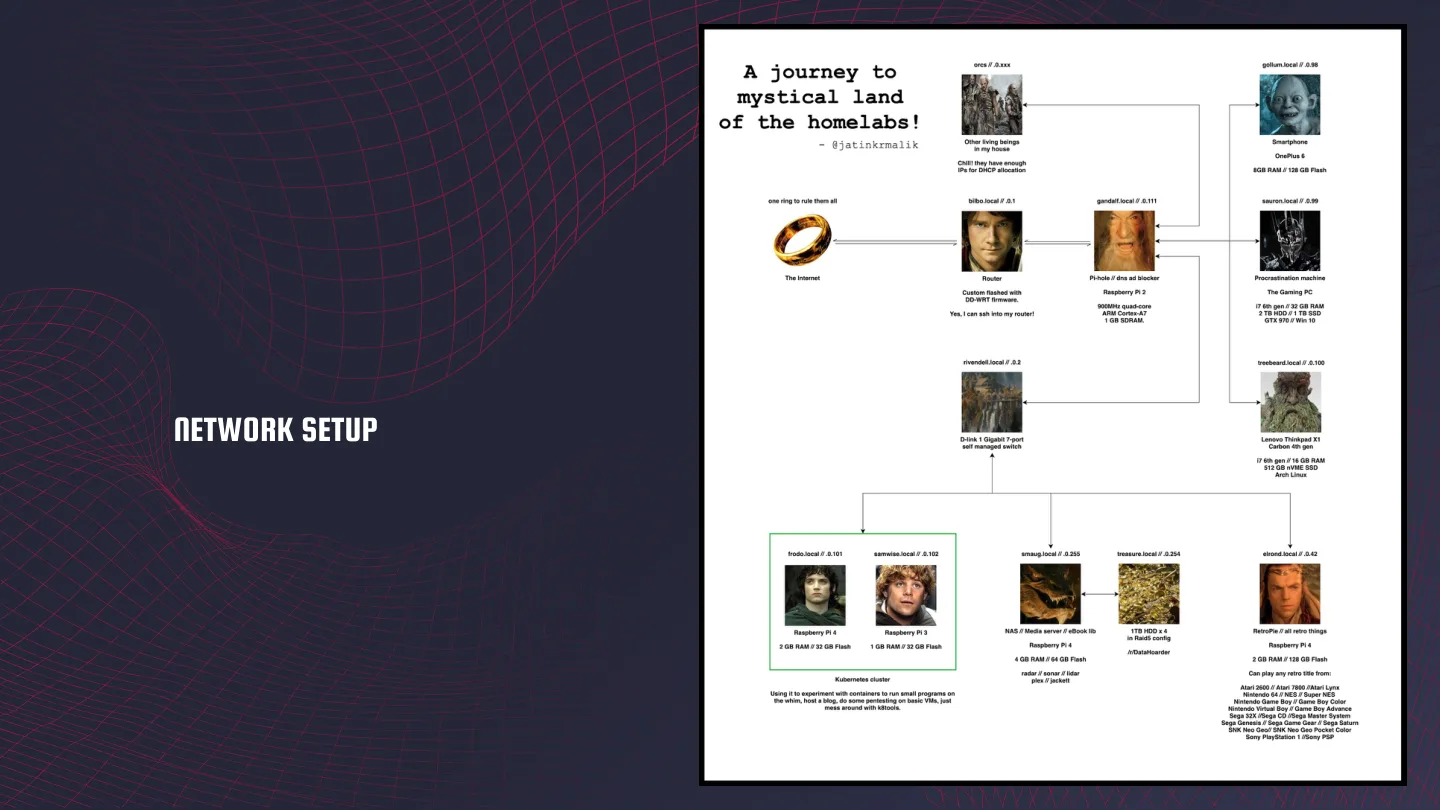
Disclaimer first: I’m a HUGE Tolkien nerd, and you’ll miss a lot of context if you haven’t seen the movies. The whole lab is one big draw.io diagram titled “A journey to mystical land of the homelabs!”. The Internet sits at the top as the One Ring (“one ring to rule them all”), and everything under it gets a name from Middle-earth:
| Hostname | What it is |
|---|---|
| bilbo | The router, flashed with DD-WRT |
| gandalf | Pi-hole on a Raspberry Pi 2 |
| rivendell | A D-Link 7-port gigabit switch |
| gollum | My phone, a OnePlus 6 (8 GB / 128 GB) |
| sauron | The gaming PC |
| treebeard | ThinkPad X1 Carbon 4th gen, running Arch |
| frodo + samwise | A Kubernetes cluster on a Pi 4 and a Pi 3 |
| smaug | Plex, the *arr apps and an eBook library on a Pi 4 |
| treasure | 4x 1 TB drives in RAID 5 |
| elrond | RetroPie on a Pi 4 |
| orcs | “Other living beings in my house. Chill! they have enough IPs for DHCP allocation” |
I’ll let you work out why the phone gets to be gollum. Smaug sits right next to treasure on the map, because of course the dragon guards the hoard. In the version I presented it was spelt “tressure” lol.
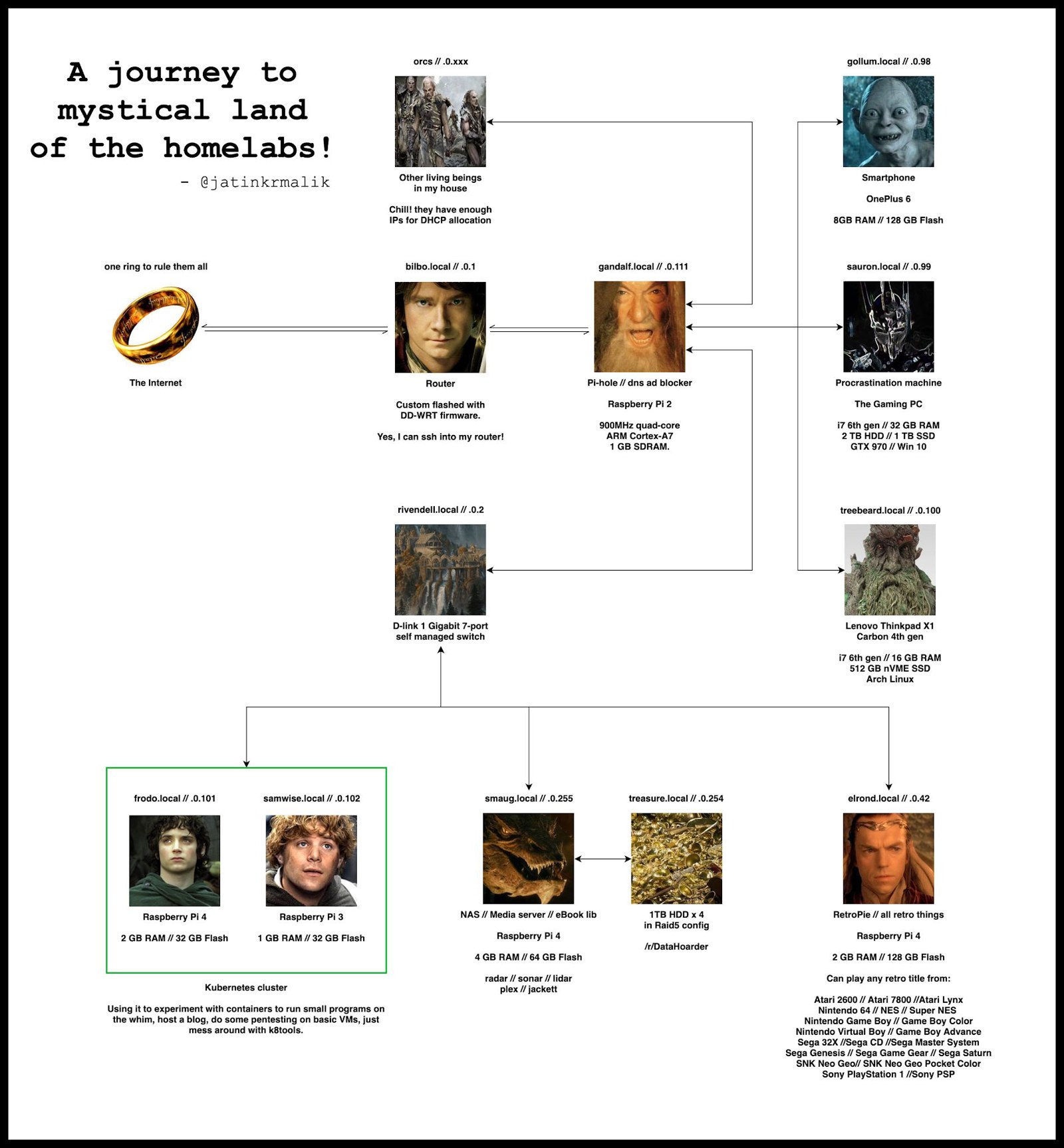 The map from the talk, with a still from the movies on every box.
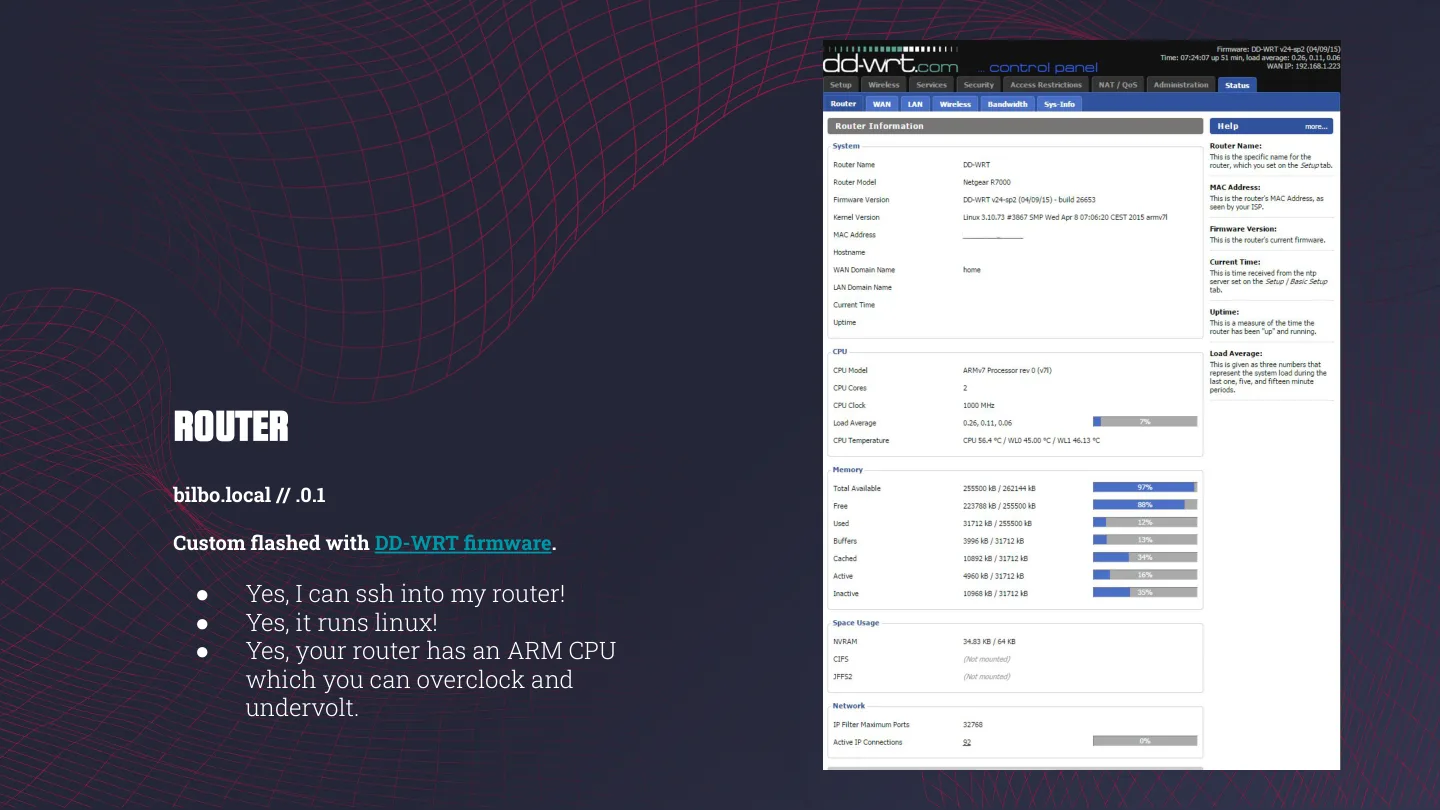
bilbo: yes, I can SSH into my router
The router runs DD-WRT, a custom Linux firmware. My slide was basically me showing off: “Yes, I can ssh into my router! Yes, it runs linux! Yes, your router has an ARM CPU which you can overclock and undervolt.”
But why run custom firmware on a router? Glad you asked:
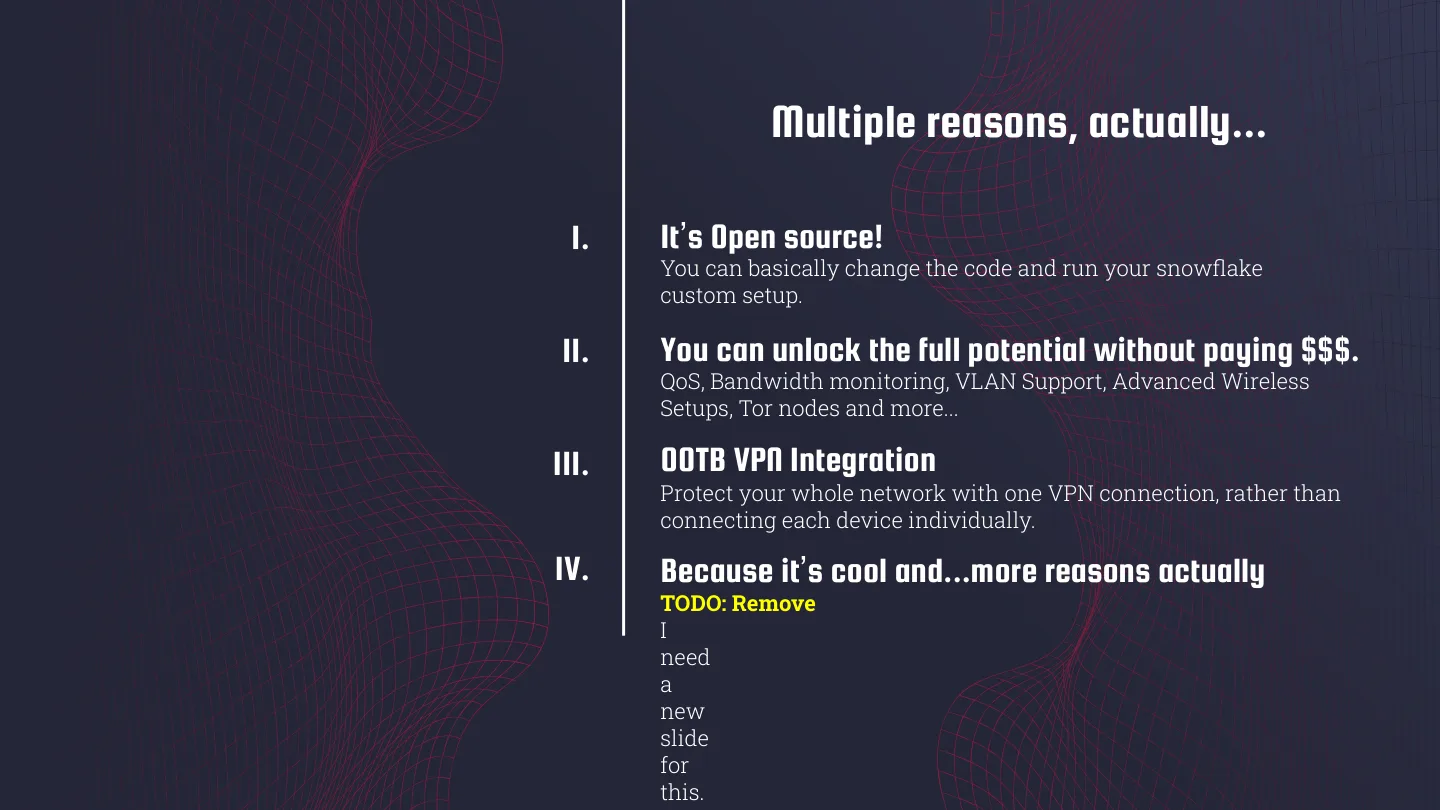
- It’s open source, so you can change the code and run your own snowflake setup.
- You unlock QoS, bandwidth monitoring, VLANs, advanced wireless setups, even Tor nodes, without paying $$$.
- VPN integration out of the box, so one VPN connection covers the whole network instead of every device on its own.
- Because it’s cool.
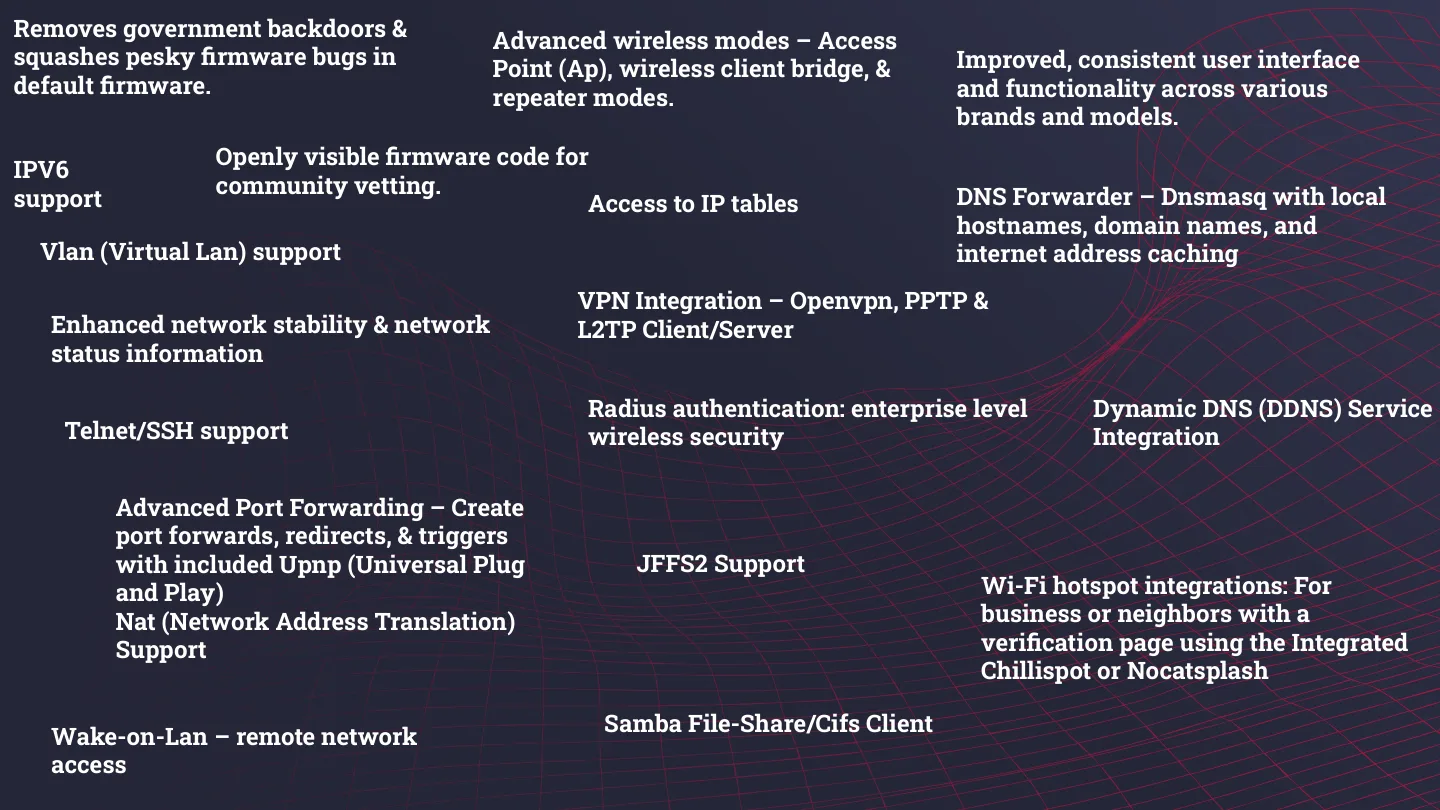
The next slide came with an epilepsy warning. It was a wall of every DD-WRT feature I could fit on one slide, from port forwarding and IPv6 to Wake-on-LAN, RADIUS and a Samba client.
gandalf: Pi-hole on the old Pi 2
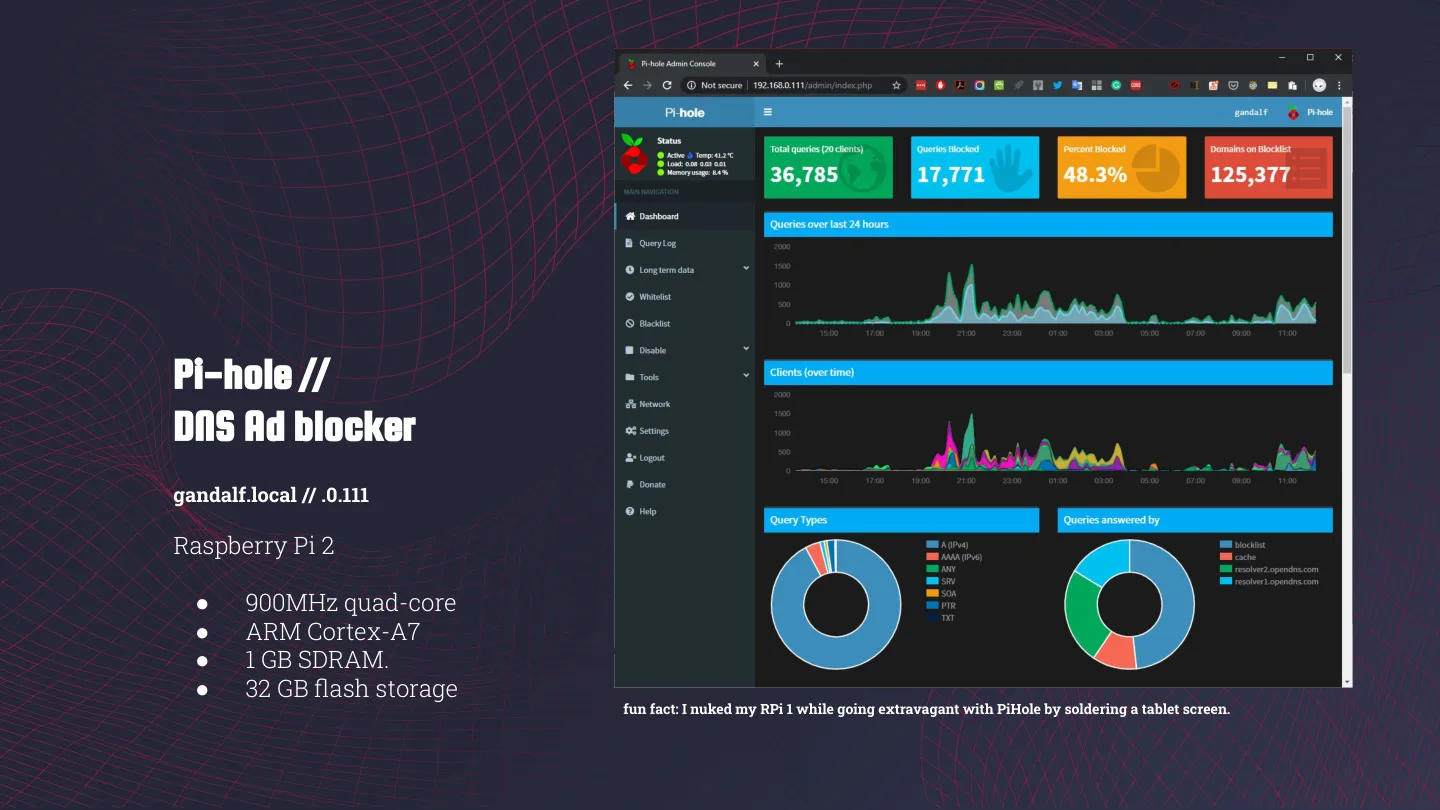
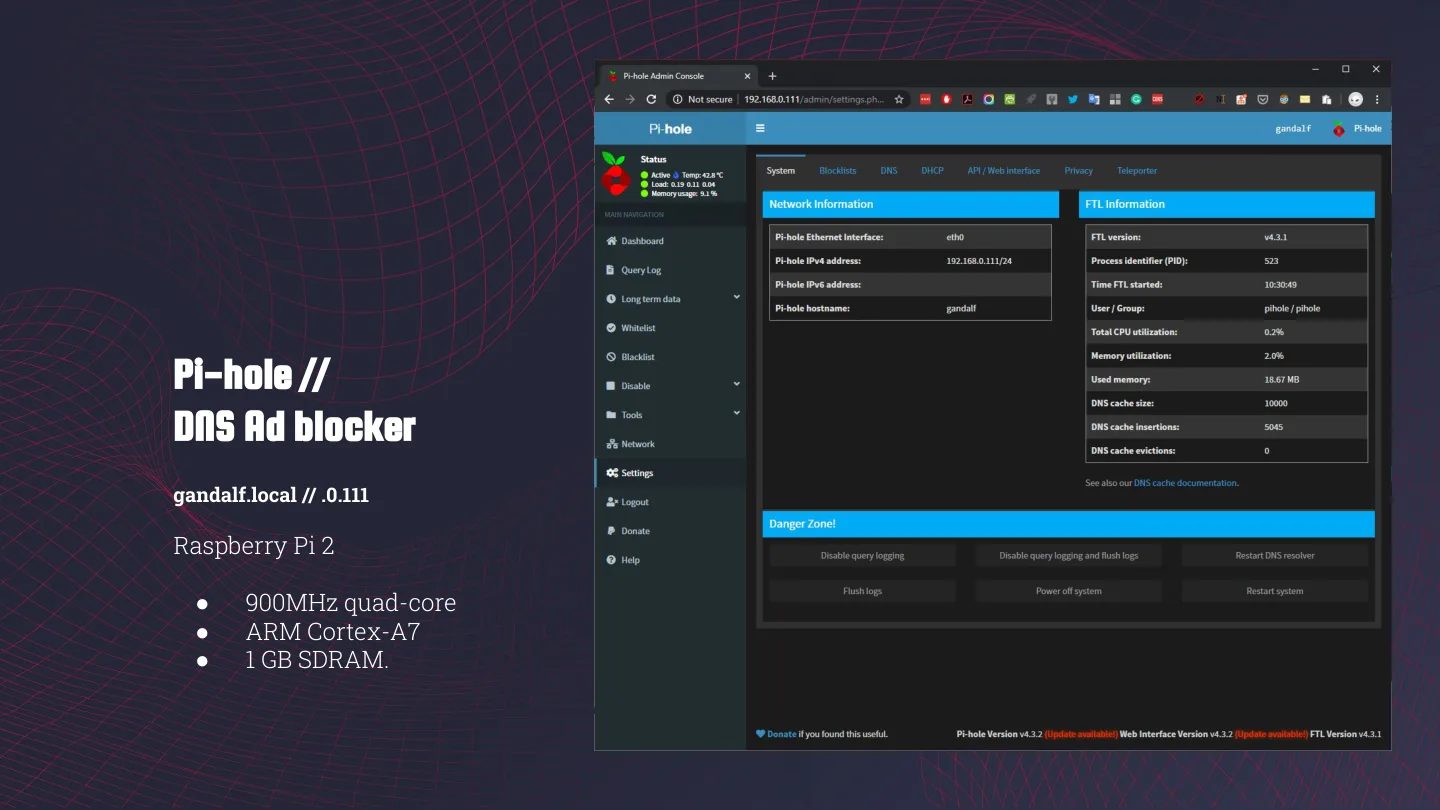
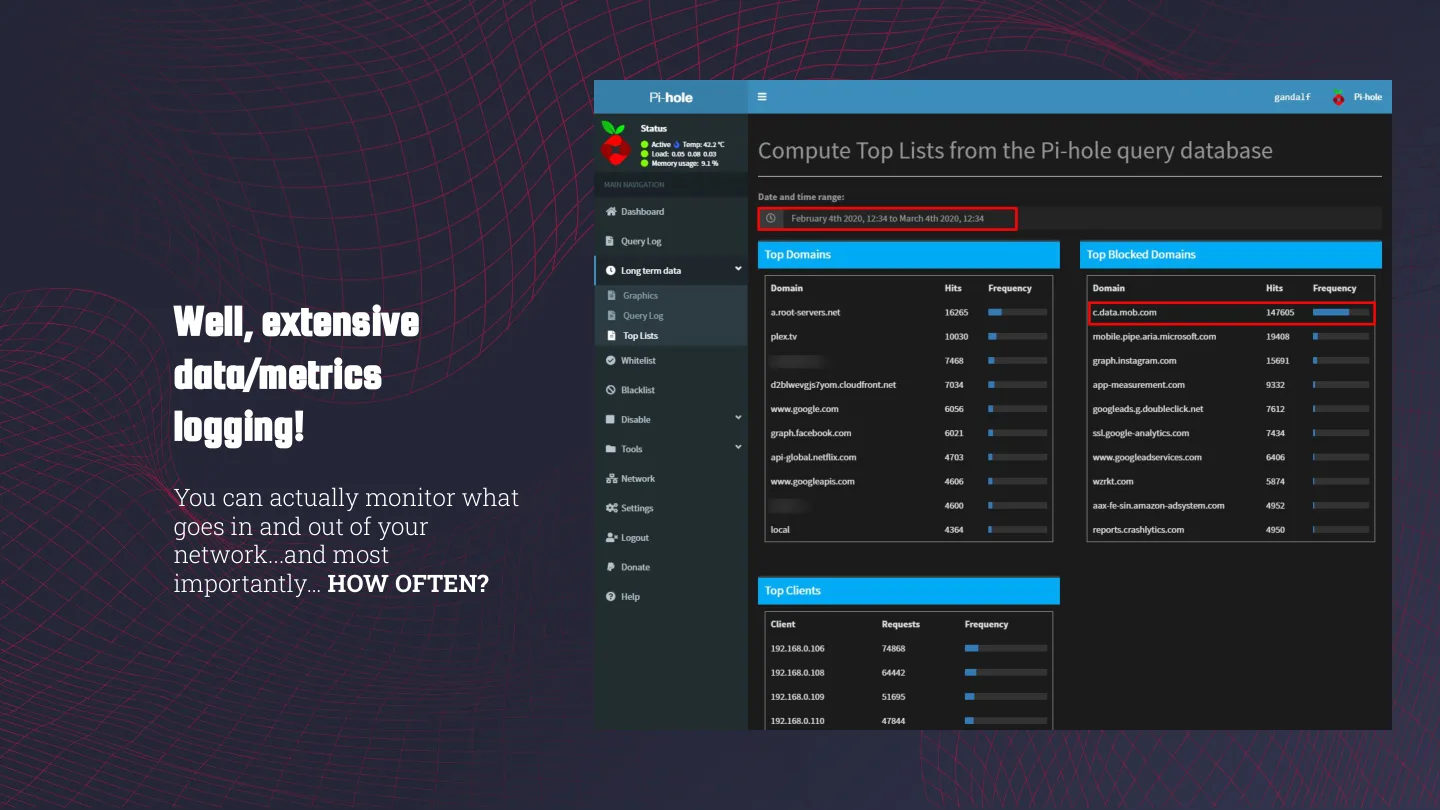
Gandalf is my trusty good ol’ Raspberry Pi 2 (900 MHz quad-core Cortex-A7, 1 GB RAM, 32 GB card), the same one I’ve been writing guides about since 2015, and the one I set up Pi-hole on last year. The dashboard when I took the screenshot:
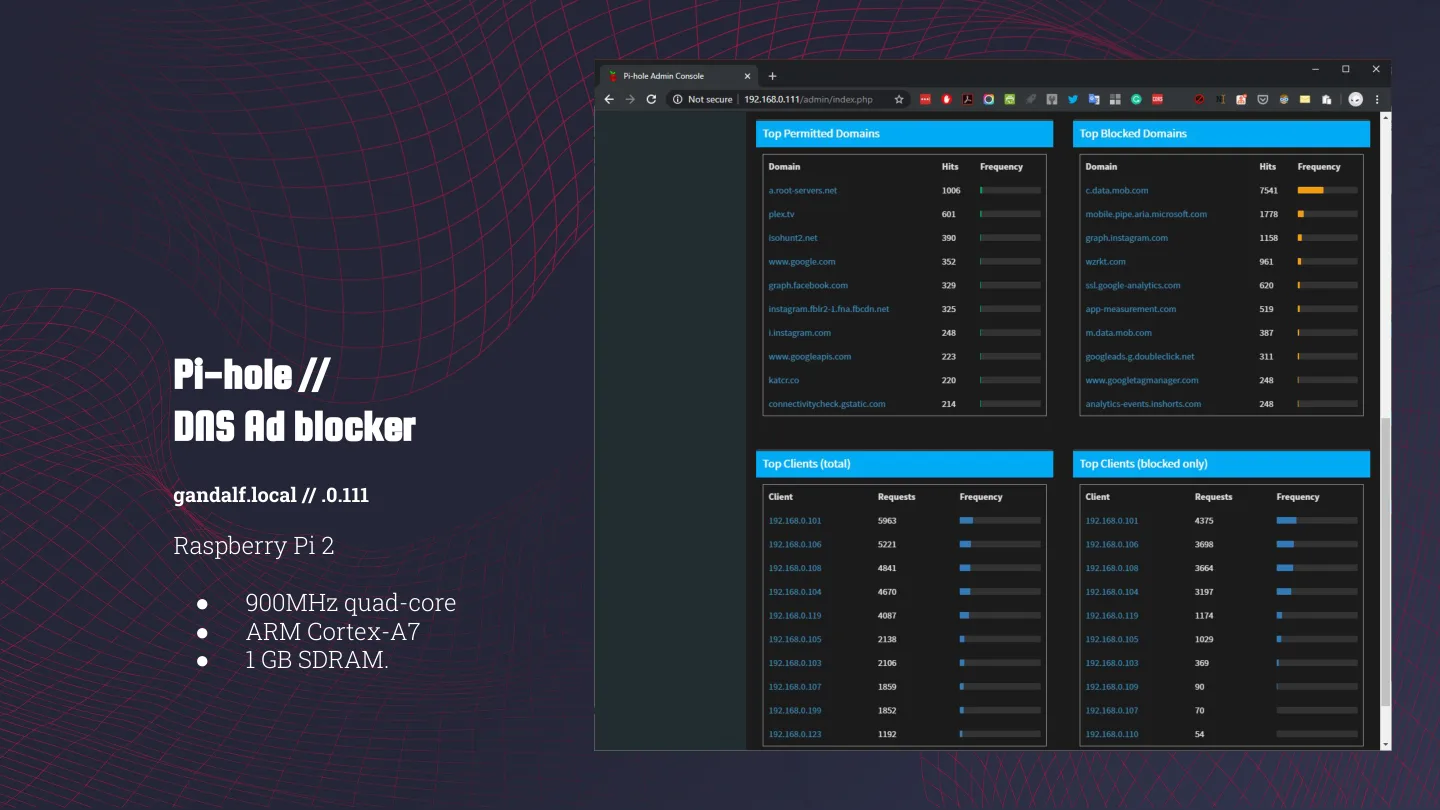
- 36,785 queries in 24 hours, from 20 clients
- 17,771 of them blocked, which is 48.3%
- 125,377 domains on the blocklist
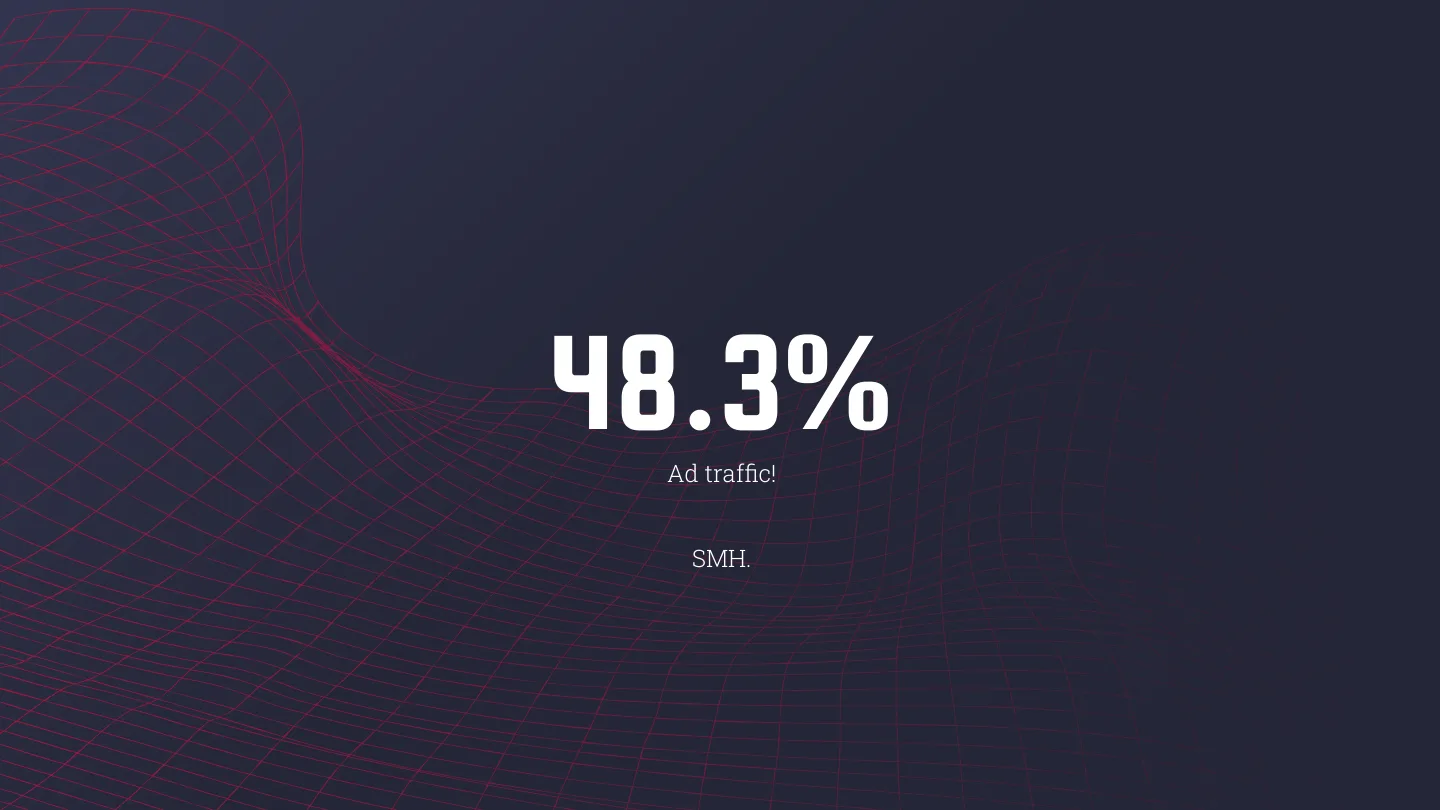
48.3% ad traffic. SMH.
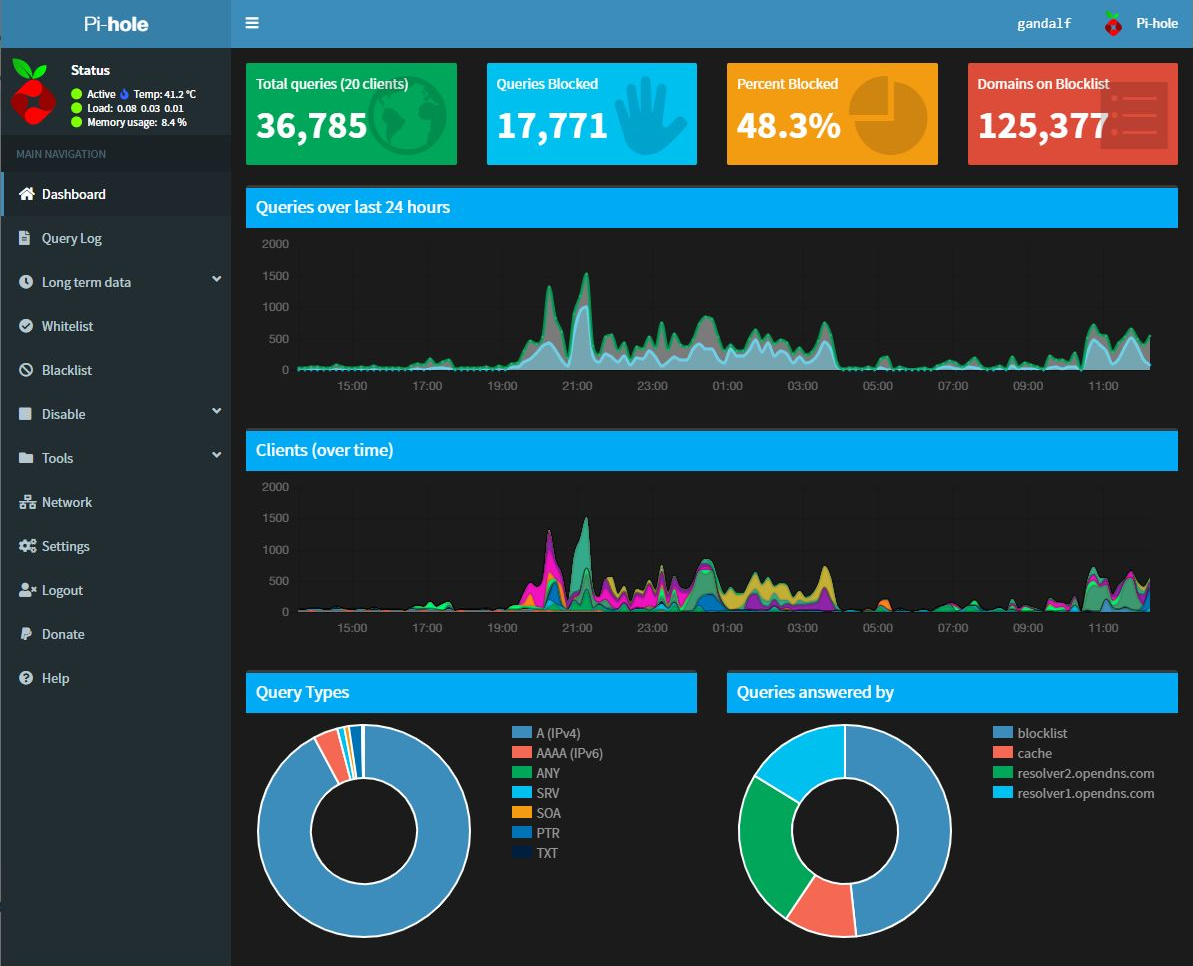 gandalf’s Pi-hole dashboard from the talk.
For comparison, in that Pi-hole post, a month after setup, it was 24.1% of 22,679 queries from 17 clients, with about 116,700 domains on the list. So in a few months the blocked share has doubled while the blocklist only grew by about 7%.
There’s a footnote on that slide too: I nuked my Pi 1 while going extravagant with Pi-hole by soldering a tablet screen to it. RIP.
Why not just use an adblock extension?
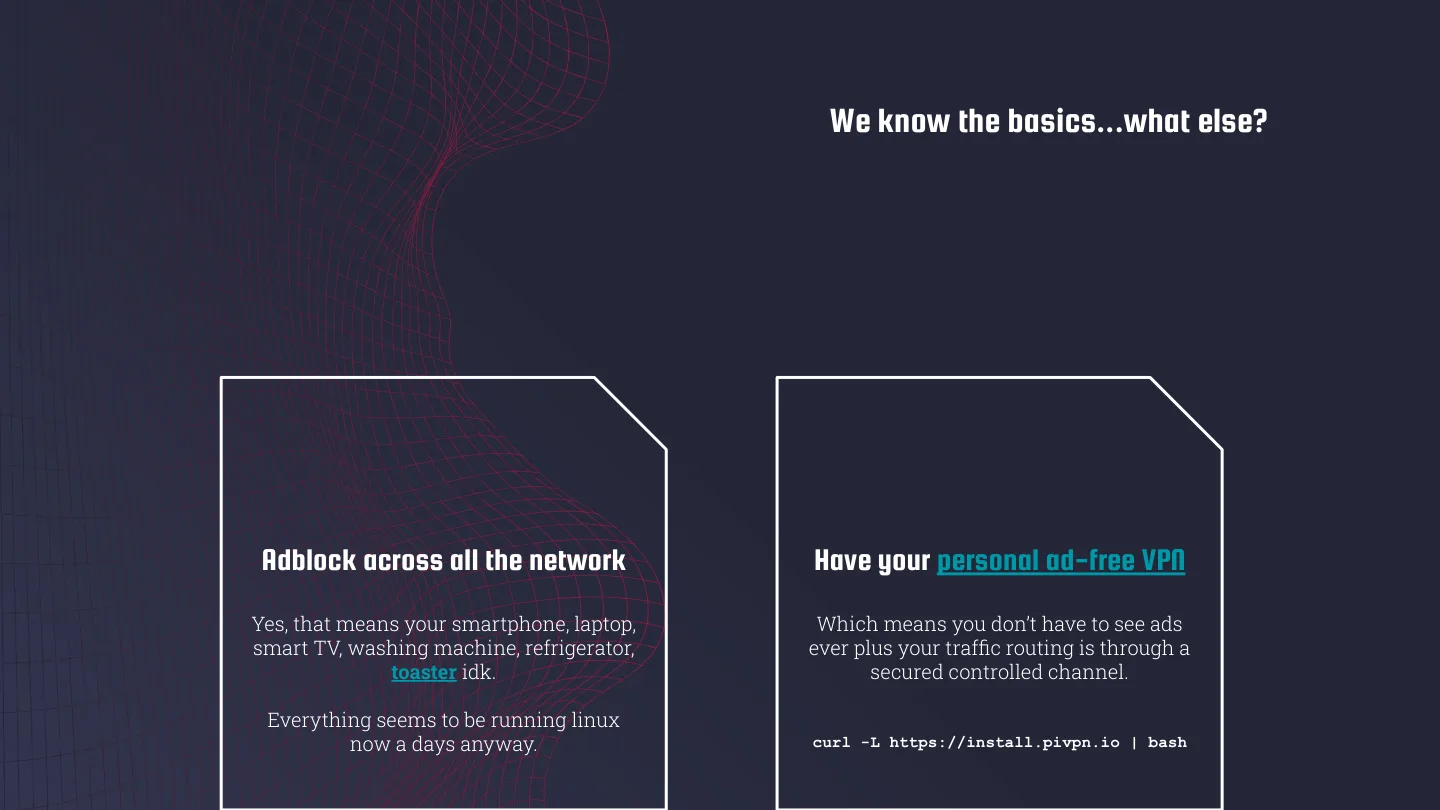
Two reasons. First, Pi-hole blocks ads across the whole network: your phone, laptop, smart TV, washing machine, fridge, toaster idk. Everything seems to run Linux these days anyway. Second, add PiVPN and you get your own ad-free VPN when you’re out, with your traffic going back through a channel you control. It’s one command:
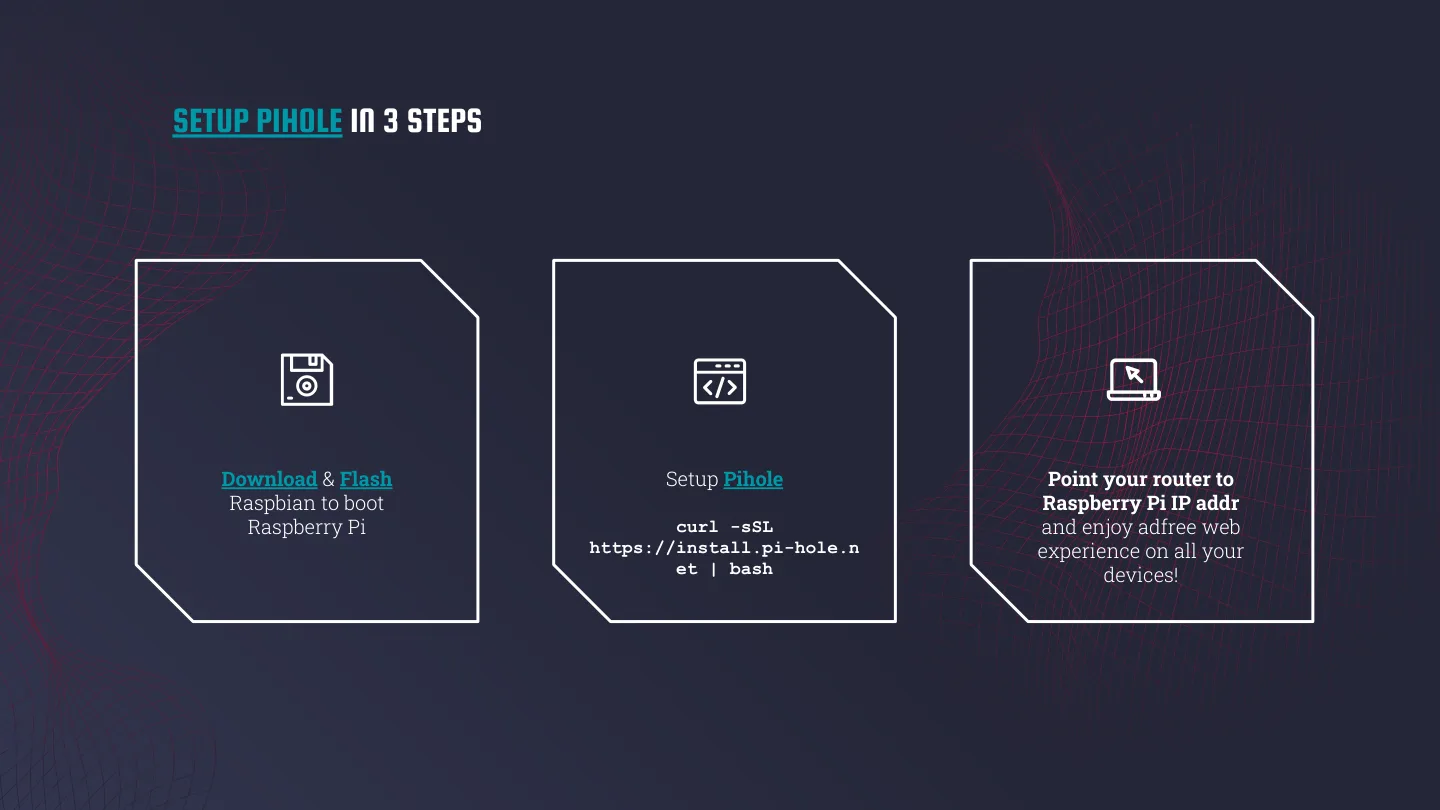
curl -L https://install.pivpn.io | bashAnd Pi-hole itself is three steps: flash Raspbian onto the Pi, run curl -sSL https://install.pi-hole.net | bash, and point your router’s DNS at the Pi. That’s it! The whole network is ad-free.
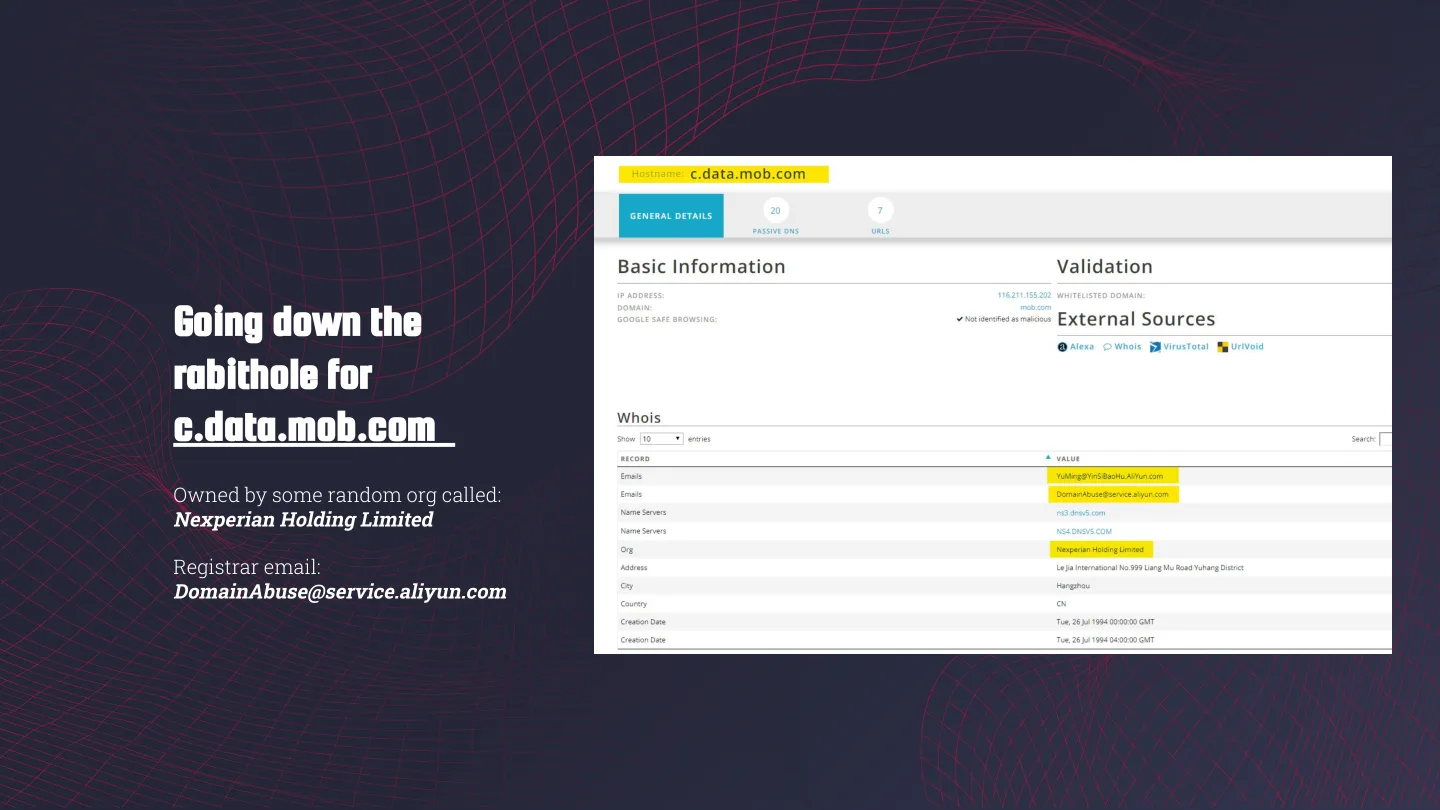
Going down the rabbit hole for c.data.mob.com
And then there’s the logging. Pi-hole logs every query, so you can see exactly what on your network is calling out, and more importantly, how often.
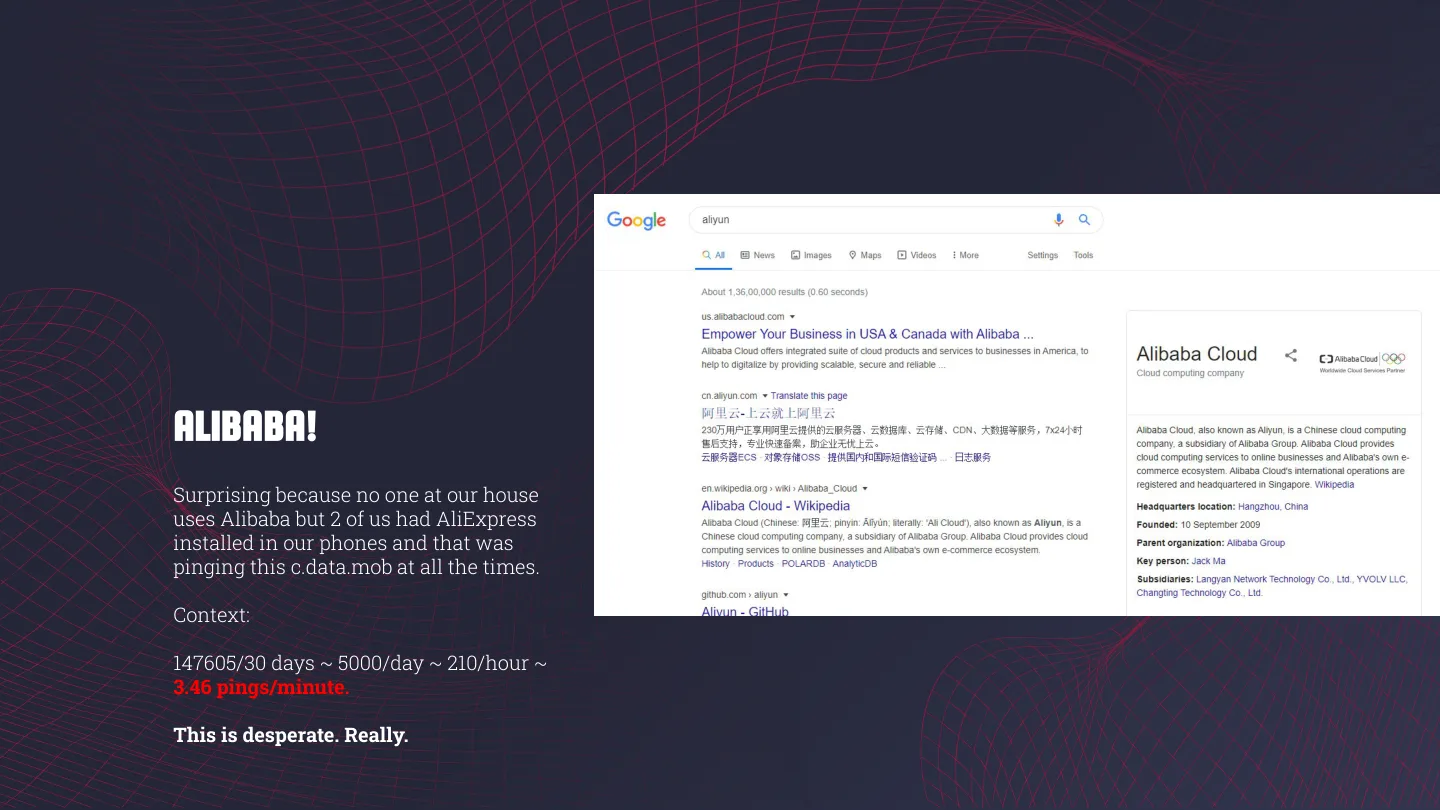
One domain stood out in the long-term data: c.data.mob.com, with 147,605 lookups in 30 days. That’s about 4,900 a day, 205 an hour, or more than 3 a minute, every minute, for a month. For scale, the whole network did 36,785 queries in the 24 hours on that dashboard.
So I ran a WHOIS on it. The registrant was some org called Nexperian Holding Limited, and the registrar’s abuse contact was an aliyun.com address, which is Alibaba Cloud. Drumroll… ALIBABA!
Now, nobody in our house uses Alibaba. But two of us have AliExpress on our phones, so that’s my best guess for what keeps hitting this domain. I haven’t pinned it to a specific app yet.
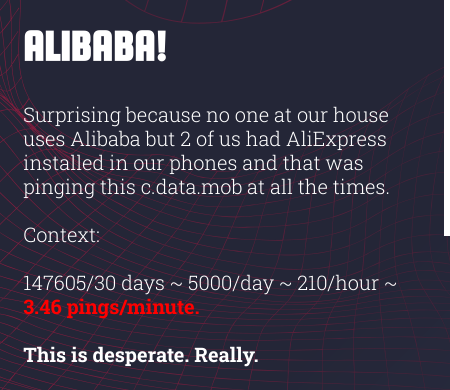 The slide as I presented it.
Either way, an adblock extension in one browser would never have shown me any of this.
sauron and treebeard
Every good talk needs a Back to the Future running gag, so mine was Doc Brown yelling “WE HAVE TO GO BACK!” every time I switched topics. One of them said “WE HAVE TO GO BACK TO ONE DESKTOP”, which is how we got to sauron.
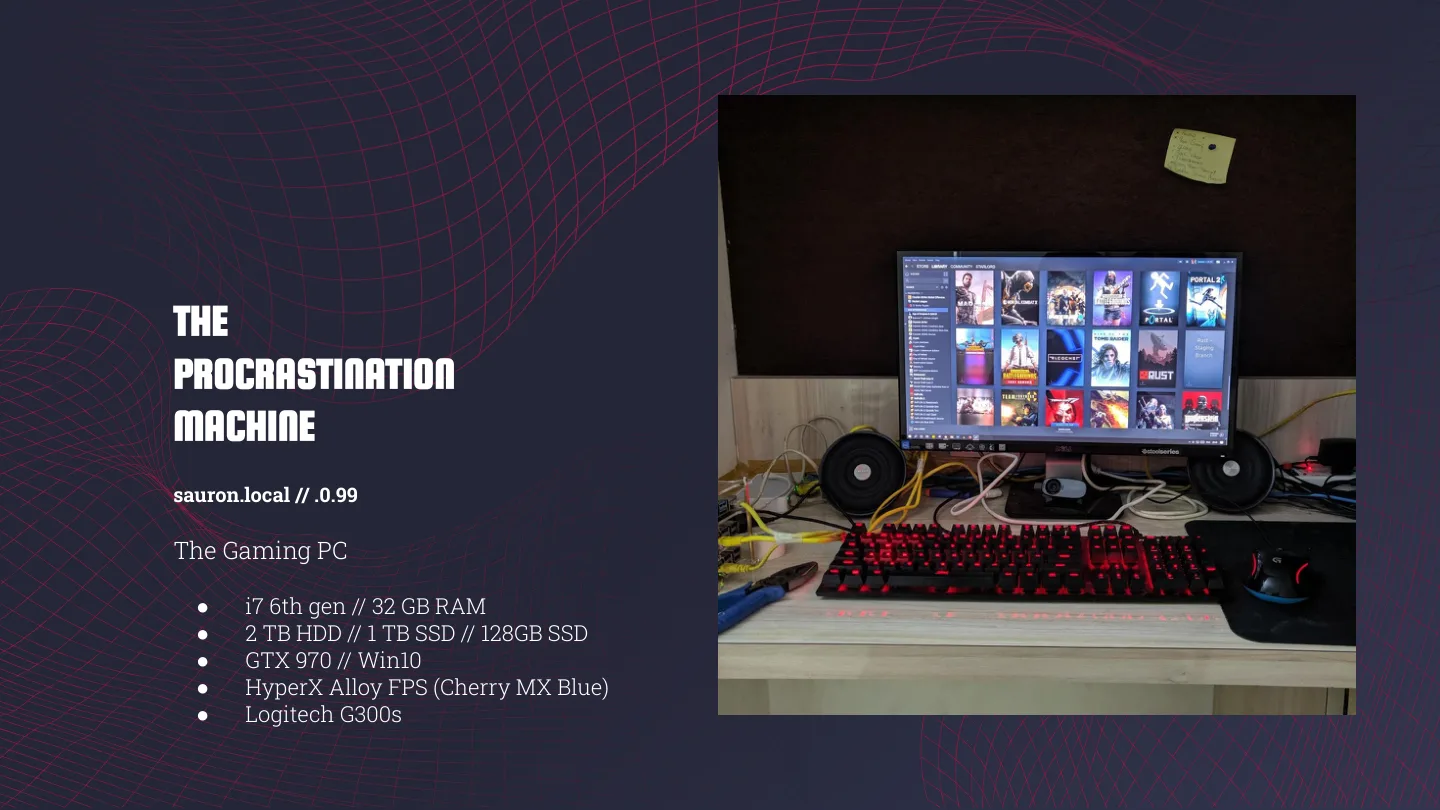
Sauron is the gaming PC, which my slide calls “The Procrastination Machine”: an i7 6th gen, 32 GB RAM, a 2 TB HDD, a 1 TB SSD and a 128 GB SSD, a GTX 970, Windows 10, a HyperX Alloy FPS with Cherry MX Blues and a Logitech G300s.
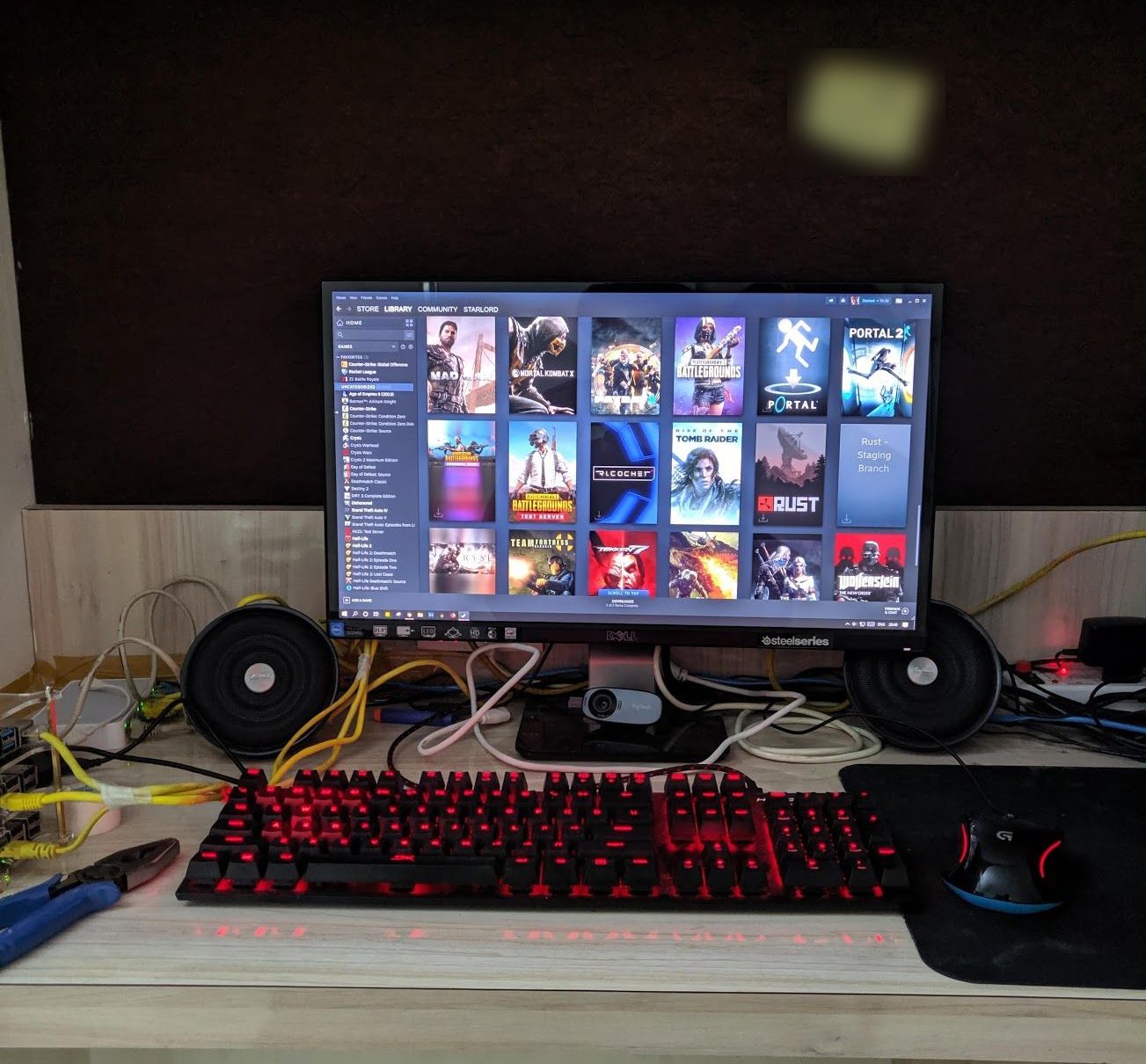 sauron, The Procrastination Machine. The Pi stack is peeking in on the left.
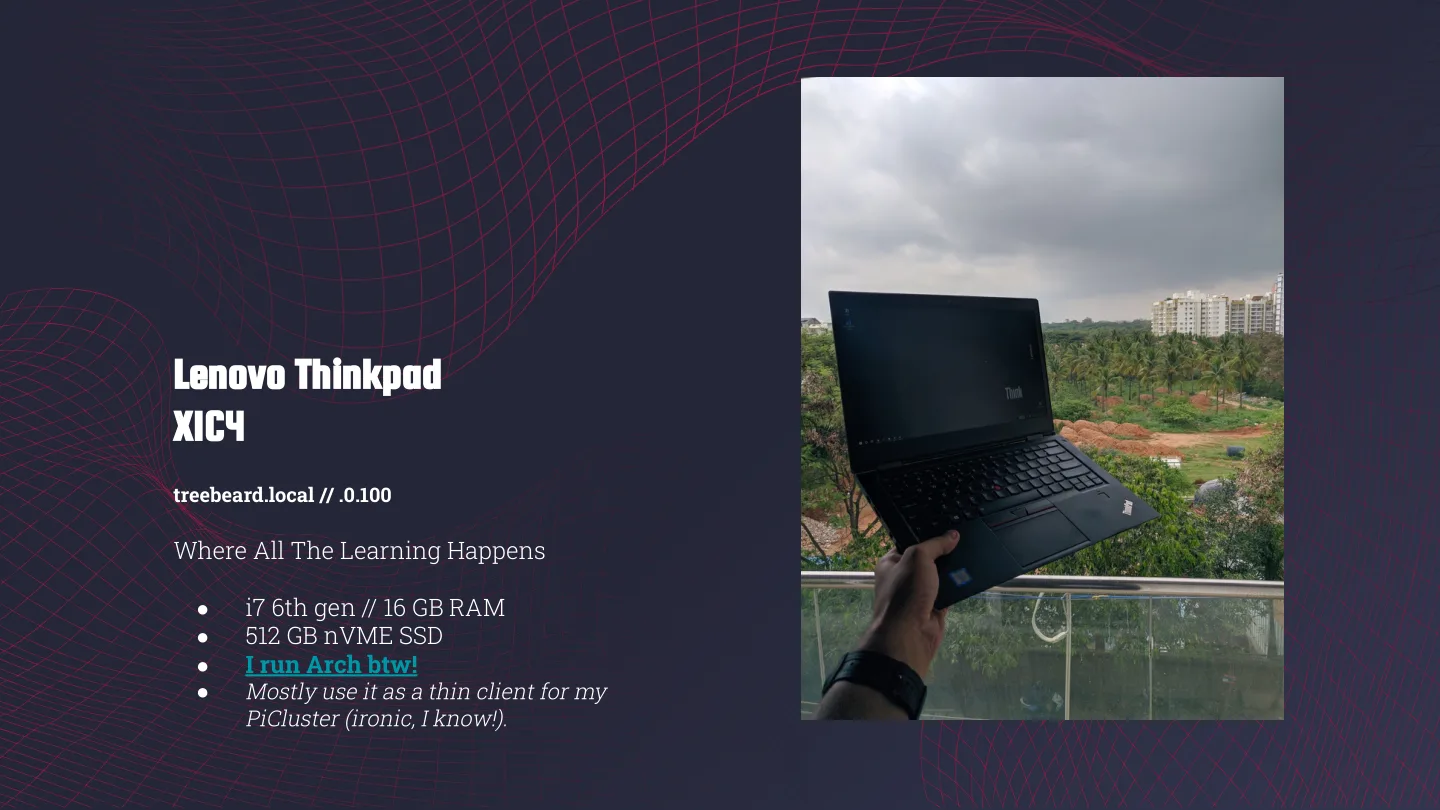
And treebeard is my ThinkPad X1 Carbon 4th gen (i7 6th gen, 16 GB RAM, 512 GB NVMe), “Where All The Learning Happens”. I run Arch btw! Mostly, though, I use it as a thin client for my Pi cluster. Ironic, I know.
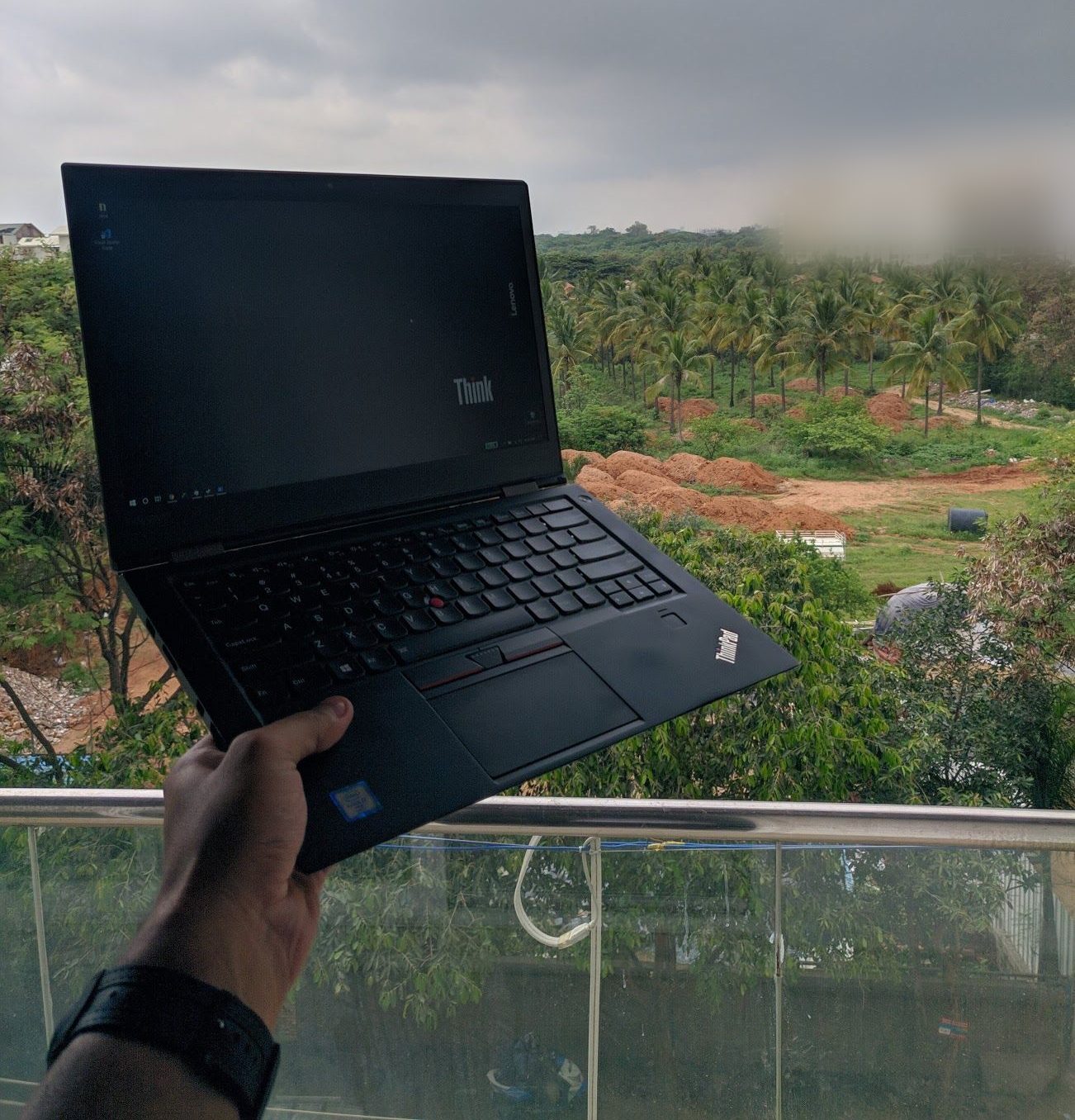
frodo and samwise, and my SSH banners
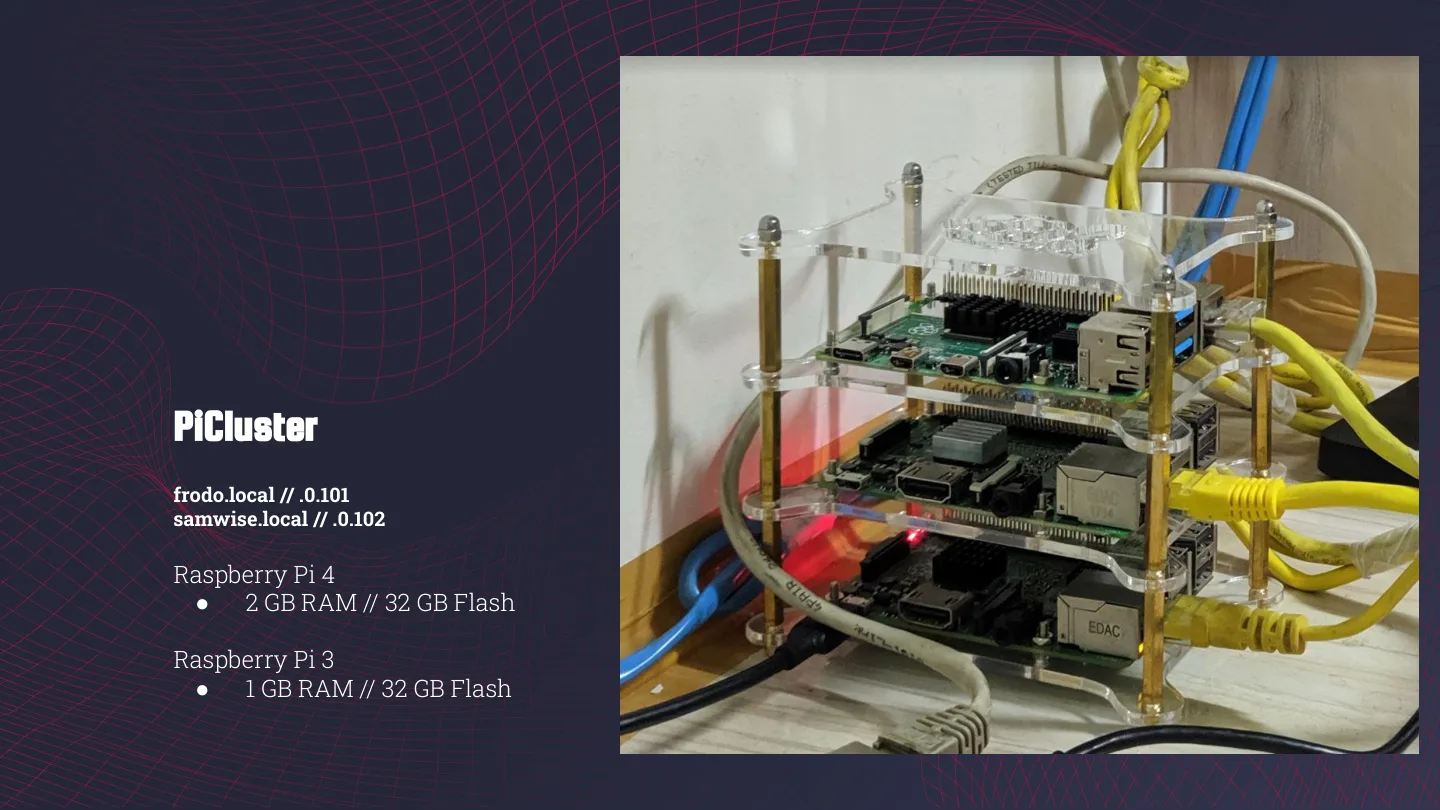
Back to the labs. Frodo (Pi 4, 2 GB RAM, 32 GB card) and samwise (Pi 3, 1 GB RAM, 32 GB card) are a two-node Kubernetes cluster. On the map it says I use it “to experiment with containers to run small programs on the whim, host a blog, do some pentesting on basic VMs, just mess around with k8 tools.” Two hobbits carrying the containers seemed about right.
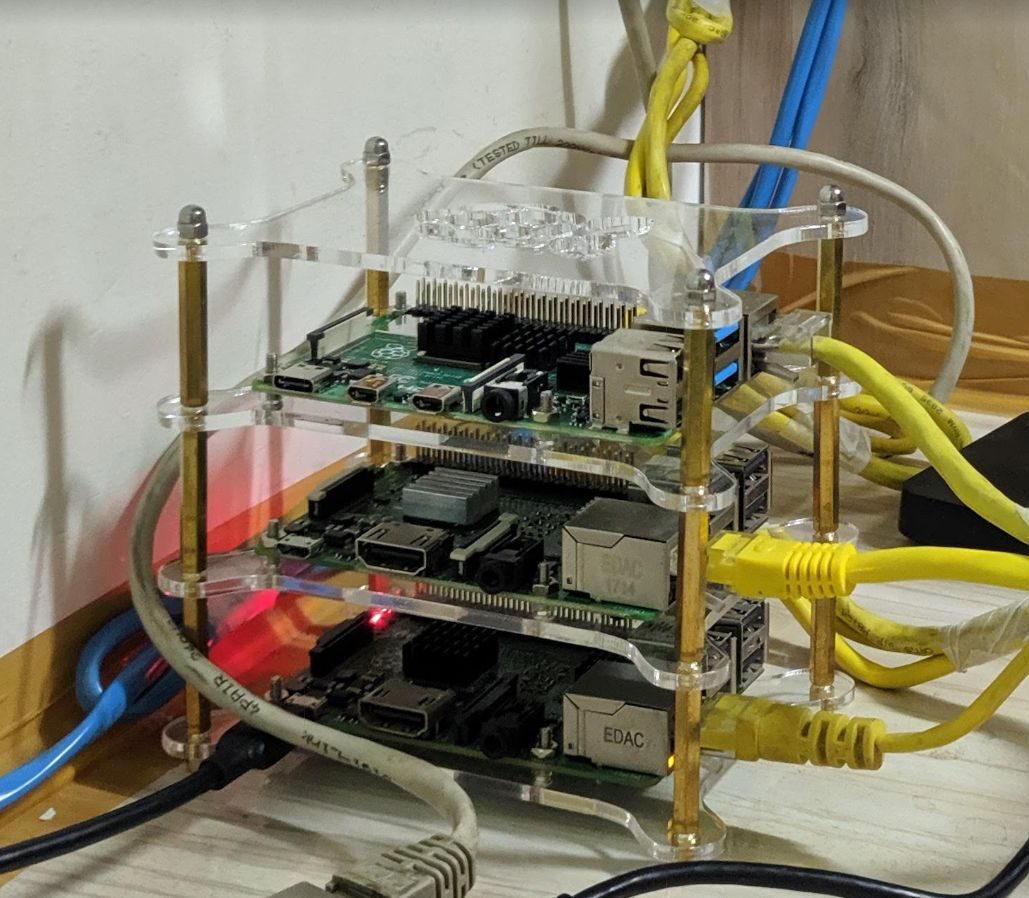 The Pi stack, home to frodo and samwise.
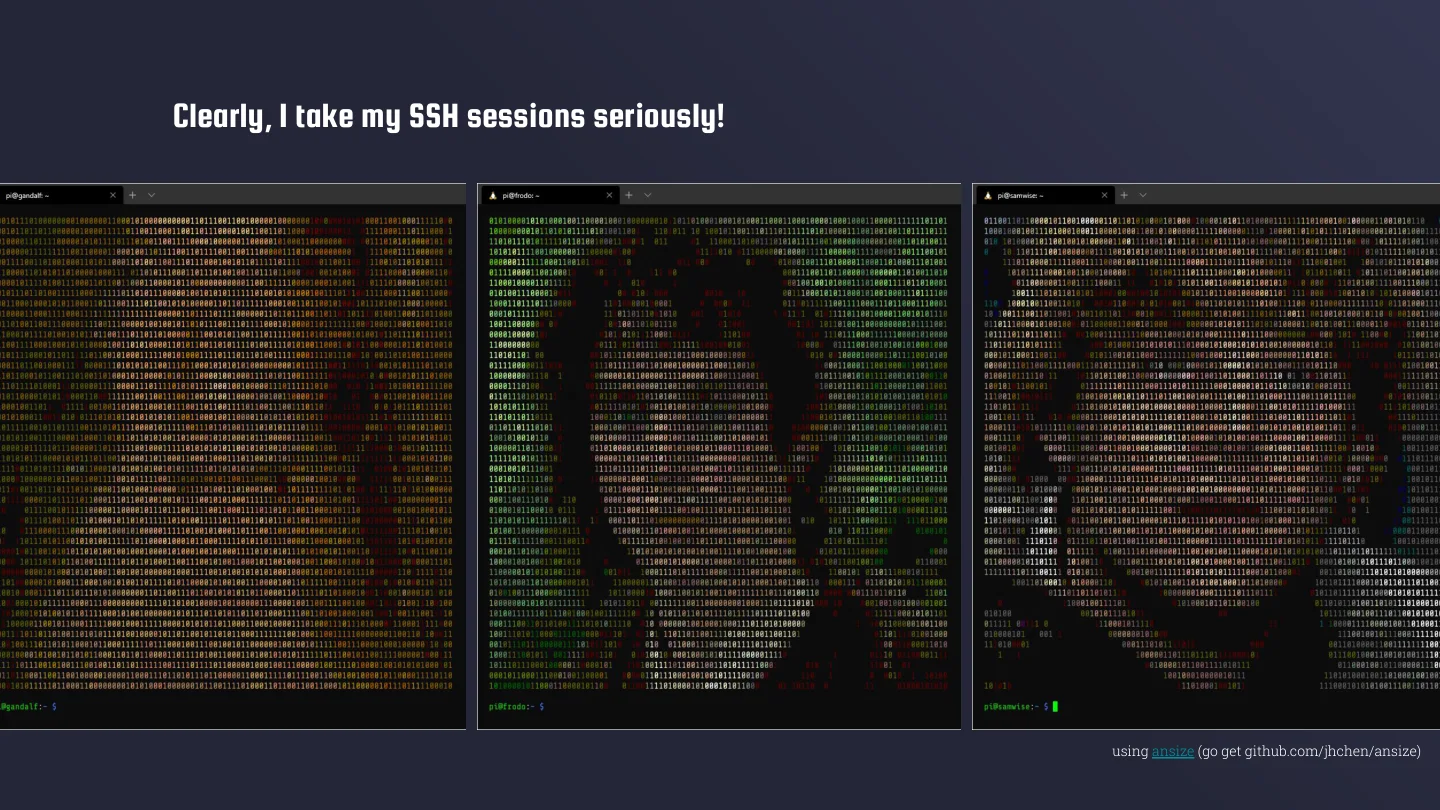
Clearly, I take my SSH sessions seriously. Log into gandalf, frodo or samwise and you get a full-screen ASCII-art portrait of the character, made with ansize, a small Go tool that converts an image into ANSI art.
I’ve been doing this for a while. I have a Tcl MOTD script from March 2017, modded from one on mewbies.com, that draws an ASCII raspberry and prints uptime, load, memory, disk usage and SSH logins every time I log into a Pi.
smaug, and the idols
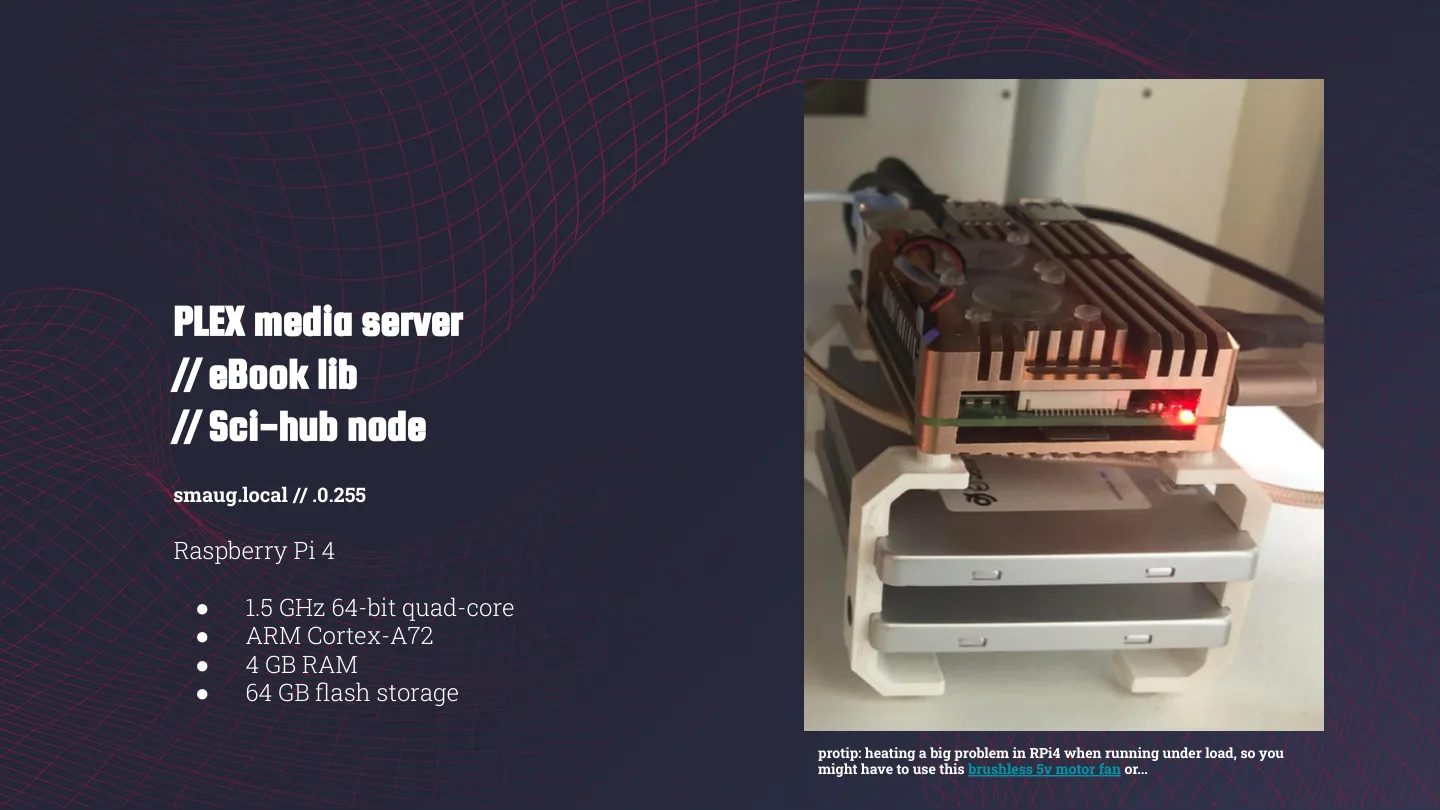
Smaug is a Pi 4 (1.5 GHz quad-core Cortex-A72, 4 GB RAM, 64 GB card): my Plex media server and eBook library.
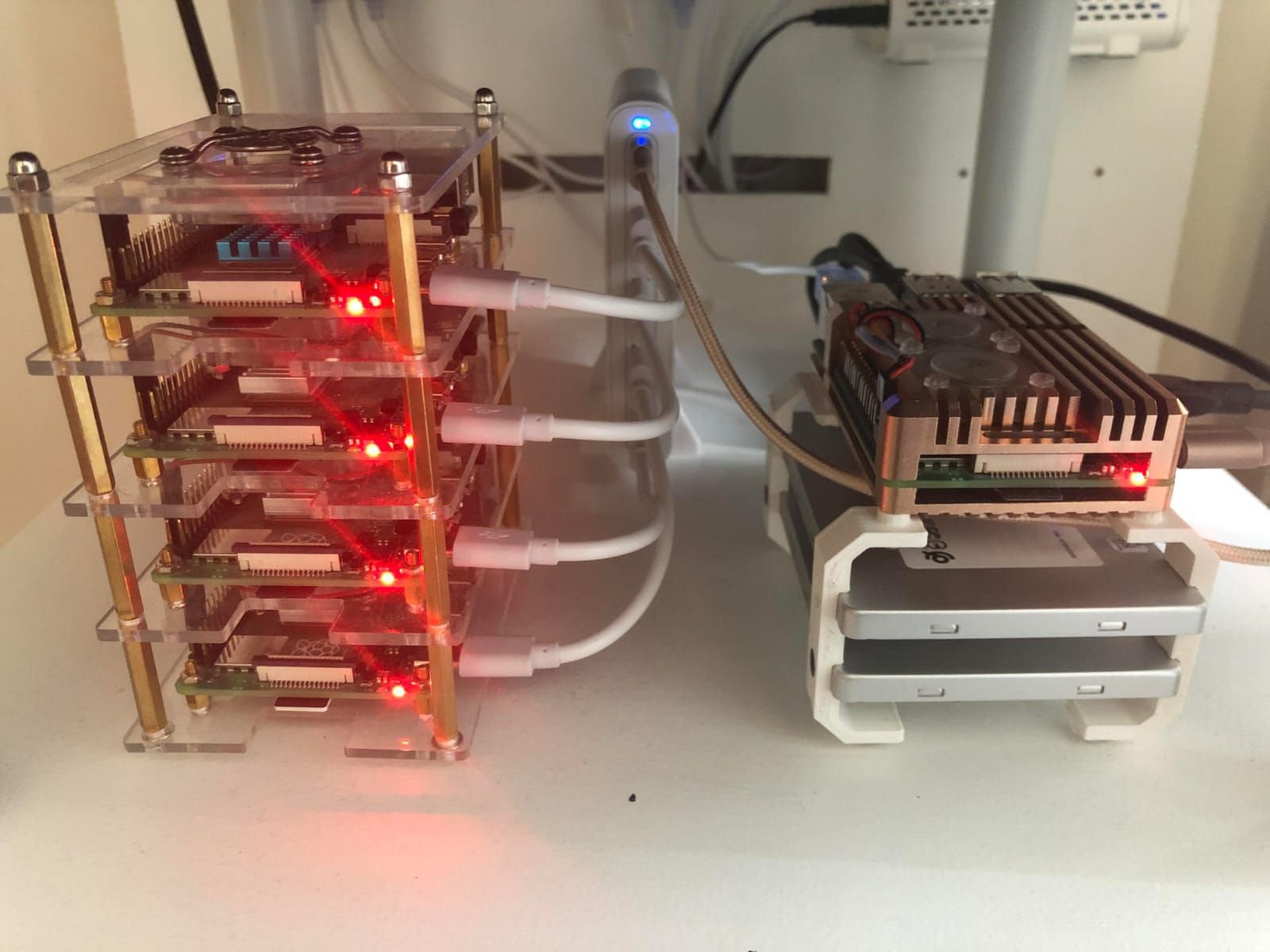 smaug, in its copper heatsink case.
Protip from the slide: heating is a big problem on the Pi 4 under load, so you might need a small brushless 5 V fan. Or…
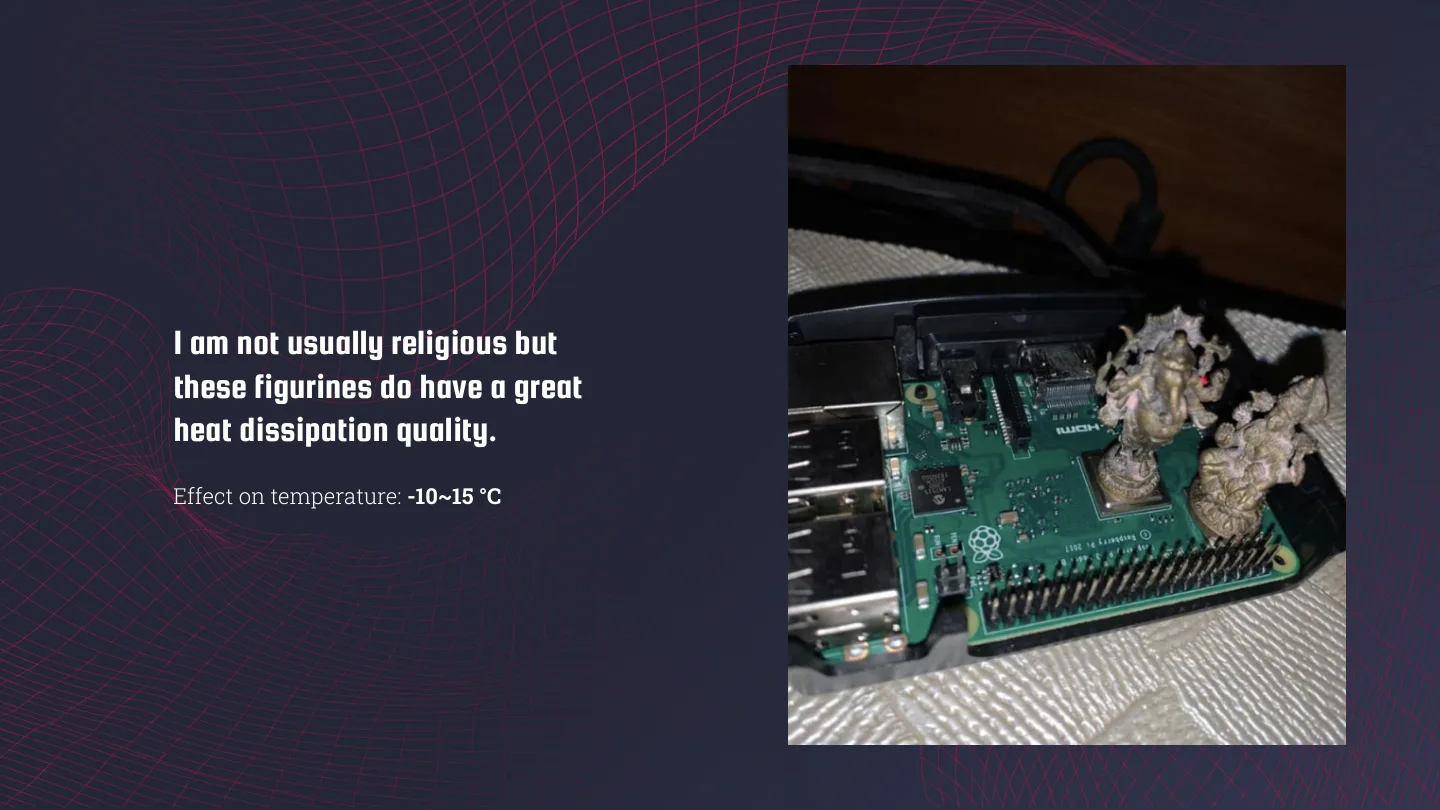
I am not usually religious but these figurines do have a great heat dissipation quality.
Effect on temperature: -10~15 °C
Yes, that’s two small metal idols resting on the chips of a bare Pi, blessings included. Jugaad at its finest!
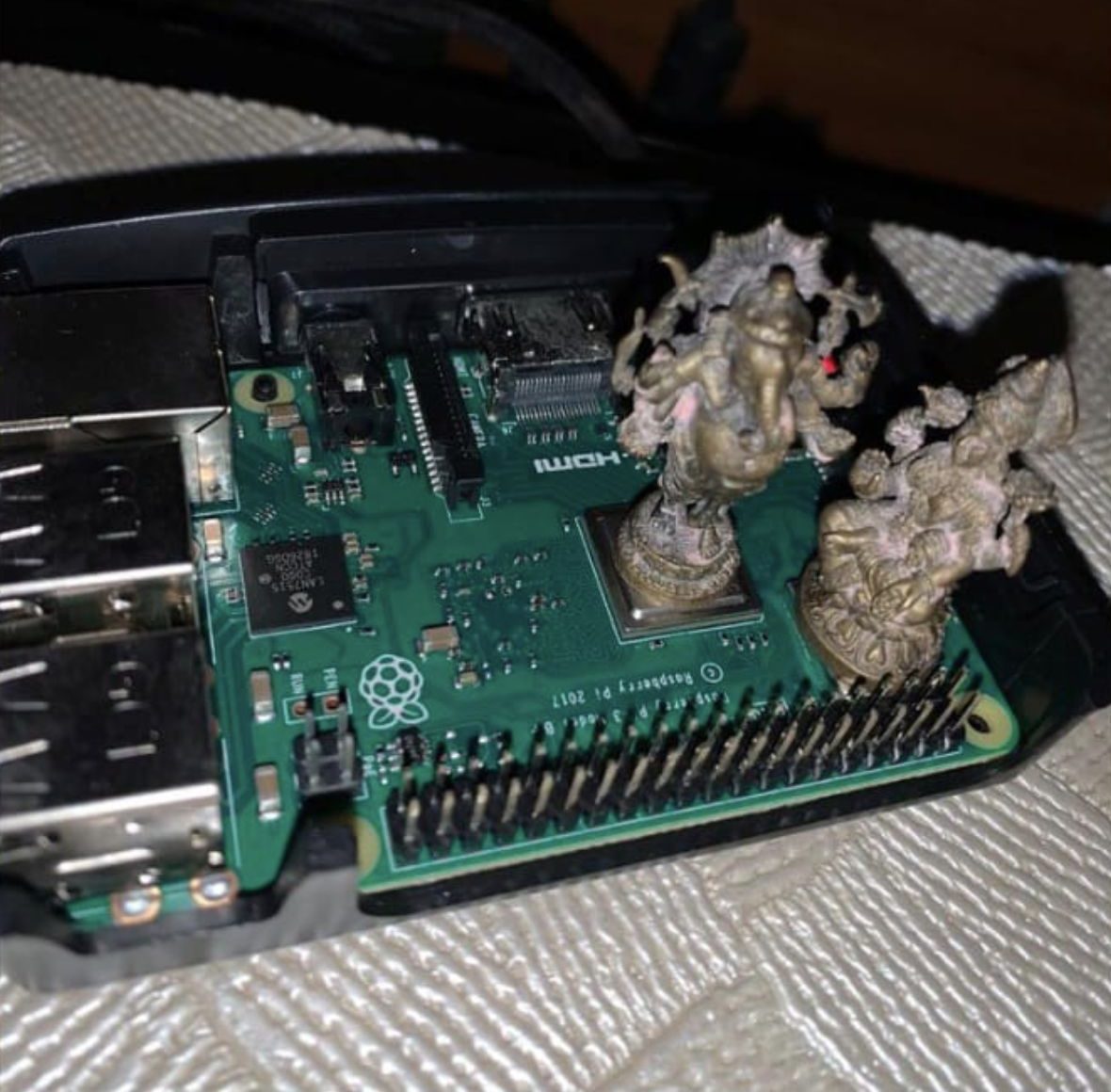 Blessed cooling. -10 to 15 °C, according to my slide.
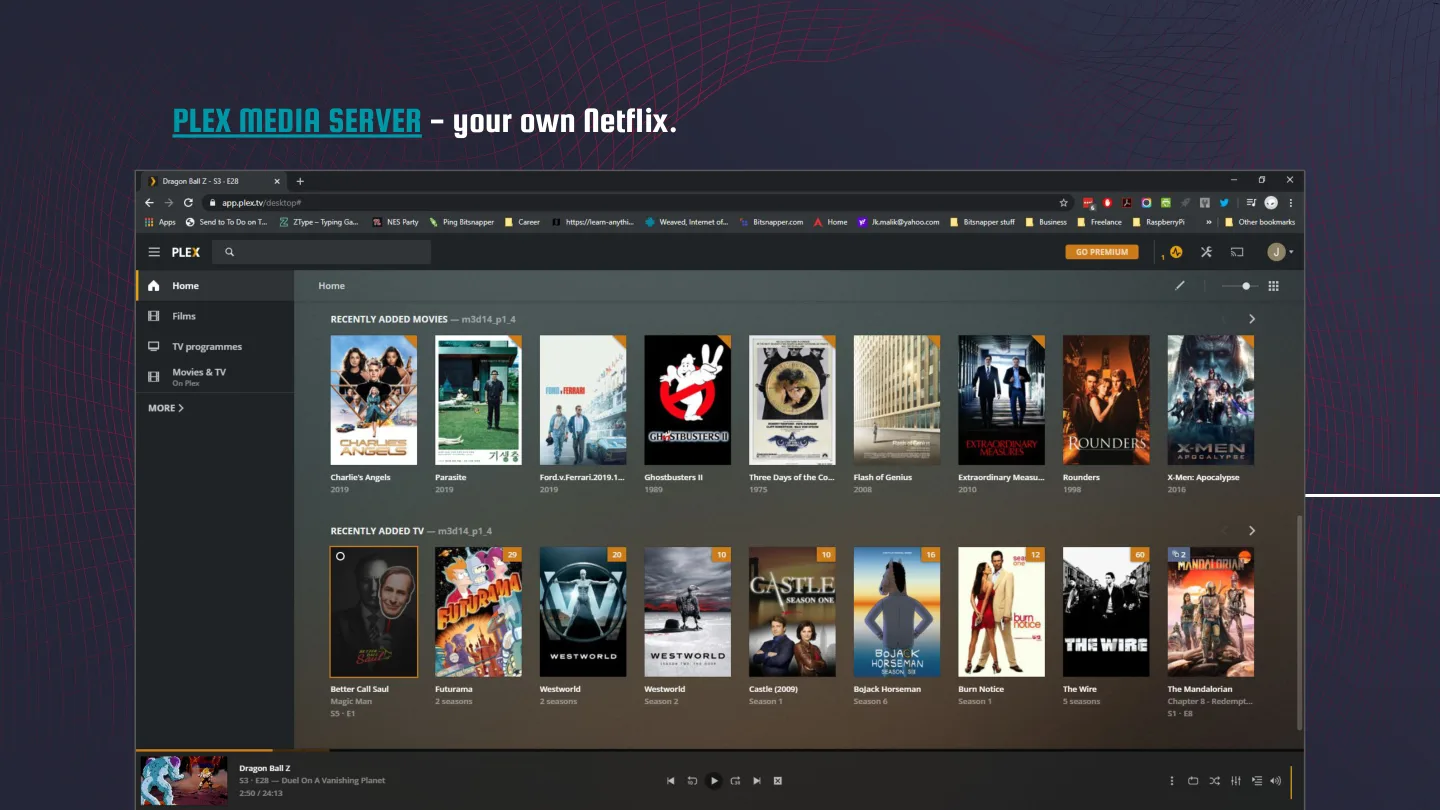
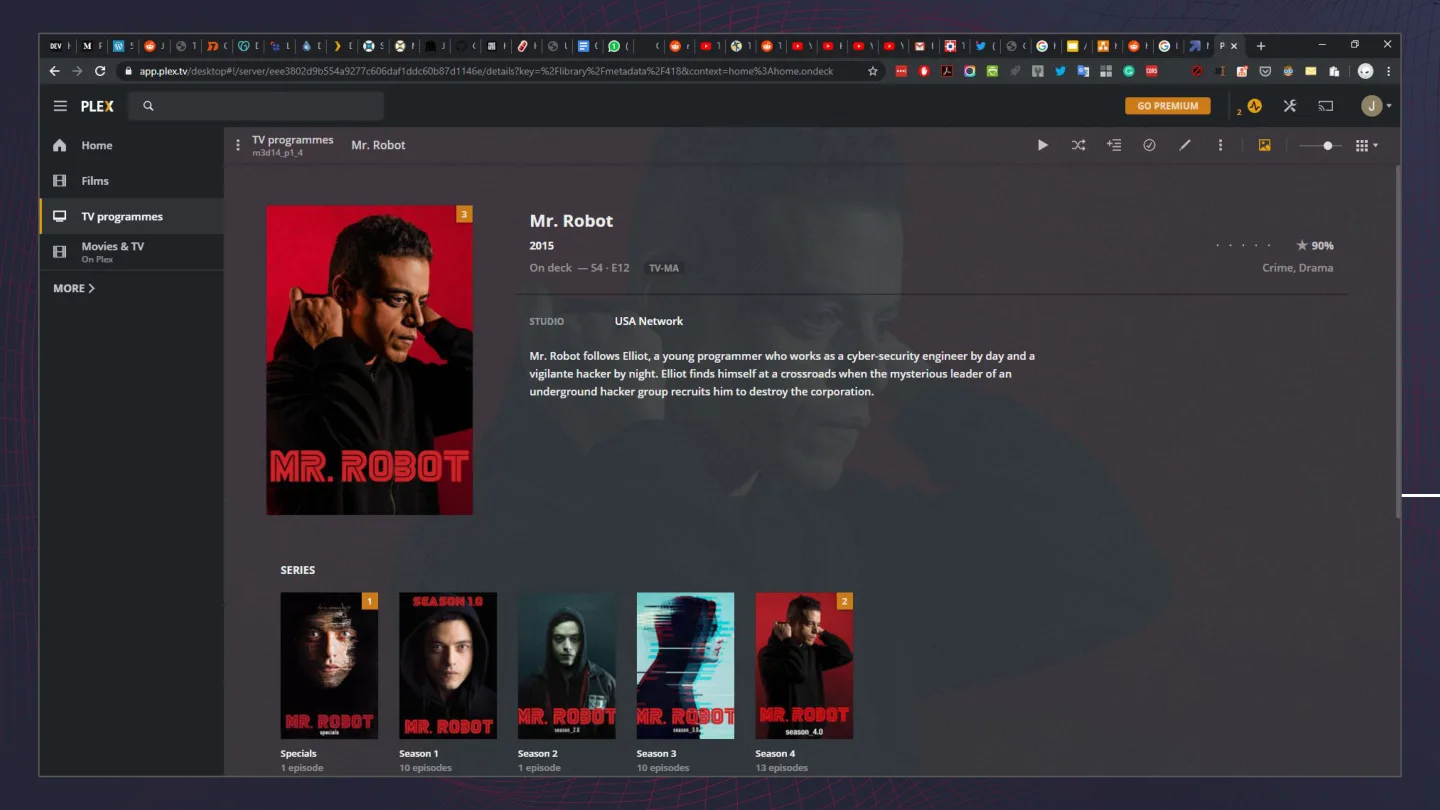
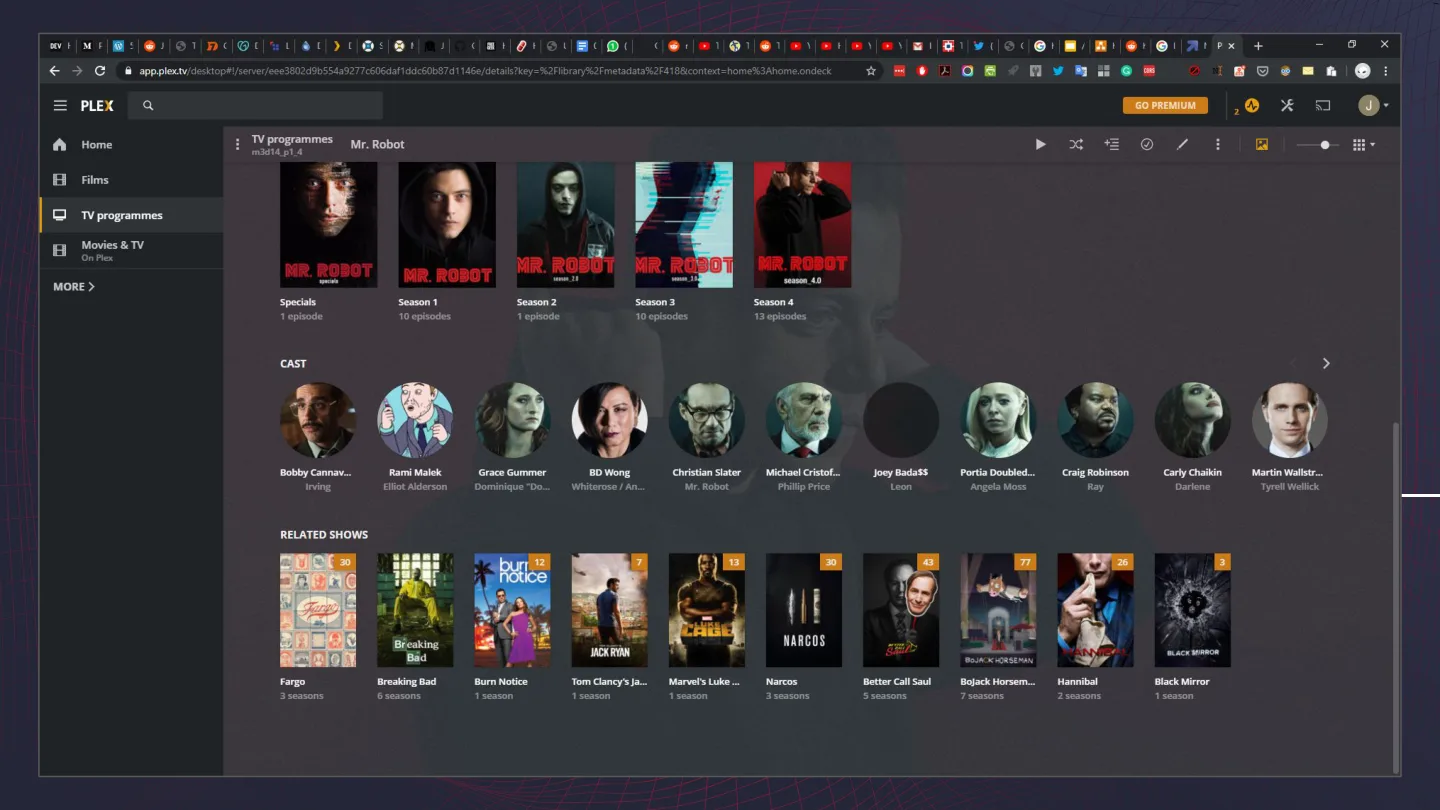
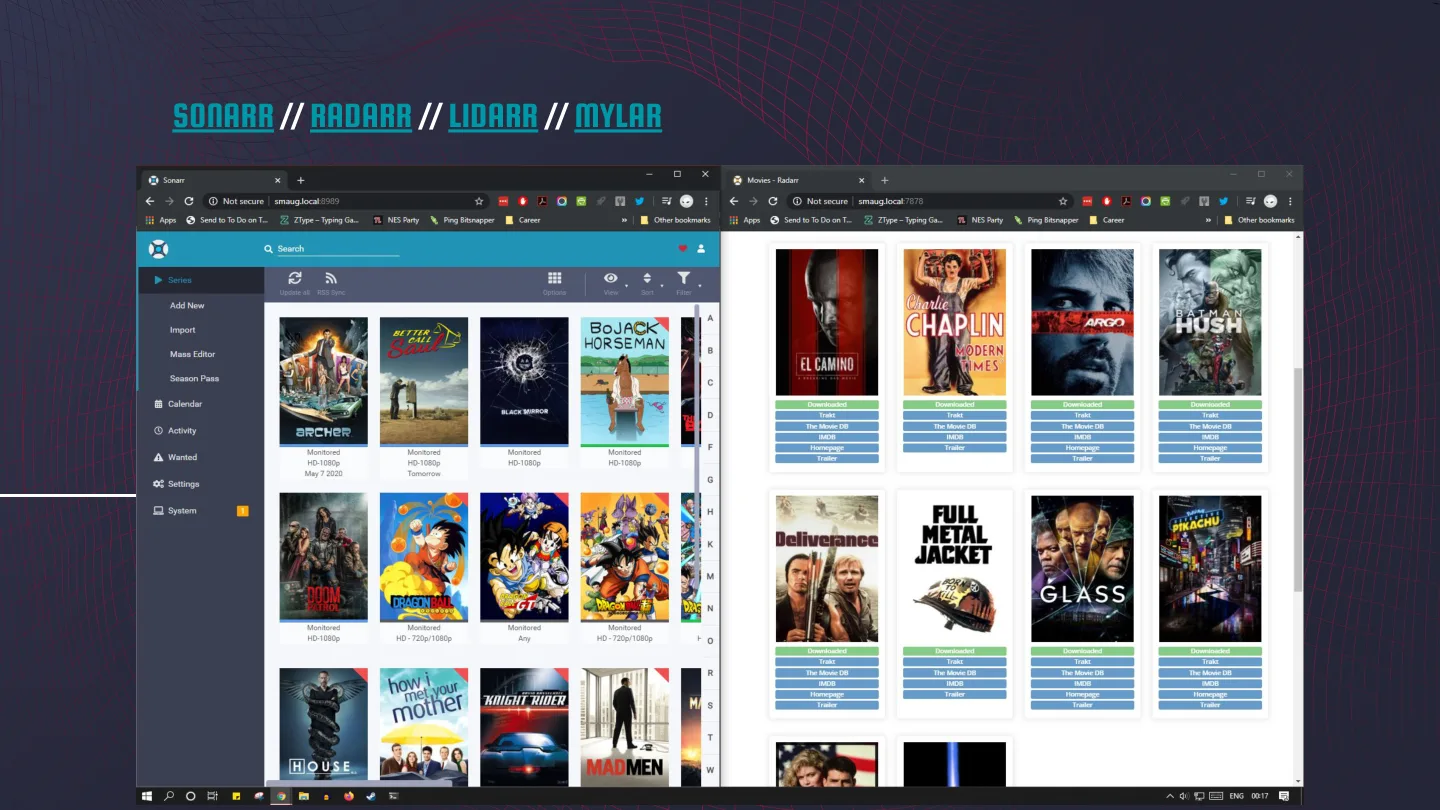
Plex is your own Netflix. The Plex screenshots in the deck were of Mr. Robot, because of course they were. Feeding it is the *arr stack: Sonarr, Radarr, Lidarr and Mylar, with Jackett. My advice on the slide: “maybe google these terms, or don’t!”
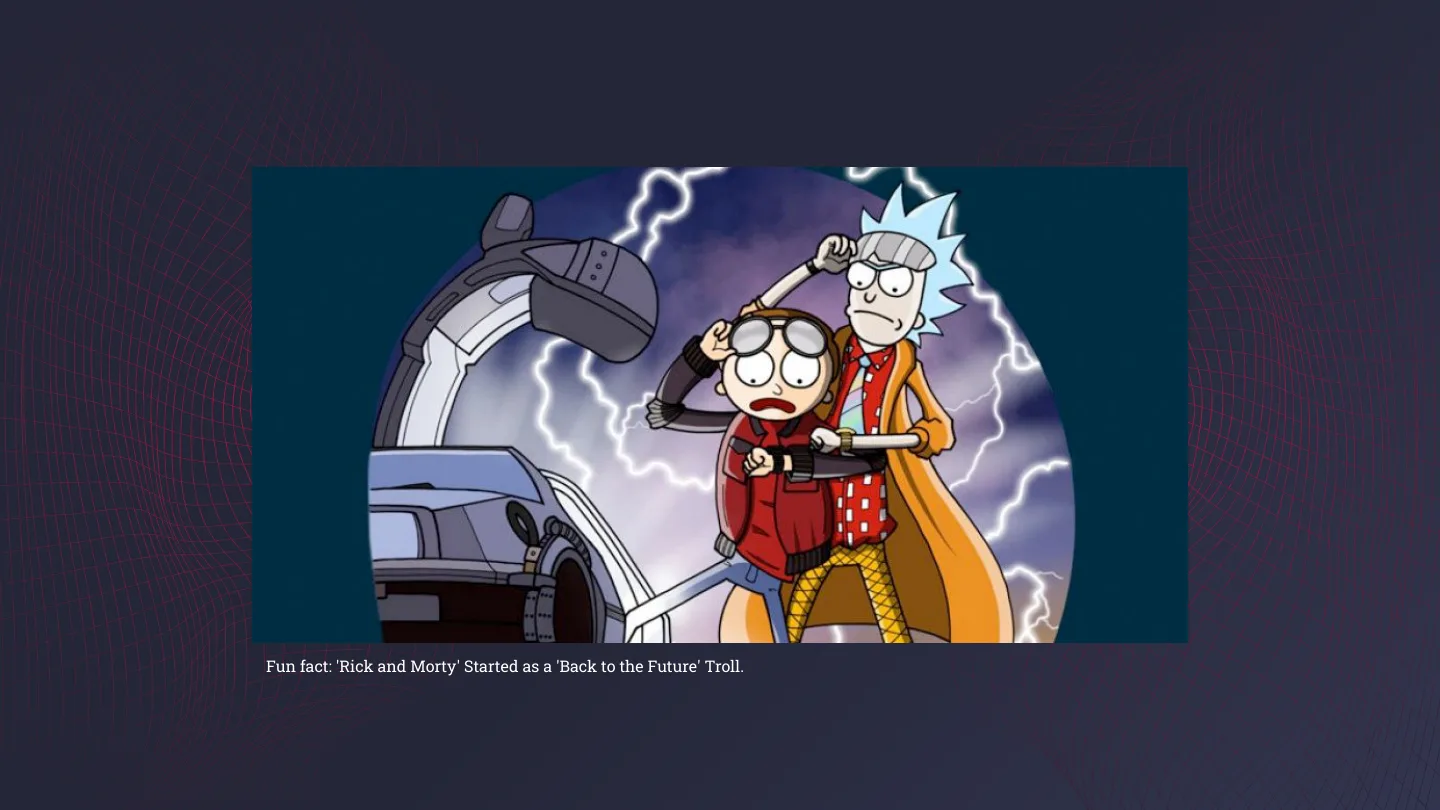
The next transition slide had a fun fact: Rick and Morty started as a Back to the Future troll. Moving on.
treasure, and the R.I.P. stamp
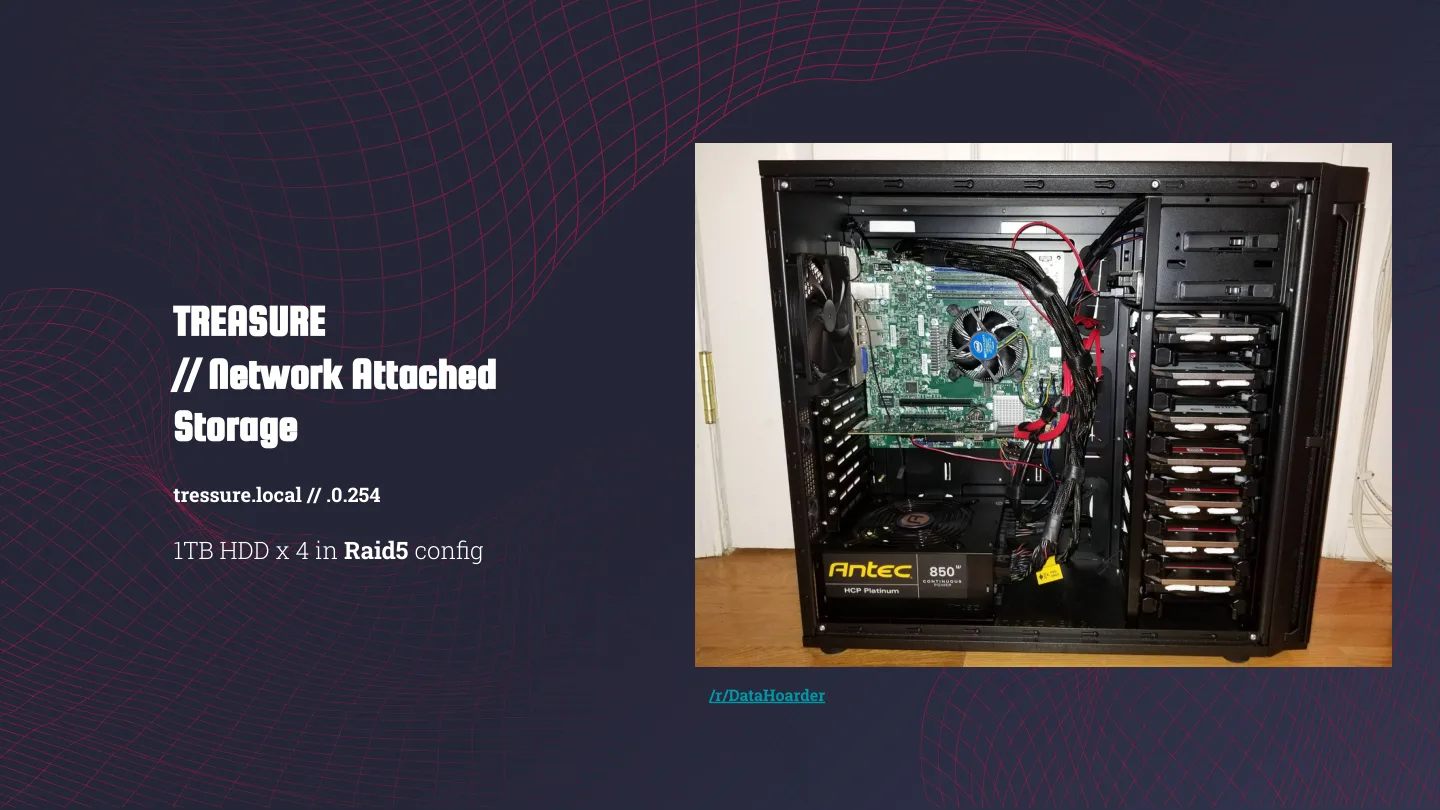
Treasure is my old Haswell gaming PC, turned into a NAS: four 1 TB drives in RAID 5. Its slide is a photo of the tower with the side panel off and a link to /r/DataHoarder, which tells you where my head is at.
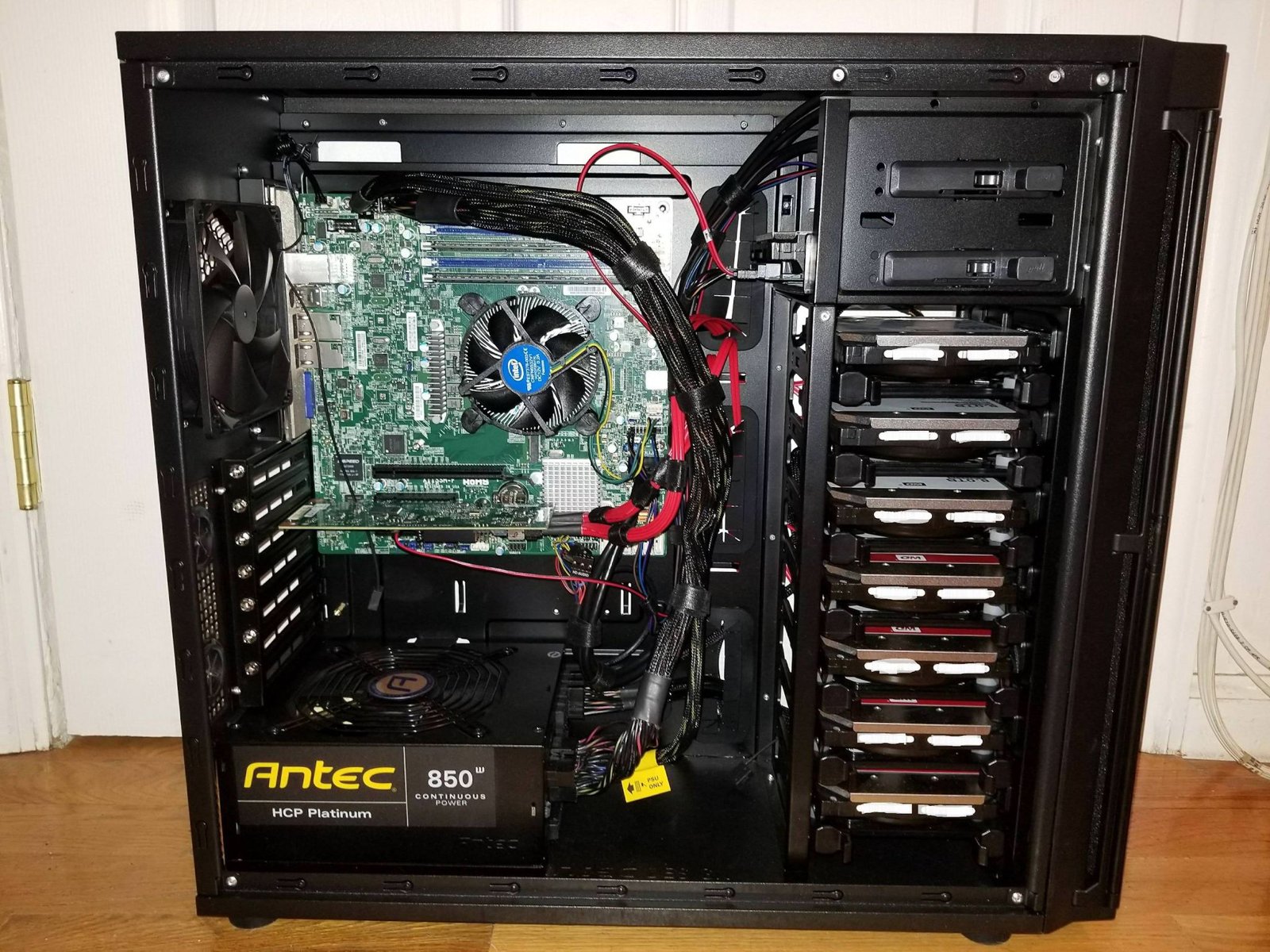 treasure, with the side panel off.
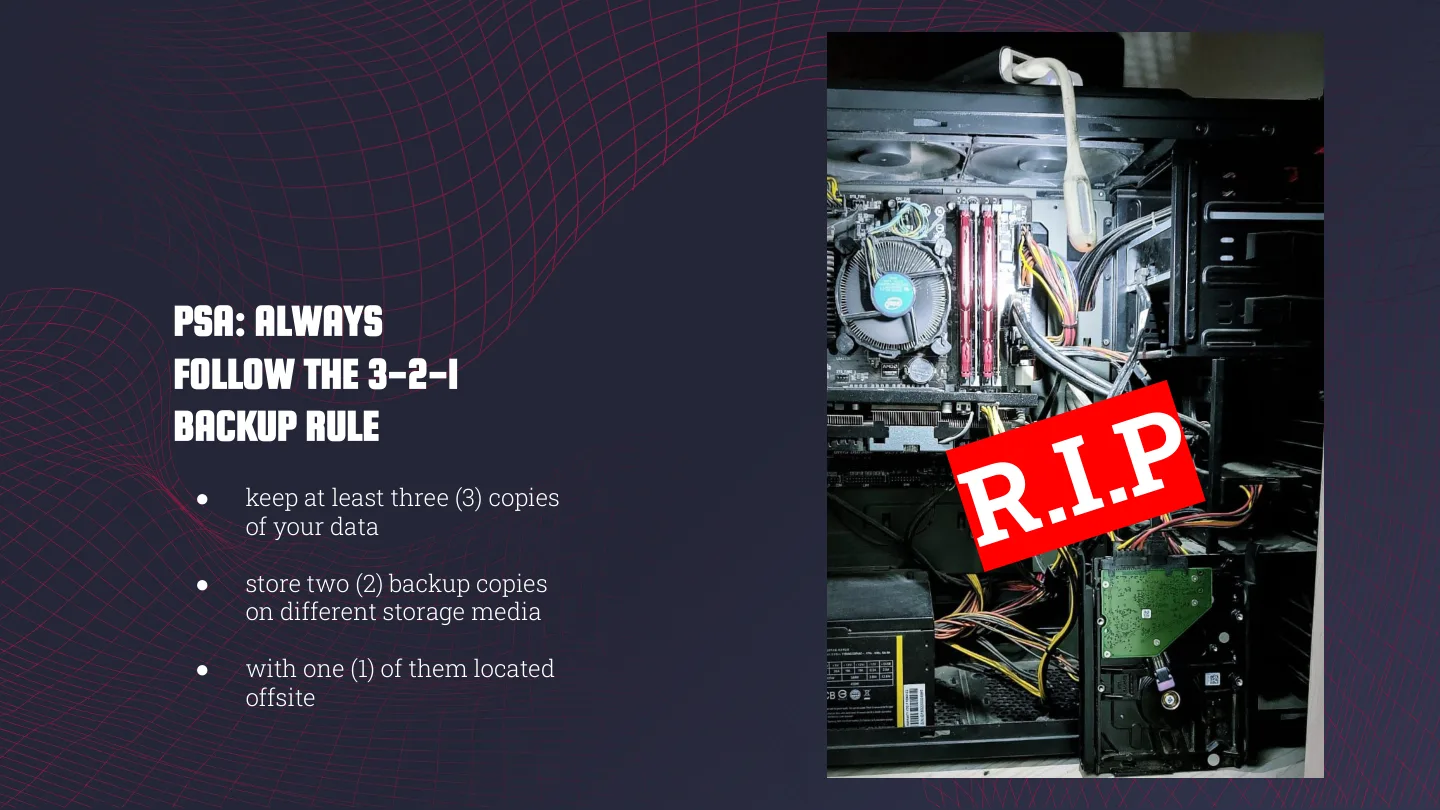
The next slide is the same tower with a big red “R.I.P” stamped across it, under “PSA: Always follow the 3-2-1 backup rule”. Keep at least three copies of your data, two of them on different kinds of storage, and one of them off-site.
That stamp is there because one of treasure’s drives died. RAID 5 did its job and I didn’t lose any data, but it’s what pushed me to take 3-2-1 backups seriously.
 treasure, as it appeared on the 3-2-1 slide.
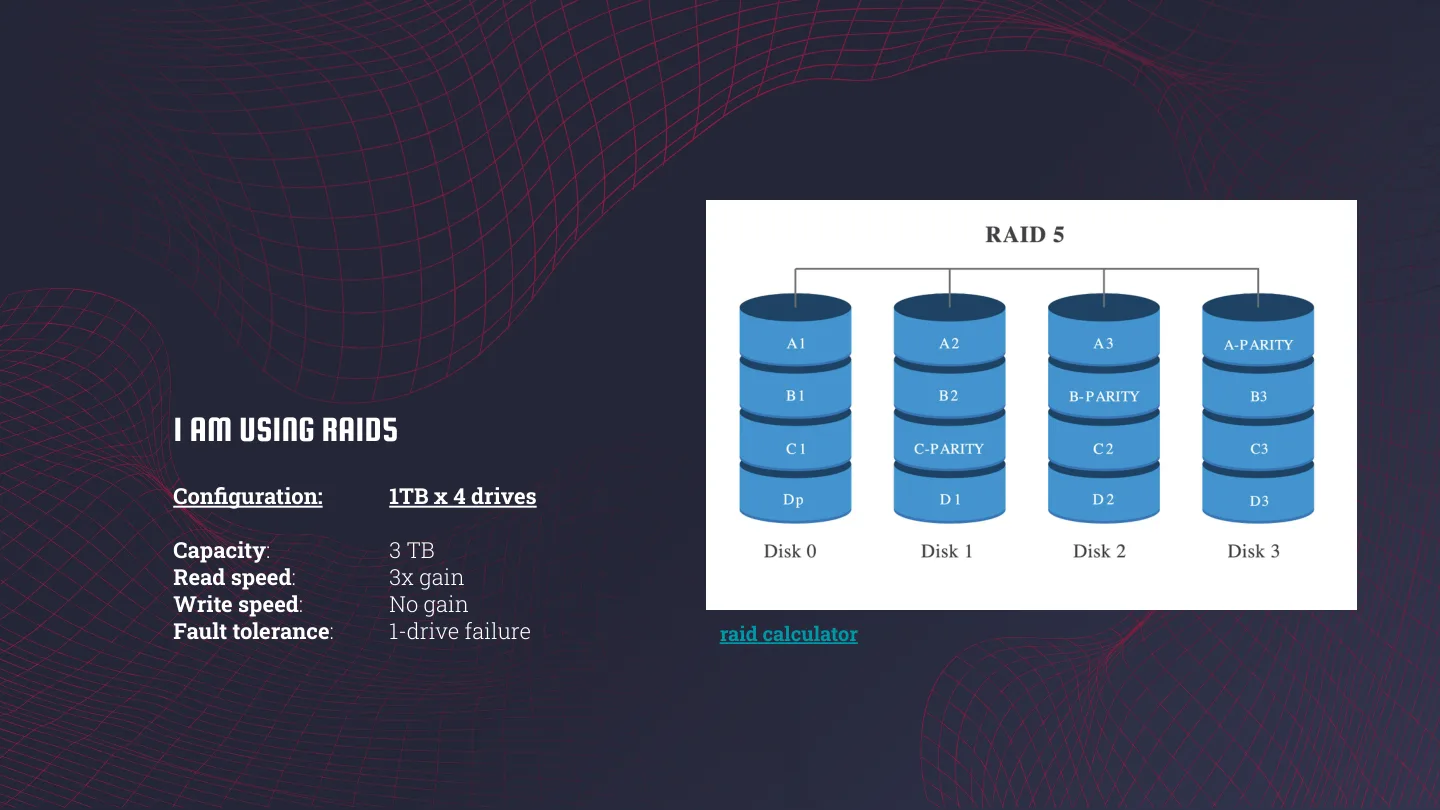
Then a quick RAID 5 primer. With 4x 1 TB drives you get 3 TB of usable space, roughly 3x the read speed of one drive, no gain on writes, and it survives one dead drive. RAID 5 still isn’t a backup, though.
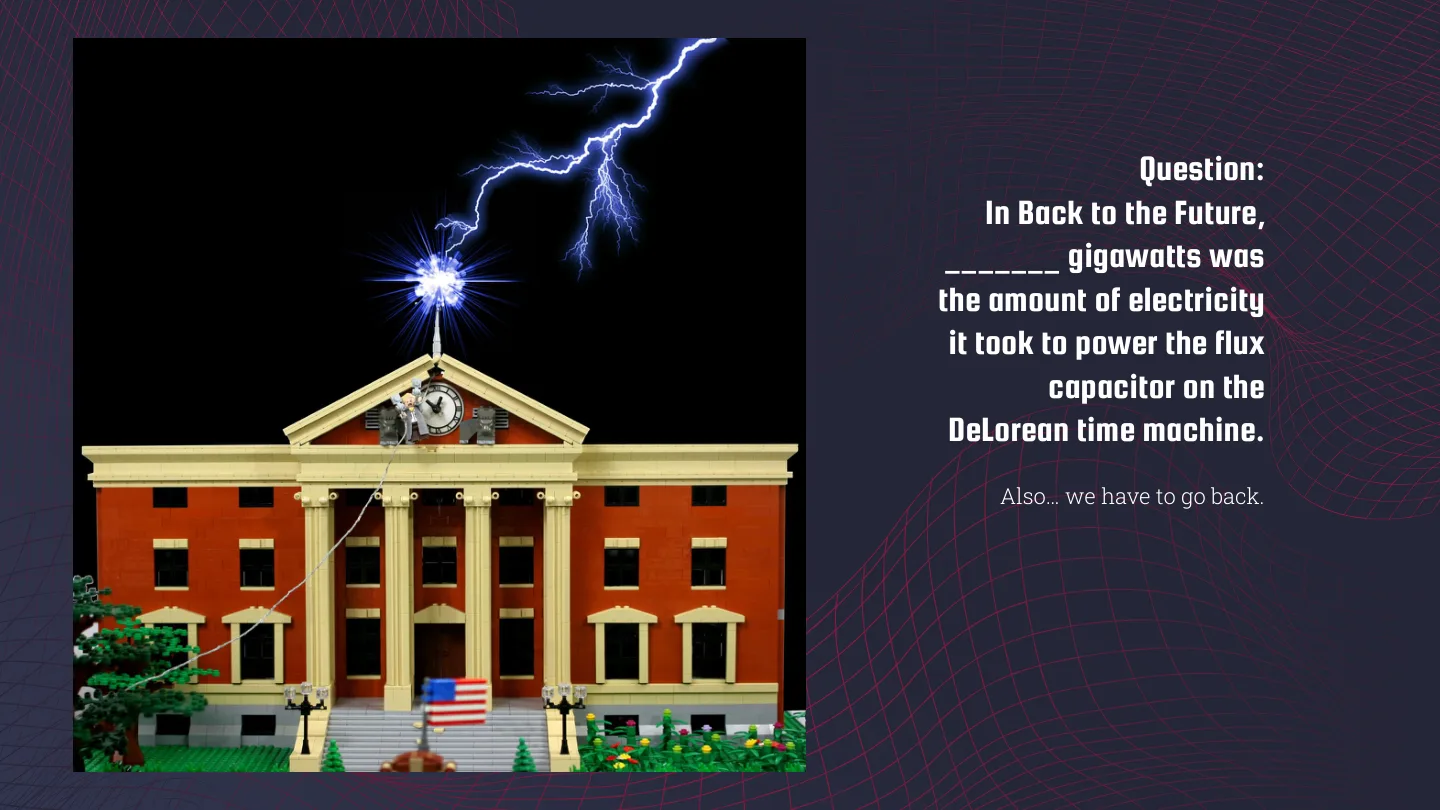
And a quiz to wake everyone up: how many gigawatts did the flux capacitor need? 1.21, obviously.
elrond, and the arcade that didn’t happen
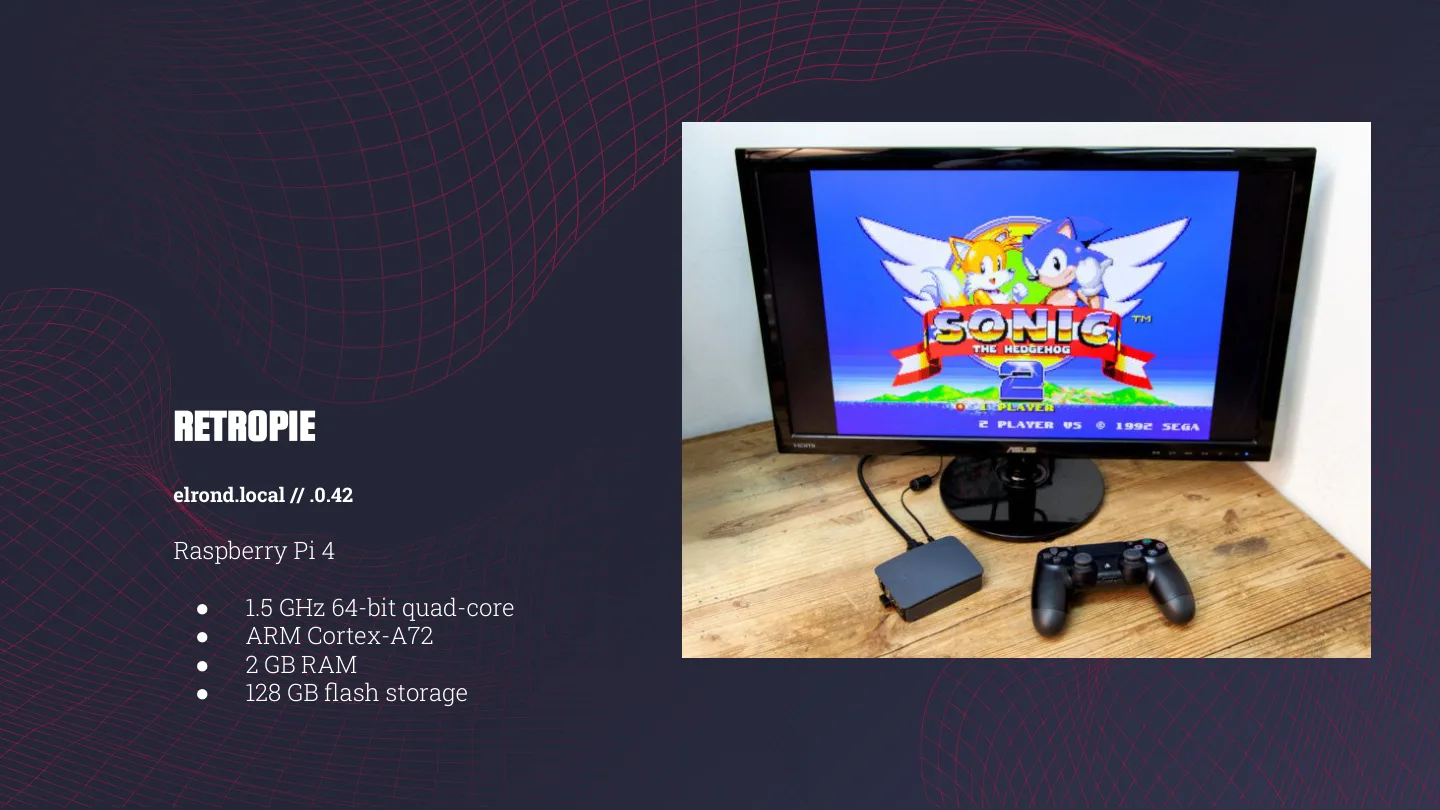
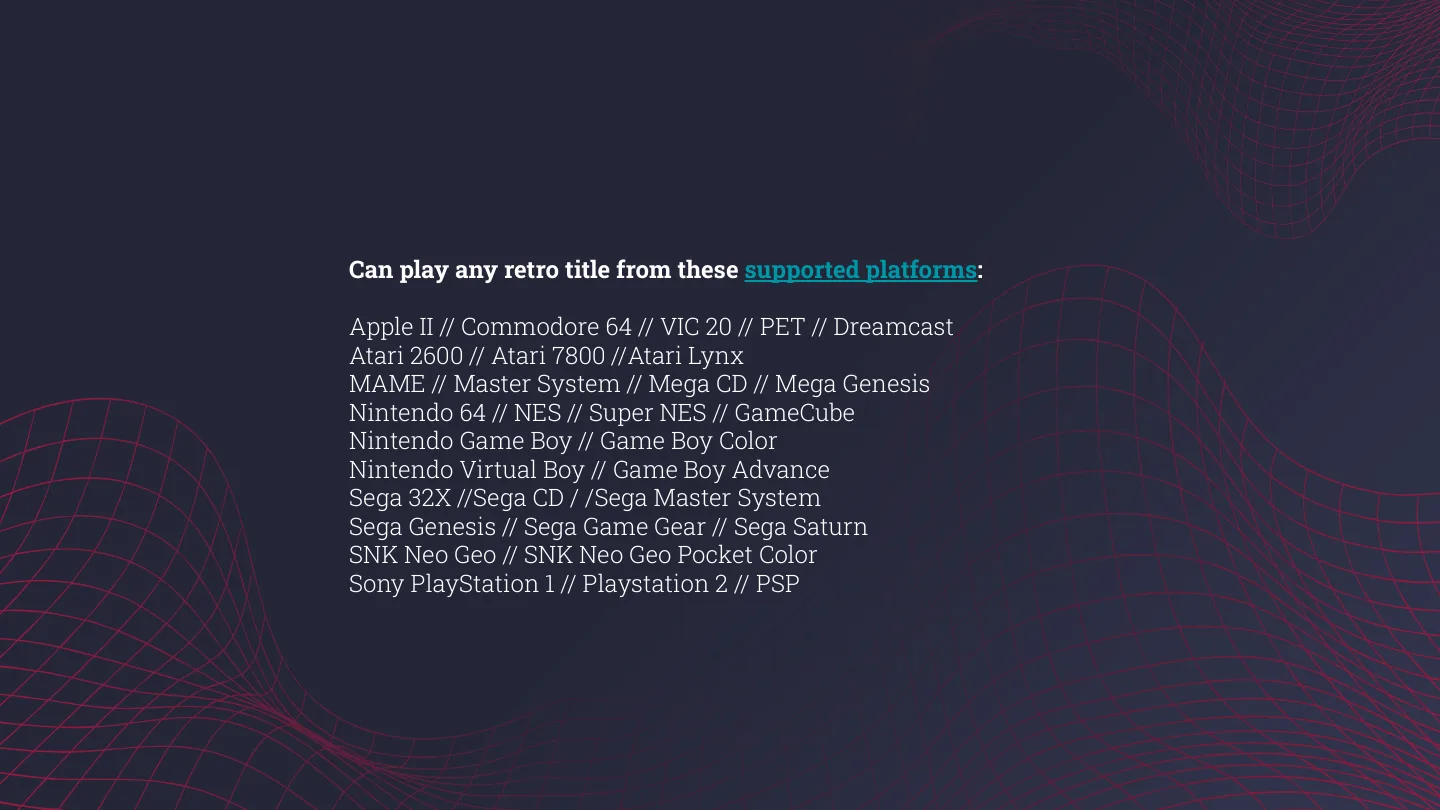
Elrond is RetroPie on a Pi 4 (2 GB RAM, 128 GB card), plugged into a monitor with Sonic 2 on screen and a PS4 controller. It plays pretty much everything from the Atari 2600 and the Commodore 64 to the PS2, GameCube and PSP.
 elrond running Sonic 2.
There was supposed to be a live demo. There wasn’t, so the demo slide just said “SORRY?”.
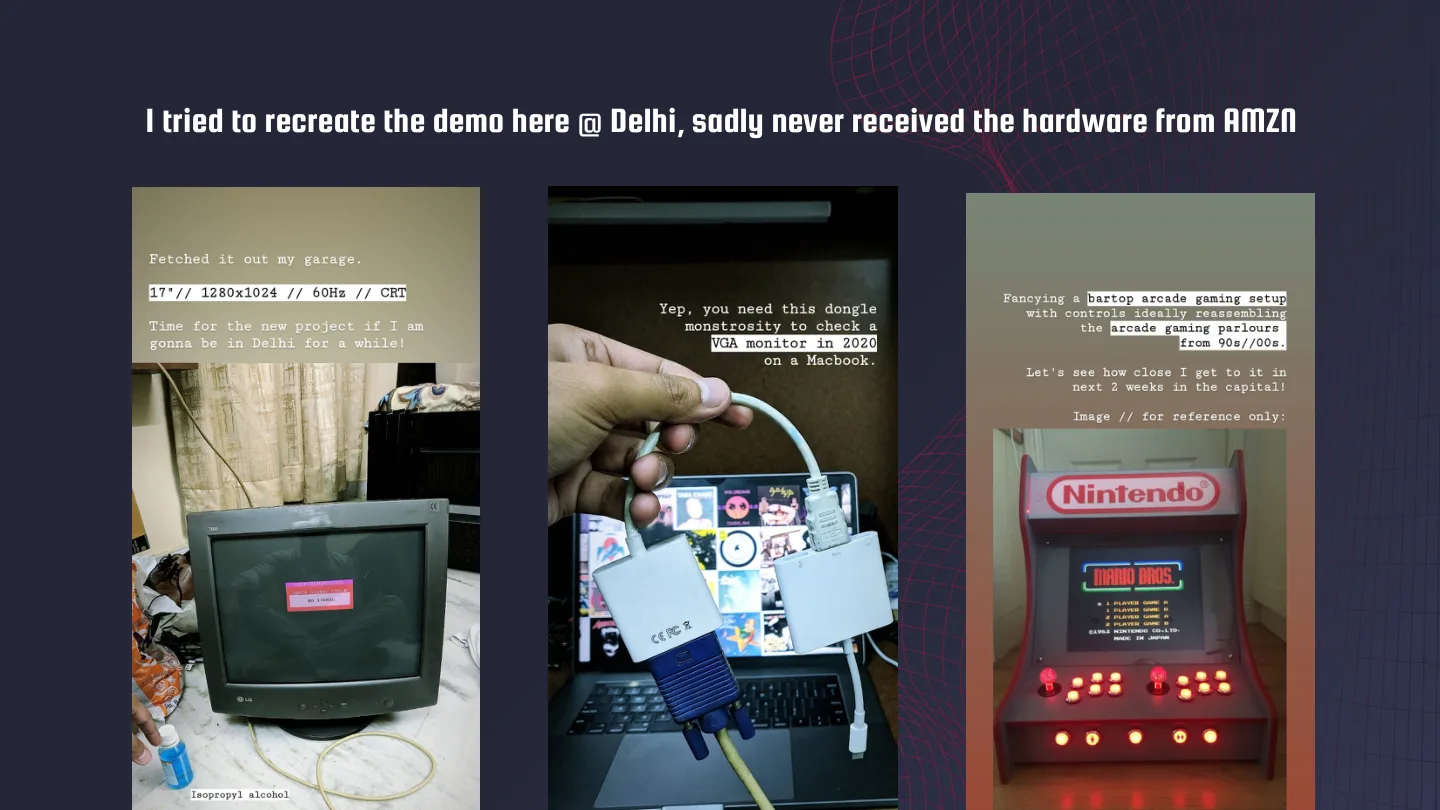
I tried to recreate the demo here in Delhi, but the hardware I ordered from Amazon never arrived. Here’s how far I got, going by my Instagram stories:
- I fetched a 17” LG CRT (1280x1024 at 60 Hz) out of the garage and cleaned it up with isopropyl alcohol. Time for a new project if I’m going to be in Delhi for a while!
- Yep, you need a dongle monstrosity to drive a VGA monitor from a MacBook in 2020.
- The plan: a bartop arcade with controls like the gaming parlours from the 90s and 2000s. Let’s see how close I get to it in the next 2 weeks in the capital.
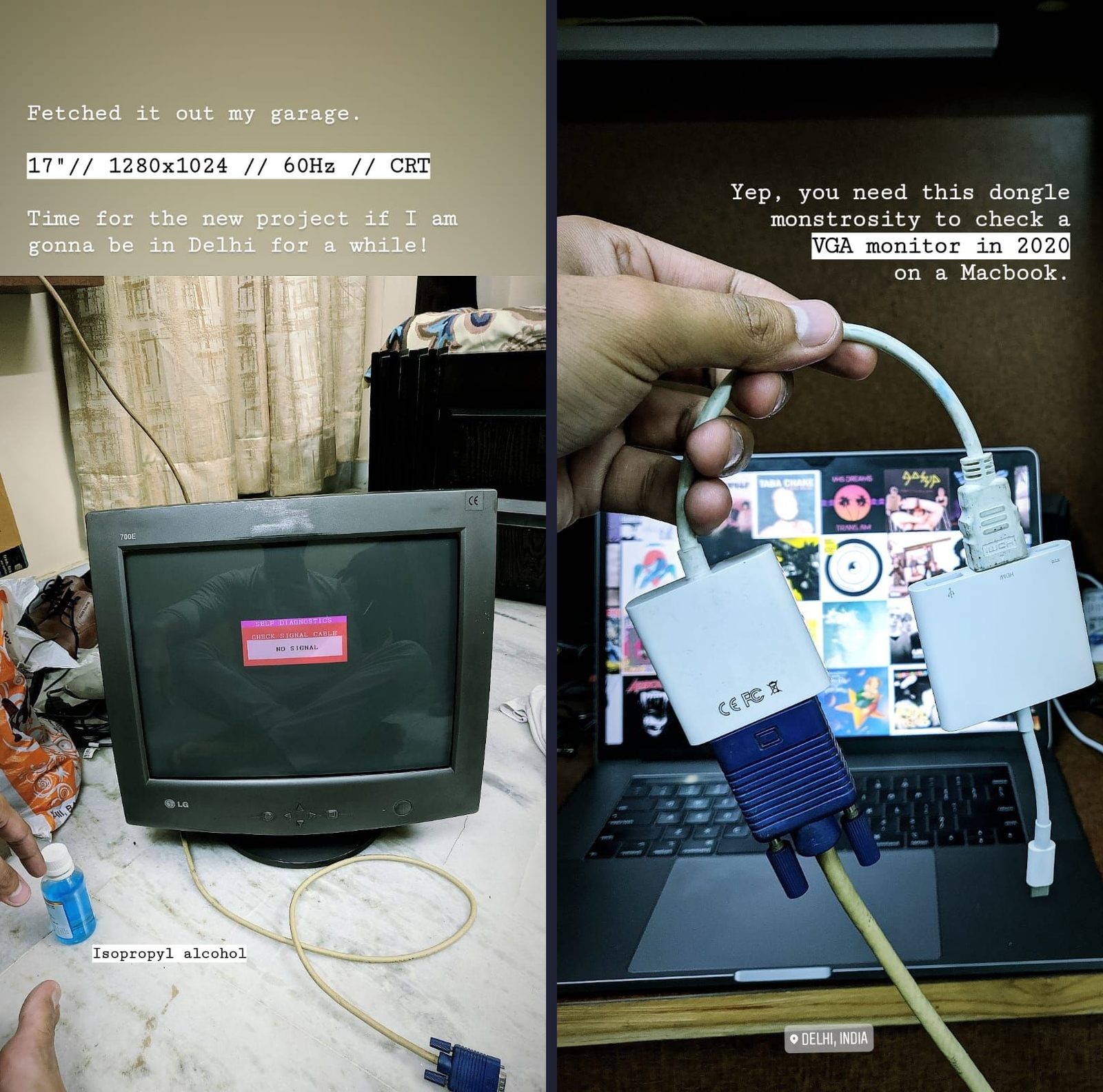 Stories 1 and 2: the CRT out of the garage, and the dongle monstrosity.
So, what am I doing with that old relic of a monitor? Stay tuned.
All homelabs matter
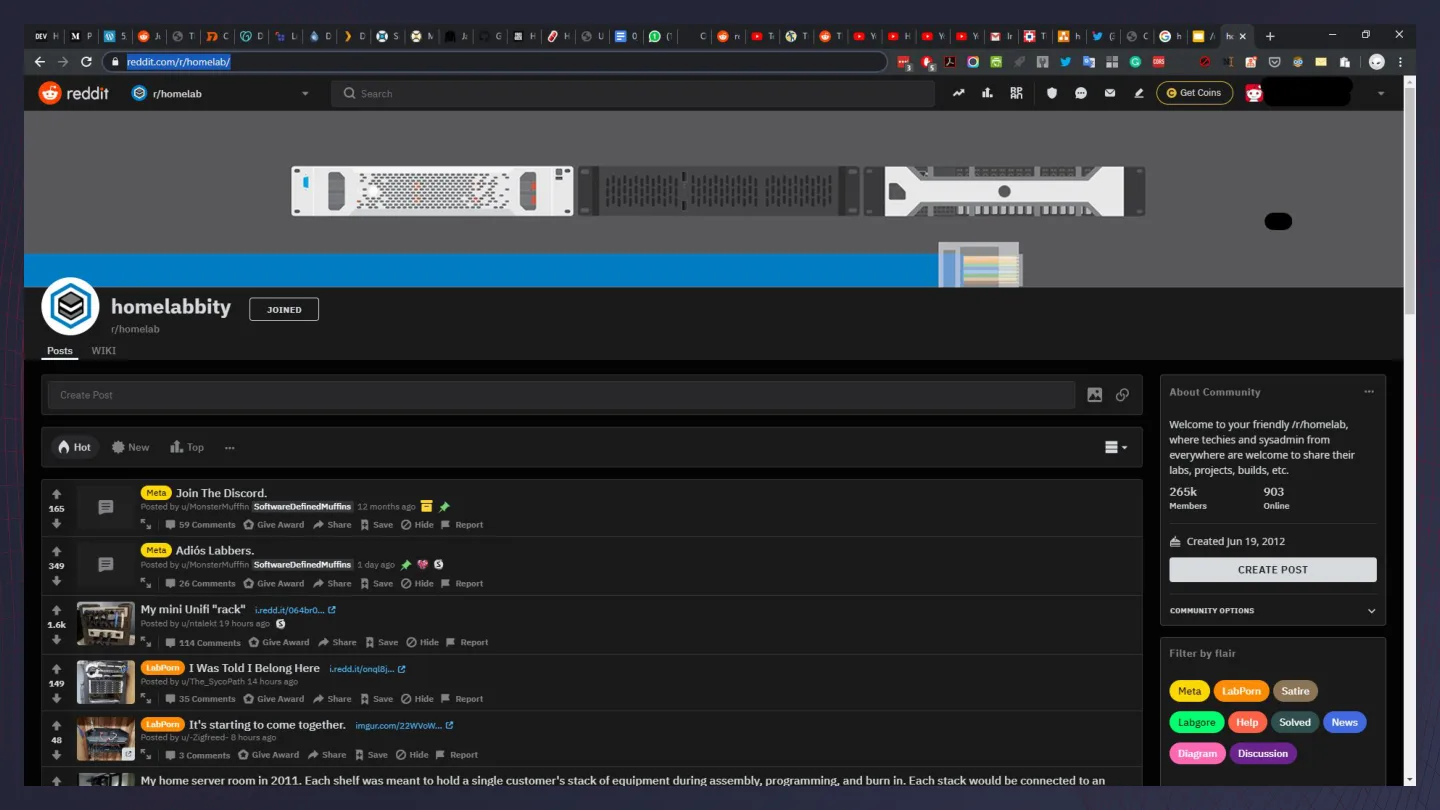
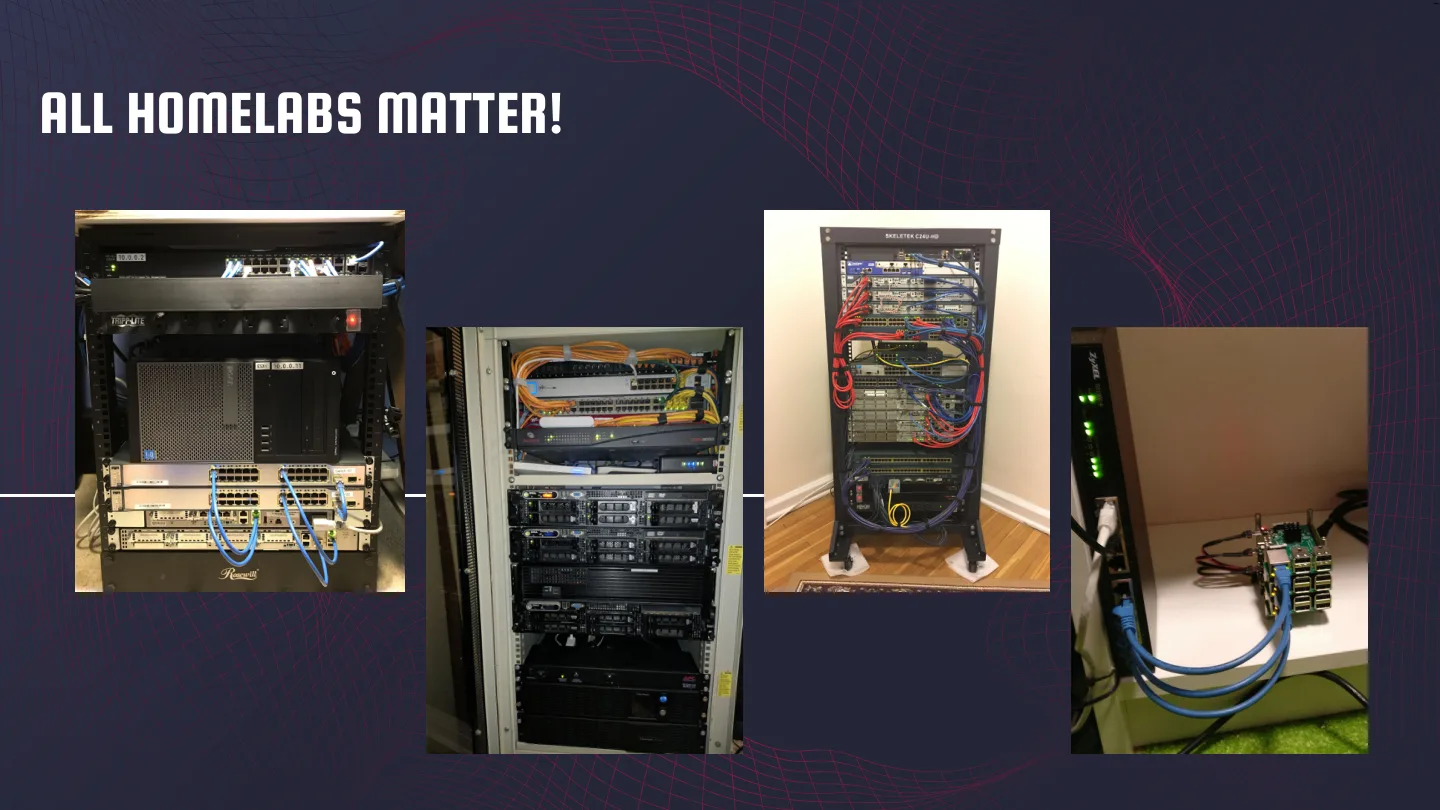
My goals slide was just a link to /r/homelab, followed by “ALL HOMELABS MATTER!” over a collage of other people’s setups. A rack full of enterprise gear and a Pi kept cool by two idols are both homelabs.
Before I wrap up, a big shoutout to three folks here at Uber: one for getting me a Raspberry Pi 4 and an absolute badass heatsink case from London, one for gifting me a kickass Pi stack case from the US, and one for arranging delivery of an Anker 60 W power supply from the US. Thank you!
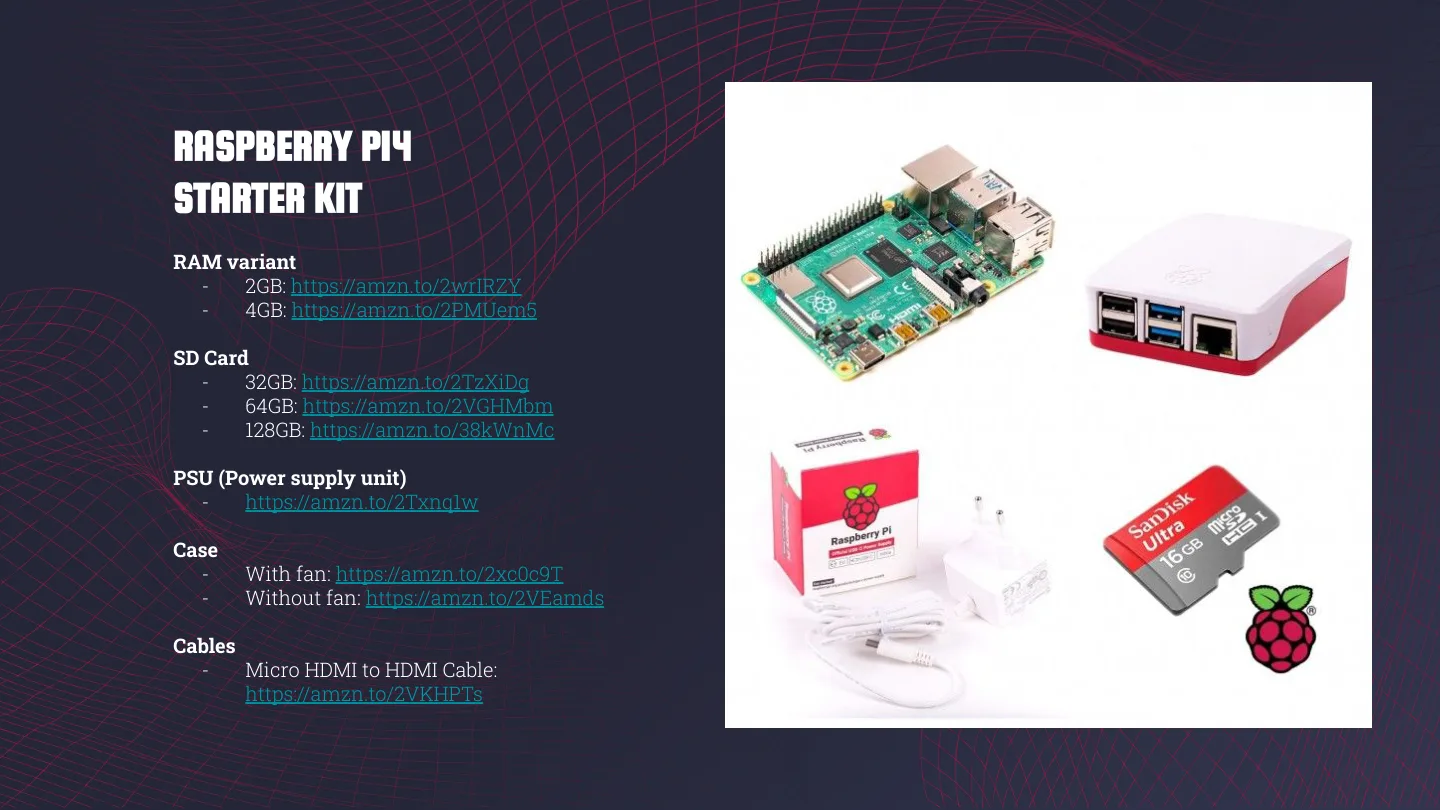
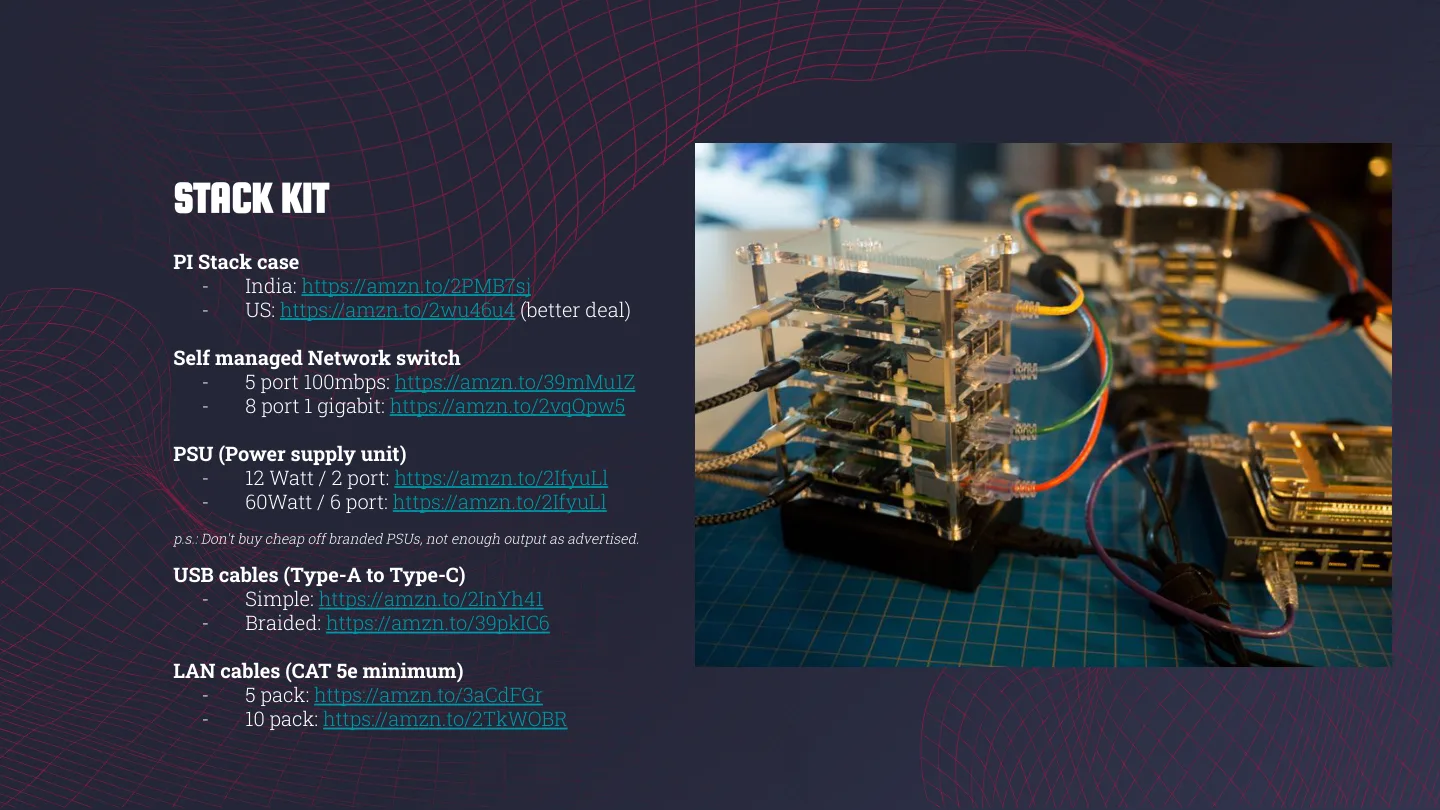
The last few slides were the starter kits I’d recommend after five years of messing around with Pis: a Pi 4, a decent SD card, a proper power supply, a case and a micro HDMI cable, plus a stack case, a small switch and LAN cables if you want a cluster. One tip from experience: don’t buy cheap off-brand power supplies. They don’t put out what they advertise.
So, what’s your homelab naming scheme? Let me know in the comments!















Keep reading
Zion, part 2: about 40 containers and nothing exposed to the internet
The software on my trash-rescued homelab: ZFS, Docker Compose, Tailscale-only access with real HTTPS, a VPN'd download stack, Immich and the boring backup bits.
Zion, part 0: my homelabs before it, from a Pi stack to a Dell R510
Before Zion there was a Raspberry Pi stack in Bangalore and a Dell PowerEdge R510 in Delhi. What they ran, what I sold, and what made it to the US.
Project #3: Create a PirateBox (BitTorrent) | Raspberry Pi 2
Create your own low-powered always-on PirateBox using your Raspberry Pi. Let storm over the bits & bytes of BitTorrent as we know it. #KeepSeeding
Leave a comment