Data Portability in Enterprise Cloud: my DevFest 2023 New Delhi talk, written up
The written version of my DevFest 2023 New Delhi talk: what enterprise data portability means, data residency, backups vs exports, why a pigeon beats your fibre, and BYOK.
 Jatin K Malik First published on
 X

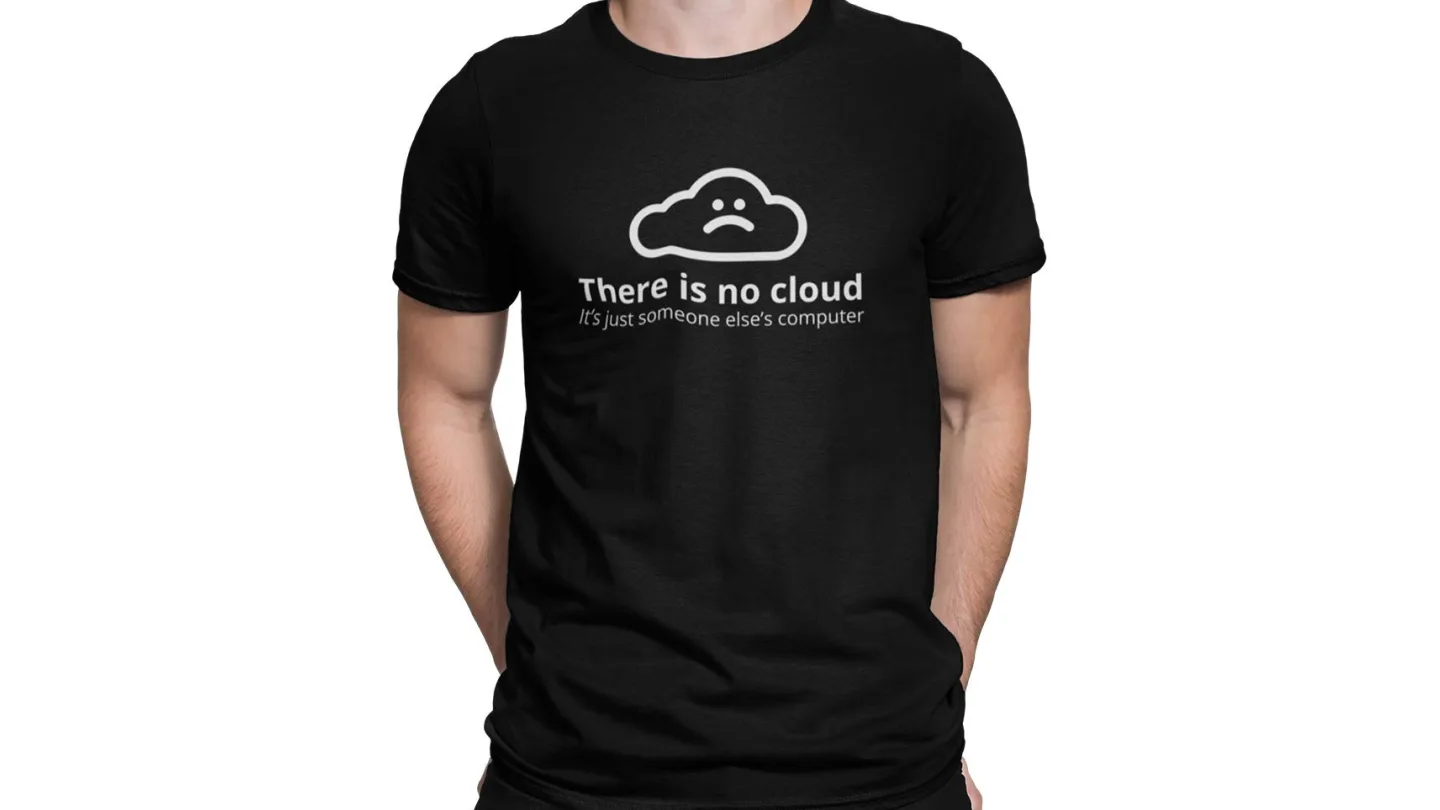
This morning I gave a talk called “Data Portability in Enterprise Cloud” in the Cloud track at GDG DevFest 2023 New Delhi. My slot was 11:05 AM, and I walked in wearing a T-shirt that says “There is no cloud, it’s just someone else’s computer”, which turned out to be a useful prop. More on that below. :P
Some context on how I got there: back in 2019 I went to DevFest in Bengaluru with a badge that said “Attendee” and spent the whole day in other people’s talks. This year I answered the CFP for the New Delhi chapter, got picked for the Cloud track, and announced it on X on 24 September. The topic was an easy pick, because data portability at enterprise scale is pretty much what I spend my days on at work.
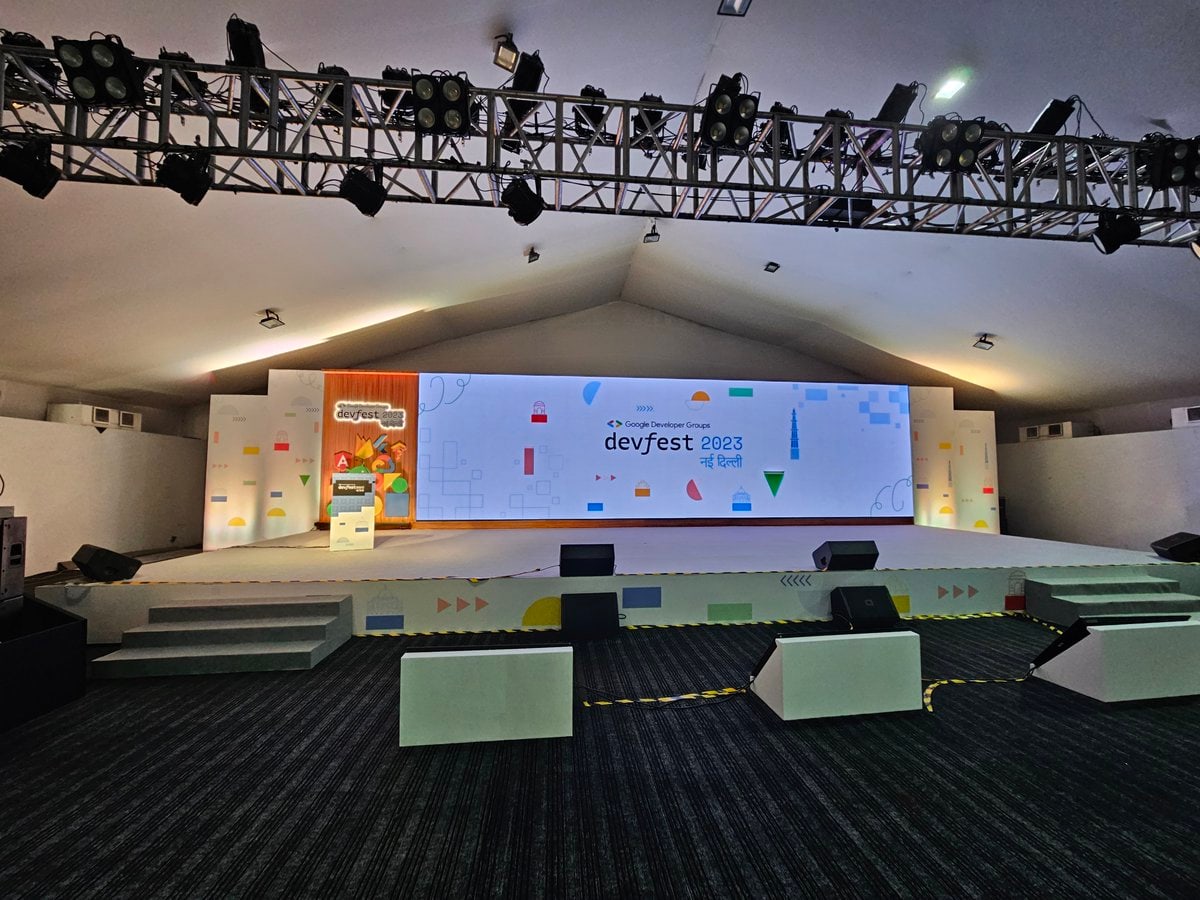
The slides go up with this post, so here’s the written version for folks who couldn’t make it (and for the ones who did but were busy collecting swag during the 11:05 slot).
Before we start: stickers
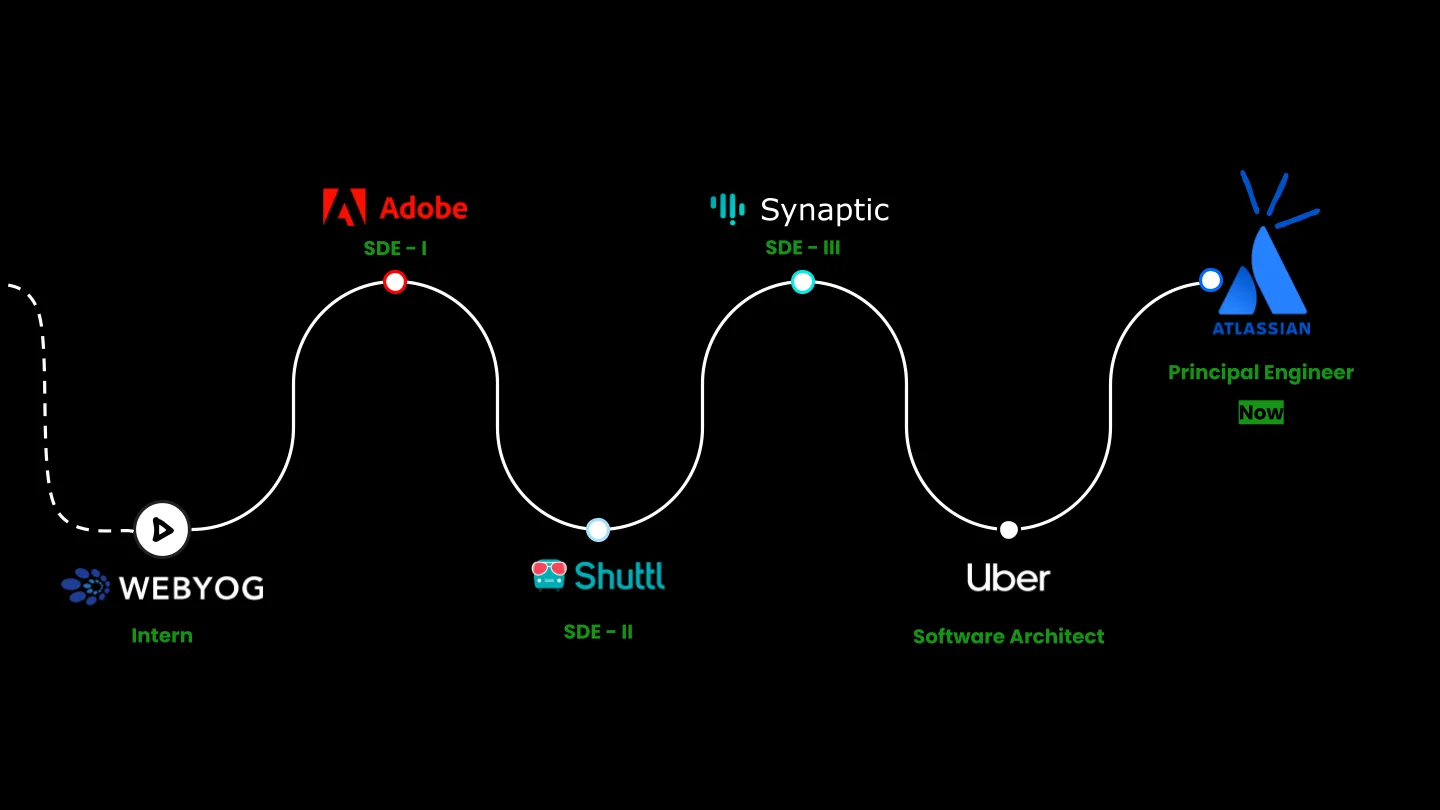
I opened with the usual whoami (career timeline, homelab, fountain pens, mechanical keyboards, chess, the works) and a quick show of hands to see who was in the room: new grads, folks with under 5 years, folks with 15+.
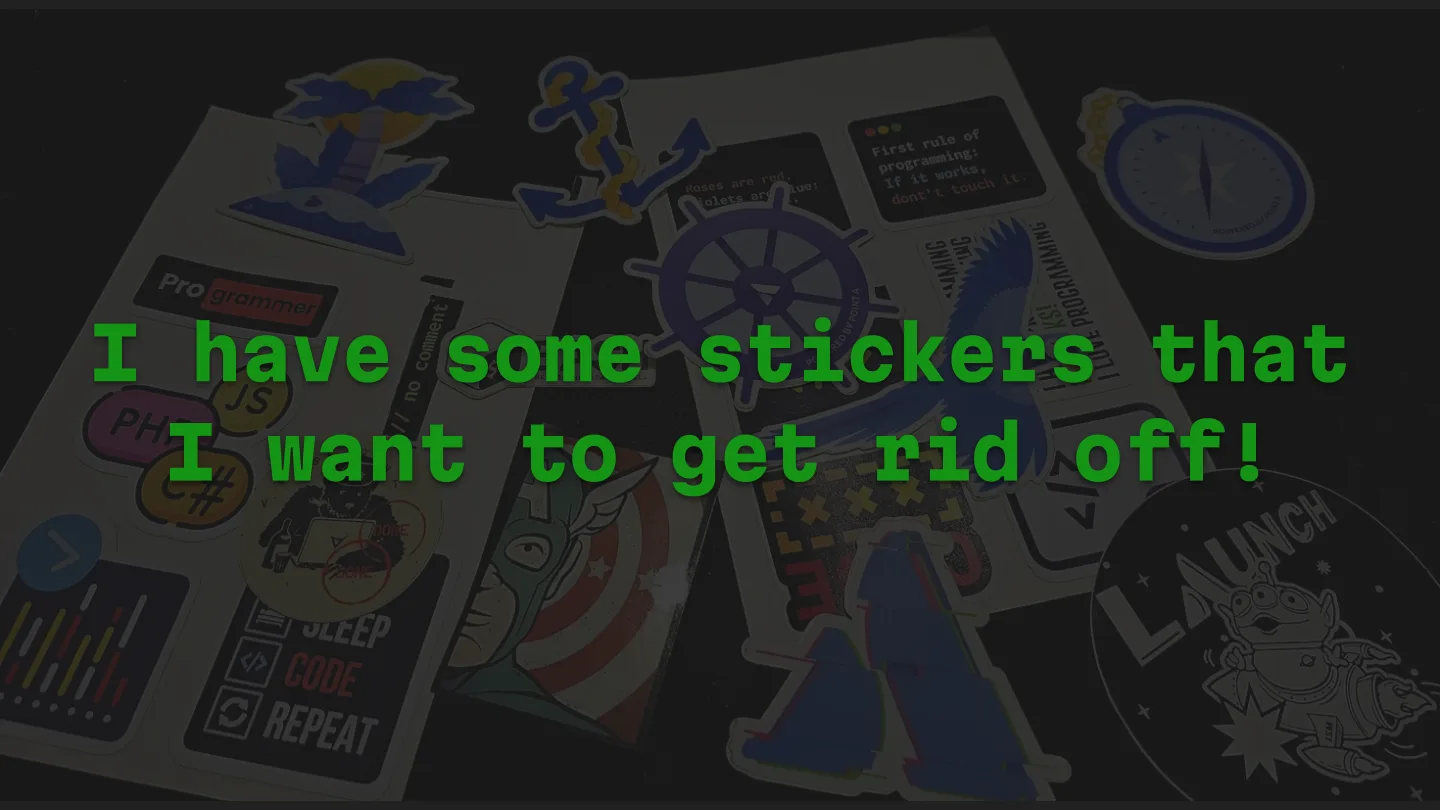
Then a confession: I had a bag of stickers I wanted to get rid of. So the deal was simple. I’d ask questions through the talk, and the first person to answer correctly gets a random sticker.

Server, data center, cloud
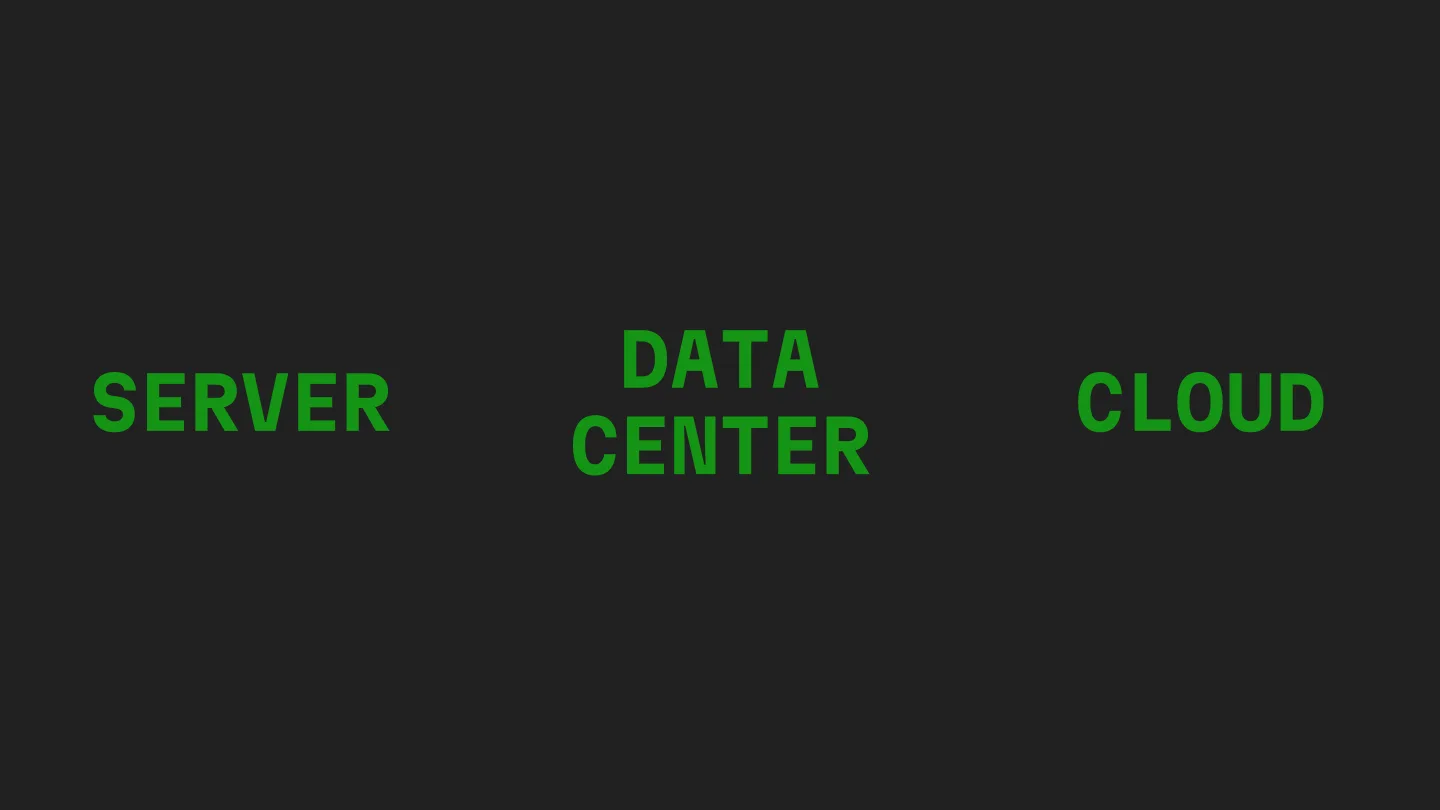
First question of the day: what’s the difference between a server, a data center and the cloud?
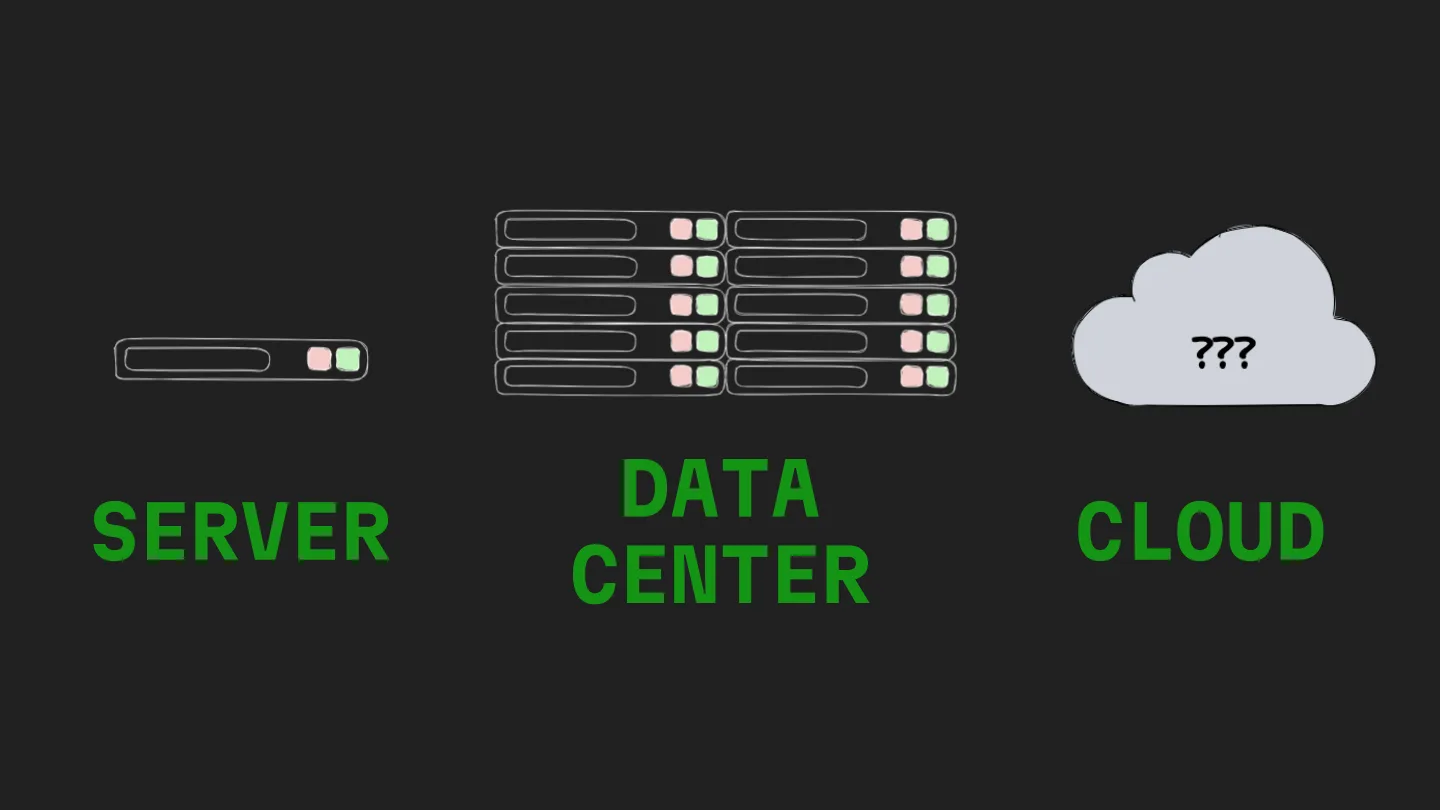
The hint was on my T-shirt. For anyone sitting too far back to read it, the next slide was a picture of the same tee.
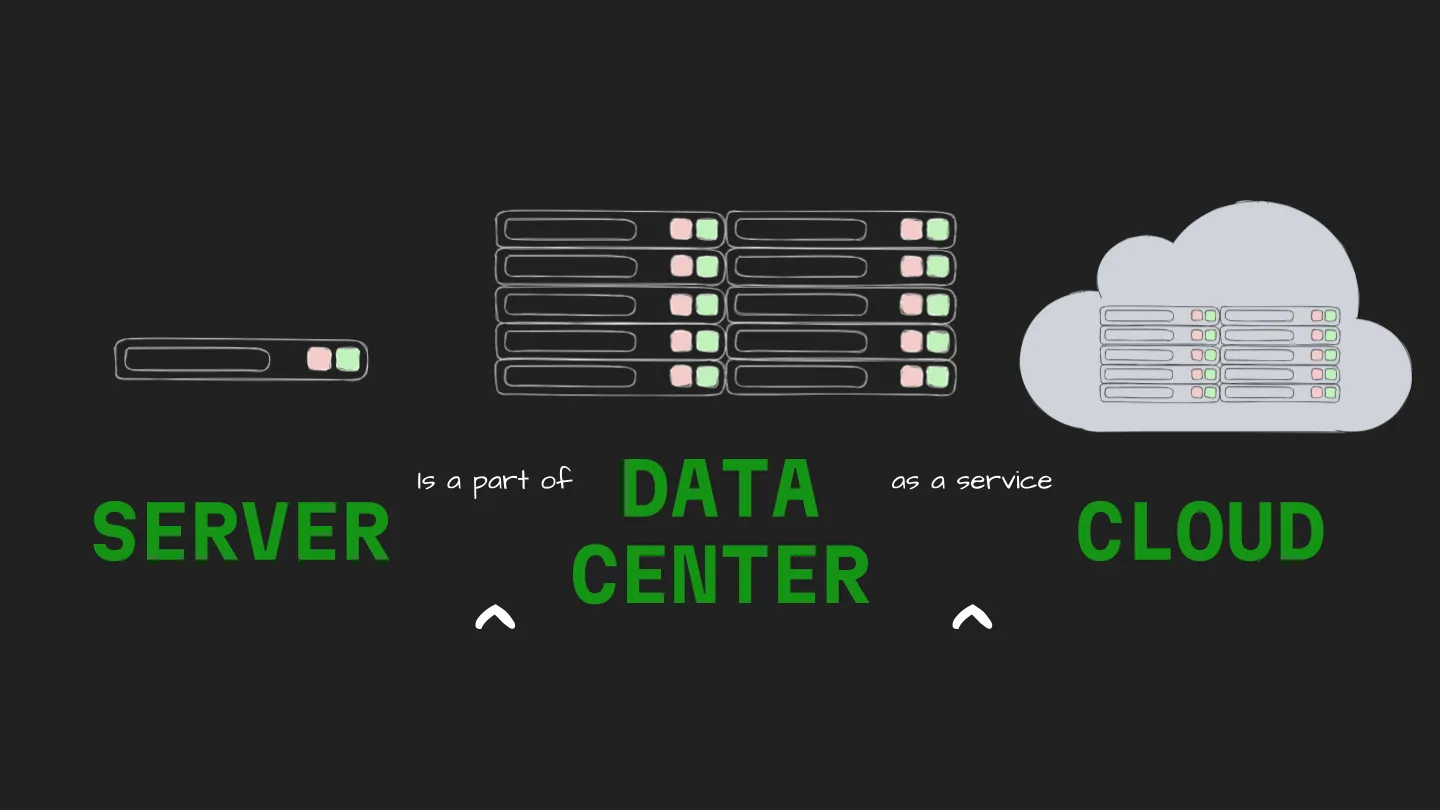
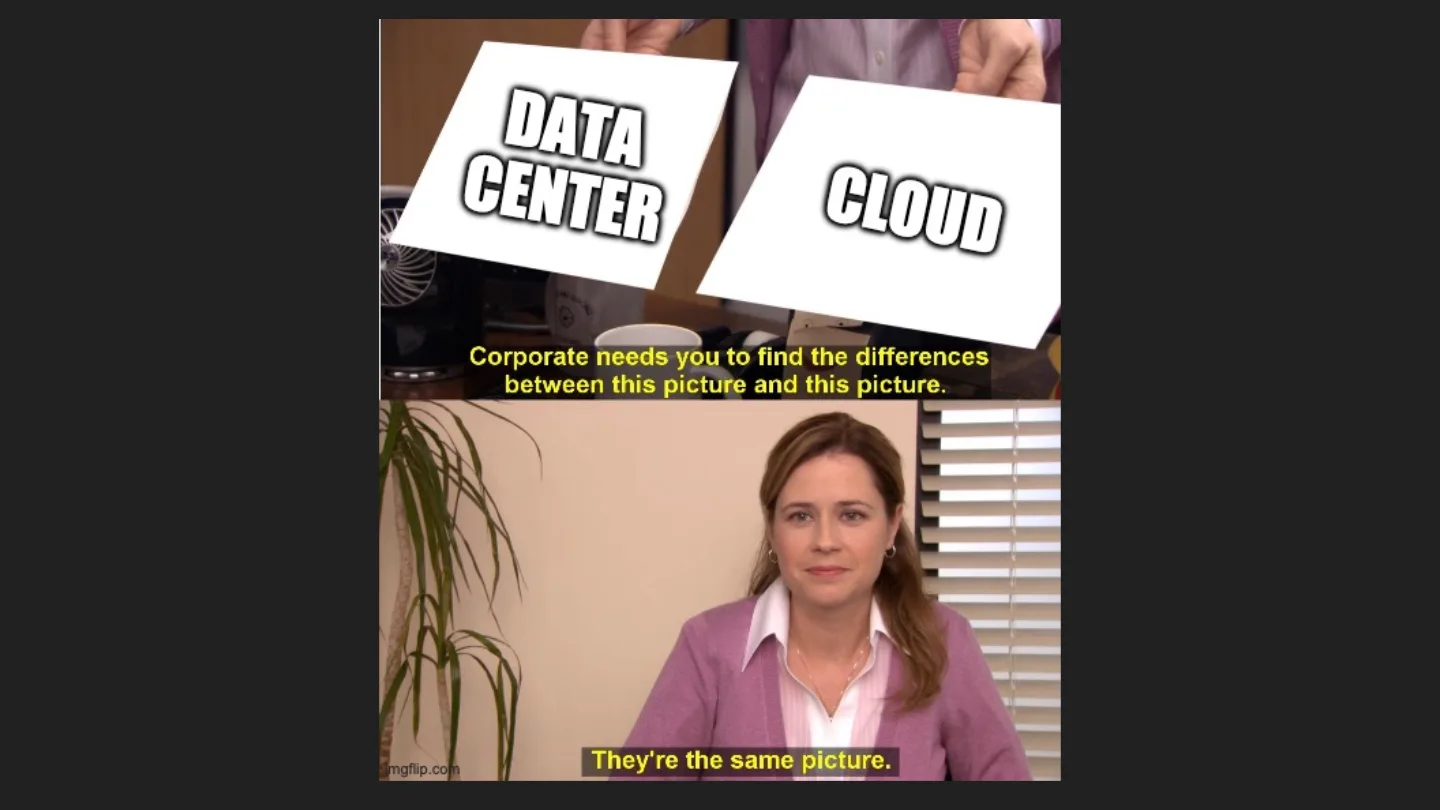
A server is part of a data center, and the cloud is a data center as a service. It’s often accessed remotely and can be distributed across the world, but at the bottom of it all there’s still a rack of machines somewhere. They’re the same picture.
So what does Enterprise mean?
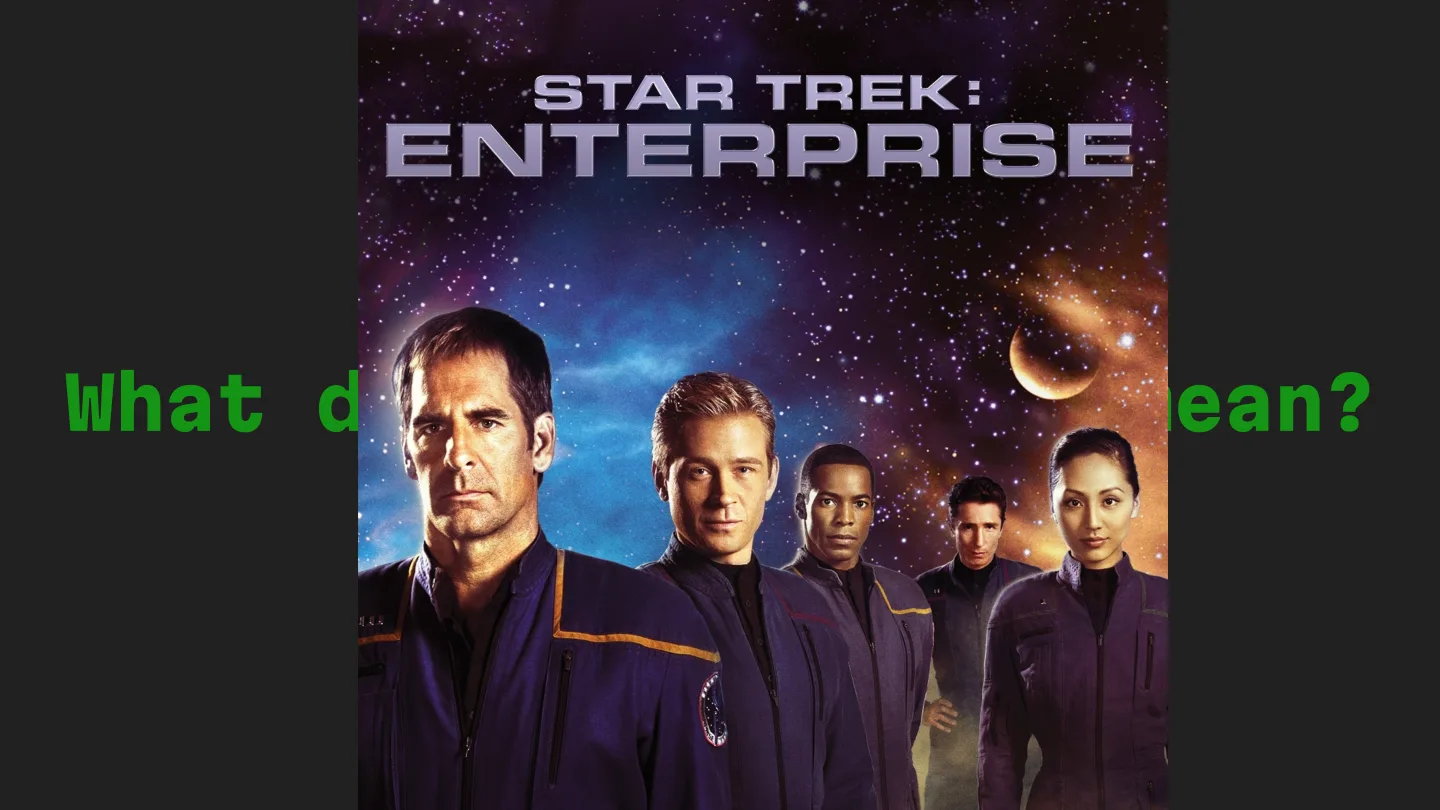
An enterprise is typically made up of a number of entities: divisions, departments, subsidiaries. Google is an enterprise. Your local grocery shop is… a business. Both have data, but only one of them has a legal team asking which country that data lives in.
And data portability? The textbook version is about people: being able to get your own data out of a service and reuse it somewhere else, moving or copying it from one IT environment to another safely, without breaking it along the way. In an enterprise, the “person” is a whole company, and the data is every record, file and log they’ve ever made.
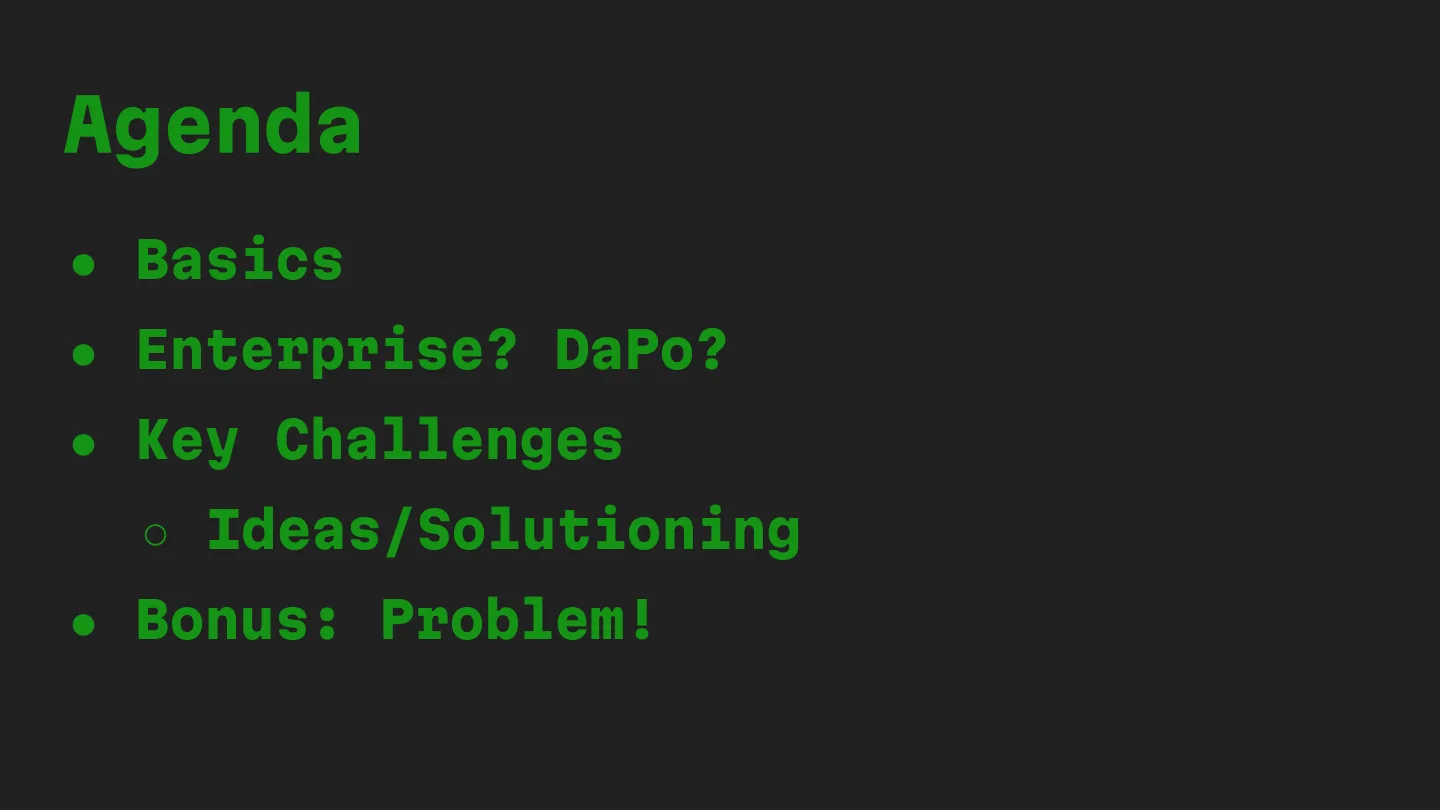
The rest of the talk was about the challenges that come with it. I picked three.
Challenge 1: data residency
Data residency is the physical or geographic location of an organisation’s data. Simple definition, very messy reality.
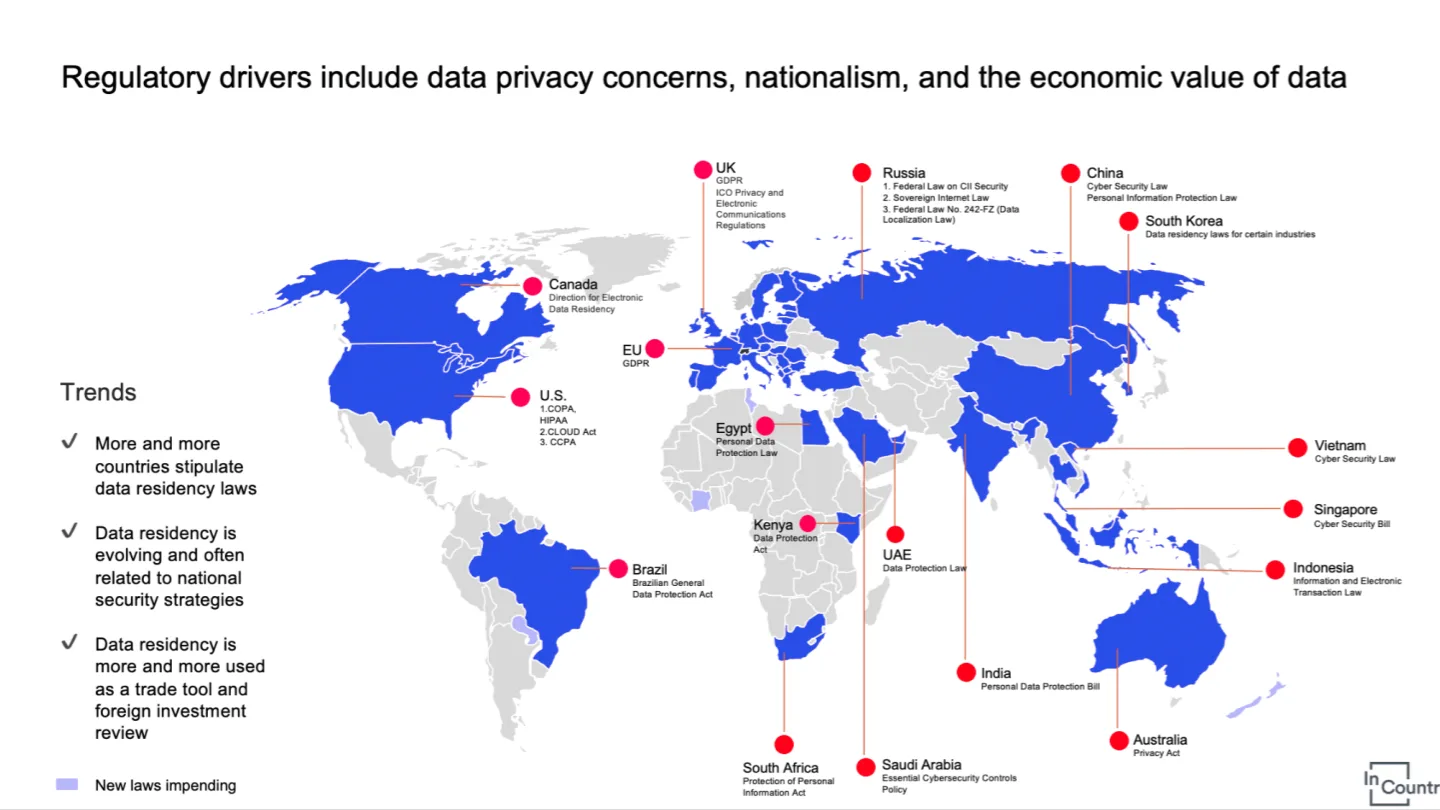
More and more countries want their citizens’ data stored inside their borders. The reasons are a mix of privacy, national security and plain economics, and it’s increasingly used as a trade tool too.
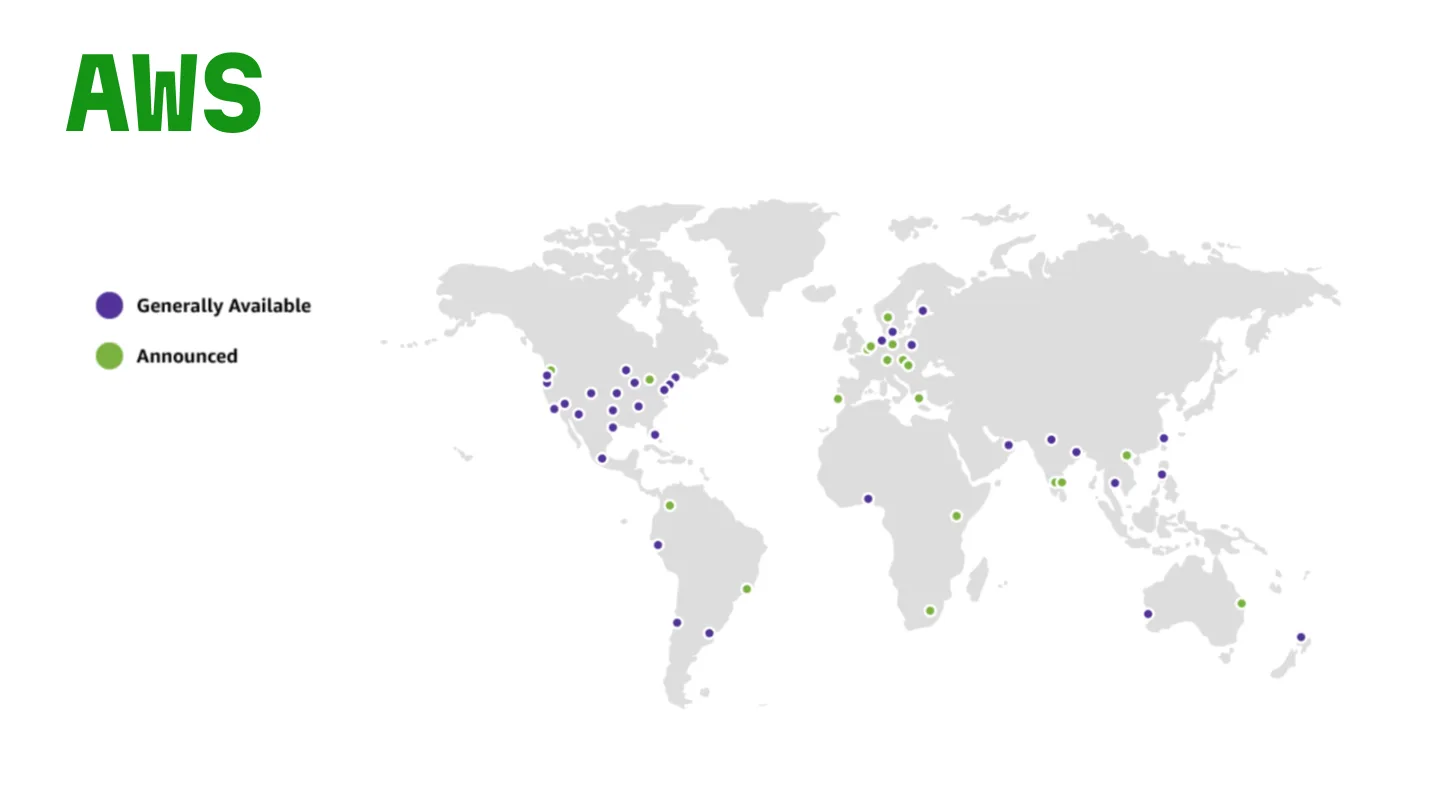
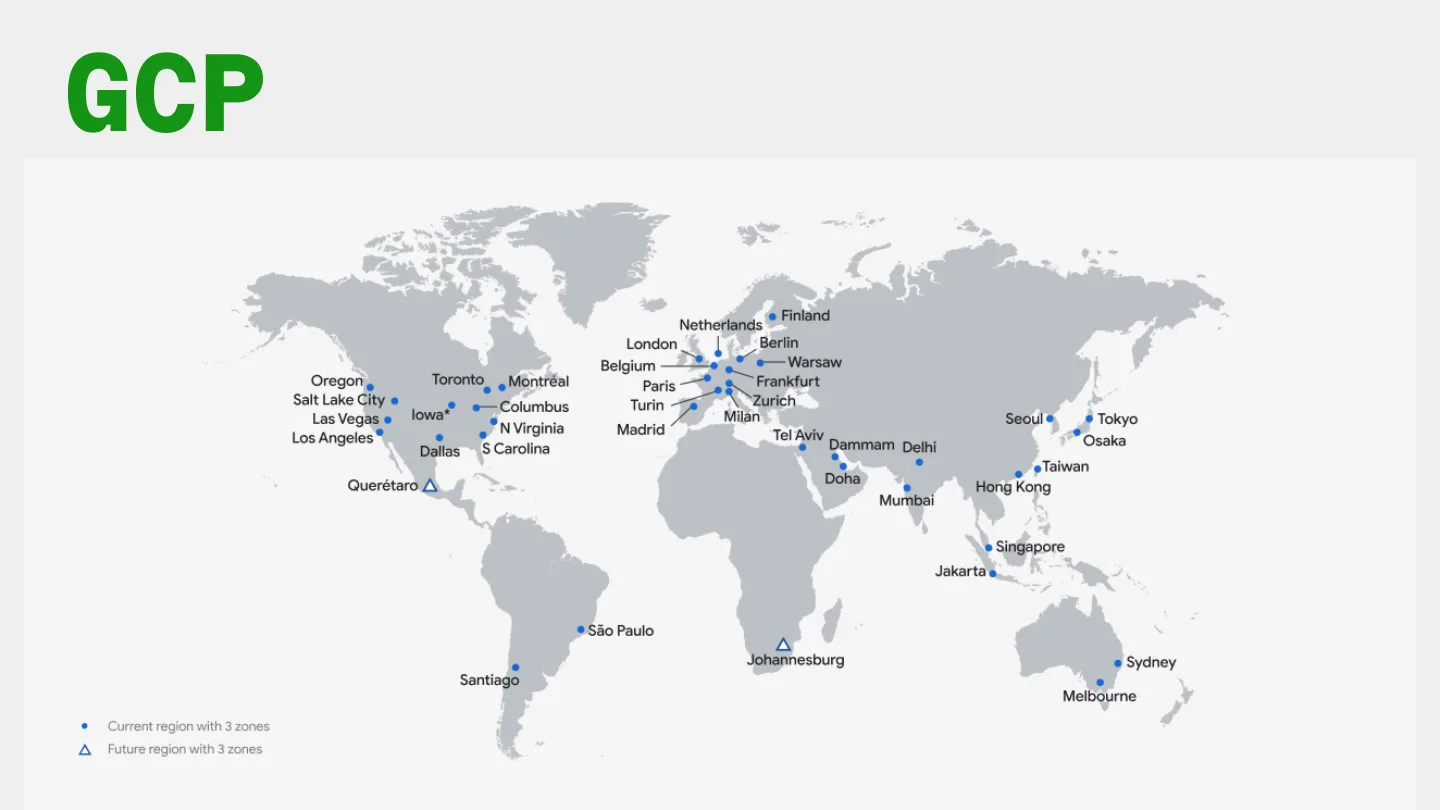
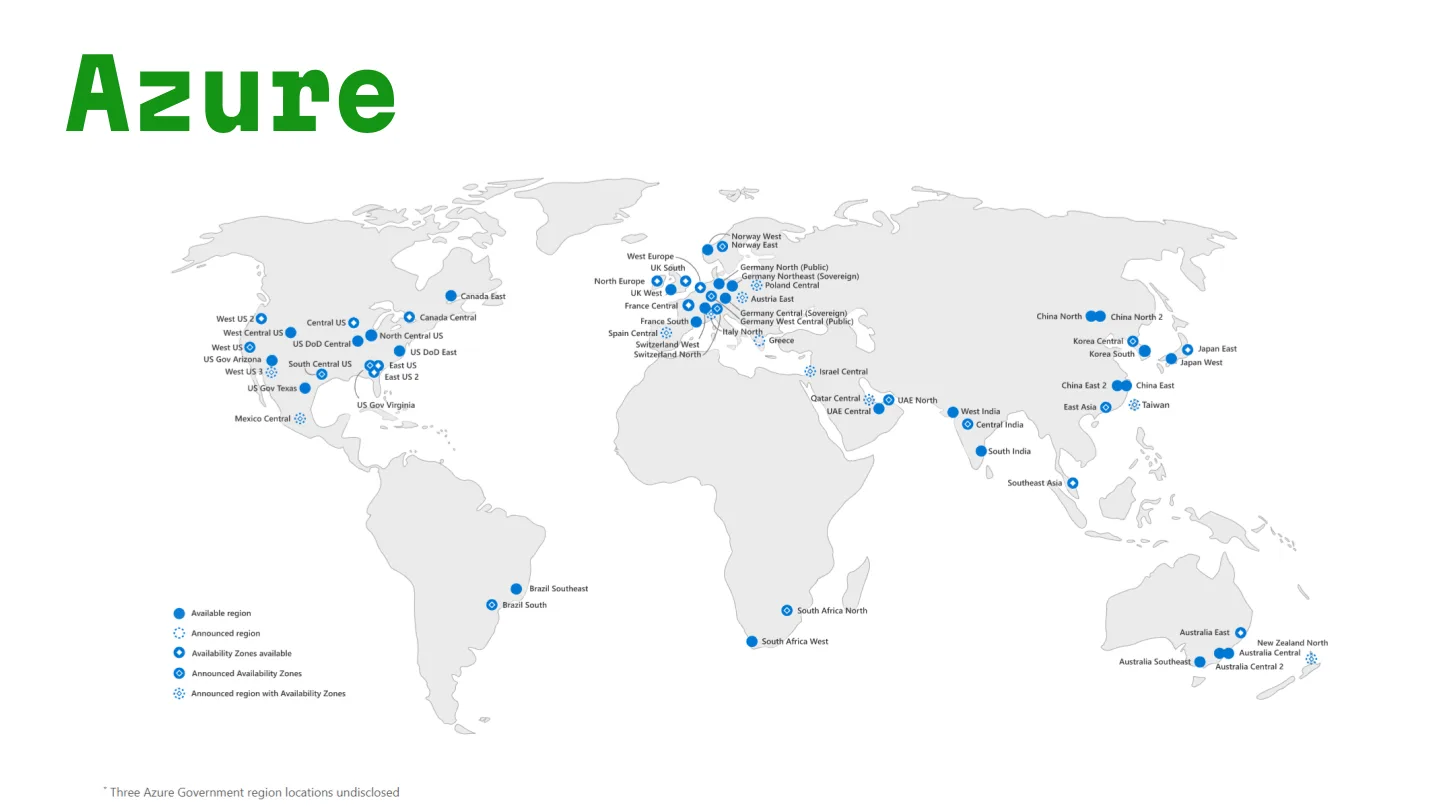
Then I showed the region maps for AWS, GCP and Azure, and then the regulation map with the cloud regions superimposed on top of it. They line up suspiciously well.
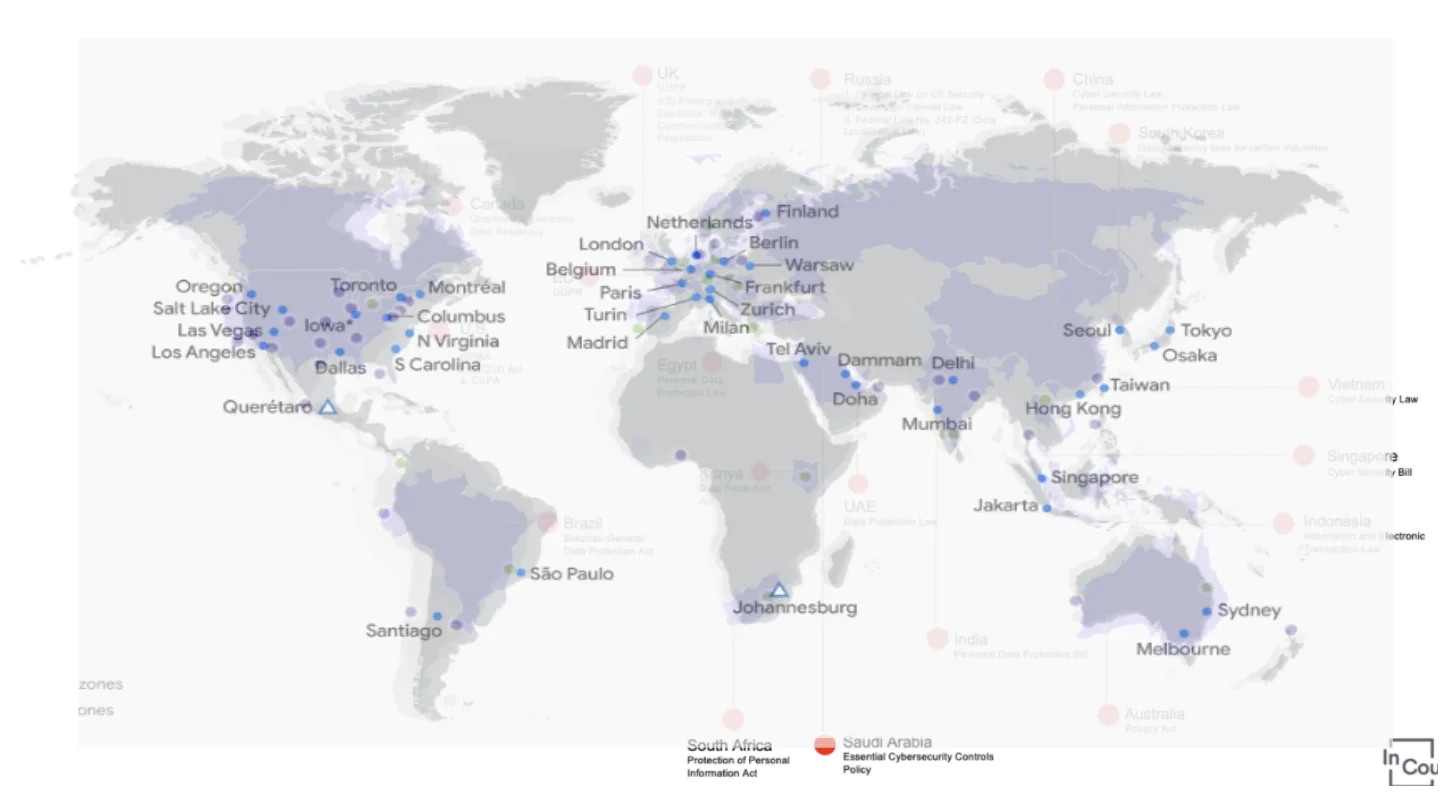
Regulation drives adoption. My example on stage was cars in Delhi and the NGT rules on how old a car is allowed to be. Ironic, but it works. A business may not need distributed cloud computing, but an enterprise almost always does, which is why there’s such a huge demand for public clouds in the first place.
“Can’t we just deploy in each region and call it a day?”
No.
Why? Enterprise scale!
Spinning up a stack in a new region is the easy part. Getting existing customer data there is what increases cost and complexity massively. For a sense of scale, Uber does about 7.6 billion rides a year, which is around 20 million rides a day. At Atlassian, a single customer’s data can be anything from a few megabytes to tens of terabytes. Now imagine moving all of that into a different region to be residency compliant, while people are using it.
Challenge 2: BRIE
Now that we were talking about scale, here’s the most difficult part of data portability. The slide said BRIE, with a big wedge of cheese, and I asked the room what it stands for.
Backup, Restore, Import, Export. Storing data is the easy bit. The hard bit is making sure it’s safe, retrievable and transferable without loss or corruption.
The sticker question here was: what’s the difference between a backup and an export? My take: a backup is for getting you back to a known good state, in the same system, usually in whatever format suits the system. An export is for getting your data out, in a format something else can read. Restore and import are the reverse of each, and import is usually the scarier one, because now you’re taking data you didn’t produce and making it fit your system’s rules, IDs and permissions without breaking anything already there.
At enterprise scale, each of those four needs to be consistent, resumable when it fails halfway, and verifiable at the end. That’s a lot of engineering for what sounds like “copy the data”.
Let’s play a game
This was a thought experiment more than a game. What’s the fastest way to send a friend 3 MB of data?
Just email, right?
What about 3 GB? Maybe a cloud drive. 300 GB? Now we’re talking BitTorrent, or splitting it into batches to parallelise, say 10 chunks of 30 GB each.
And 3 TB?

A pigeon!
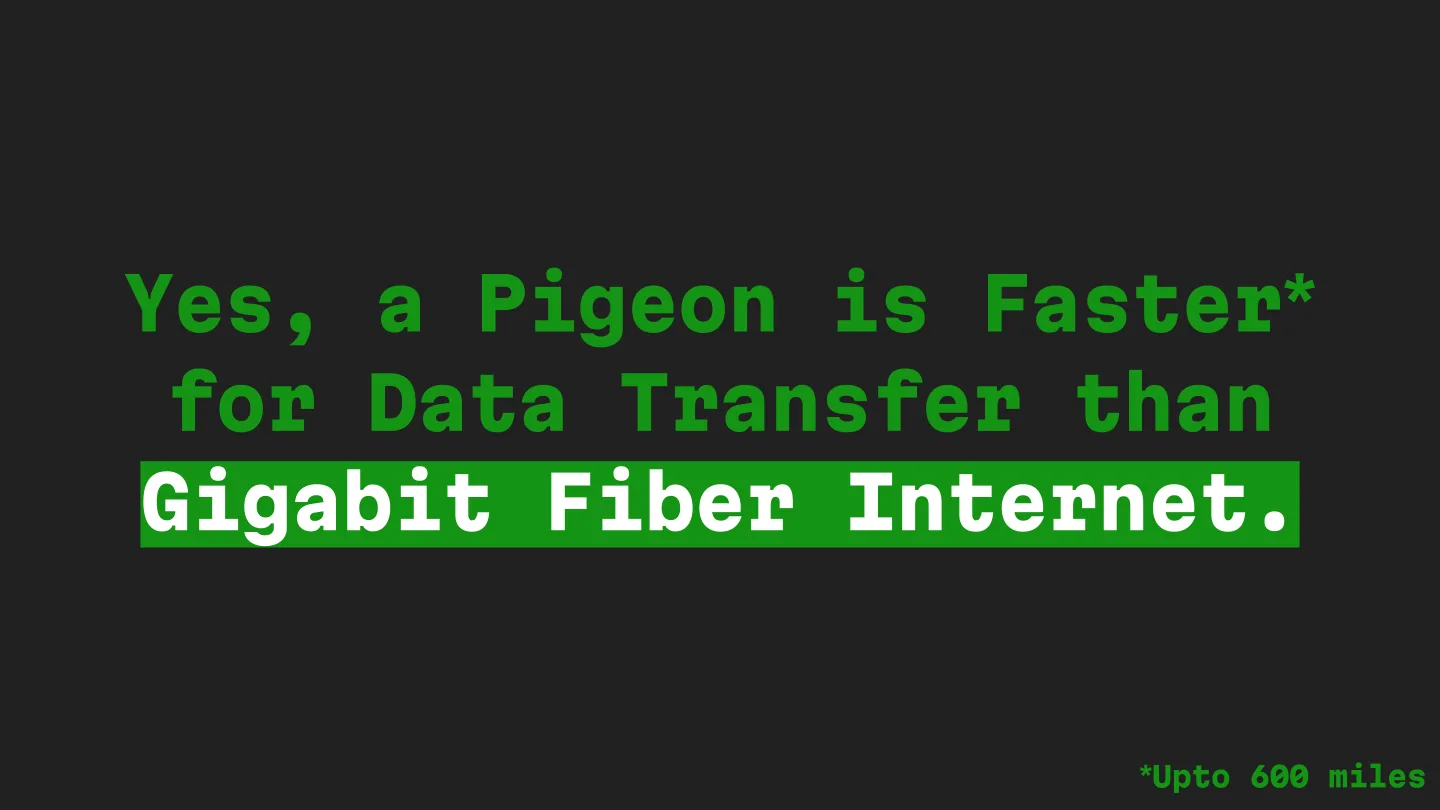
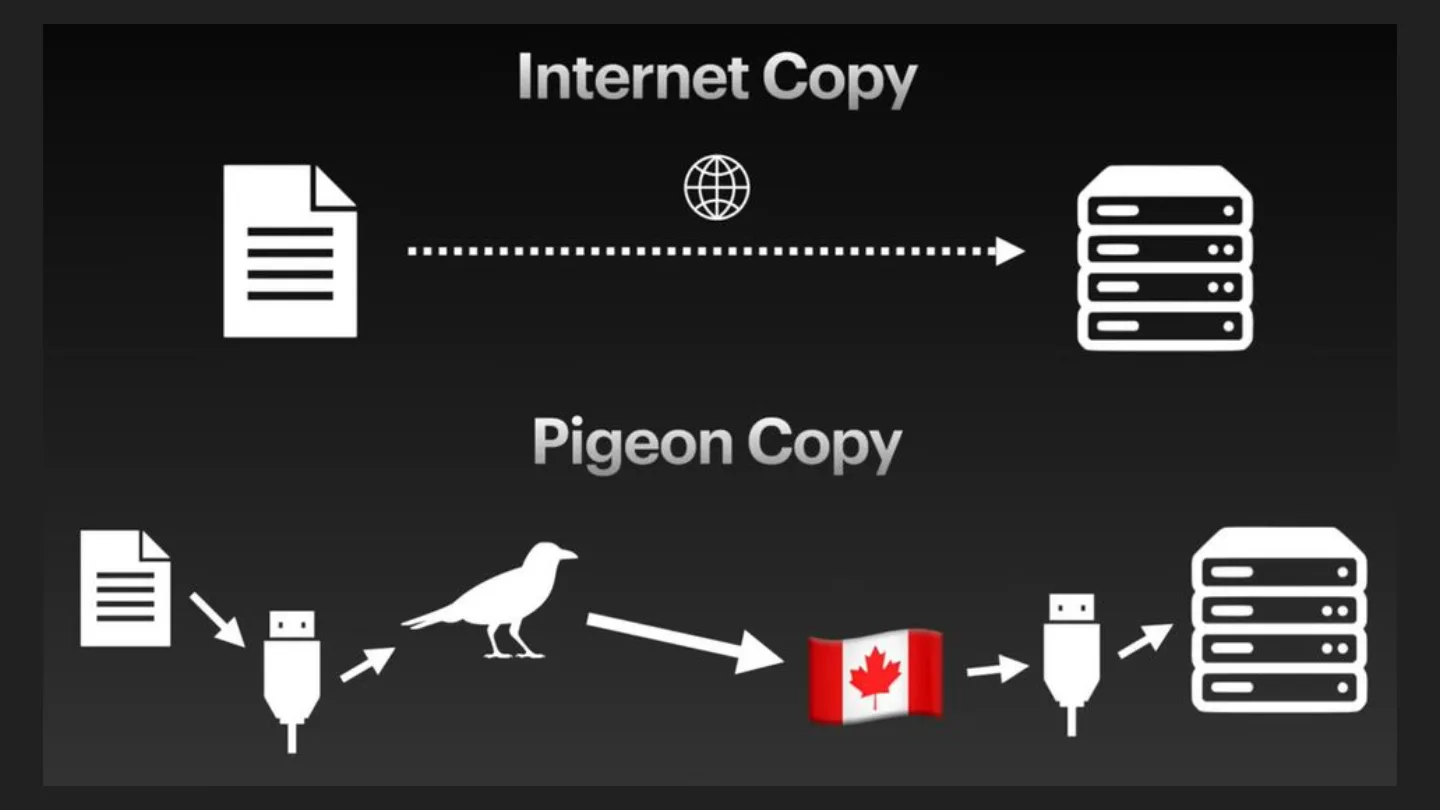
I’m only half joking. People have been racing pigeons against networks for a while now. RFC 1149, “IP over Avian Carriers”, was an April Fools’ RFC back in 1990, and in 2009 a company in South Africa actually raced a pigeon carrying a memory card against their internet connection, and the pigeon won. This year Jeff Geerling ran the numbers again for 3 TB of data (Tom’s Hardware wrote it up too): a pigeon still beats a real gigabit connection for distances up to about 600 miles.
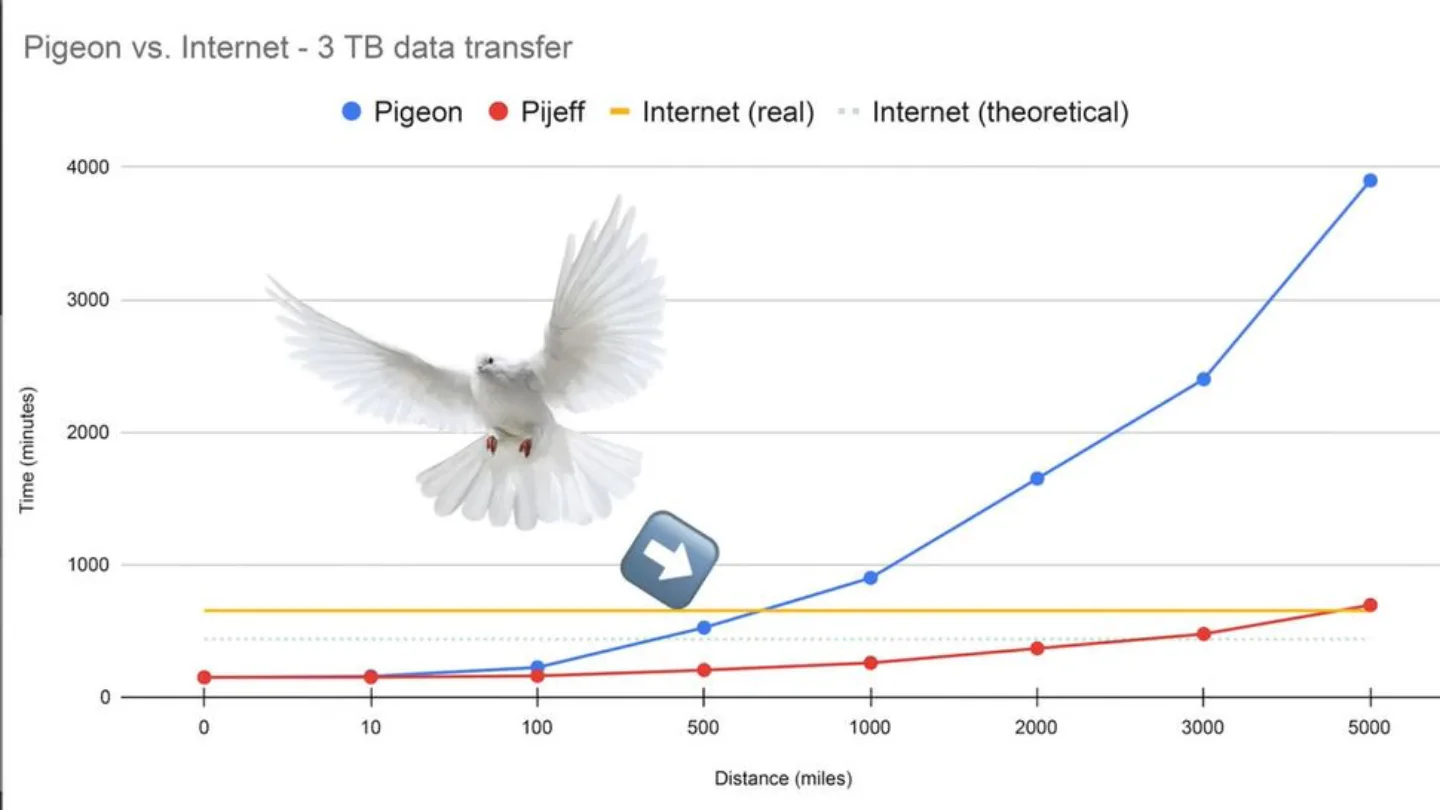
Someone in the audience took a photo right as the internet copy vs pigeon copy slide was up, and later tweeted that the pigeon was news to them. Mission accomplished. 🕊️
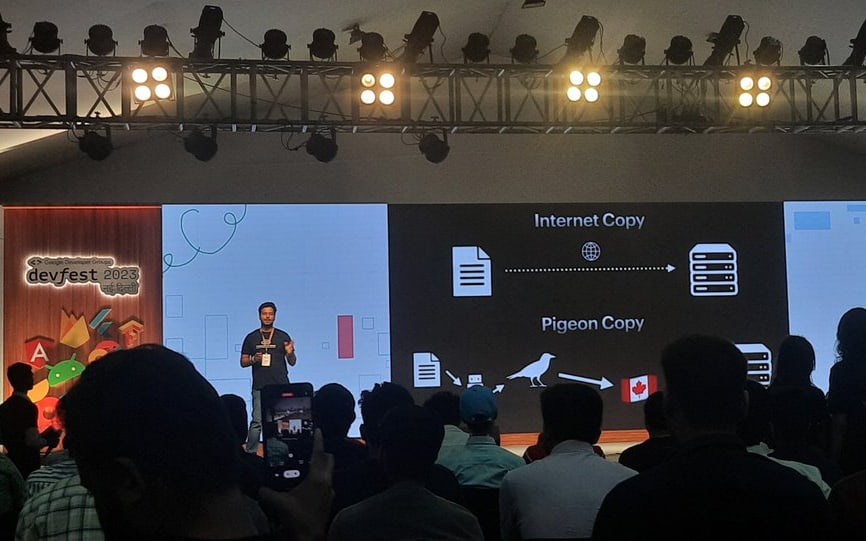
Why are we talking about pigeons?
Good question! Next one: what about 3 PB? (That’s 1,000 TB, and 1,000 GB in each of those.) Humans are pretty bad at processing big numbers, and this is where intuition stops helping.
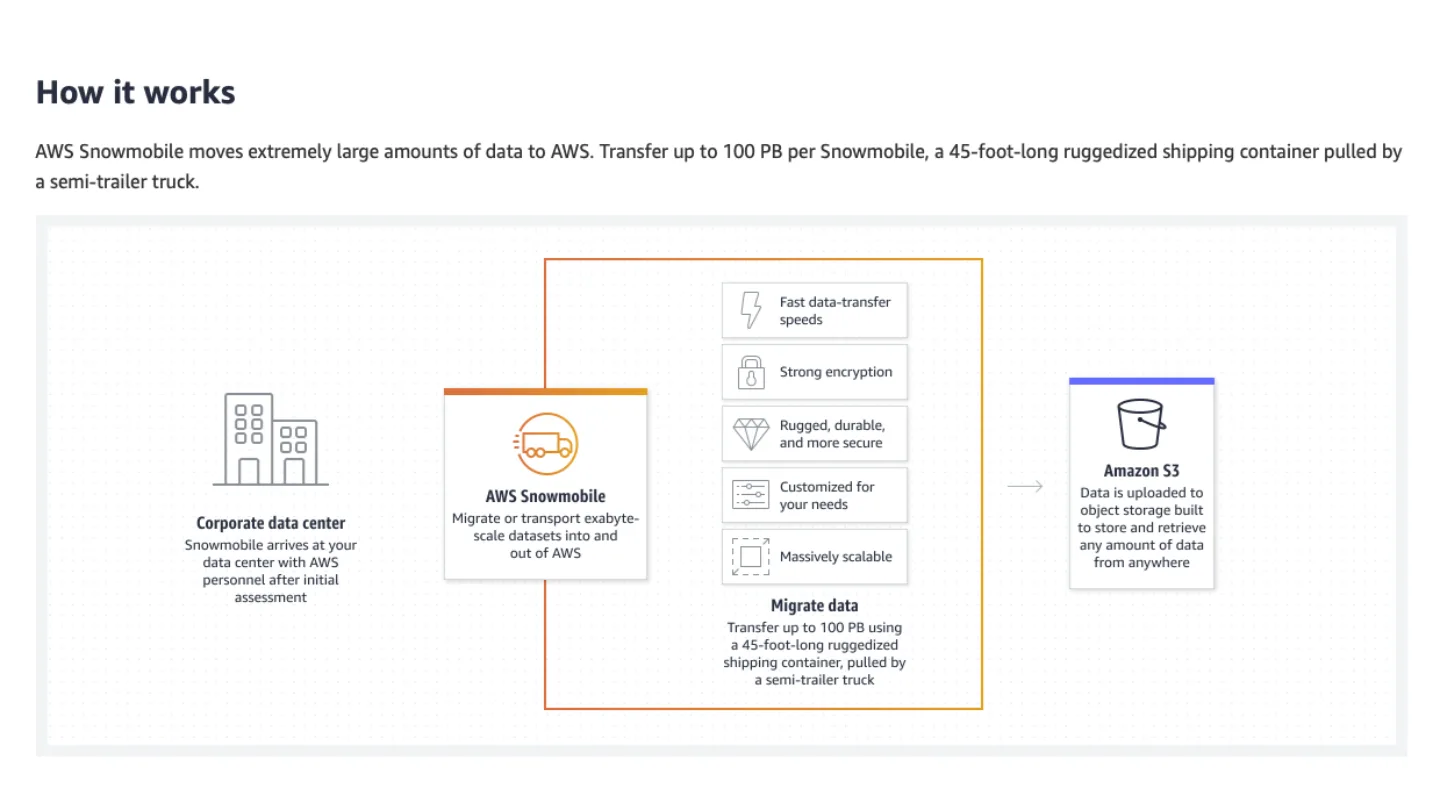
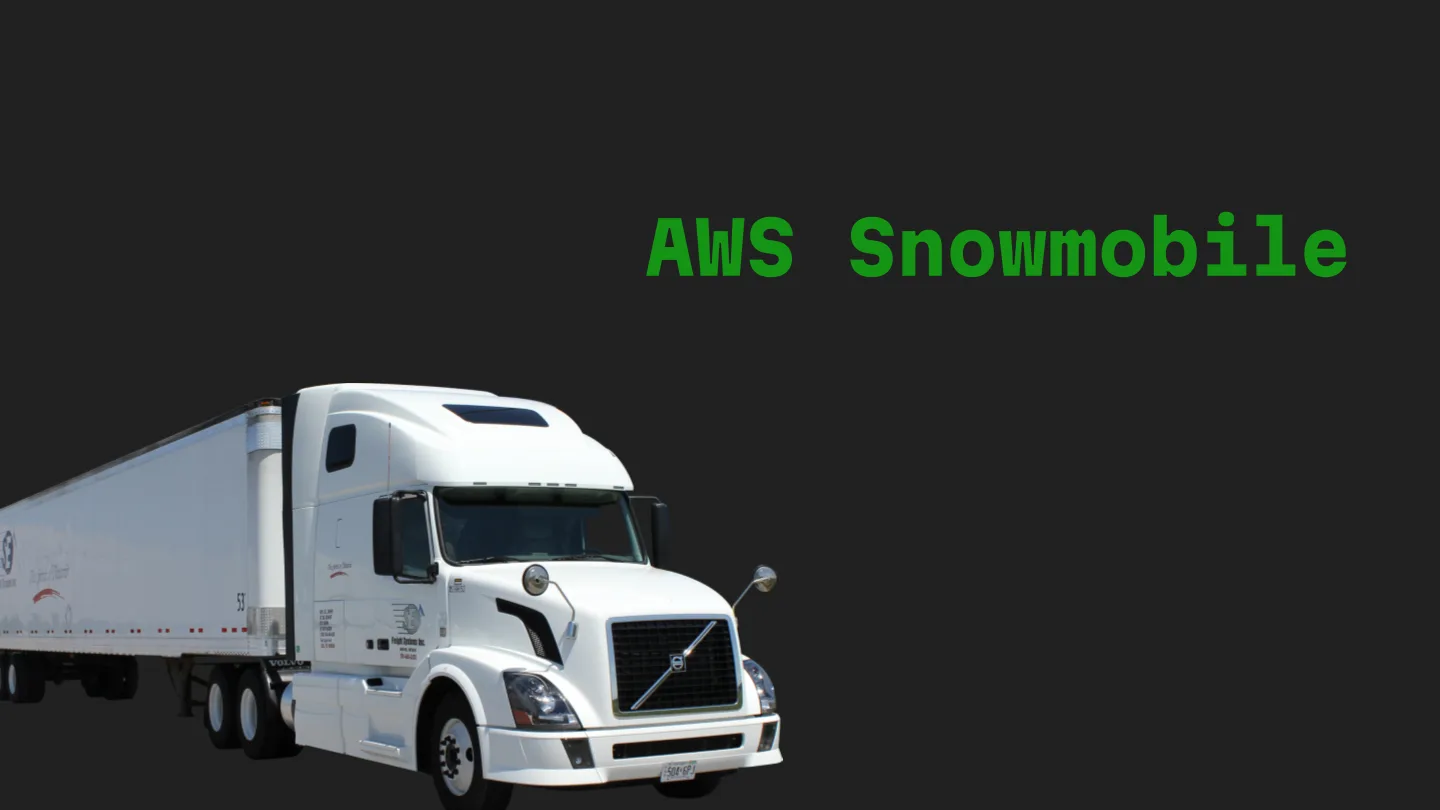
That’s the whole point of the pigeon. After a point, it’s faster and cheaper to move the bits physically than over the wire, and the cloud providers know it. AWS will literally send you a truck.
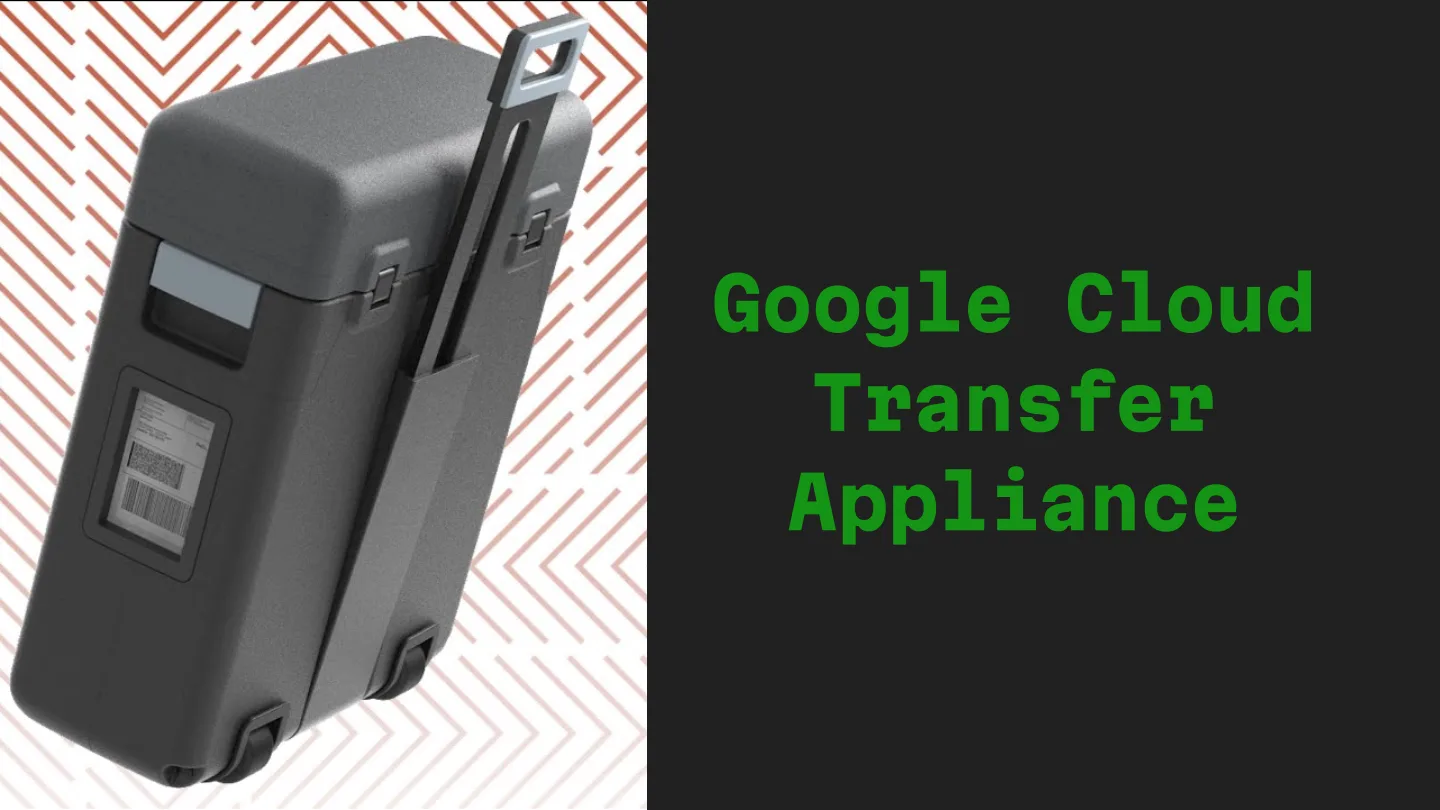
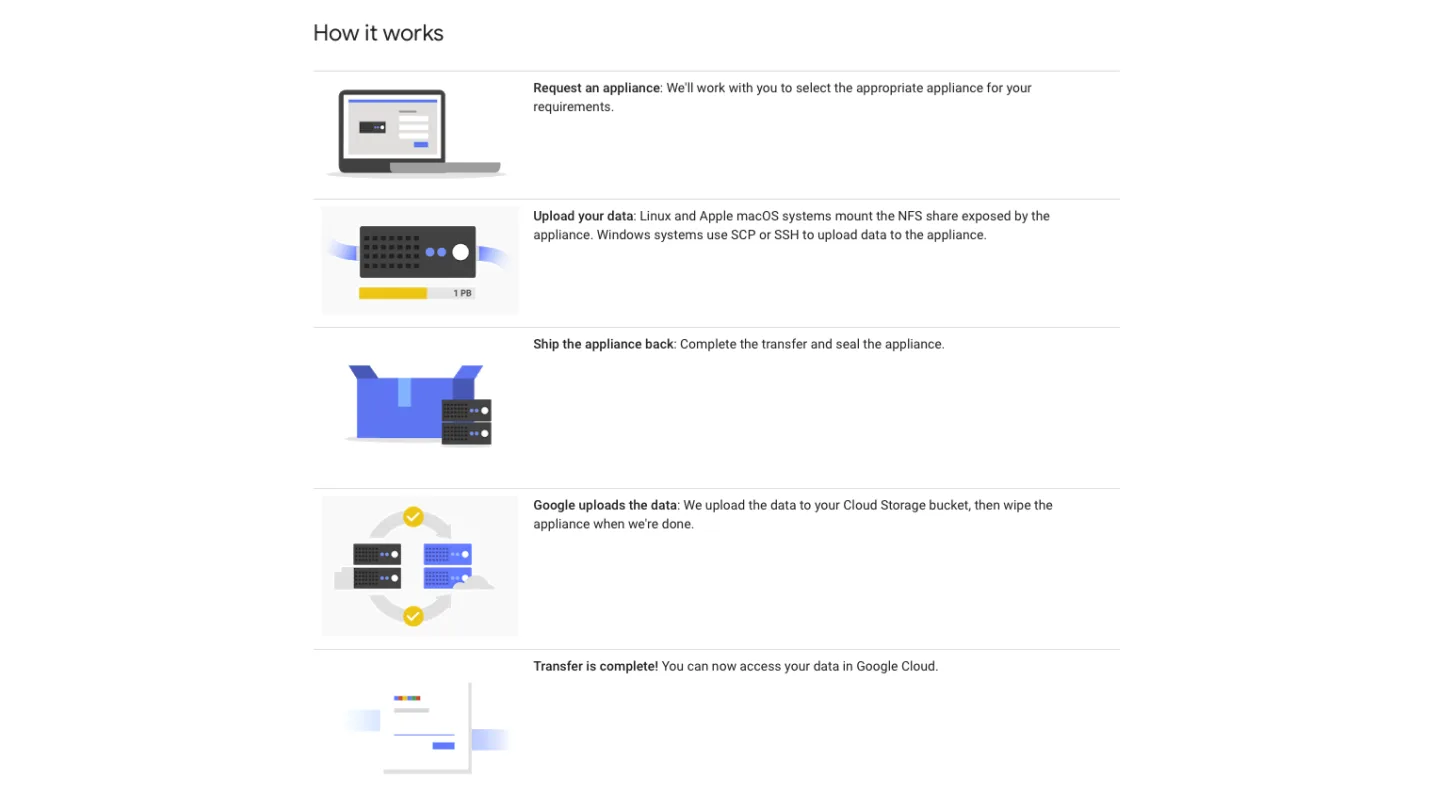
Google has the Transfer Appliance, a box (up to 300 TB) they ship to you. You plug it in, copy your data onto it, ship it back, and they upload it into a Cloud Storage bucket and wipe the appliance.
Pretty fascinating, right? For migrations at enterprise scale, “how do we move the bytes” is a real design decision, and sometimes the answer is a courier.
Challenge 3: BYOK
Last one. Another acronym, another sticker.
Bring Your Own Key. Encryption is important (another question for the room), and enterprises often want to manage their own encryption keys rather than trust the provider’s. That’s great for security, but managing your own keys means taking on key generation, rotation, backup and the whole lifecycle yourself. That needs dedicated people and expertise.
Why does it complicate portability? A few reasons from my notes:
- Performance overhead. Encrypting and decrypting at scale adds latency, and when the customer holds the keys, keeping it fast is harder. A migration can mean decrypting and re-encrypting a lot of data.
- Audit and logging. With BYOK you need solid logging of who accessed which key and when. In regulated industries this is a must.
- Disaster recovery. The keys need backups too, and you need to be able to restore them. Lose the key and the data might as well be gone.
- Access control. Who gets to touch the keys, and how do you make sure nobody else does? In a big organisation with lots of stakeholders, that’s hard.
- Misconfiguration. Like any security setup, a misconfigured BYOK is a vulnerability. It needs regular reviews.
Put that next to data residency and you can see where it gets fun: the data has to move to a new region, the keys it’s encrypted with belong to the customer, and ideally nobody sees the plaintext in between.
Bonus: zero downtime migration
Before everyone left, I wanted them to ponder an interesting problem.
Zero downtime migration, especially at enterprise scale on a public cloud, is a complex endeavour. You’re moving data, applications and services from one environment to another, and users shouldn’t notice a thing.
Right after the talk I posted the problem again on X, so people who missed the last slide could still have a go. A few things worth thinking about, if you want to try it yourself: how you copy the existing data while new writes keep coming in, how you keep the two sides in sync until cutover (the Outbox Pattern is one piece of that puzzle), how you check the copy is actually correct, and how you roll back if it isn’t.
Wrapping up
Six people sent in some really interesting ideas. Thank you, all of you! It came down to two entries in the final, and they were tied. My speaker notes said “we will do a random gen in case of multiple correct answers”, but we went with something fairer: best of three, stone, paper, scissors! 🪨📄✂️ The winner got the goodie.
Thanks to GDG New Delhi for having me, and to everyone who sat through the pigeons. :)
The full deck is embedded above. If you’re curious what talks looked like for me before this, here’s the time I walked colleagues through my Lord of the Rings homelab back in 2020.
And remember: there is no cloud, it’s just someone else’s computer. ☁️




Keep reading
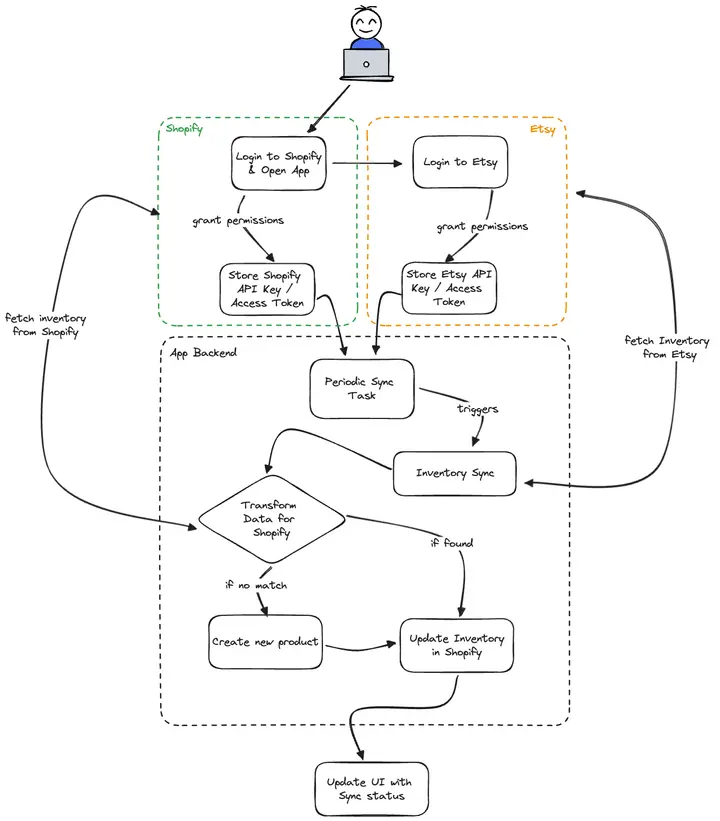
Speccing a Shopify app for a friend: Etsy-to-Shopify inventory sync
A friend needed a Shopify app that keeps stock in sync with Etsy. Before any code, I wrote him a spec to hand to a developer: scope, diagrams and a 70-hour initial estimate.
Two system design problems from my 2022 interviews, worked with real numbers
A photo pipeline for a fleet of 360-degree camera cars and an A/B split-testing service: requirements, capacity math, data model and the parts I'd tighten.
Interview prep, senior edition: a system design checklist, one backtracking template and what loops grade on
My 2022 prep notes for senior and staff interviews: a system design checklist, one Python DFS for seven backtracking problems, rubrics and a STAR story bank.
Comments
No comments yet. Start the conversation.
Comments couldn't load right now.