The Coder's Guide to Job Security: my FOSS United Delhi talk, written up
The written version of my FOSS United Delhi talk: a tongue-in-cheek guide to unmaintainable code, one Python example per rule, based on Roedy Green's 1997 essay.
 Jatin K Malik First published on
 X
This evening I gave a talk called “The Coder’s Guide to Job Security: Mastering the Art of Confusing Code!” at the FOSS United Delhi December meetup, hosted at Zomato’s corporate office in Gurugram. I had the first slot on the agenda, followed by a talk on how Zomato runs OSRM for routing and one on building backends with Rowy.
The story of how it happened is short. I submitted the talk on 4 December, it got accepted on 14 December, and on the 15th I tweeted “Super excited to meet you folks tomorrow at 4PM! 🍻”. What I didn’t tweet is that the slides repo was created at 9:39 PM that same night, the commit at 11:13 PM says “Partial slides updated till Rule 10”, and the one called “Final commit” is timestamped 4:35 PM today. The agenda said 4 PM. Things started a little late, which I’m choosing to read as the universe supporting my work. :P
The code and slides are on GitHub, and here’s the written version for anyone who wasn’t in the room.
The slides aren’t PowerPoint or Google Slides. They’re a single Markdown file that I presented in the terminal with mdp, with --- between slides and a ^ wherever the next line should wait for a keypress. Slides that name a file from src/ were my cue to switch to VS Code and walk through the code. Here’s the whole deck, rendered the way mdp draws it:
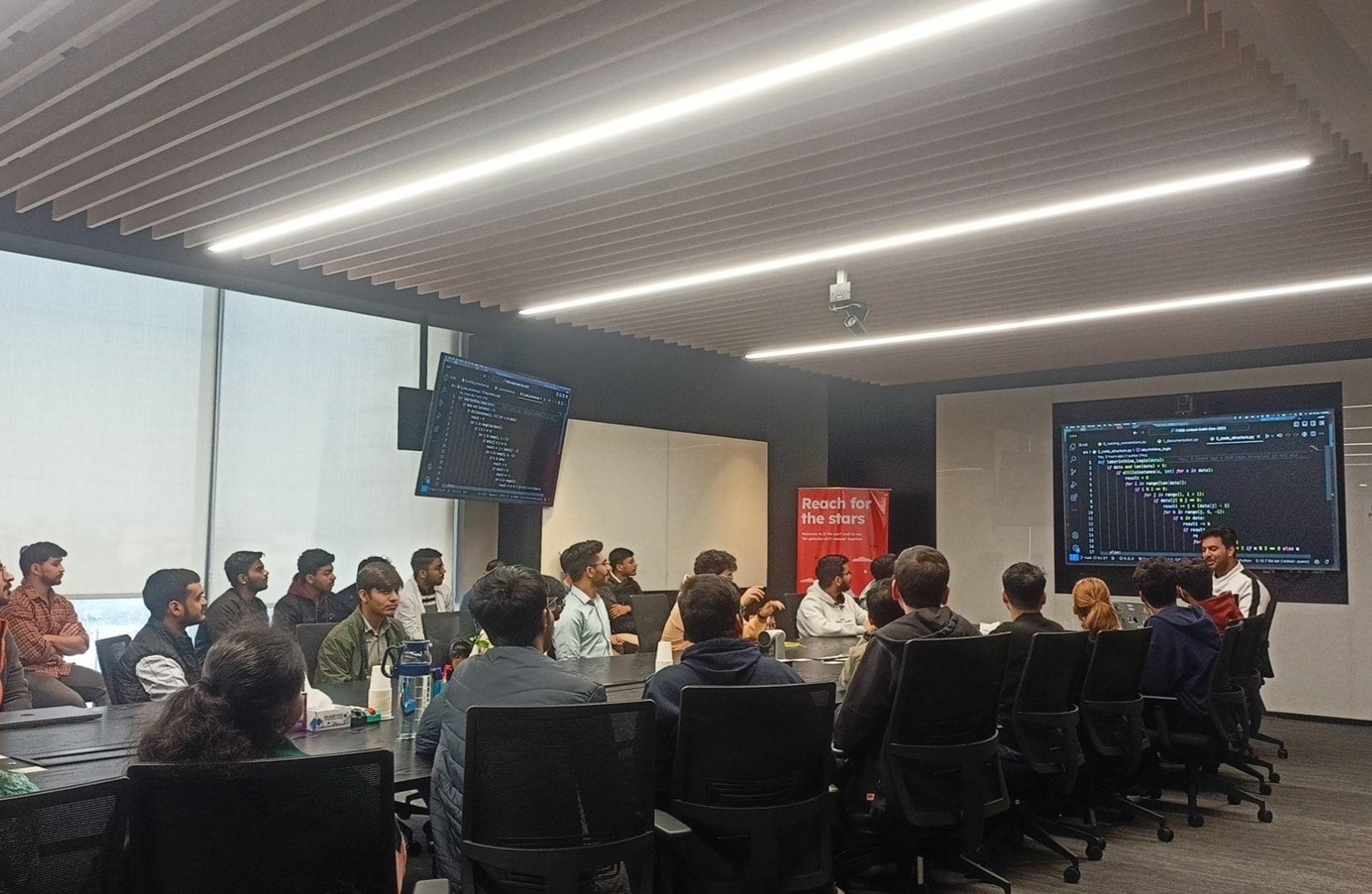
2_code_structure.py, the Russian dolls rule. Photo: FOSS United Delhi.The premise
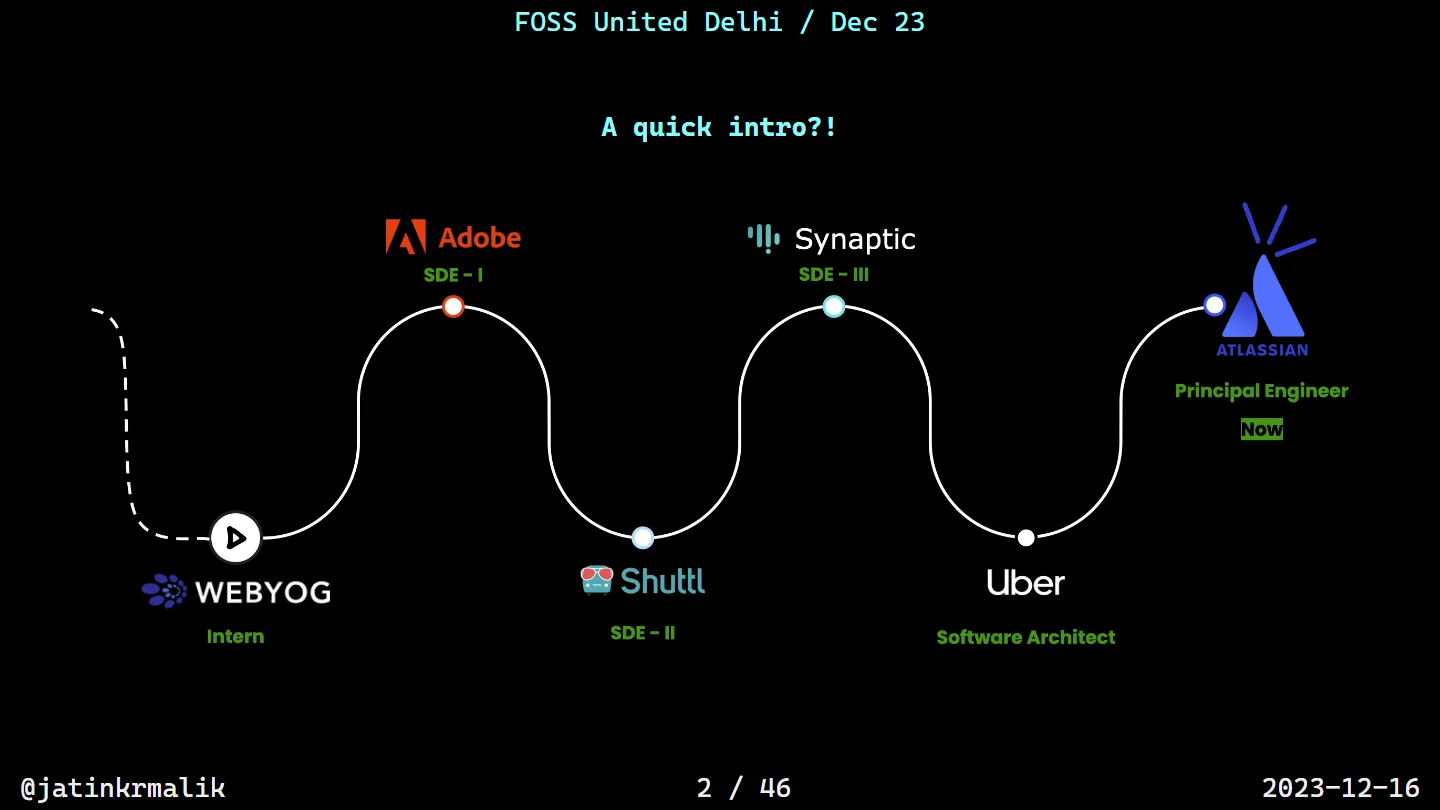
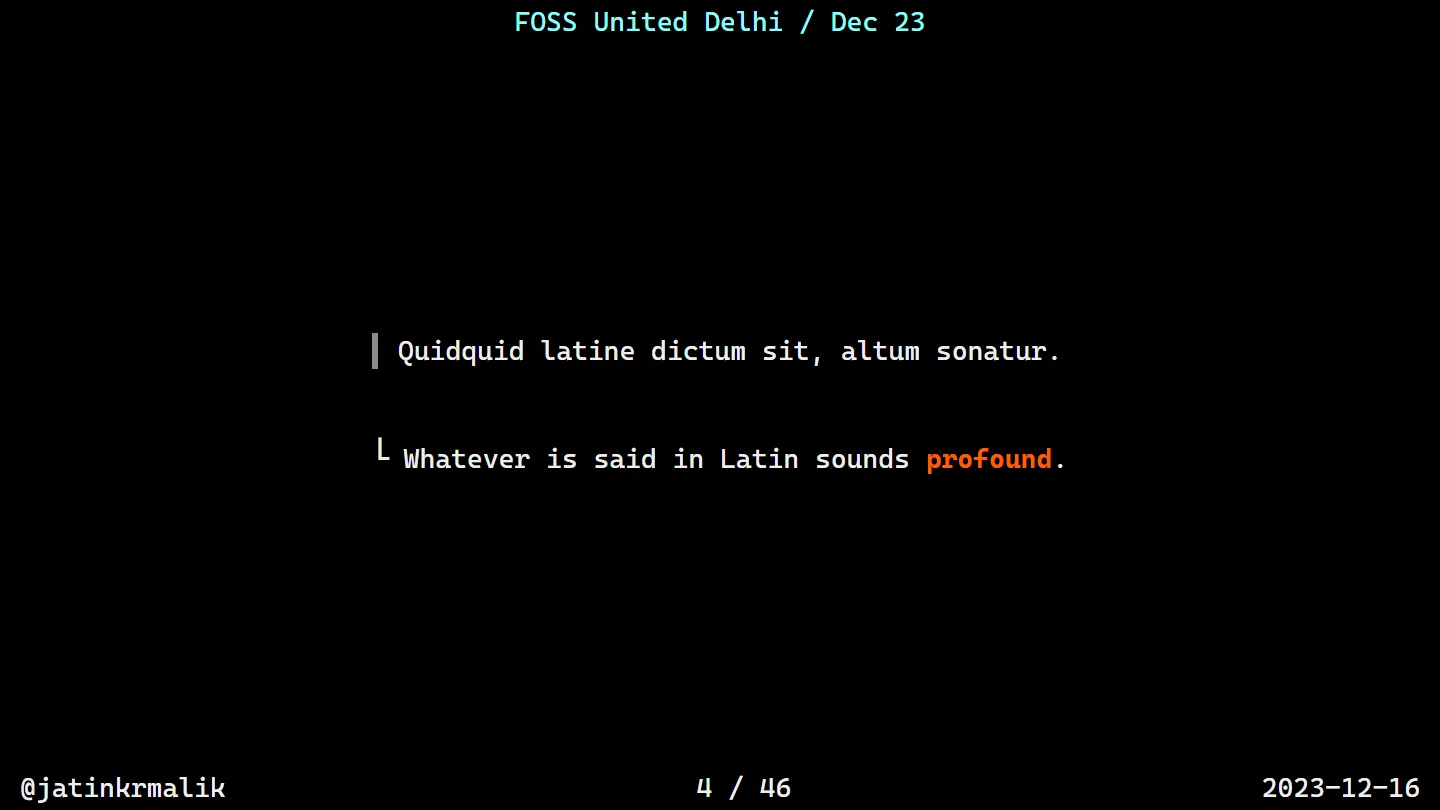
After the usual intro (the career timeline slide, intern to principal engineer), I opened with some Latin: Quidquid latine dictum sit, altum sonatur. Whatever is said in Latin sounds profound. That set the tone.
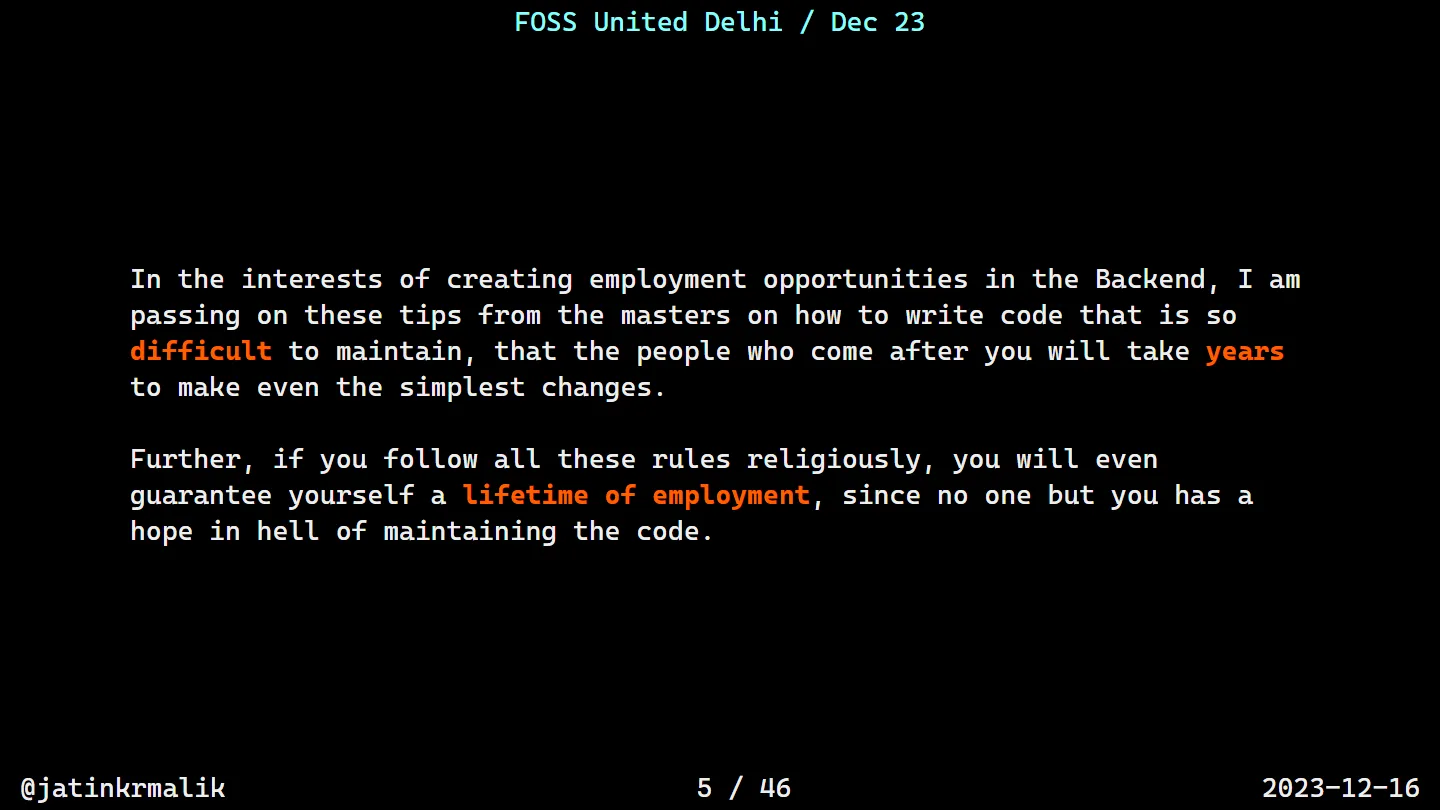
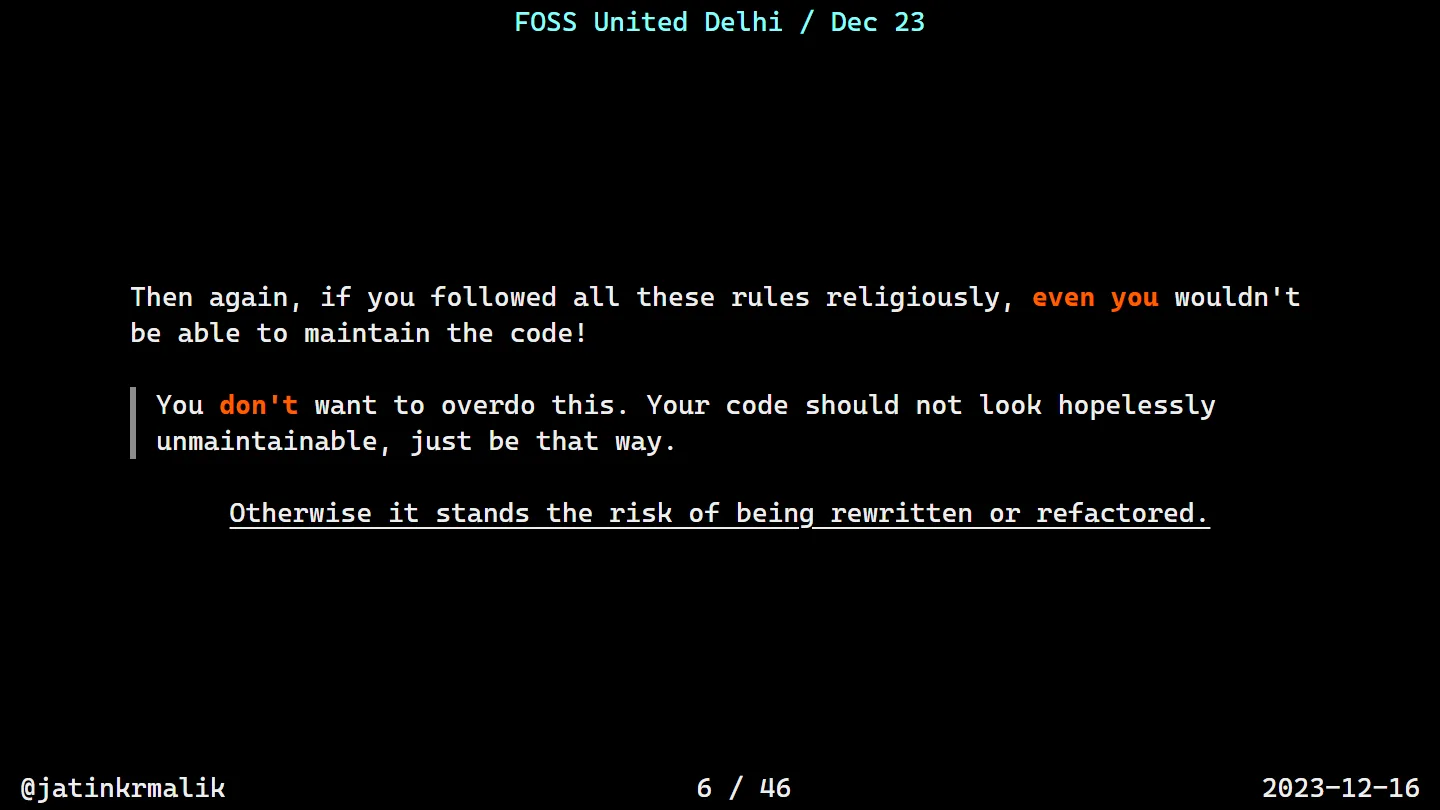
There’s a catch, though. If you follow every one of these rules religiously, even you won’t be able to maintain the code. So don’t overdo it. Your code should not look hopelessly unmaintainable, it should just be that way. Otherwise it stands the risk of being rewritten or refactored, and there goes your job security.
Know your enemy
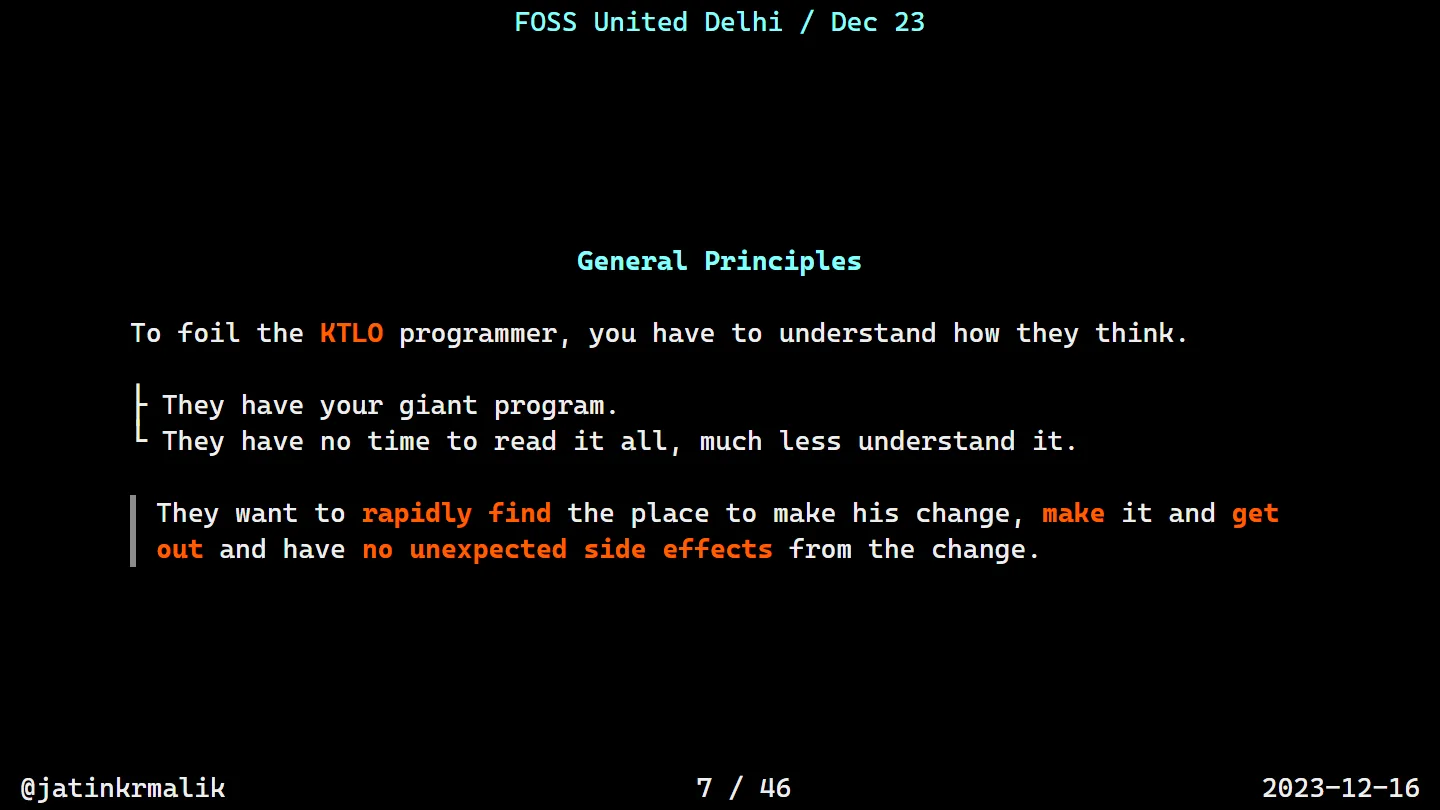
To foil the KTLO (keep the lights on) programmer, you have to understand how they think. They have your giant program, and no time to read it all, let alone understand it. They want to find the place to make their change, make it, get out, and have no unexpected side effects.
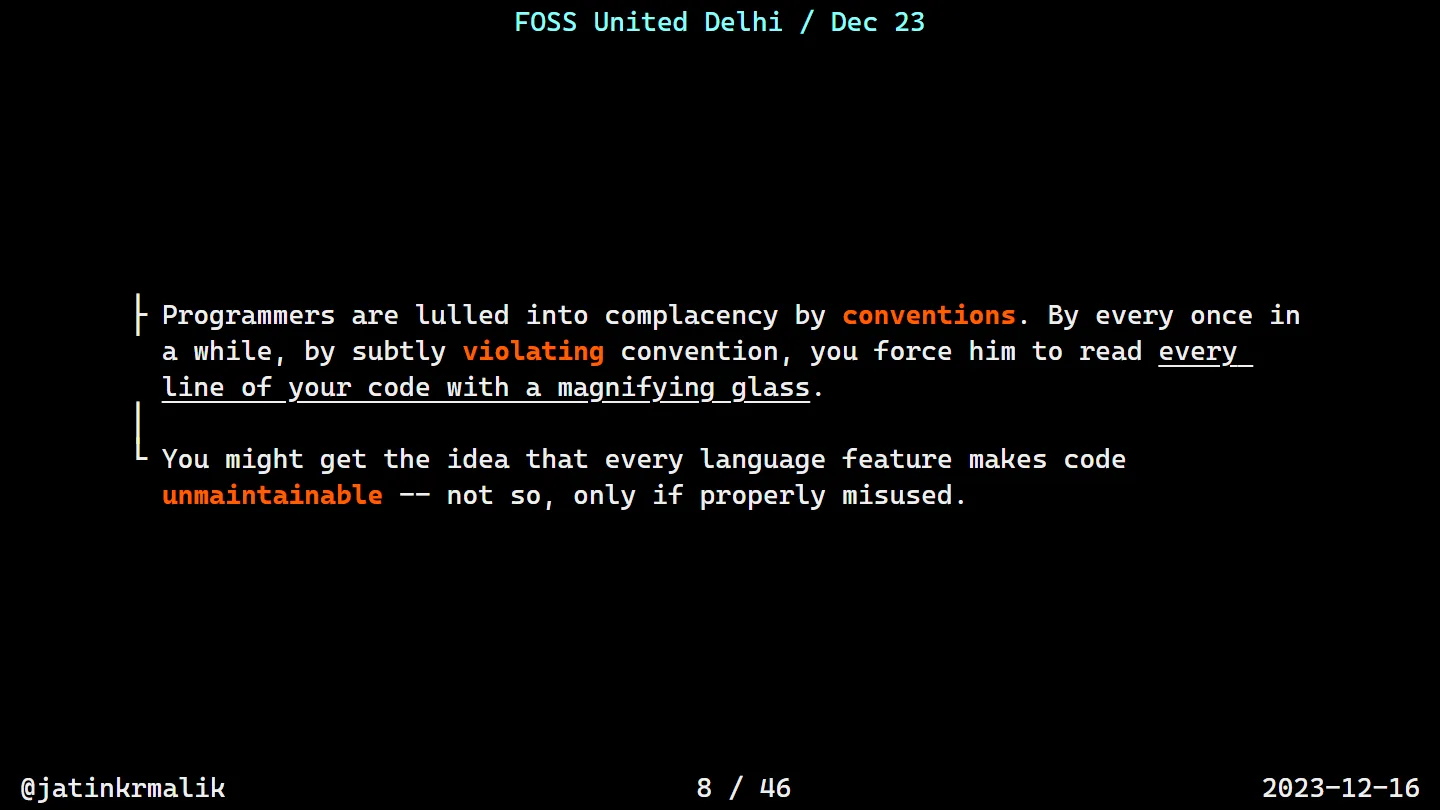
Your weapon is convention. Programmers are lulled into complacency by it, so every once in a while you subtly violate one, and now they have to read every line of your code with a magnifying glass. And no, not every language feature makes code unmaintainable. Only if properly misused.
Rule 0: naming
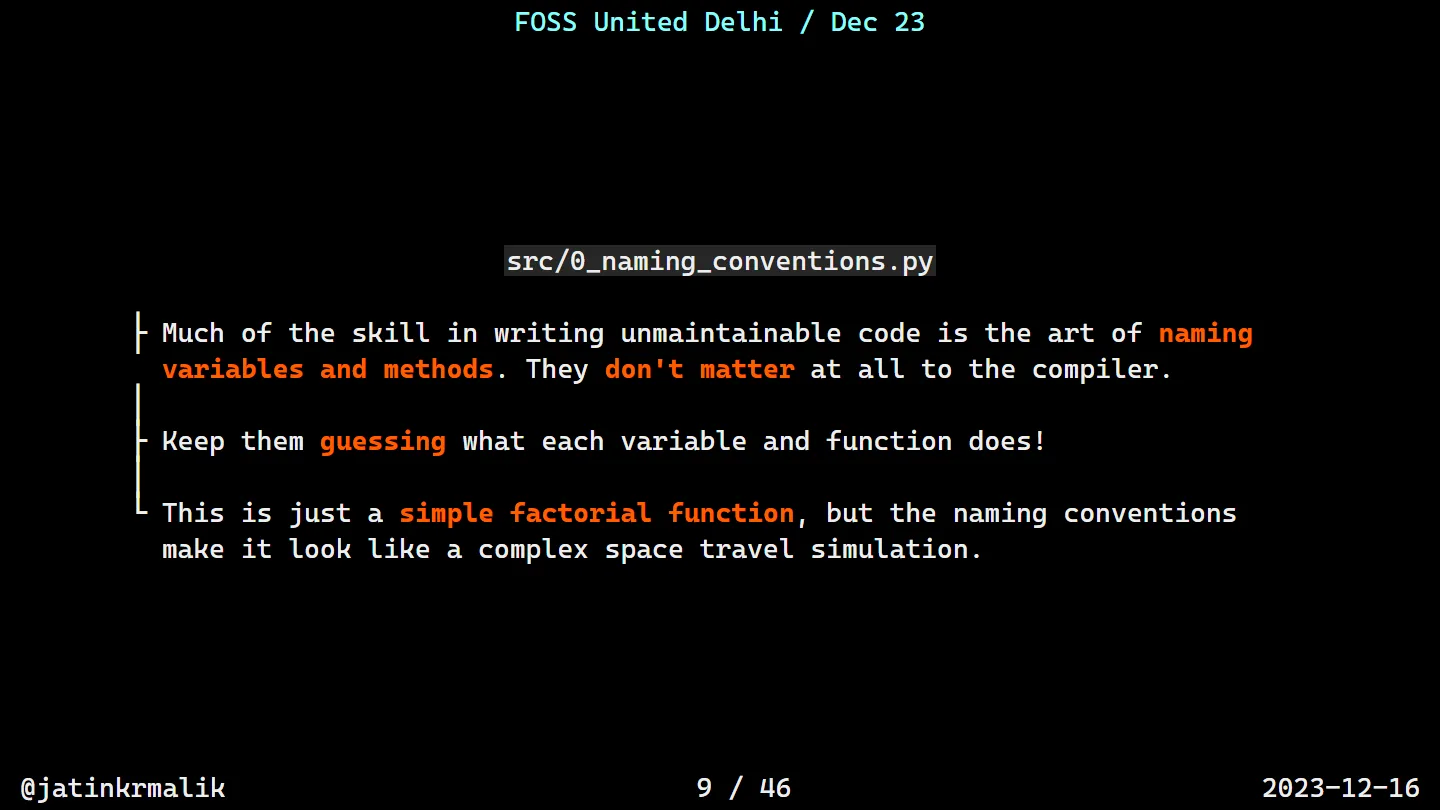
Much of the skill in writing unmaintainable code is in naming variables and methods. Names don’t matter at all to the interpreter, so keep the humans guessing.
def mysteryOrbitLauncher(nuclearFusionGenerator):
    antimatterReactorOutput = 1
    for quantumFluctuation in range(1, nuclearFusionGenerator + 1):
        antimatterReactorOutput *= quantumFluctuation
    return antimatterReactorOutput

interstellarTravelSpeed = 5
warpDriveCapacity = mysteryOrbitLauncher(interstellarTravelSpeed)
print("Warp Drive Capacity at Speed", interstellarTravelSpeed, ":", warpDriveCapacity)
That’s a factorial. It prints Warp Drive Capacity at Speed 5 : 120, and it reads like a space travel simulation.
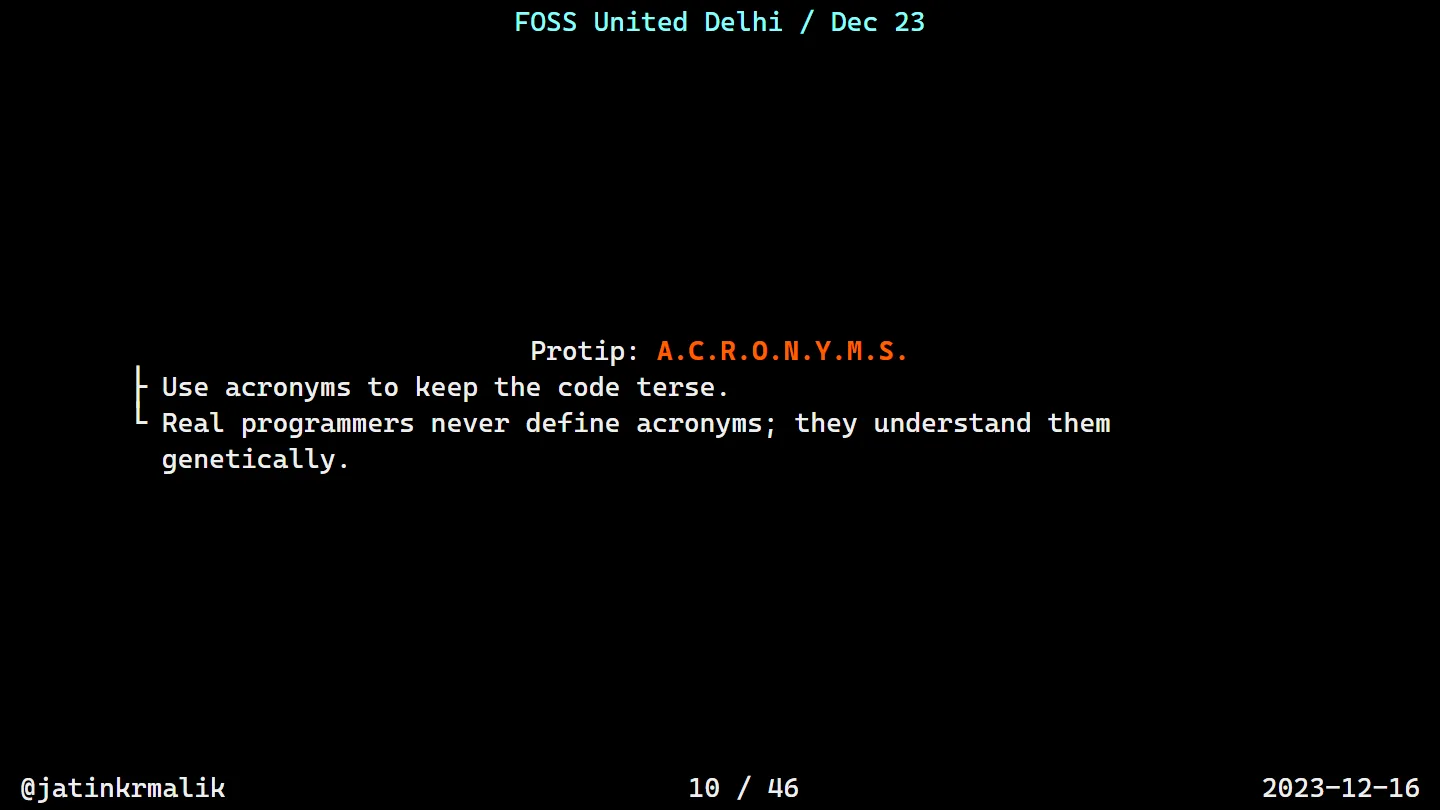
Rules 1 to 4: comments, nesting, style, numbers
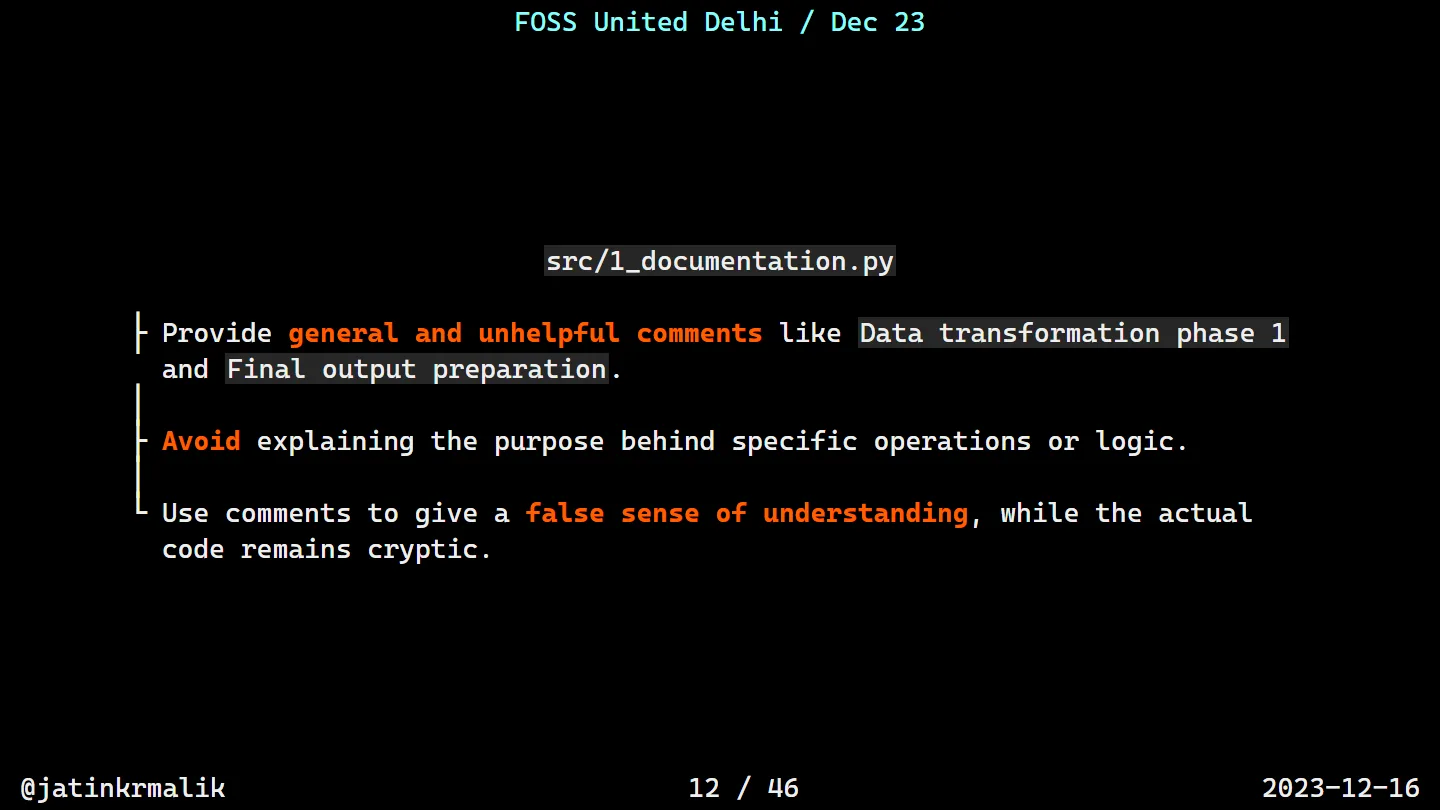
Since the computer ignores comments and documentation, you can lie outrageously in them. Incorrect documentation is often worse than none, which is exactly what we want.
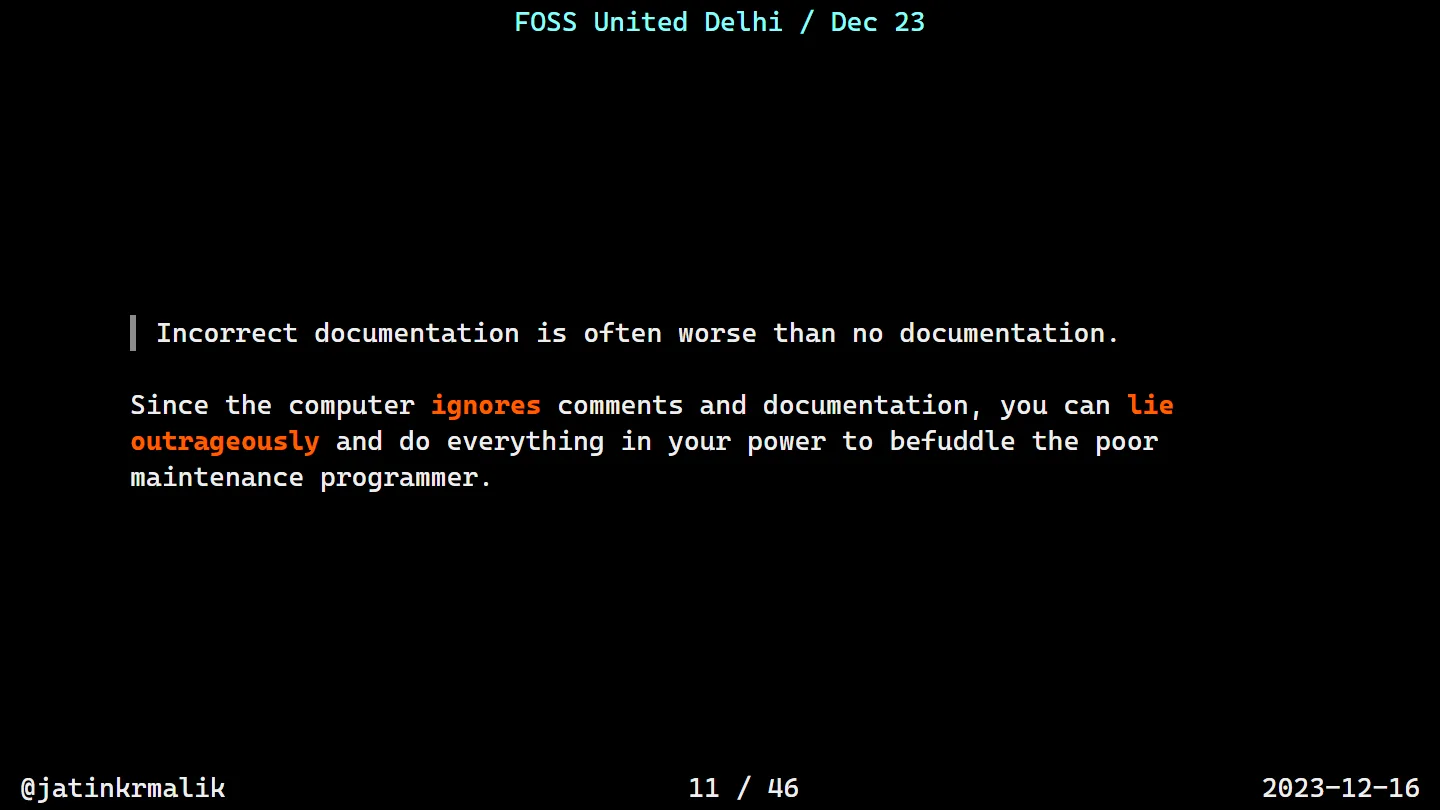
The gentle version is the comment that’s technically true and tells you nothing:
# Function: Data manipulation
def complex_data_handler(input_data):
    # Initializing variables
    data_stream, pivot_point = input_data, 0
    # Data transformation phase 1
    for i, value in enumerate(data_stream):
        if i % 3 == 0 and value > pivot_point:
            pivot_point += value // (i + 1)
        elif value < pivot_point:
            pivot_point -= (value + i) % 5
    # Phase 2: Data reconfiguration
    reconfigured_data = [pivot_point - v for v in data_stream if v % 2 == 0]
    # Final output preparation
    return sum(reconfigured_data) / len(reconfigured_data) if reconfigured_data else None

print(complex_data_handler([1, 2, 3, 4, 5, 6, 7, 8, 9, 10]))
Every line is “documented”. Nobody knows why i % 3 matters, or what -2.0 (the output) means.
Next, nest conditions like Russian dolls. The slide quotes the masters: good coders can get up to 10 levels of ( ) on a single line and 20 { } in a single method. Python has no braces, so we do it with indentation. The deeper, the better.
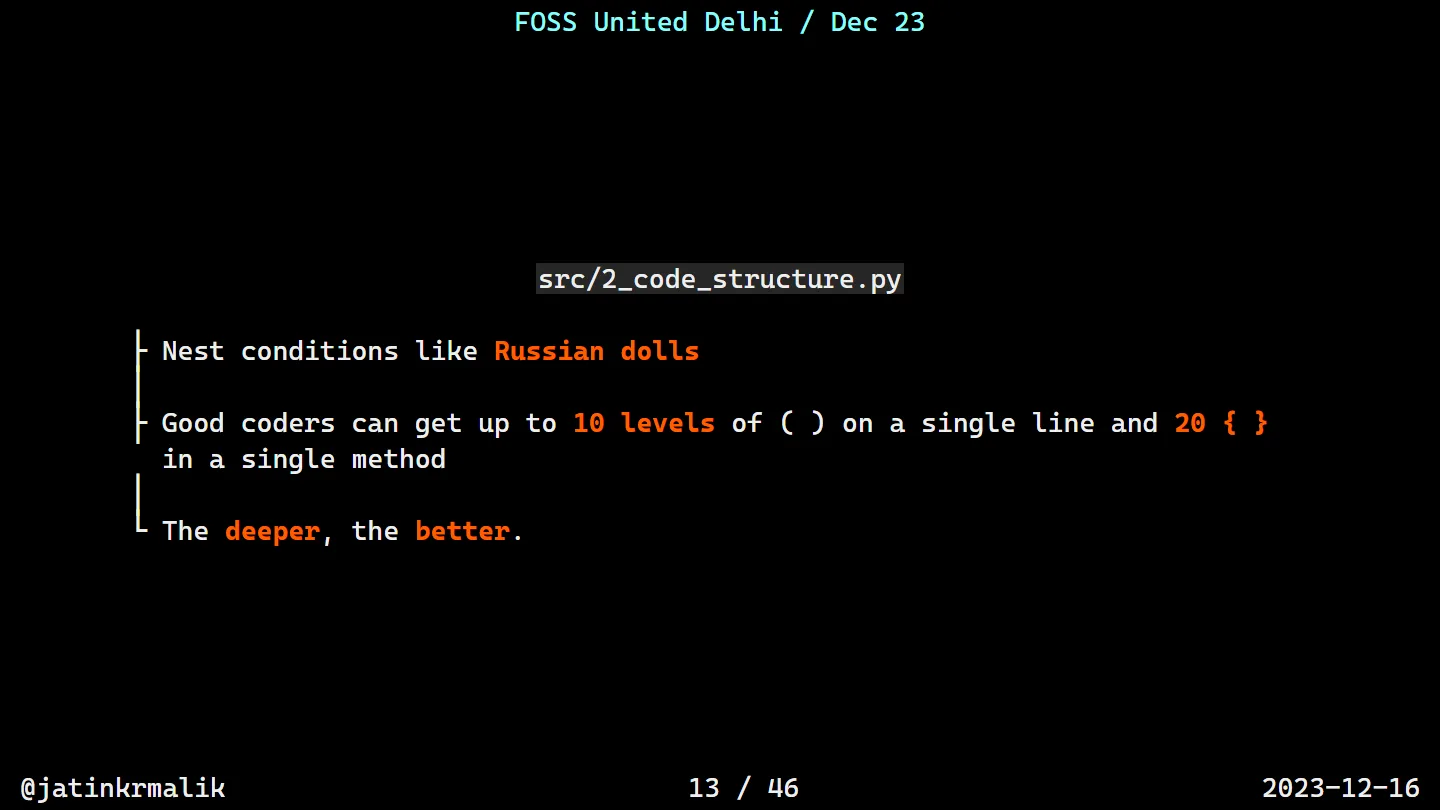
def labyrinthine_logic(data):
    if data and len(data) > 5:
        if all(isinstance(x, int) for x in data):
            result = 0
            for i in range(len(data)):
                if i % 2 == 0:
                    for j in range(1, i + 1):
                        if data[j] % j == 0:
                            result += j * (data[j] - i)
                            for k in range(j, 0, -1):
                                if k in data:
                                    result -= k
                                    if result < 0:
                                        result *= -1
                                        for m in range(5):
                                            result += m ** 2 if m % 2 == 0 else m
    else:
        result = None
    return result
That’s the one on the screens in the photo above. Bonus: pass it a list of six strings and it fails with an UnboundLocalError, because result only exists on the happy path.
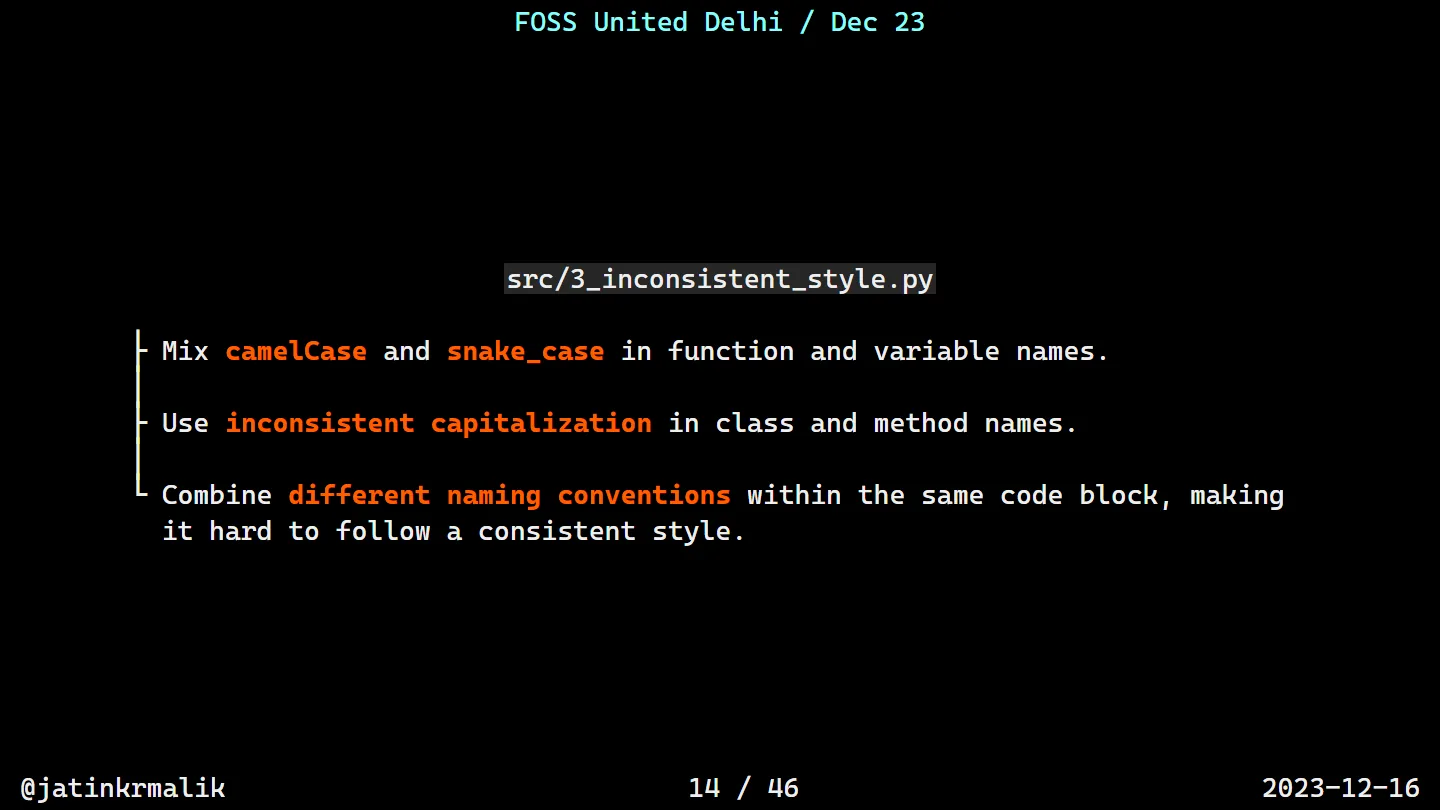
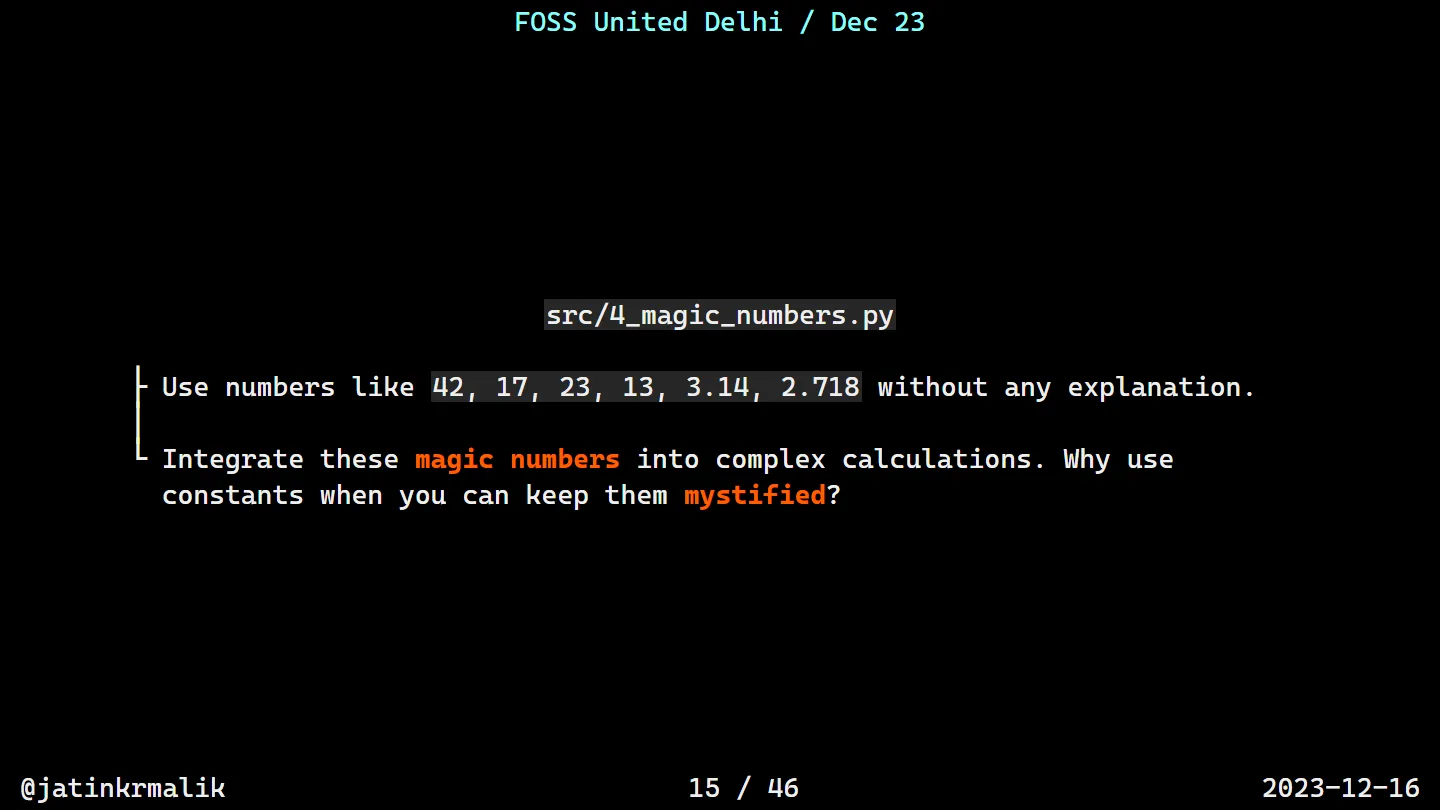
Rule 3 was inconsistent style: class dataProcessor with a ProcessData method, a calculateStatistics method, local variables called MeanValue and maxValue side by side, and a top-level analyzeDATA(). Rule 4 was magic numbers: 42, 17, 23, 13, 3.14 and 2.718 sprinkled through a calculation with no explanation. Why use named constants when you can keep them mystified?
Rules 5 and 6: the most obscure way to do common tasks
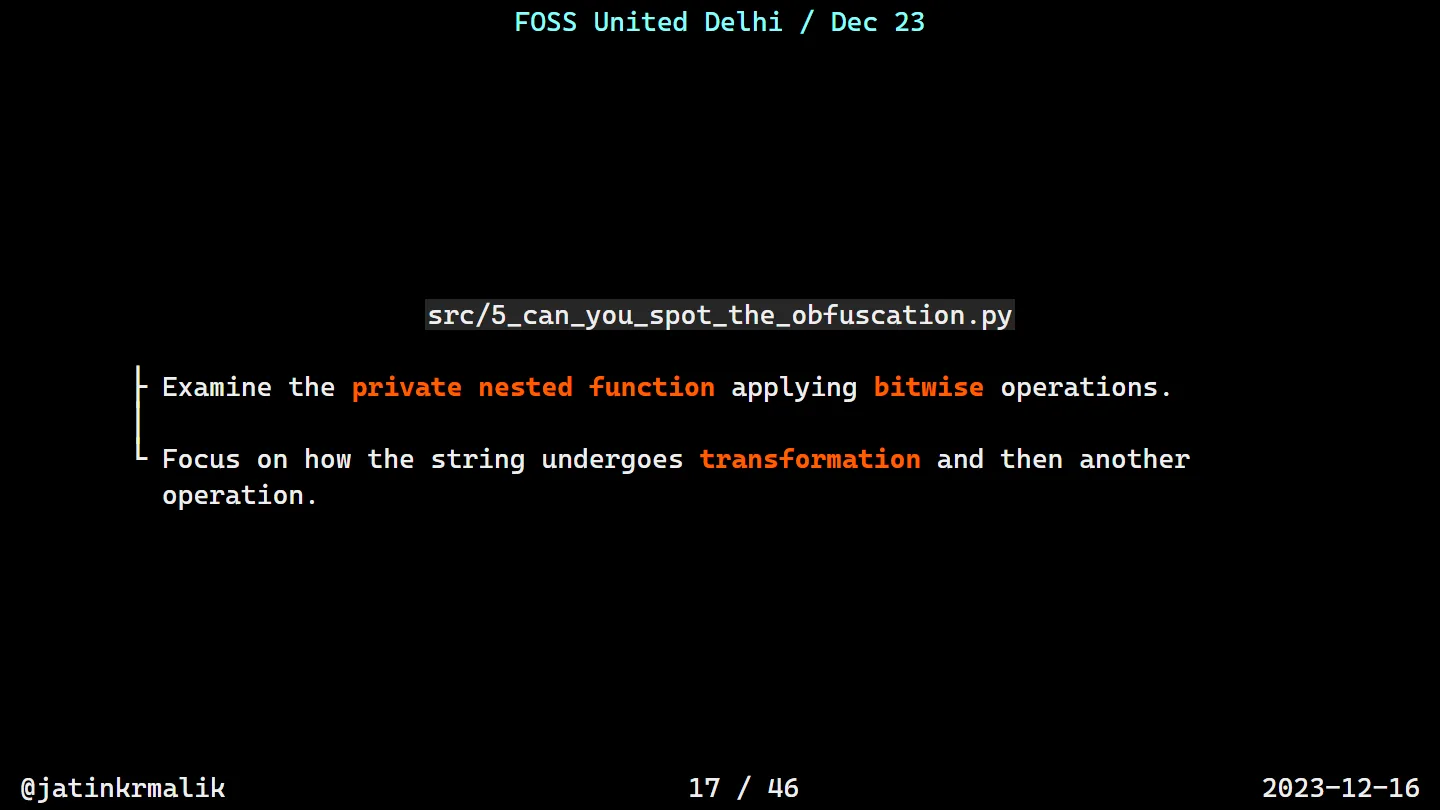
This was the audience participation bit. Can you spot what this does?
# Can you find the confusing elements in this code snippet?

def enigmatic_transformation(input_str):
    def __hidden_transmutation(s, magic_number=0x42):
        return ''.join([chr(ord(c) ^ magic_number) for c in s])

    encrypted_str = __hidden_transmutation(input_str)
    transformed_encrypted = encrypted_str[::-1]
    final_output = __hidden_transmutation(transformed_encrypted)
    return final_output

result = enigmatic_transformation("Hello World!")
print(result)
It XORs every character with 0x42, reverses the string, then XORs it again. XOR twice with the same key cancels out, so all that “encryption” is a costume.
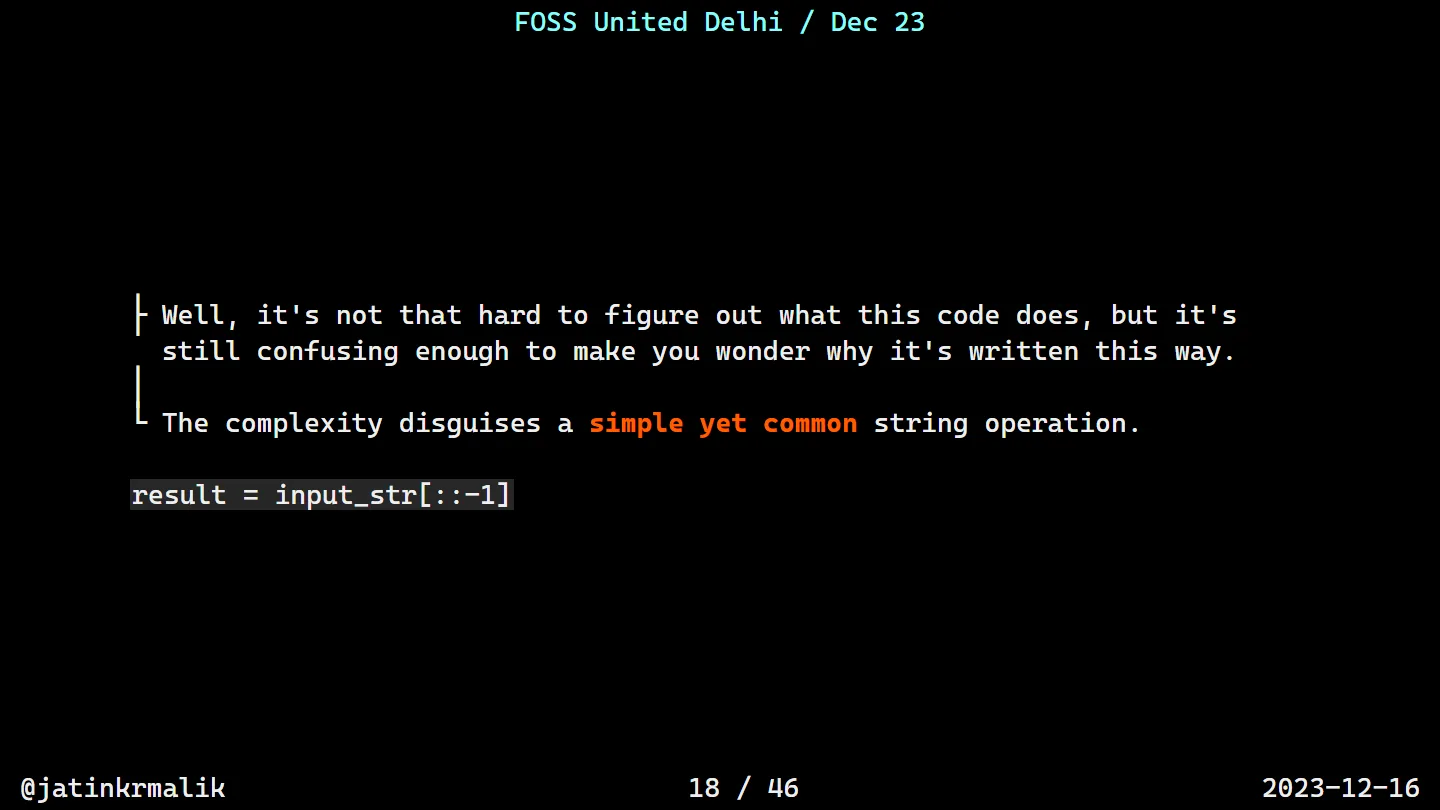
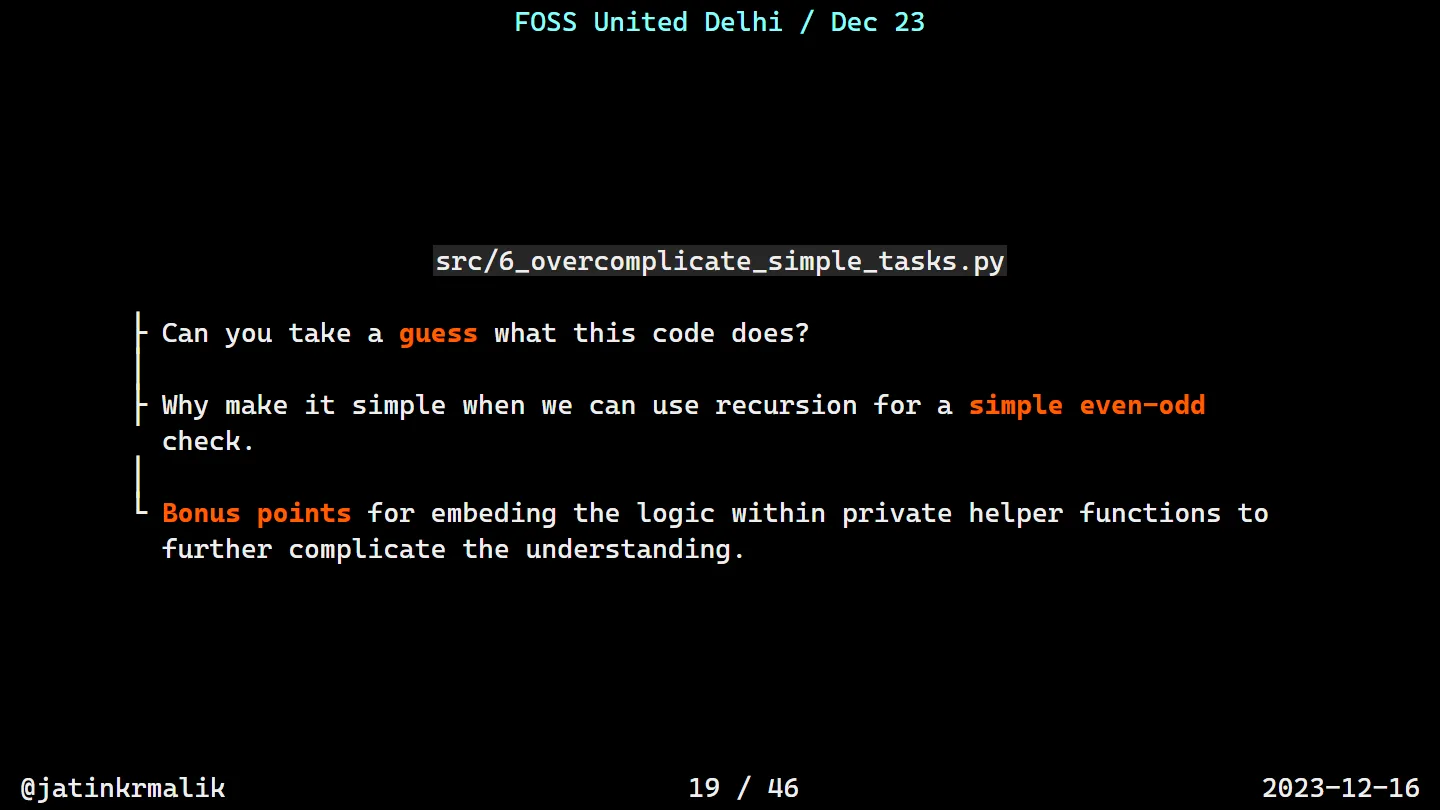
!dlroW olleH. It’s a string reverse.Rule 6 is the same idea with recursion. Take a guess:
def unnecessarily_complex_check(input_value):
    def _recursive_checker(n, depth=0):
        if depth > 4:
            return n % 2 == 0
        else:
            return _recursive_checker(n + 1, depth + 1) if n % 3 != 0 else _recursive_checker(n - 1, depth + 1)

    adjusted_value = sum([ord(c) for c in str(input_value)]) if isinstance(input_value, str) else input_value
    intermediate_result = adjusted_value * 3 - 7
    return _recursive_checker(intermediate_result)

result = unnecessarily_complex_check(42)
print(result)
It’s an even/odd check. Bonus points for hiding the logic in a private helper, and for the - 7 and five rounds of ±1 that happen to cancel out in parity.
Rules 7 to 9: comments again, because they’re that good
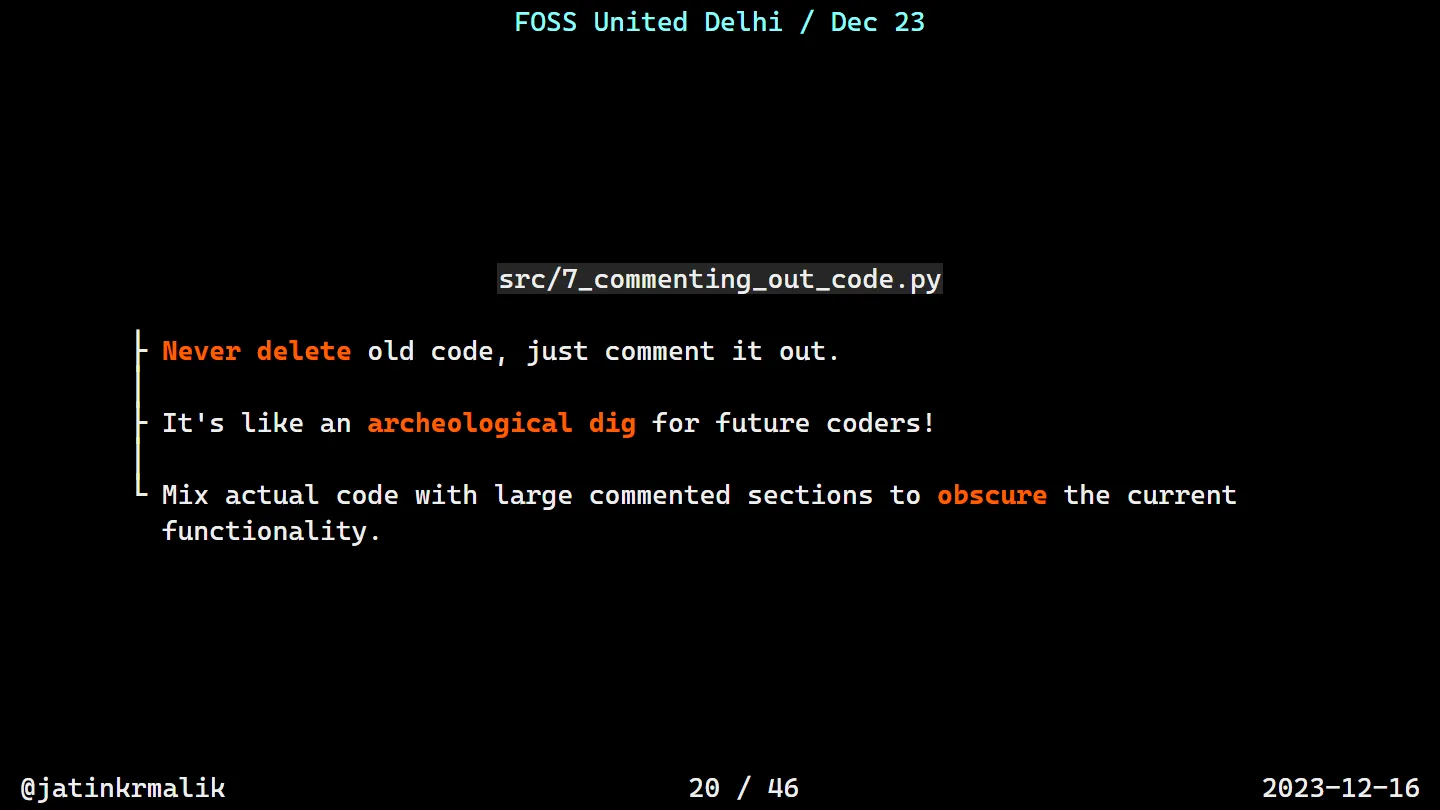
Never delete old code, just comment it out. It’s an archaeological dig for future coders. 7_commenting_out_code.py keeps the old loop “for historical reasons”, replaces it with a recursive sum, and has three TODOs sitting after the return where nothing will ever reach them.
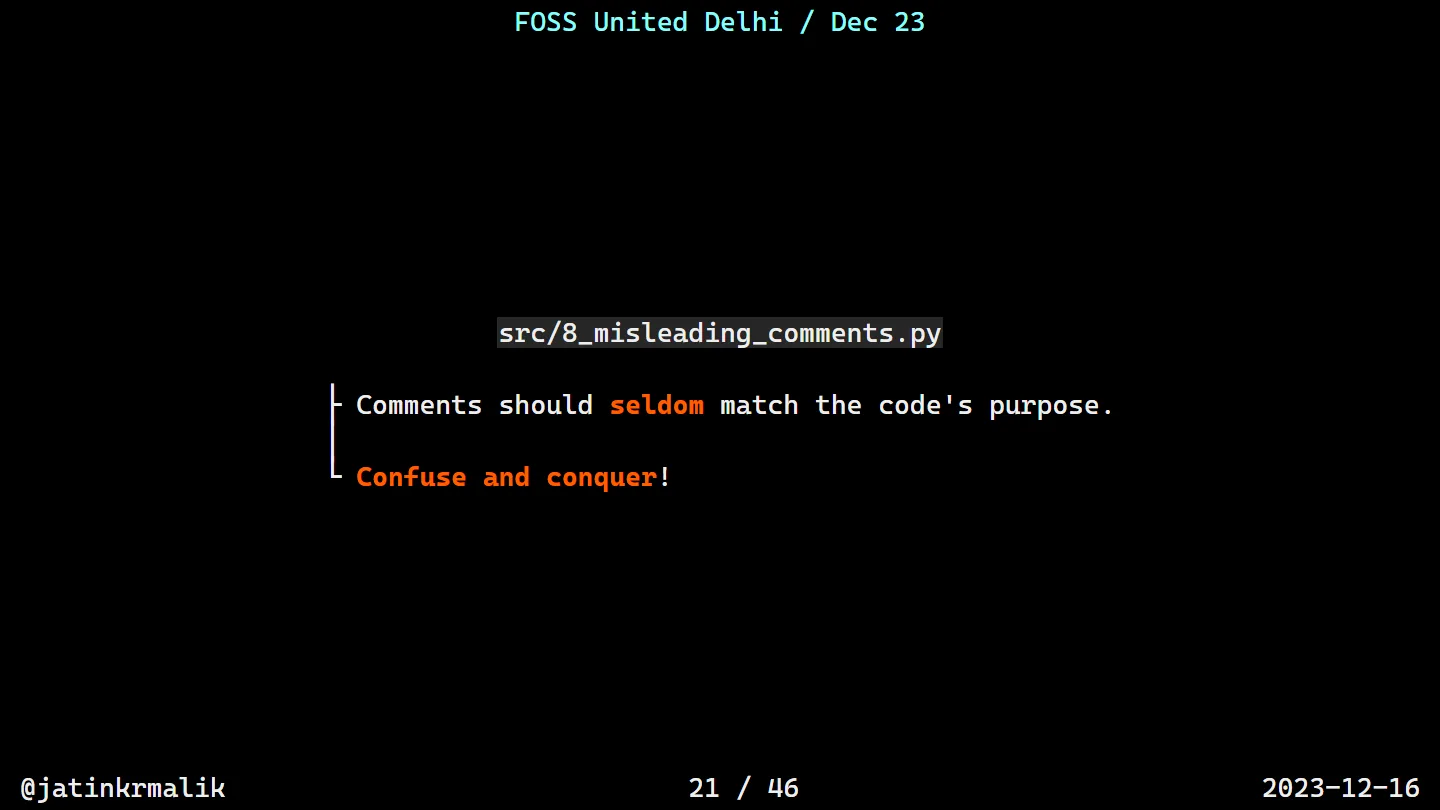
My favourite of this lot is rule 8, comments that seldom match the code. Confuse and conquer!
def deceptive_function(data_set):
    # Sorting the data in ascending order
    data_set.sort(reverse=True)

    # Removing duplicates from the data
    unique_data = set(data_set)

    # Calculating the average value
    total = sum(unique_data)
    # Note: Counting the number of unique elements
    count = len(data_set)
    average = total / count

    # Returning the maximum value
    return min(unique_data)

result = deceptive_function([4, 1, 3, 2, 2, 5])
print(result)
Ascending is descending, the “unique” count isn’t, the average is computed and thrown away, and “the maximum value” prints 1. It also sorts the caller’s list in place, as a little gift.
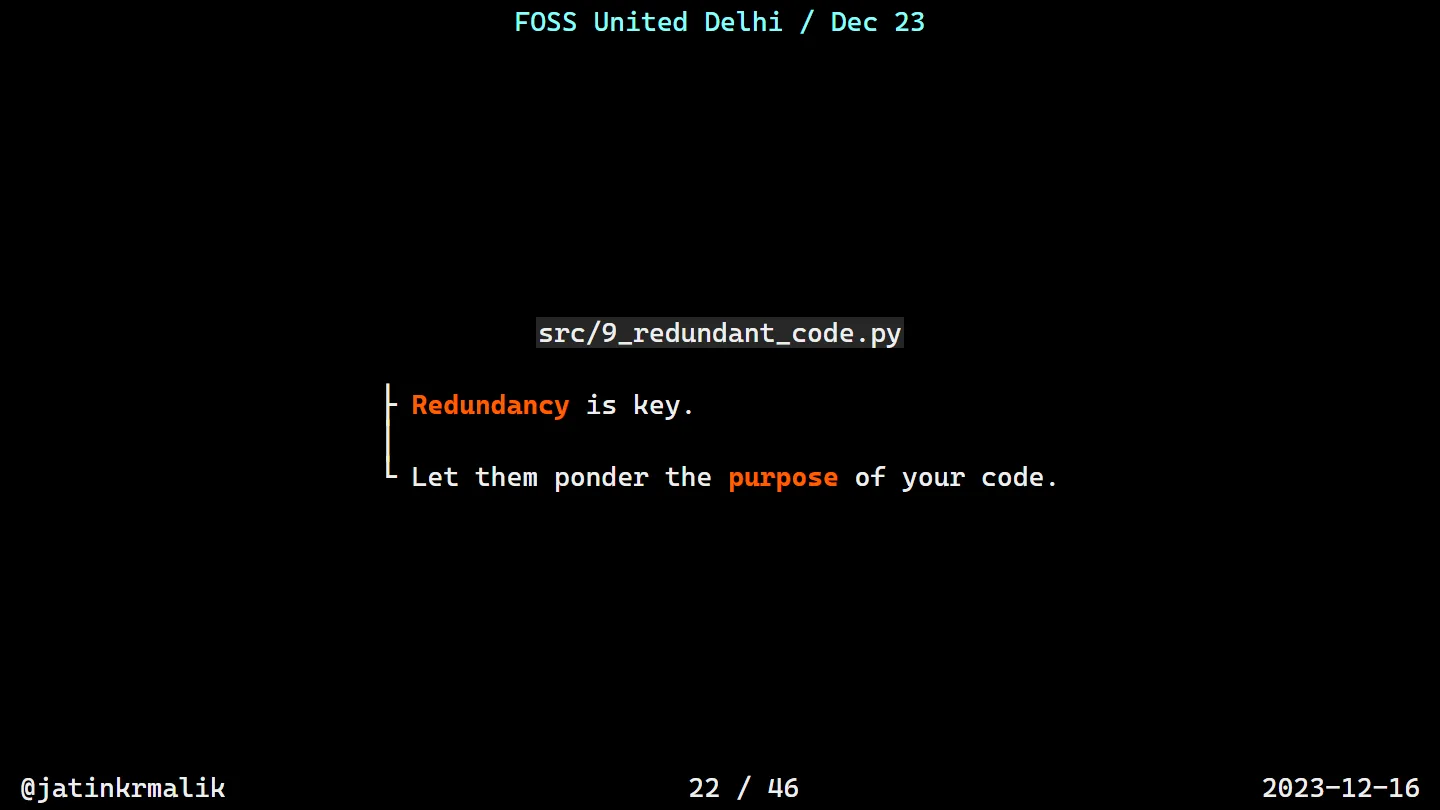
Rule 9 was redundancy: an is_positive() that checks > 0, < 0 and == 0 in three separate ifs, so the reader has to wonder what else a number could be.
Rules 10 to 12: types, try, and the number 4
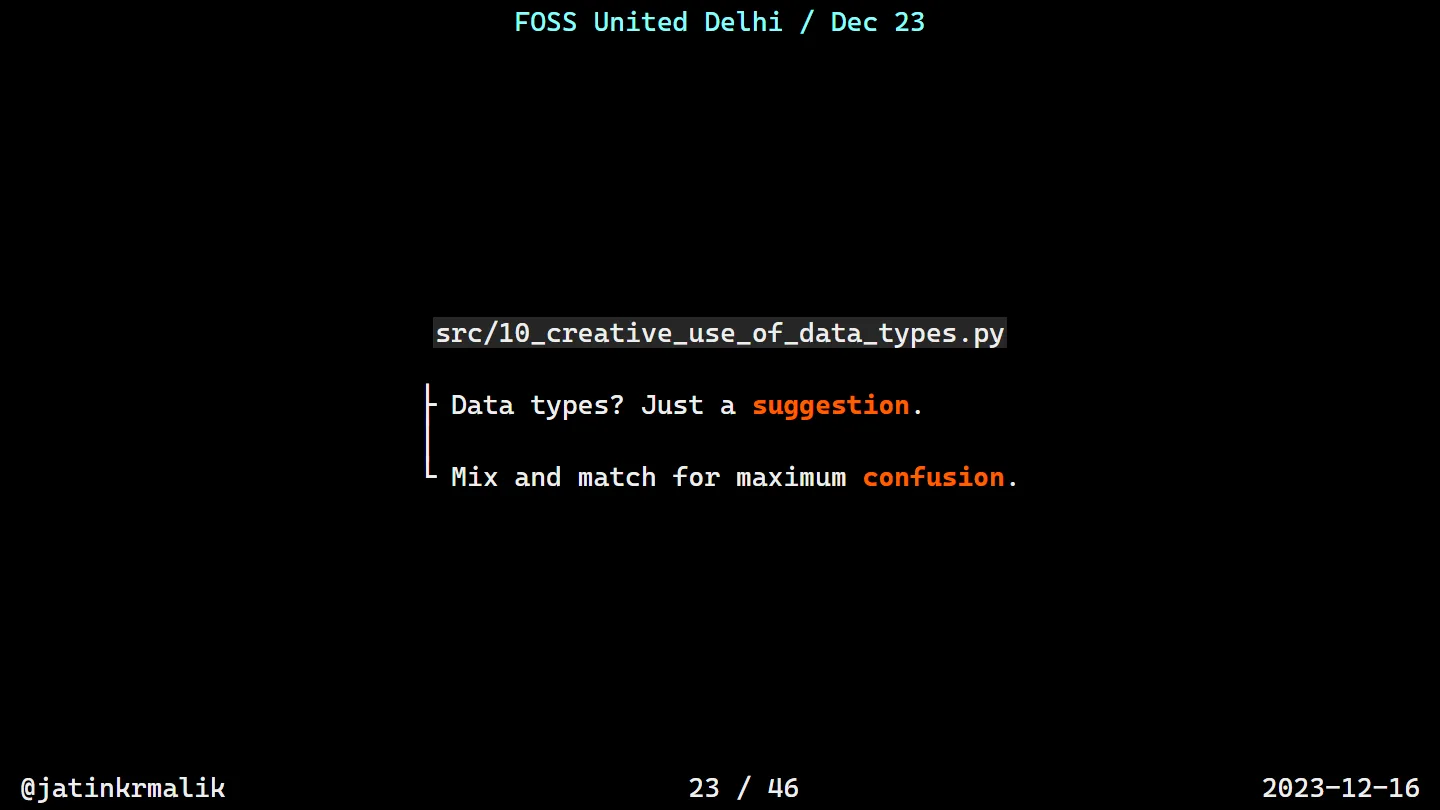
Data types are just a suggestion. 10_creative_use_of_data_types.py turns its input into a string, the string into character codes plus five, those into a dict, the dict into a list of tuples, that into a string again, and then compares it with the reversed input. It returns False, which is the only thing it will ever return.
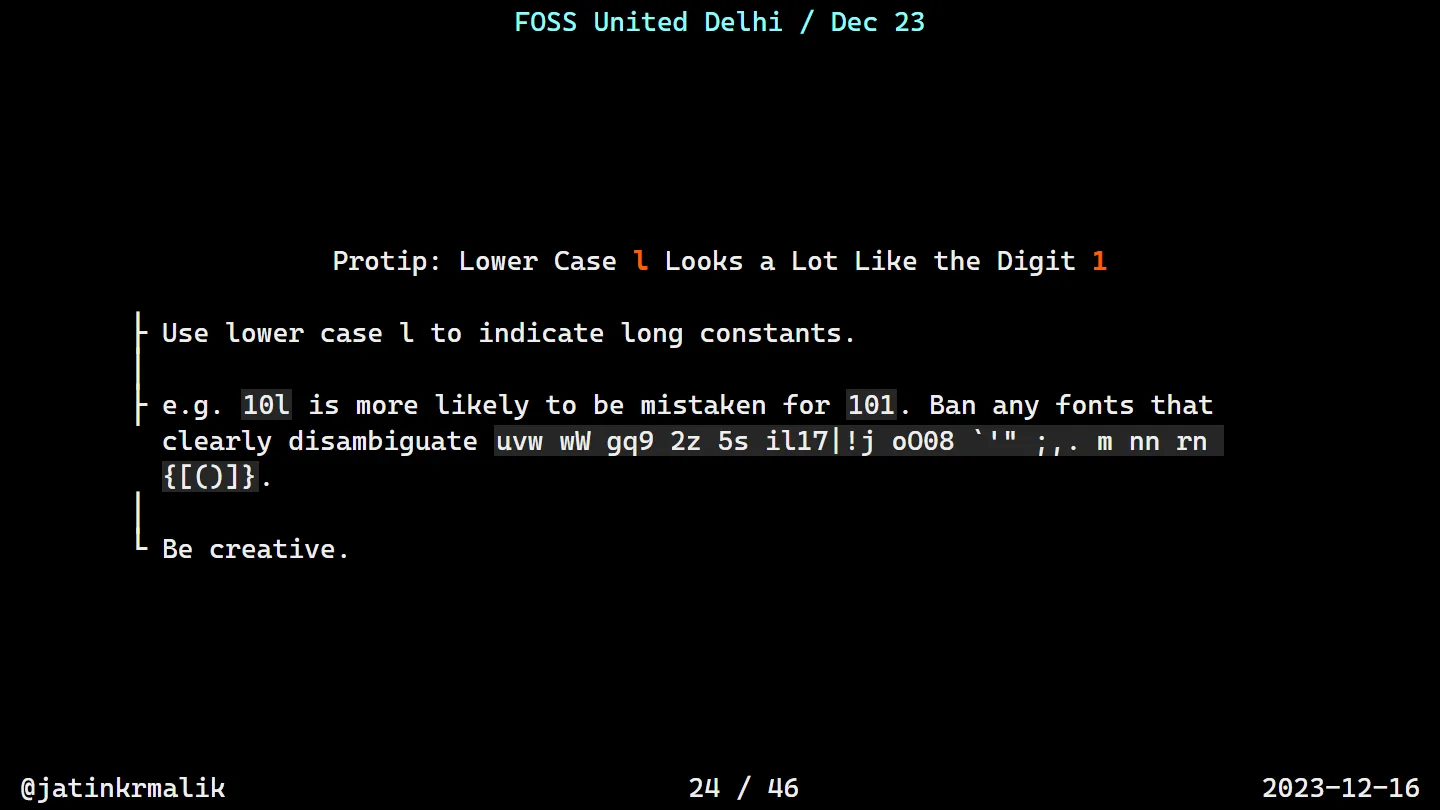
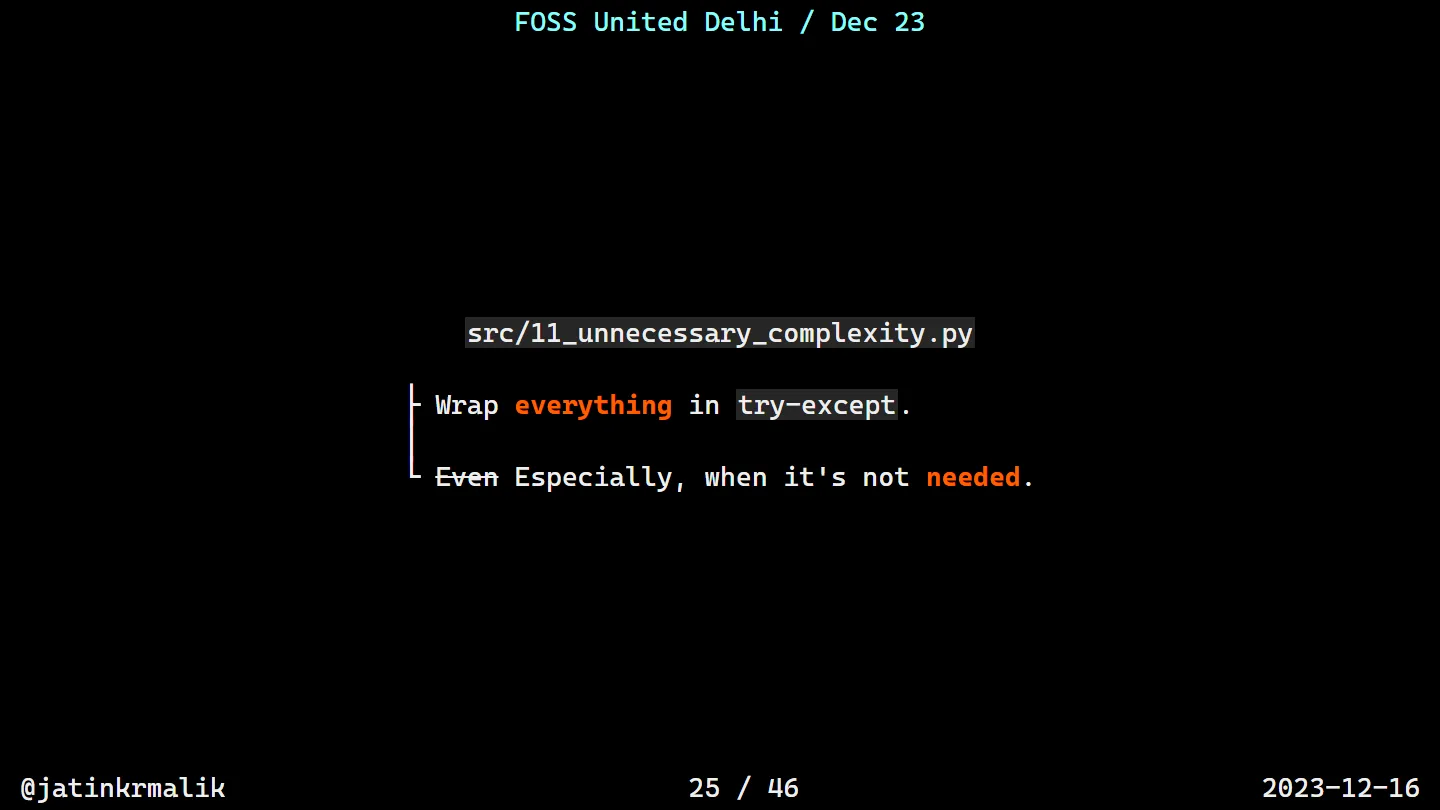
l suffix, sadly. The fonts advice still stands.Rule 11: wrap everything in try-except. Even Especially when it’s not needed. The example has a try inside a try inside a try, guarding item * 2, with two finally blocks and a return inside one of them. Doubling [1, 2, 3, 4] prints two “processing completed” messages before the result.
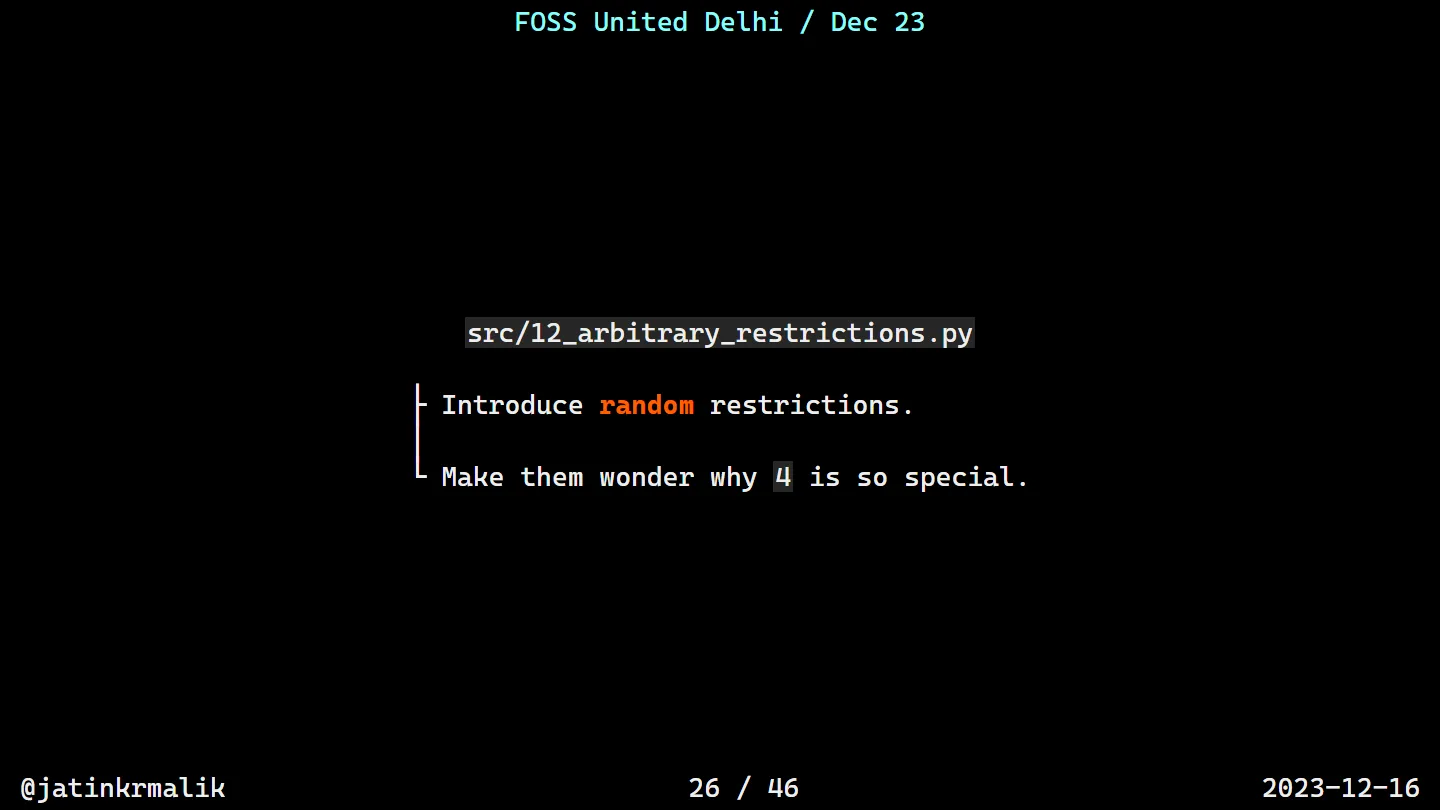
Rule 12, arbitrary restrictions. Make them wonder why 4 is so special:
def print_numbers(limit):
    for i in range(1, limit):
        # IMPORTANT: DO NOT REMOVE THIS LINE
        if i == 4:
            continue
        print(i)
Nobody will ever remove that line. That’s the beauty of it.
Rules 13 to 15: cryptic, repetitive, multilingual
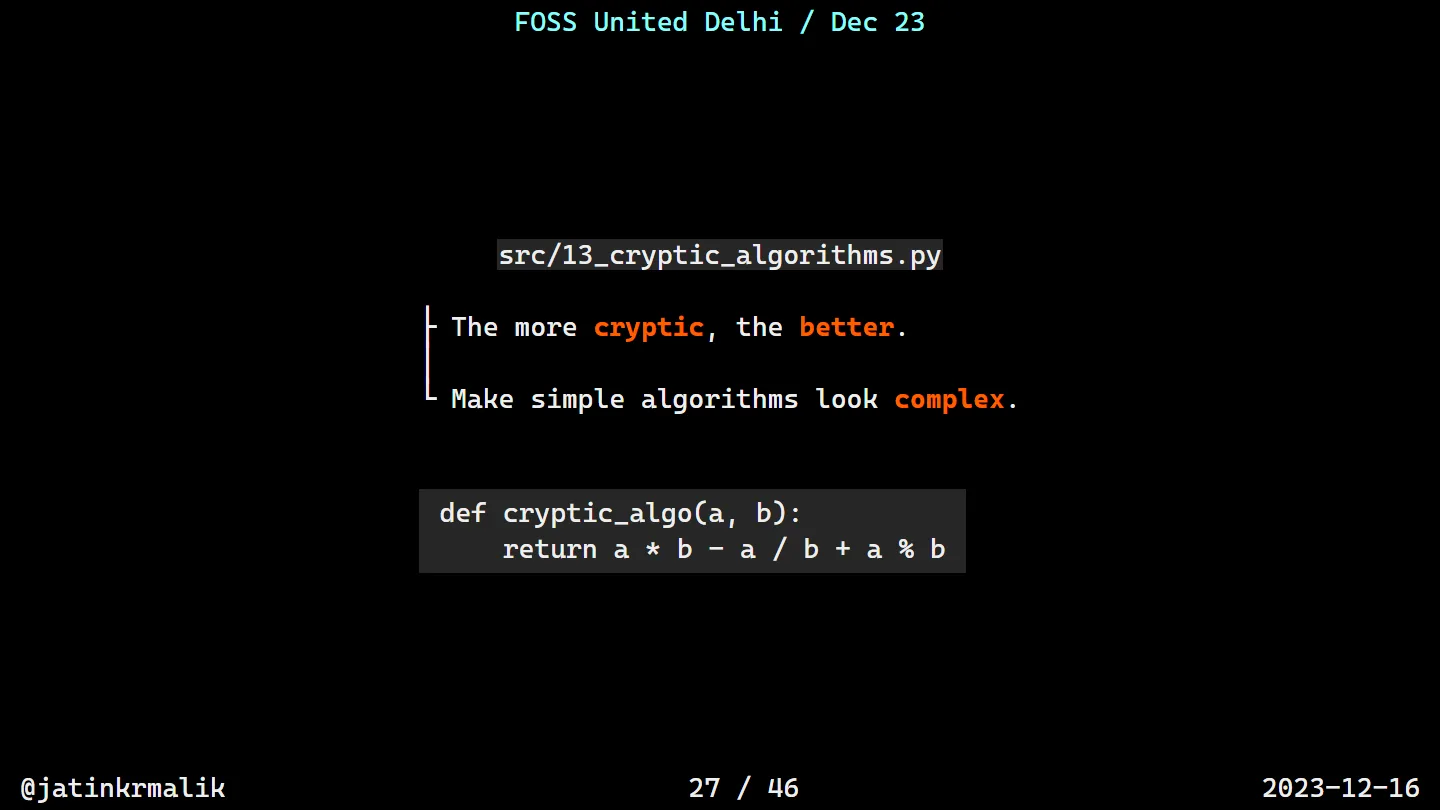
The more cryptic, the better. Make simple algorithms look complex:
def cryptic_algo(a, b):
    obscure_factor = 0xABC ^ (a << 2) | (b >> 3)
    mystical_transform = (a * b - (a / b) + a % b) ** 2
    enigmatic_shift = ((mystical_transform << 3) & 0xFF) | obscure_factor
    cryptic_result = (enigmatic_shift ^ 0xDEAD) - ((a & b) * (obscure_factor % 3))
    return cryptic_result

print(cryptic_algo(1,2))
Confession: while writing this up I actually ran it, and a / b makes mystical_transform a float, so the << 3 blows up with a TypeError. The code is so cryptic that even Python couldn’t follow it. I’m counting that as a feature.
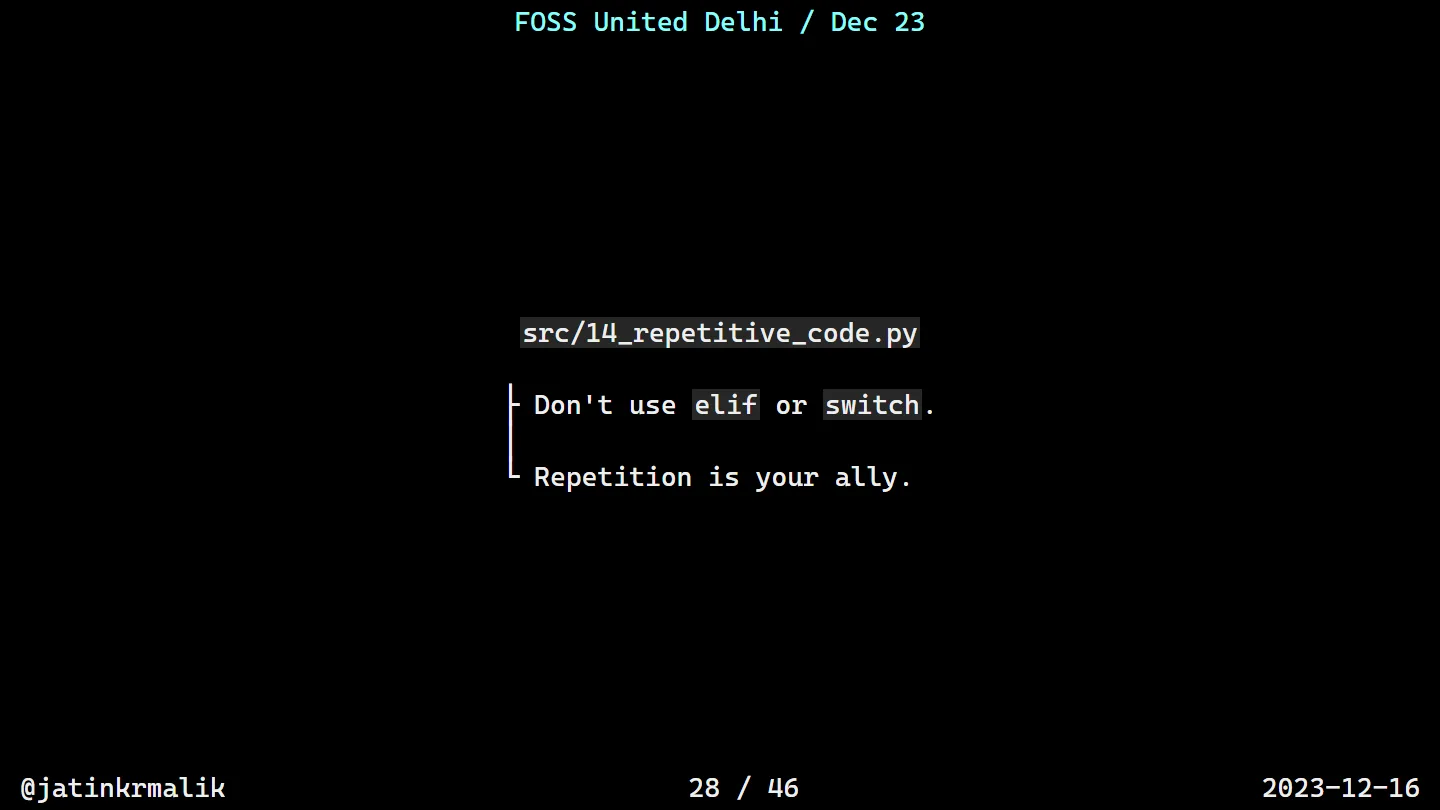
Rule 14: don’t use elif or switch, repetition is your ally. check_status() checks "active" and "inactive" four times each, and ends with # ... and so on for as many repetitions as desired.
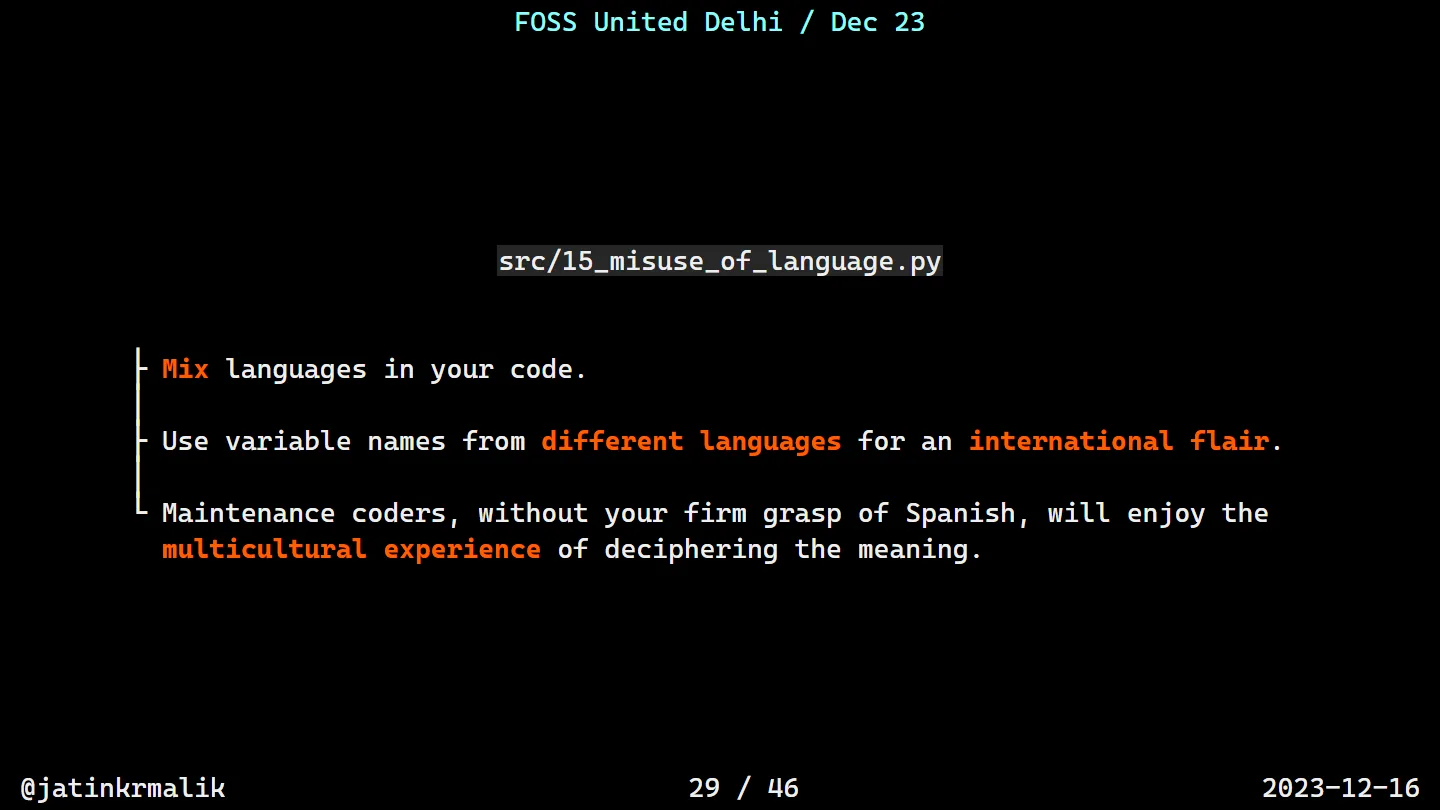
Rule 15: mix human languages. Maintenance coders without your firm grasp of Spanish (and German, and French, and Japanese, and Russian, and Italian) will enjoy the multicultural experience:
def VerarbeitungDatenZuBerechnen(datos):
    # Datenverarbeitung beginnt...
    numeroDeElementos = len(datos)
    ergebnis = 0
    for indice, valeur in enumerate(datos):
        # 加算する各要素
        ergebnis += valeur * indice
    # Результат обработки
    risultatoFinale = ergebnis / numeroDeElementos if numeroDeElementos > 0 else None
    return risultatoFinale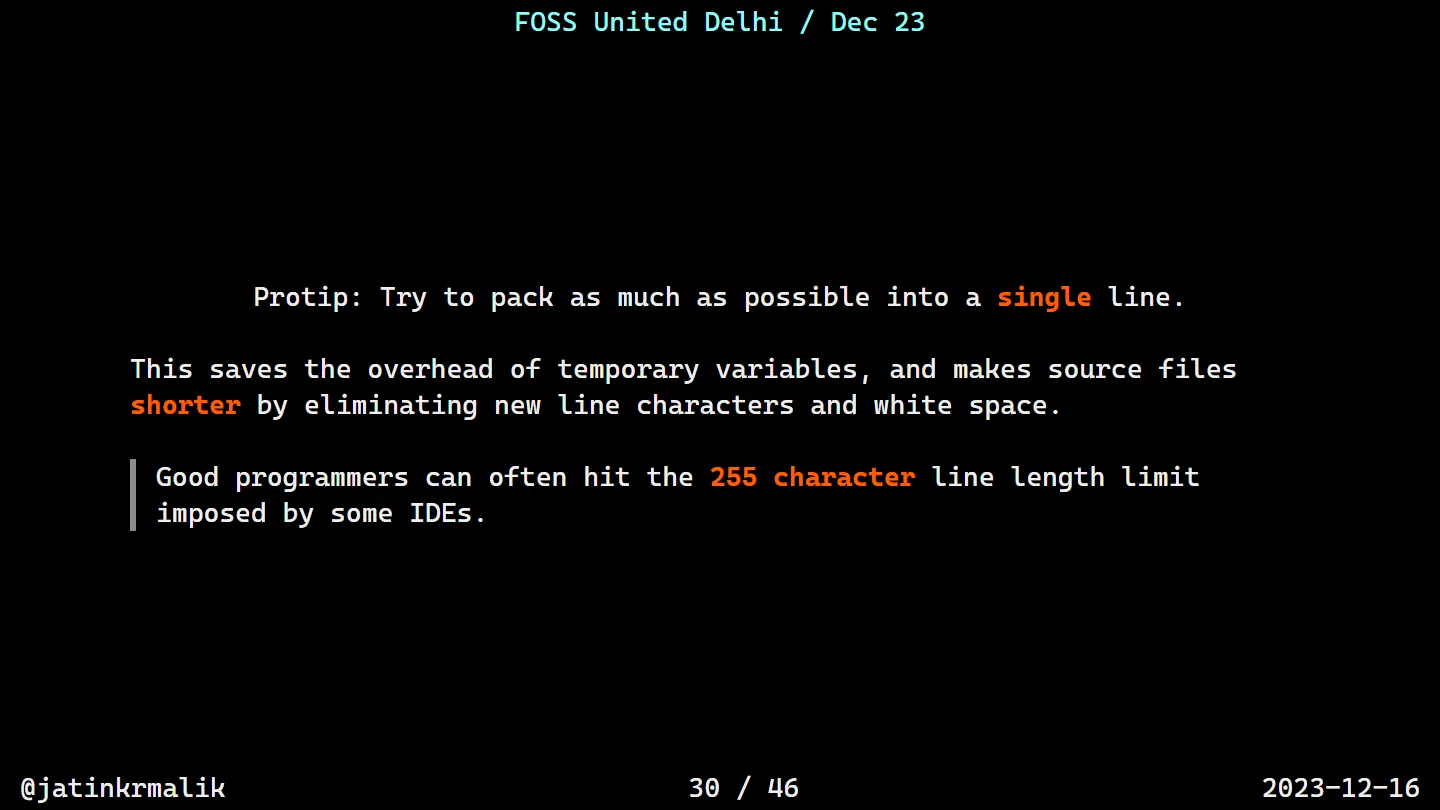
Rule 16: a parallel universe
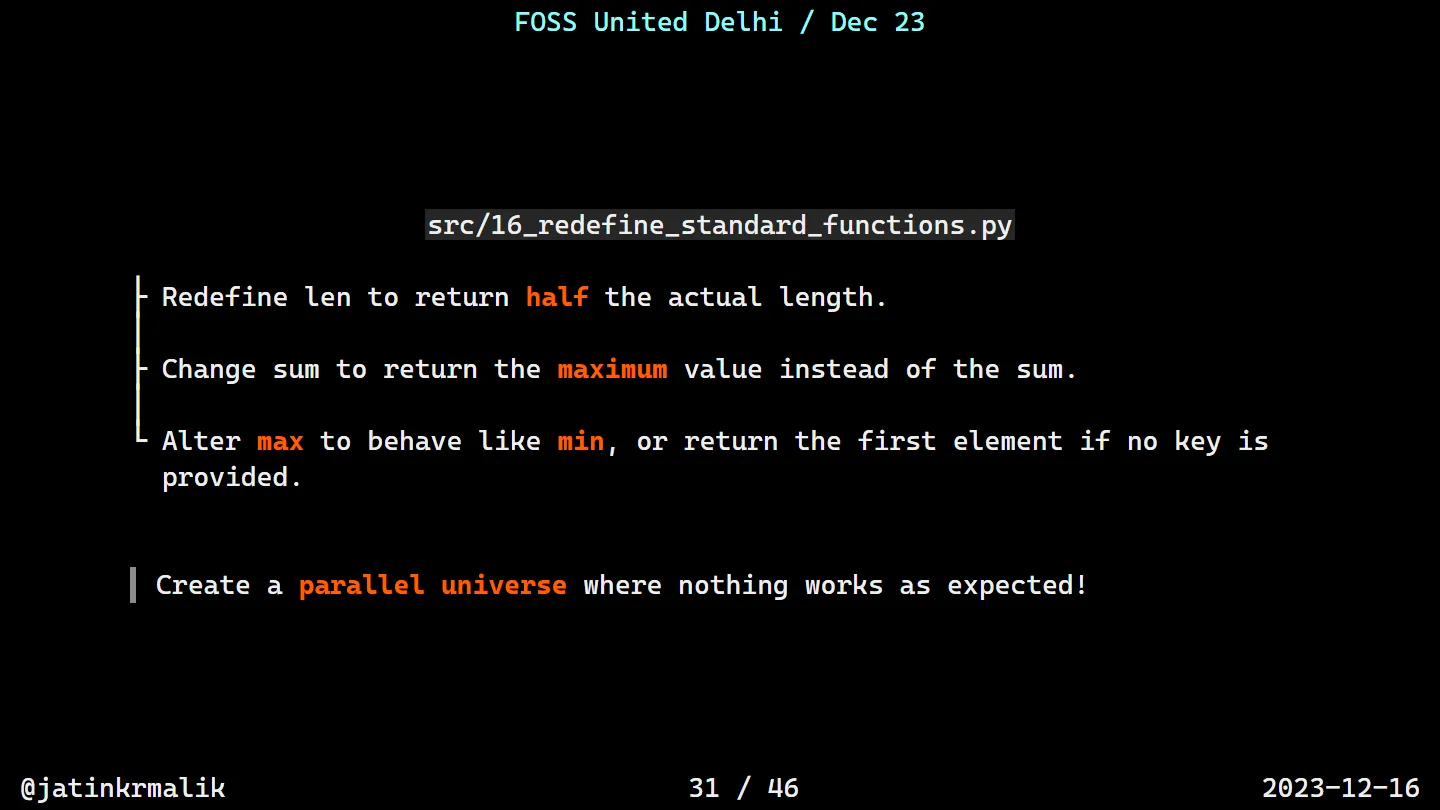
Redefine the built-ins. Create a parallel universe where nothing works as expected!
# Redefining built-in functions
def len(sequence):
    return sum([1 for _ in sequence]) // 2

def sum(iterable):
    return max(iterable) if iterable else 0

def max(iterable, key=None):
    return min(iterable, key=key) if key else iterable[0]
The slide says len returns half the length, sum returns the maximum and max behaves like min. The redefinitions are better than advertised, because they call each other. max() without a key returns the first element, so sum() returns the first element too, so len() adds up a list of ones, gets 1, and floor-divides it by 2. len([1, 2, 3, 4]) is 0. So is len() of everything else. Job security for life.
Rules 17 and 18: globals and patterns
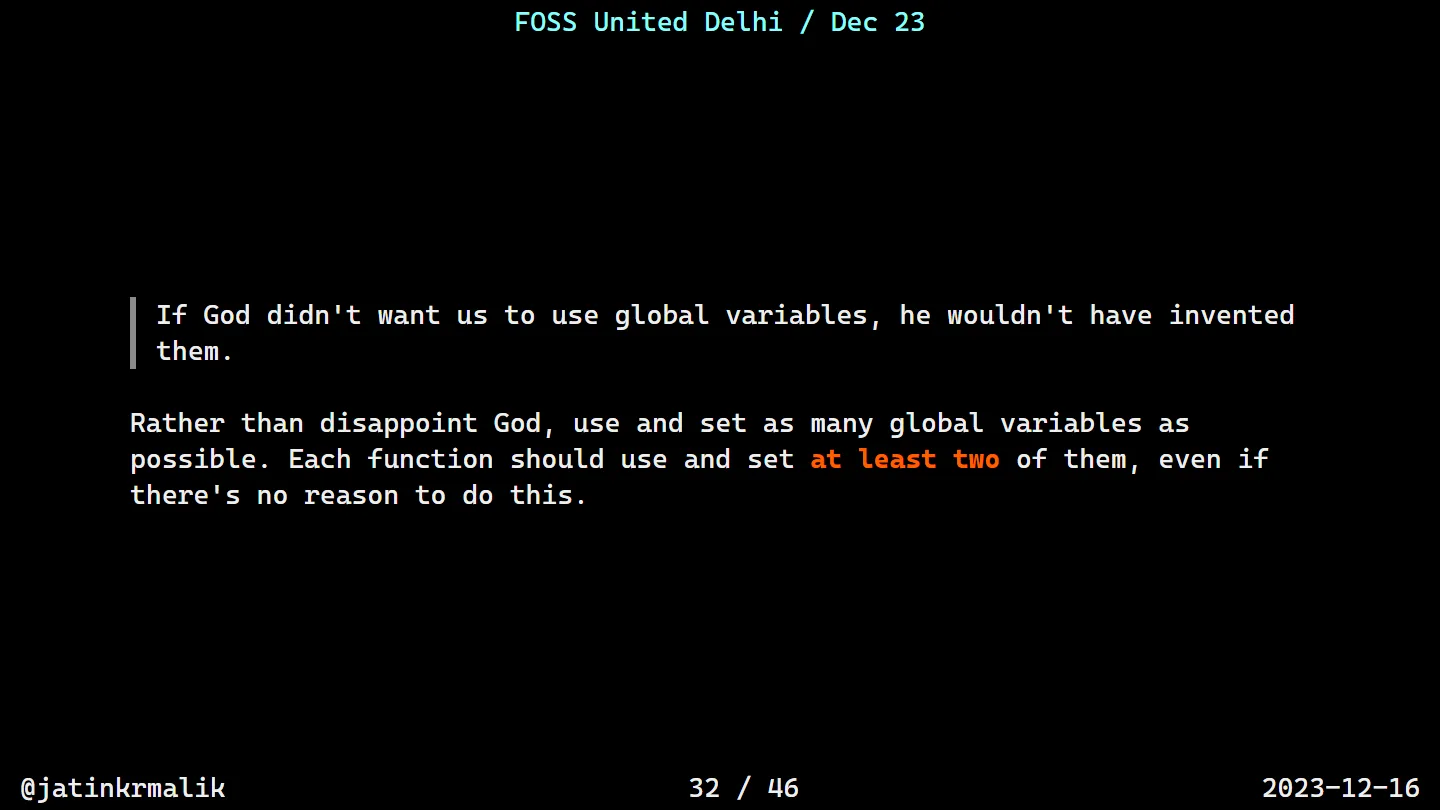
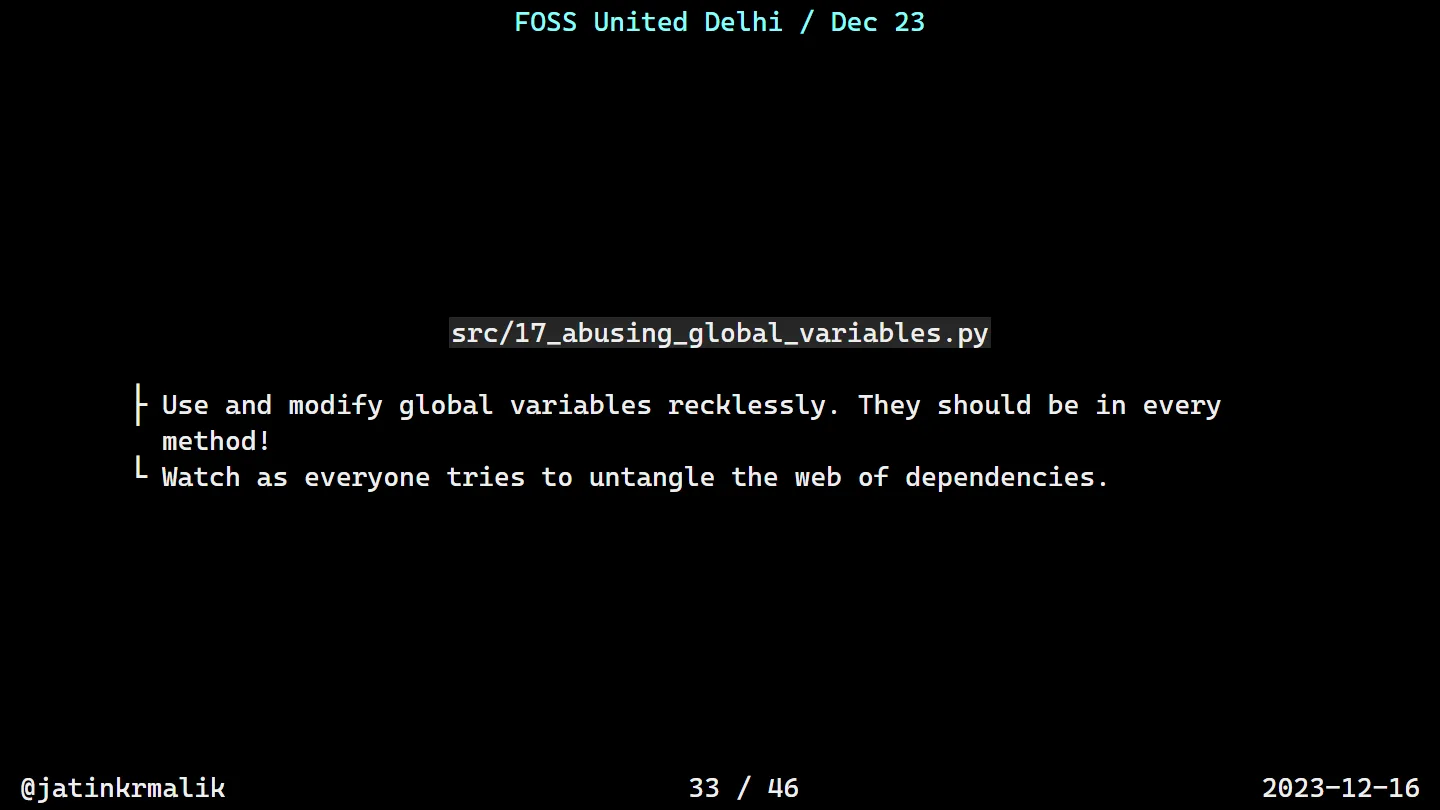
17_abusing_global_variables.py follows that to the letter: globals called chaos, pandemonium and mayhem, and four functions (wreakHavoc, causeChaos, unleashPandemonium, totalMayhem) that read and write them in turn. It prints Total Mayhem: 516. Good luck working out why without a debugger.
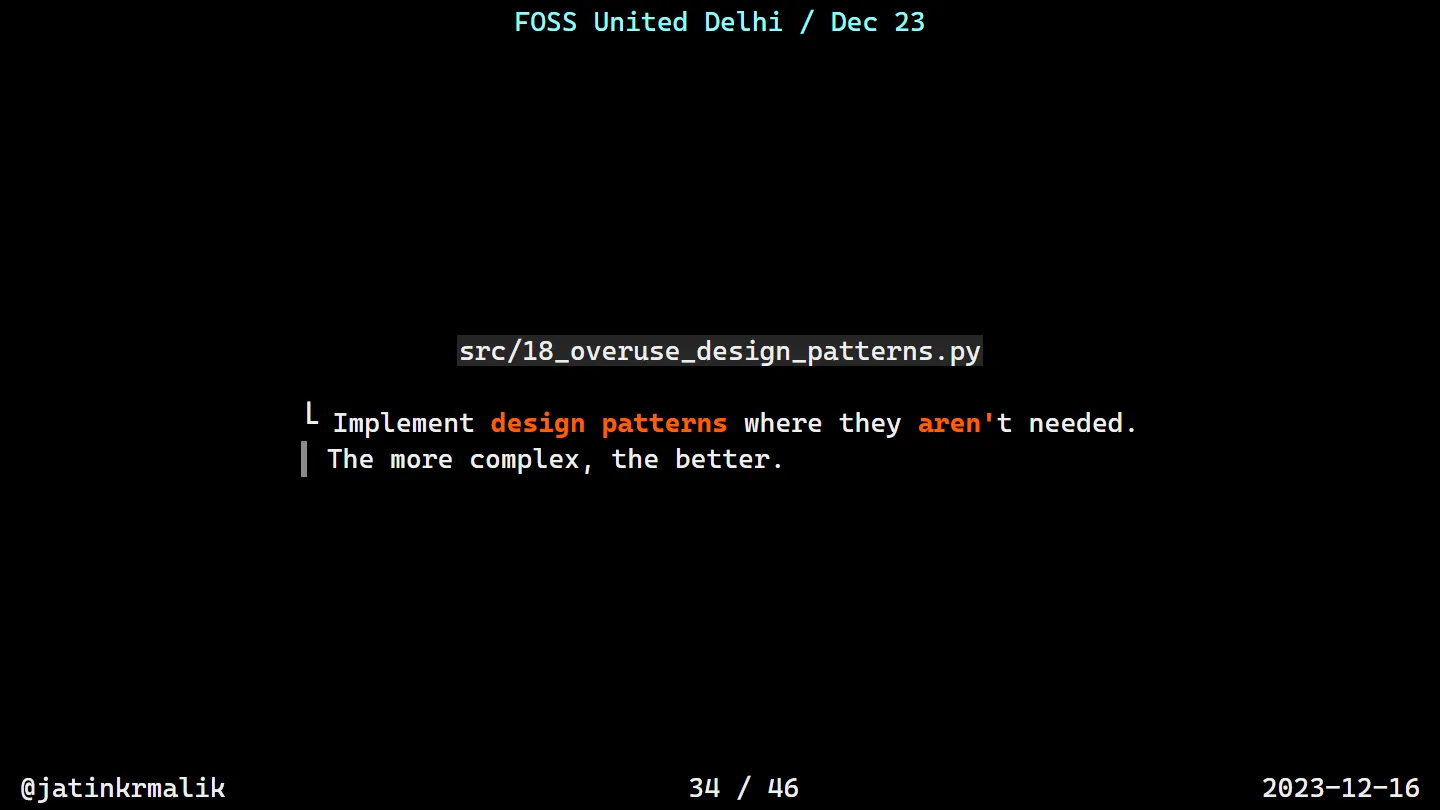
Rule 18: implement design patterns where they aren’t needed. The more complex, the better.
# Implement every design pattern possible, even if unnecessary
class SingletonMeta(type):
    _instances = {}
    def __call__(cls, *args, **kwargs):
        if cls not in cls._instances:
            cls._instances[cls] = super().__call__(*args, **kwargs)
        return cls._instances[cls]

class DataProcessor(metaclass=SingletonMeta):
    def process(self, data):
        return data[::-1]

class Factory:
    @staticmethod
    def get_processor():
        return DataProcessor()

class Adapter:
    def __init__(self, processor):
        self.processor = processor
    def process(self, data):
        return ''.join(self.processor.process(data))

factory = Factory()
processor = factory.get_processor()
adapter = Adapter(processor)
result = adapter.process("DesignPatterns")
A Singleton, a Factory and an Adapter walk into a bar, and reverse a string. Again. (I wrote about the opposite instinct, coding the shortest path from A to B first, in Navigating the Coding Odyssey.)
Rule 19: toilet tubing
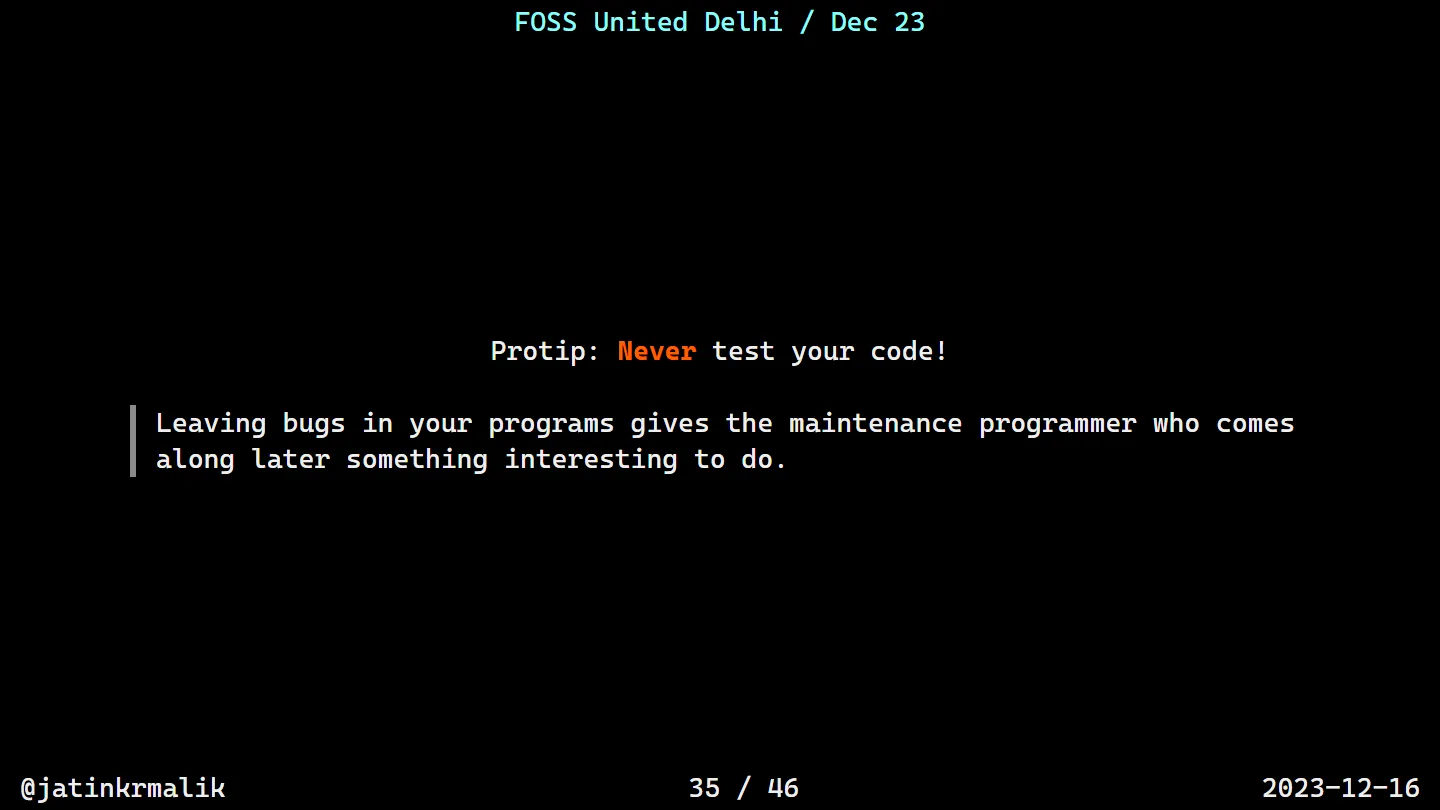
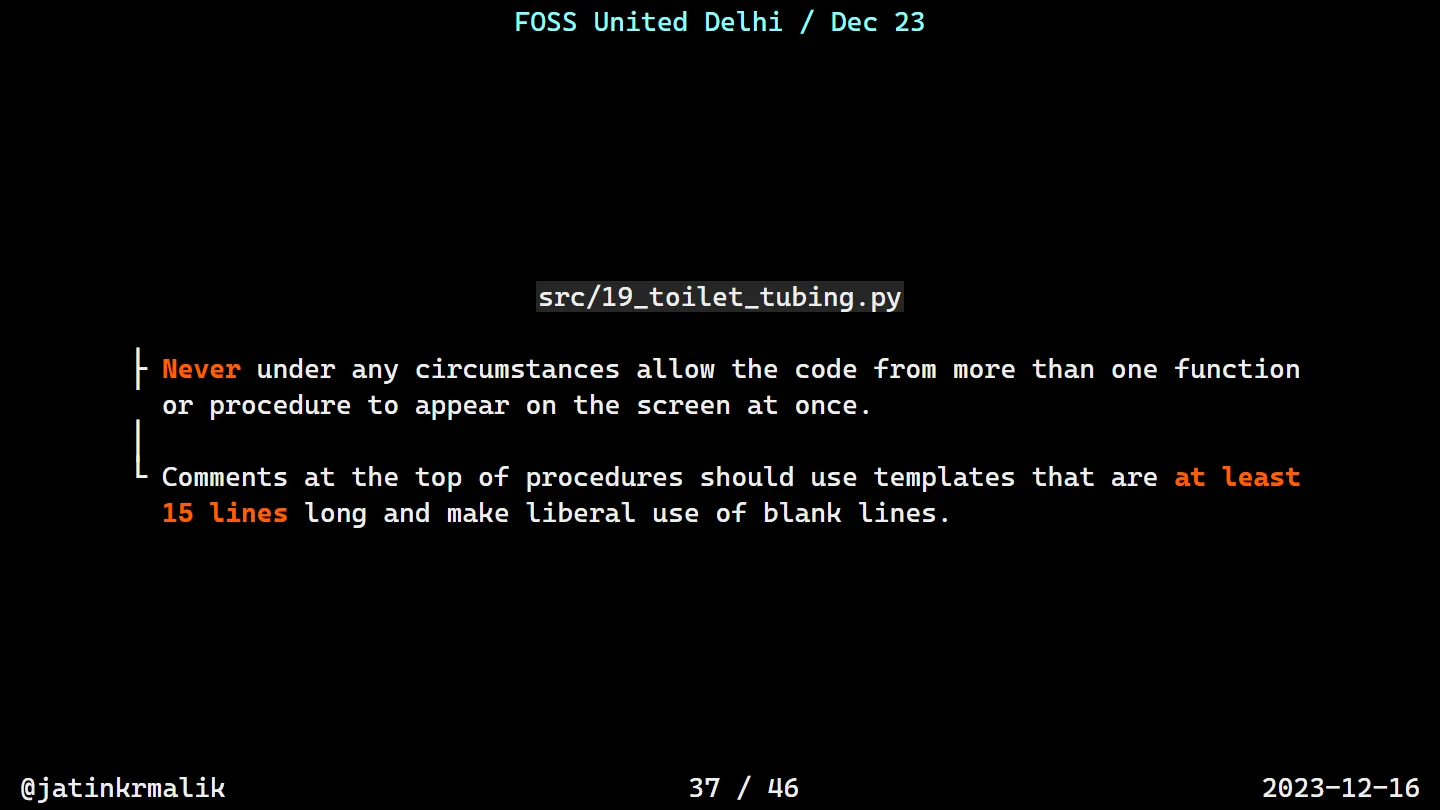
And last but not least, my favourite. Never, under any circumstances, allow the code from more than one function to appear on the screen at once. Looking at the code through a toilet roll tube is the experience we’re going for. The easiest way is a comment header template at least 15 lines long, with liberal use of blank lines:
# Procedure Name:
# Original procedure name:
# Author:
# Date of creation:
# Dates of modification:
# Modification authors:
# Original file name:
# Purpose:
# Intent:
# Designation:
# Classes used:
# Constants:
# Local variables:
# Parameters:
# Date of creation:
# Purpose:
def add(a,b):
    return a+b

# Are you even writing corporate code if you are not doing this?
Date of creation and Purpose appear twice. Nobody will notice in code review.
On a more serious note
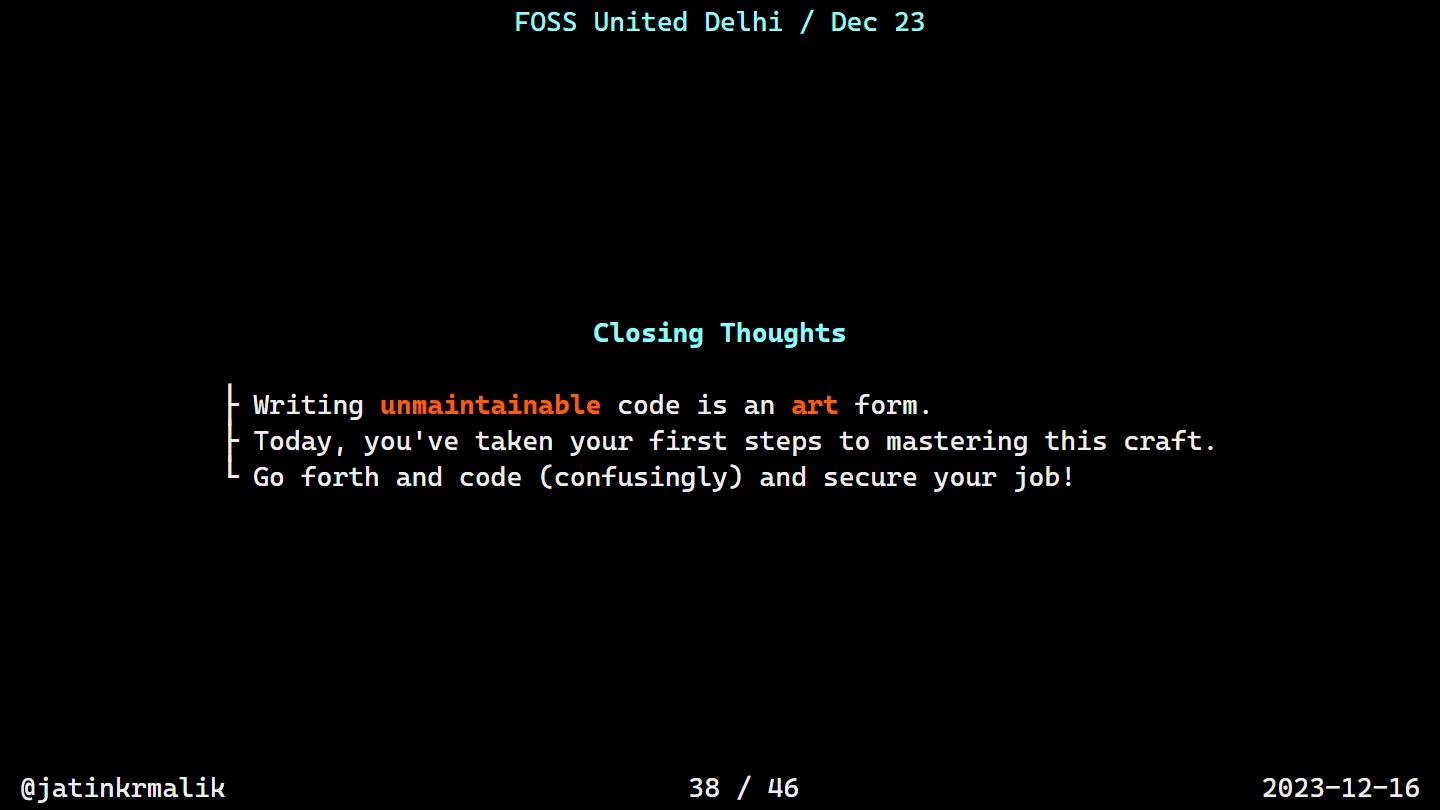
In case it wasn’t obvious: this talk was a parody. It’s based on a very old essay, How To Write Unmaintainable Code: Ensure a job for life ;-) by Roedy Green, from 1997, which I reworked with Python examples. The Latin, the maintenance programmer’s mindset, the acronyms, the lowercase l, the God-given global variables and the toilet tubing are all his ideas, and his essay has a lot more where those came from. Go read it, it has aged disturbingly well.
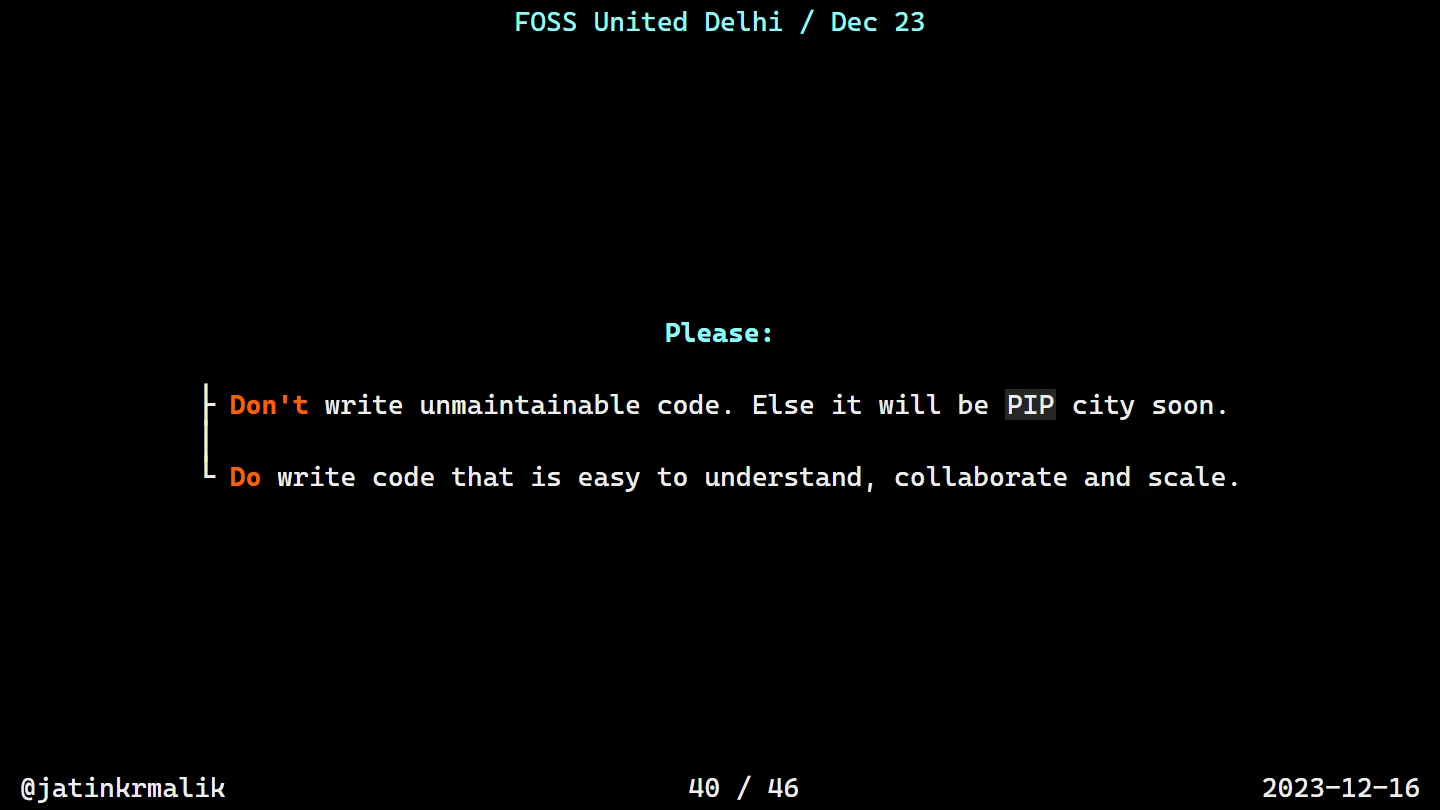
So please don’t write unmaintainable code, or it will be PIP city soon. Do write code that’s easy to understand, collaborate on and scale.
Another thing!
All of the code in the talk was generated by AI, using a mix of GPT-4 and GitHub Copilot.
That was the real point of the last few slides. This code is unreadable for humans, yet it’s syntactically correct, it runs, and in most cases it gives you the expected output at close to the performance of the clean version. (Rule 13 is the exception, see my confession above.)
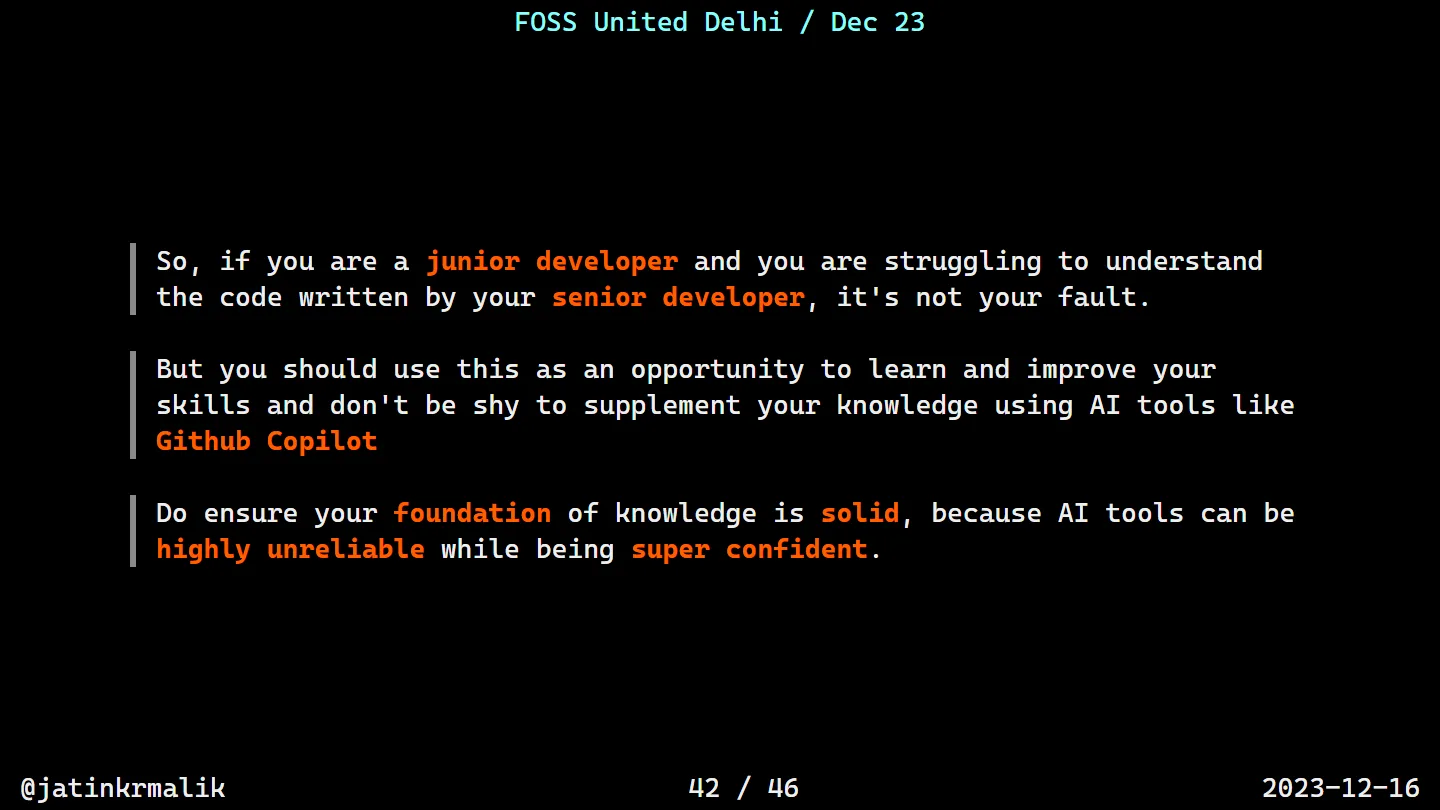
So, if you’re a junior developer and you’re struggling to understand the code your senior developer wrote, it’s not your fault. Use it as an opportunity to learn, and don’t be shy about using AI tools like GitHub Copilot to help you get there. Just make sure your foundation is solid, because these tools can be highly unreliable while being super confident.
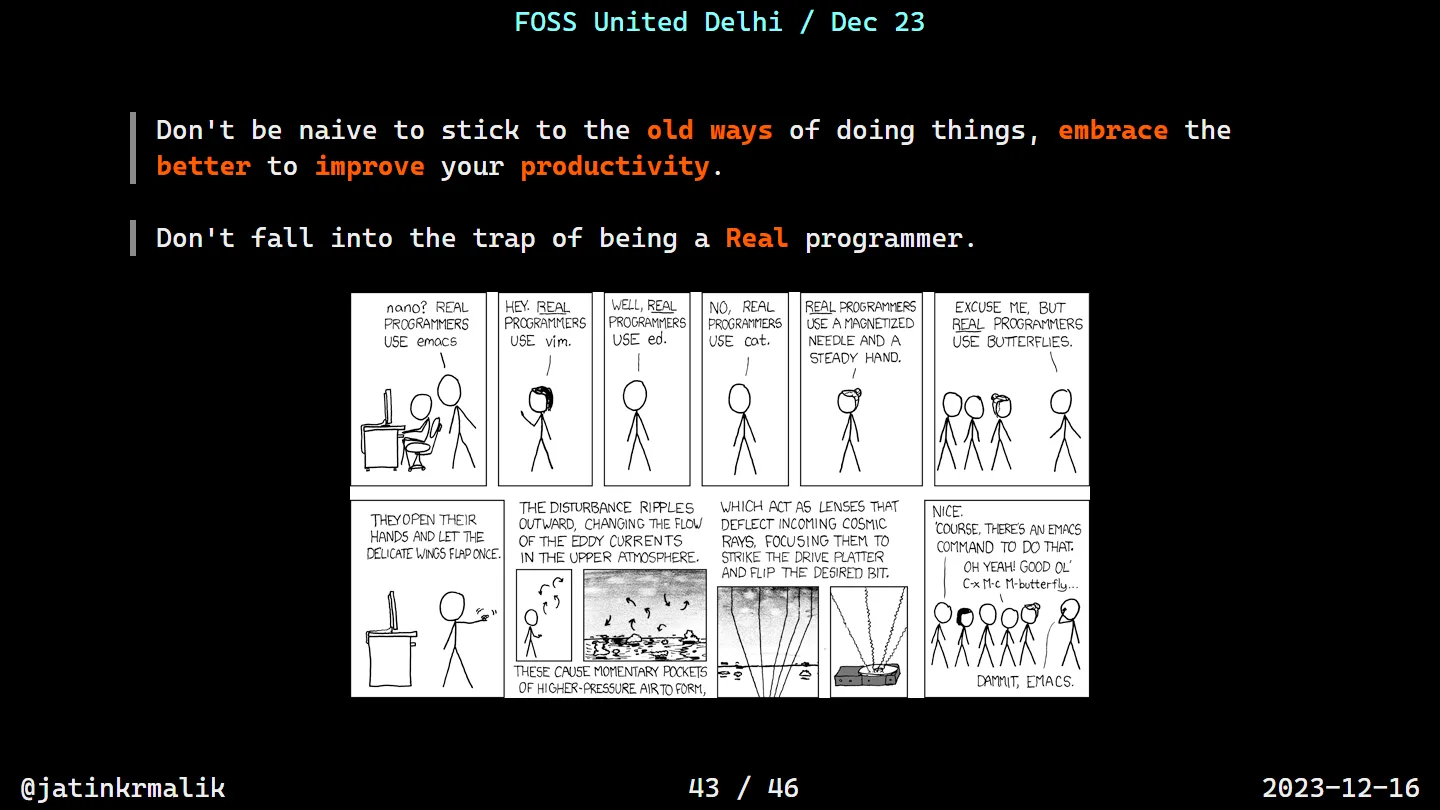
And don’t stick to the old ways of doing things out of pride. Don’t fall into the trap of being a Real Programmer.
Wrapping up
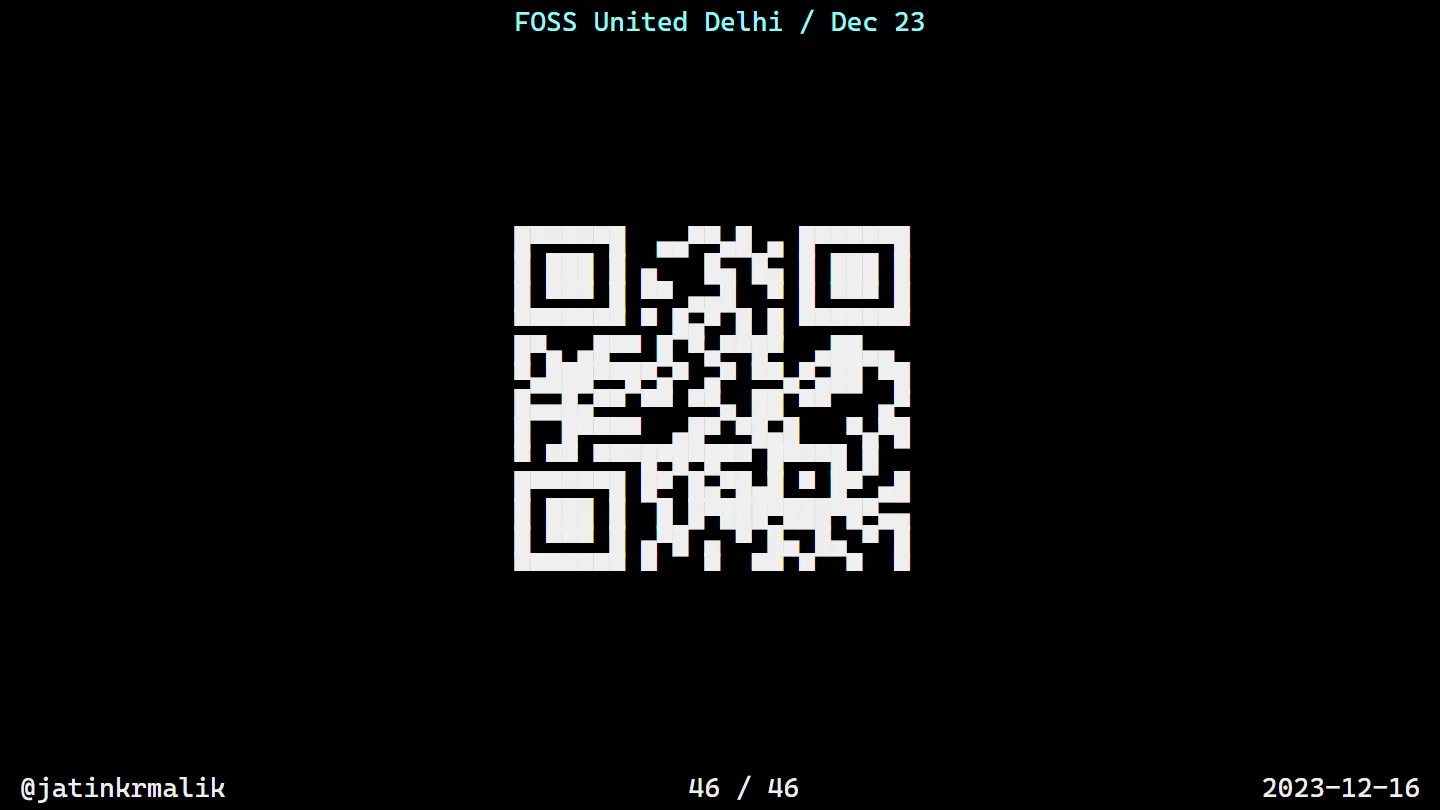
Then it was “Thank You! Any questions?”, a promise to share the repo on Twitter, and a QR code to my profile drawn in Unicode block characters, because the deck lived in a terminal and I wasn’t going to break character for the last slide.
It was my pleasure to meet you all. Thank you to FOSS United Delhi for having me and to Zomato for hosting!
The repo has SLIDES.md and every example under src/, numbered by rule. To give the talk yourself, install mdp (sudo apt-get install mdp or brew install mdp), clone the repo and run mdp SLIDES.md. Bump your terminal font size first. And if you find a rule I missed, Roedy’s essay probably has it.
Keep reading
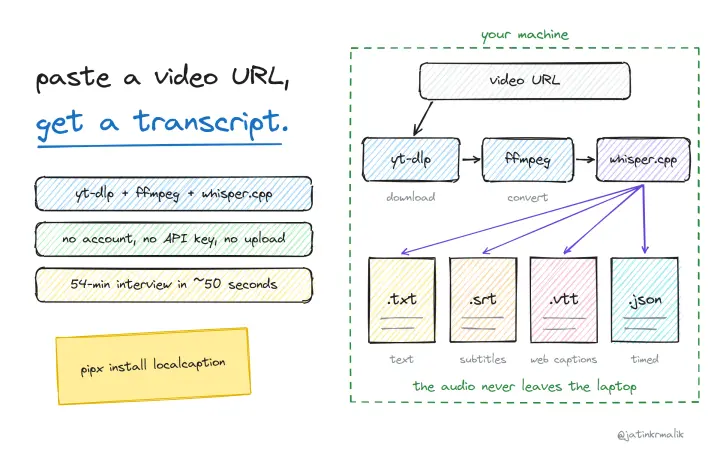
localcaption: video transcripts on your own machine, no API keys
A small CLI that glues yt-dlp, ffmpeg and whisper.cpp together. Paste a video URL and get a transcript as text, SRT, VTT and timed JSON, fully local.
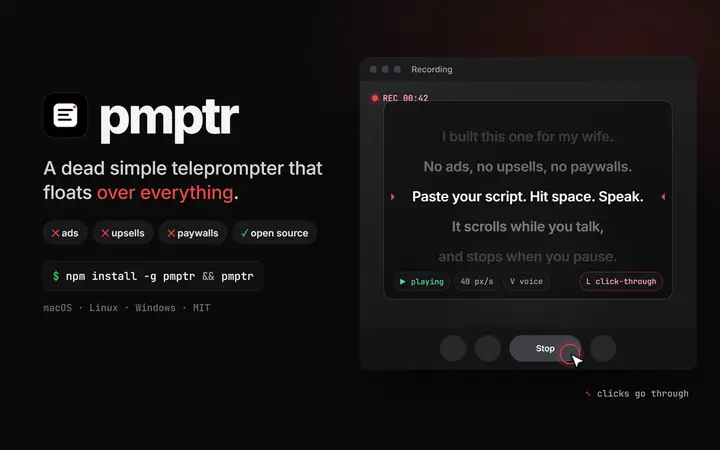
pmptr: a dead simple teleprompter, with no ads and nothing to pay for
I built pmptr for my wife: a transparent, always-on-top, click-through teleprompter for macOS, Linux and Windows. Open source, one npm install.

Labelarium: I kept losing one sheet of paper, so I built an app
My Brother P-touch has 649 symbols indexed on one paper sheet I kept losing. Labelarium is the offline, open-source companion app I built instead, now on Product Hunt and Peerlist.
Comments
No comments yet. Start the conversation.
Comments couldn't load right now.