#linux
20 posts
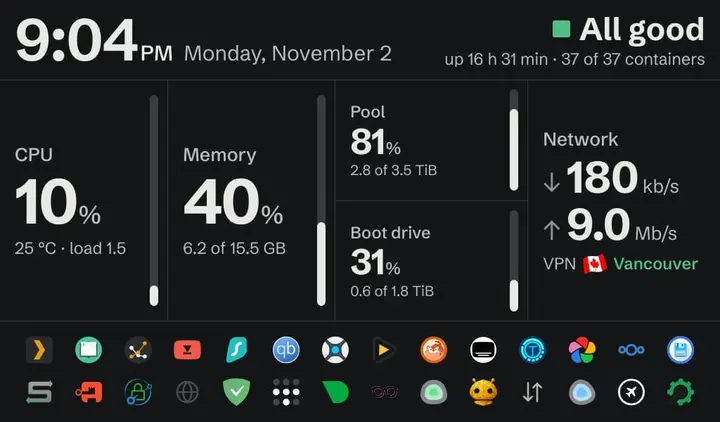
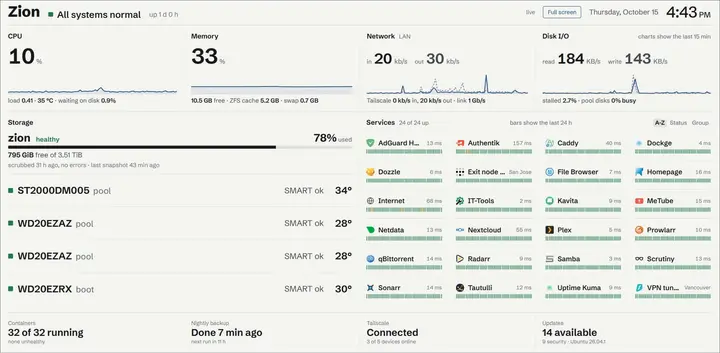
- Zion, part 3: a dashboard that says 'All good' and a 2015 tablet on the wall
Why I wrote my own homelab dashboard in stdlib Python, and what it took to keep a 2015 Fire 7 on LineageOS showing it on the wall 24/7.
- Zion, part 2: about 40 containers and nothing exposed to the internet
The software on my trash-rescued homelab: ZFS, Docker Compose, Tailscale-only access with real HTTPS, a VPN'd download stack, Immich and the boring backup bits.
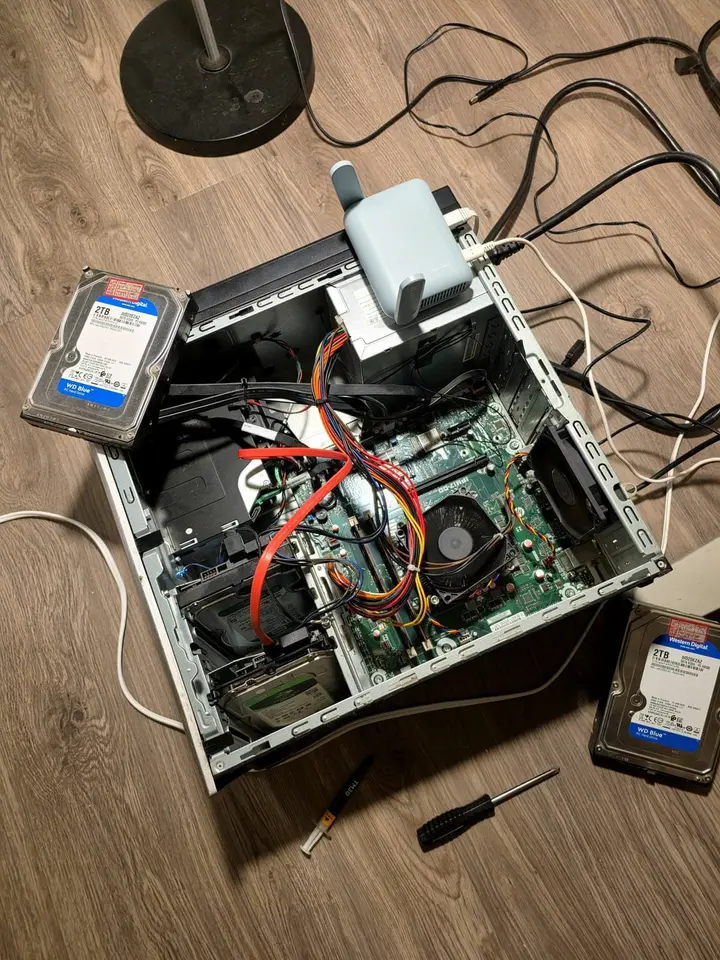
- Zion, part 1: one man's trash is another man's homelab
An HP Envy left in my building's garbage room with a 'Free for parts' note is now Zion. Part 1: the rescue, the drives, a 3D printed cage and a stubborn PSU.
-
8 min read
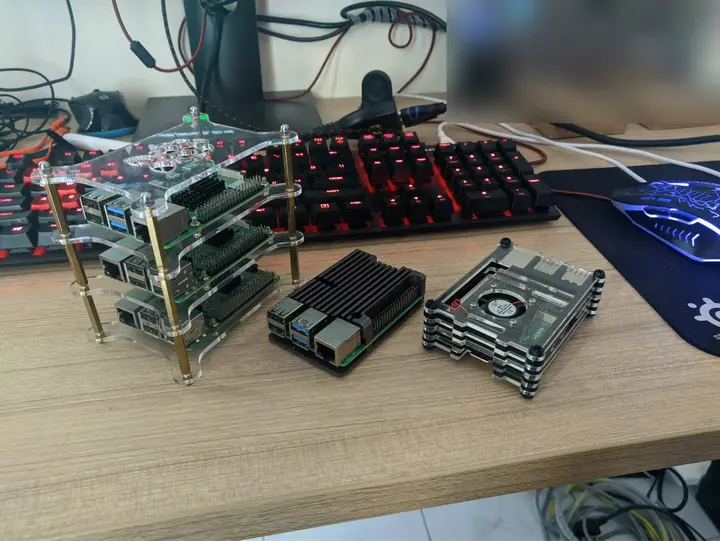
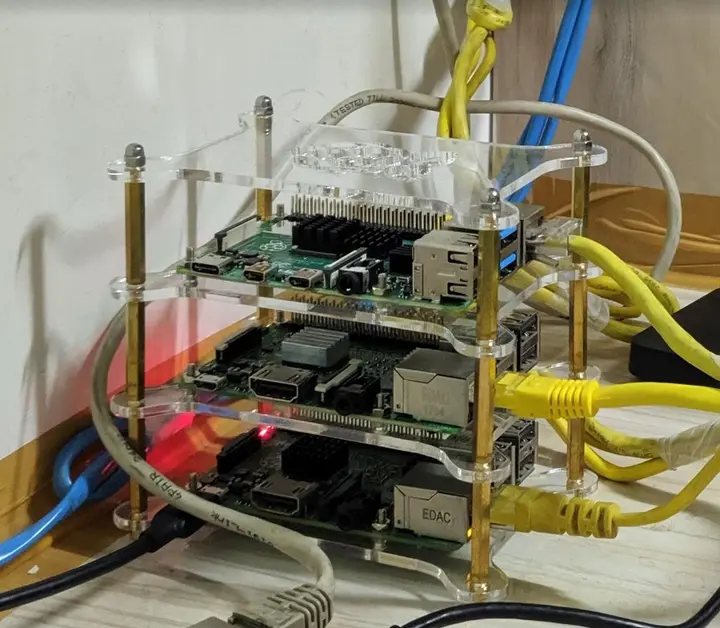
Zion, part 0: my homelabs before it, from a Pi stack to a Dell R510 X
Before Zion there was a Raspberry Pi stack in Bangalore and a Dell PowerEdge R510 in Delhi. What they ran, what I sold, and what made it to the US.
-
9 min read
From Vocalinux to the Voca family: a Mac port, a phone app and three app stores X Porting Vocalinux to macOS, moving it all into one Voca org, and pushing VocaPhone through Google Play, the App Store and F-Droid in a single autumn.
-
12 min read
Coding on the Go: My Full-Stack Dev Environment Lives in My Phone Now Medium
I used to think I needed a laptop. Then I dropped a phone into a lapdock, and now I ship code from hotel TVs.
-
7 min read
Building cross-distro offline voice dictation for Linux (and why it took more than a model) DEV
The story behind Vocalinux, from the missing Linux dictation gap to whisper.cpp, remote HTTP STT, Wayland text injection, and a tray app you can use every day.
-
9 min read
My AI agent lives on a $3.49 VPS, and the internet keeps knocking X I skipped the Mac mini and put Clawdbot (now OpenClaw) on a $3.49 Hetzner VPS. Bots found it within hours. My hardening list, token bill and Alfred.
-
6 min read
How I Built a Privacy-First Offline Speech-to-Text Tool That I Use Every Single Day Medium Introducing Vocalinux, an open-source, 100% offline voice dictation tool for Linux using Whisper or VOSK, with its architecture, features and install guide.
-
6 min read
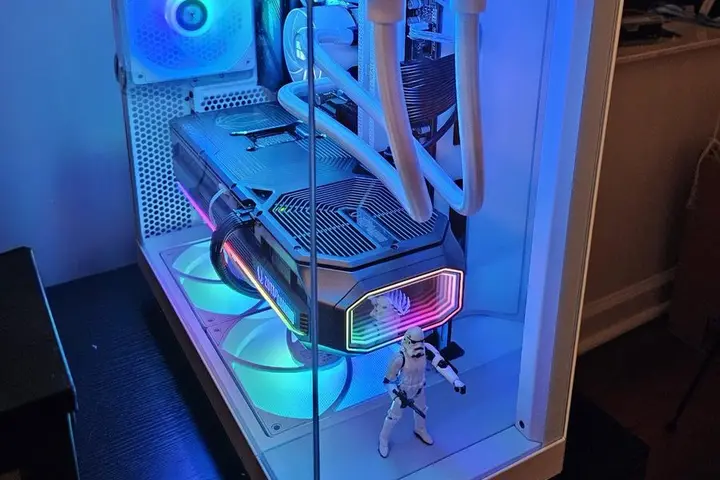
How to install NVIDIA RTX 5000 (Blackwell) drivers on Linux X I wasted 3 hours getting my RTX 5080 working on Linux so you don't have to. Open kernel modules, per-distro steps for Ubuntu, Debian, Fedora, Arch, and the usual fixes.
-
5 min read
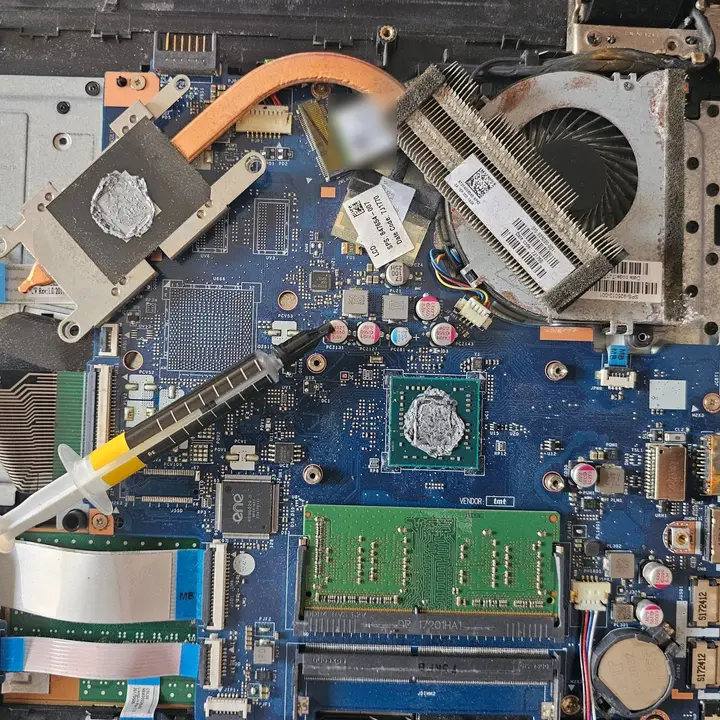
Saving a 7-year-old HP laptop from the landfill with Zorin OS X A laggy HP 15 with an AMD A6 got fresh thermal paste, 4 GB more RAM, a new battery and Zorin OS 17. Here's what I did and what's still on the list.
-
8 min read
My new hard drive ritual: badblocks, TLER and the SMR check Obsidian
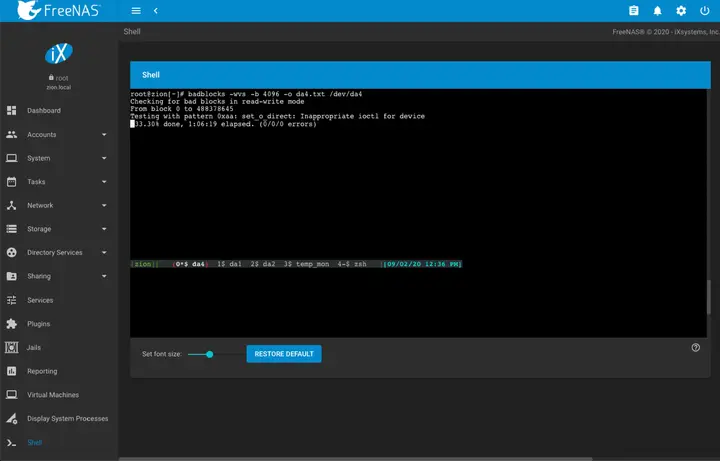
What a new hard drive goes through before it joins my NAS: a badblocks burn-in in tmux, TLER via smartctl, and the CMR, SMR and shucking checks.
- A rack server with no rack: my Dell PowerEdge R510
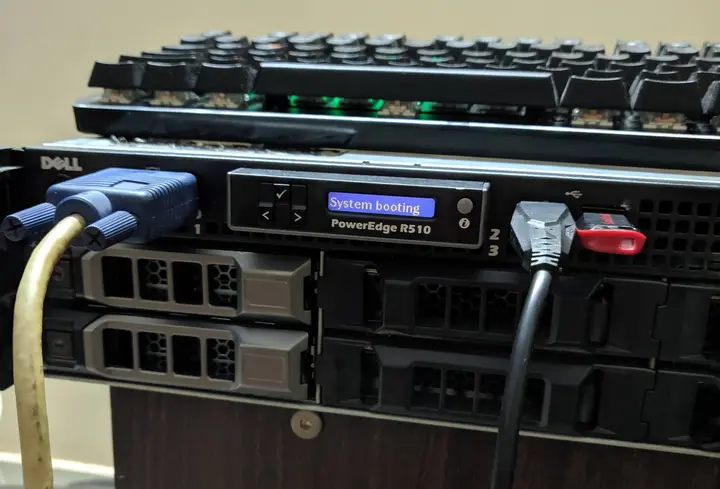
Two Xeon X5675s, 64 GB of ECC RAM, a PERC H310 crossflashed to IT mode and a CRT for a console. My first month with a Dell R510.
- A journey to mystical lands of the homelab: my Lord of the Rings homelab talk
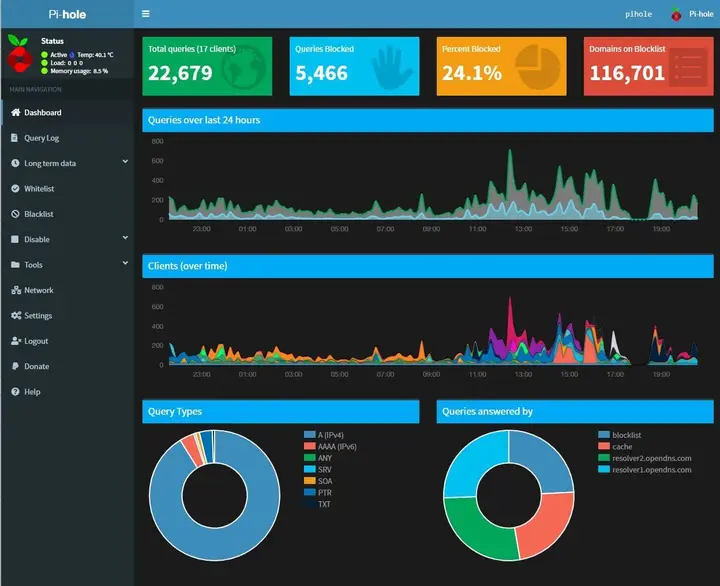
Today I walked colleagues at Uber through my homelab, where every box has a Lord of the Rings name. Pi-hole at 48.3%, RAID 5 and idols as heatsinks.
-
4 min read
Pi-hole on a 4-year-old Raspberry Pi 2: no ads on the whole network X I finally set up Pi-hole on my old Raspberry Pi 2, powered off the modem's USB port. A month later, 24% of the DNS queries on my network were ad-related.
-
3 min read
Project #3: Create a PirateBox (BitTorrent) | Raspberry Pi 2 BitSnapper
Create your own low-powered always-on PirateBox using your Raspberry Pi. Let storm over the bits & bytes of BitTorrent as we know it. #KeepSeeding
-
8 min read
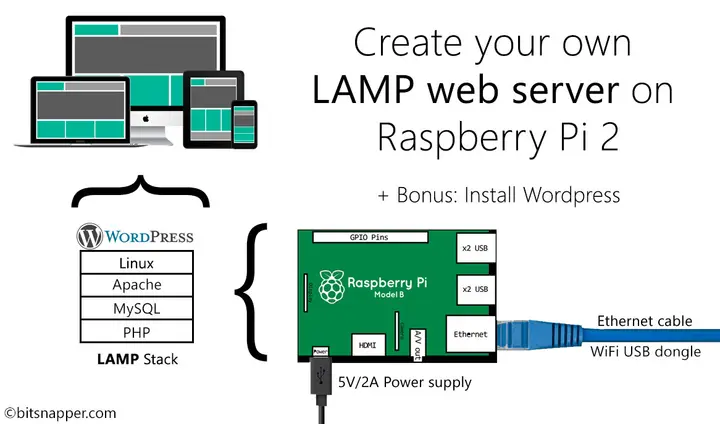
Project #2: Create your own LAMP web server | Raspberry Pi 2 BitSnapper Discover how can you setup your own LAMP stack on your Raspberry Pi 2 & host your personal website or blog for the world to marvel at? Just dive in!
-
8 min read
Project #1: Create a Network attached storage | Raspberry Pi 2 BitSnapper Discover how you can create your own Network Attached storage (NAS) within 30 minutes using a Raspberry Pi 2. Say goodbye to intranetwork data sharing woes!
-
10 min read
Raspberry Pi 2 - Model B 1GB | All you need to know BitSnapper Planning to buy a Raspberry Pi 2? Or have a spare one lying around? This is the Wiki post for you. Learn how to set it up & make interesting DIY projects.
-
6 min read
LXLE Linux | Jumpstart your Old PC/Laptop now! BitSnapper Got an old PC/Laptop gathering dust in the corner? Breathe new life in them by booting up LXLE linux via usb & fell in love with simplicity of this distro!